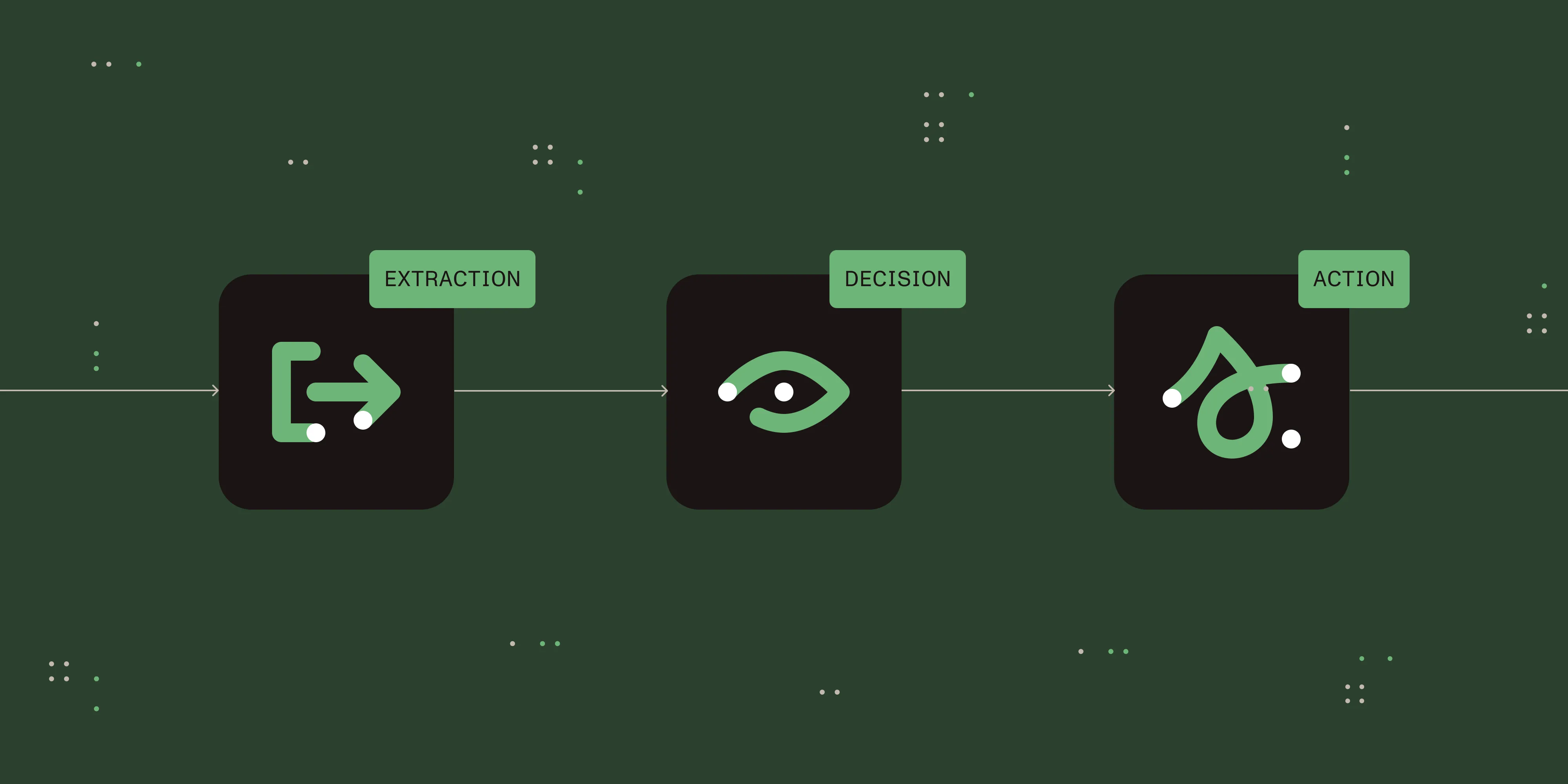
Choosing a workflow automation platform in 2026: A buyer’s guide

Table of contents

A workflow automation platform is the software layer that defines, executes, and monitors business processes — forms, approvals, routing rules, integrations, and audit — in one governed system. The market has fragmented into pure workflow platforms, iPaaS connectors, and RPA tools, and the right choice depends on who builds the workflows, what systems they need to touch, and where the platform runs.
This guide walks through the three categories you’ll see on most shortlists, the seven dimensions that matter when you evaluate vendors, and the deployment tradeoffs that decide which option survives a procurement review.
The three categories
Most “workflow automation” tools fall into one of three categories. Knowing which one you need narrows the field before you start comparing features.
Workflow platforms
Workflow platforms own the human-task layer: forms, approvals, routing, escalations, and dashboards. They’re built for processes where people, documents, and decisions move through defined steps — onboarding, CapEx approval, contract review, invoice processing.
- Pick one when — Your problem is “people and documents move through steps with rules in between.”
- Typical buyer — HR, finance, operations, or IT leaders rolling out cross-departmental processes.
- What to expect — Visual designer, dynamic forms, role-based access, audit trails, prebuilt templates, and connectors to ERP/CRM/HRIS.
iPaaS and integration platforms
Integration platforms (iPaaS) own the data-movement layer between software as a service (SaaS) systems. They’re built for keeping records in sync, triggering downstream actions, and stitching together apps that don’t talk to each other natively.
- Pick one when — Your problem is “data needs to flow between systems, with light logic on top.”
- Typical buyer — IT or RevOps teams managing a sprawling SaaS stack.
- What to expect — Large connector libraries, recipe- or flow-based builders, per-task or per-recipe pricing, and lighter governance than dedicated workflow tools.
RPA tools
Robotic process automation (RPA) owns the legacy-UI automation layer. RPA bots mimic user actions — clicks, keystrokes, screen reads — inside applications that don’t expose APIs.
- Pick one when — Your problem is “an app has no API and a human types into it all day.”
- Typical buyer — Operations teams automating high-volume, repetitive work in legacy line-of-business apps.
- What to expect — Attended and unattended bots, orchestrator/control plane, document understanding add-ons, and fragility against UI changes.
Most mid-market and enterprise stacks end up using two of the three, with a workflow platform as the orchestration layer.
Seven dimensions to evaluate
Once you know the category, evaluate vendors against these seven dimensions:
- Ease of use — A user-friendly designer is critical so business users can build and modify workflows without filing IT tickets. Look for drag-and-drop, prebuilt templates, and conditional-logic forms.
- Integration capabilities — The platform must connect to your CRM, ERP, HRIS, and document tools without custom code. Check the connector list and the quality of the REST/webhook support.
- Customization and flexibility — Real processes are messy. Look for branching, escalations, parallel approvals, and dynamic recipient lookups, not just linear flows.
- Scalability — A platform that runs your HR onboarding should also handle 50,000 invoices a month without falling over. Ask about throughput, concurrent process limits, and database backends.
- Reporting and analytics — You can’t improve what you can’t see. Look for dashboards, KPIs, cycle-time reports, and the ability to drill into stuck instances.
- Security and governance — Encryption in transit and at rest, role-based access, full audit trails, SSO/SAML, and compliance certifications appropriate to your industry.
- Mobile accessibility — Approvers don’t sit at desks. Native mobile apps or responsive web matter more than they used to.
Deployment tradeoffs
Deployment model is the dimension procurement and security teams care about most, and it’s where many evaluations stall.
- Cloud (multitenant SaaS) — Fastest to stand up, lowest operational overhead, and the default for SMB and mid-market. Tradeoffs: Data residency is constrained to the vendor’s regions, and some regulated industries can’t put process data in a shared tenant.
- Cloud (single-tenant or private) — Same managed experience with isolation guarantees. Useful when you need a SaaS operating model but can’t share infrastructure with other customers.
- On-premises — You run the platform inside your own network. Required in some regulated industries, government, and air-gapped environments. Tradeoffs: You own upgrades, scaling, and high availability (HA).
- Hybrid — Control plane in the cloud, sensitive data or execution on-premises. A good middle ground when a SaaS-only vendor can’t meet a data-residency constraint.
If on-premises is a hard requirement, filter for it early — most modern workflow platforms are SaaS-only.
Where Nutrient Workflow fits
Nutrient Workflow is a workflow-category platform built for document-driven processes in mid-market and enterprise organizations. The positioning is straightforward: Other platforms handle tasks; Nutrient handles the documents that drive them. It pairs a drag-and-drop process designer, dynamic forms, and rules-based routing with native document tooling — viewing, editing, markup, generation, and signing — so document-heavy workflows live in one product instead of stitched-together vendors.
Best for — Mid-market and enterprise teams running document-driven processes (HR, finance, operations, IT, legal) where forms, approvals, and documents move together and audit, governance, and deployment flexibility matter.
Core platform
- Process Builder — Drag-and-drop workflow designer, no code required
- Form Designer — Dynamic forms with conditional logic and validation
- Document viewing — Review files in-context without leaving the workflow
- Reporting — SLA tracking, cycle-time dashboards, audit-ready exports
- Mobile access — Native iOS/Android app for approvals, forms, and notifications
- Template library — Prebuilt workflows and forms for common processes (onboarding, CapEx, contract review, invoice approval)
Document solutions (premium)
- Document generation — Produce polished PDFs and DOCX files from templates and workflow data
- Document editing — Redact, revise, and update documents inside the platform
- Document markup and collaboration — Highlight, comment, and review together
- Document signing — Electronic and digital signatures with audit trail
- Intelligent document processing (IDP) — AI-driven extract, validate, and populate
- AI Form Builder — Build and edit forms with natural-language prompts
- AI Data Extraction — Classify files, pull structured data, auto-populate forms
- Agentic approvals — Autonomous approval recommendations based on predefined rules and policies
Integrations and deployment — Native connectors for SharePoint, Exchange, SAP, SQL Server, Deltek, Salesforce, HubSpot, email/SFTP/monitored inboxes, plus Power Automate, Zapier, and AWS Lambda for everything else.
Deployment — Cloud, private cloud, self-managed/on-premises, or hybrid.
Where it fits the three-category model — Nutrient sits in the workflow-platform category. It owns the human-task layer (forms, approvals, routing) and the document layer in the same product, so teams running document-heavy processes don’t have to bolt on a separate PDF or eSignature vendor. For SaaS-to-SaaS data movement at scale, it’s typically paired with an iPaaS rather than replacing one. For legacy-UI automation, it’s paired with an RPA tool.
Where it doesn’t fit — Single-team SMB use cases where a lightweight iPaaS is enough, or pure data-sync problems with no human-in-the-loop.
You can talk to an expert, try Workflow Automation free for 14 days, or use the savings calculator to estimate ROI for your processes. For industry-specific use cases, browse workflow solutions.
Example: Automating a capital expenditure request workflow
A CapEx request is a representative document-driven approval process — a structured form, multistep approvals routed by amount and department, attached supporting documents, and an audit trail for finance and compliance review.

Business workflow automation examples
To make the categories concrete, here are processes commonly run on workflow automation platforms:
| IT/IS | Facilities/Sales/Legal | HR/Purchasing/Operations |
|---|---|---|
| IT/IS | Facilities | HR |
| IT service requests | Office relocations | Benefits changes |
| Security access requests | Resource scheduling | Timesheet approvals |
| New account setup | Facility access | New hire management |
| Change requests | Move requests | Employee onboarding |
| New project requests | Sales | Employee offboarding |
| Security incidents | Quote approvals | Vacation requests |
| Software asset management | Pricing discounts | Purchasing |
| Finance | Proposal approvals | Procurement process |
| CapEx/AFE requests | Product discounts | Capital approvals |
| Expense approvals | Legal | Vendor management |
| Salary/wage changes | Legal holds | Invoice approvals |
| AP automation | Contract reviews | Product pricing |
| Grant management | Client intake | Operations |
| Marketing | Complaint management | |
| Campaign approvals | Maintenance request | |
| Collateral approvals | New product request | |
| Brand management |
FAQ
A workflow automation platform is the software that defines, executes, and monitors business processes end to end. It typically includes a visual designer, forms, a rules engine, role-based access, audit logs, and connectors to ERP, CRM, and HRIS systems — combining the steps that a single-purpose automation tool would handle in isolation.
Workflow platforms own the human-task layer (forms, approvals, routing). iPaaS tools own the data-movement layer between apps. Most enterprises run both, with the workflow platform as the orchestration layer.
No. Modern platforms target business users with drag-and-drop designers, prebuilt templates, and no-code form builders. Developer extensibility — via REST APIs, webhooks, or custom code blocks — is available for advanced use cases.
Pricing models vary. Most cloud platforms use per-user subscriptions; iPaaS tools tend to charge per task or per recipe; enterprise platforms negotiate per-workspace or per-bot pricing. Total cost depends on user count, integration complexity, and deployment model.
Workflow automation routes work between people and systems based on business rules. RPA mimics user actions inside legacy UIs that don’t expose APIs. The two are complementary — RPA handles the data entry step, while workflow handles the surrounding approvals and notifications.
Yes. Modern platforms integrate with document tooling for PDF generation, form filling, and digital signatures. Some, like Nutrient Workflow, include native document handling so you don’t need a separate vendor.
Next steps
If you’re evaluating a workflow automation platform for mid-market or enterprise use — especially one that needs strong document handling, on-premises deployment, or both — you can talk to a Nutrient Workflow expert or try it free for 14 days.