What are deep agents and how do they solve complex problems?

Table of contents
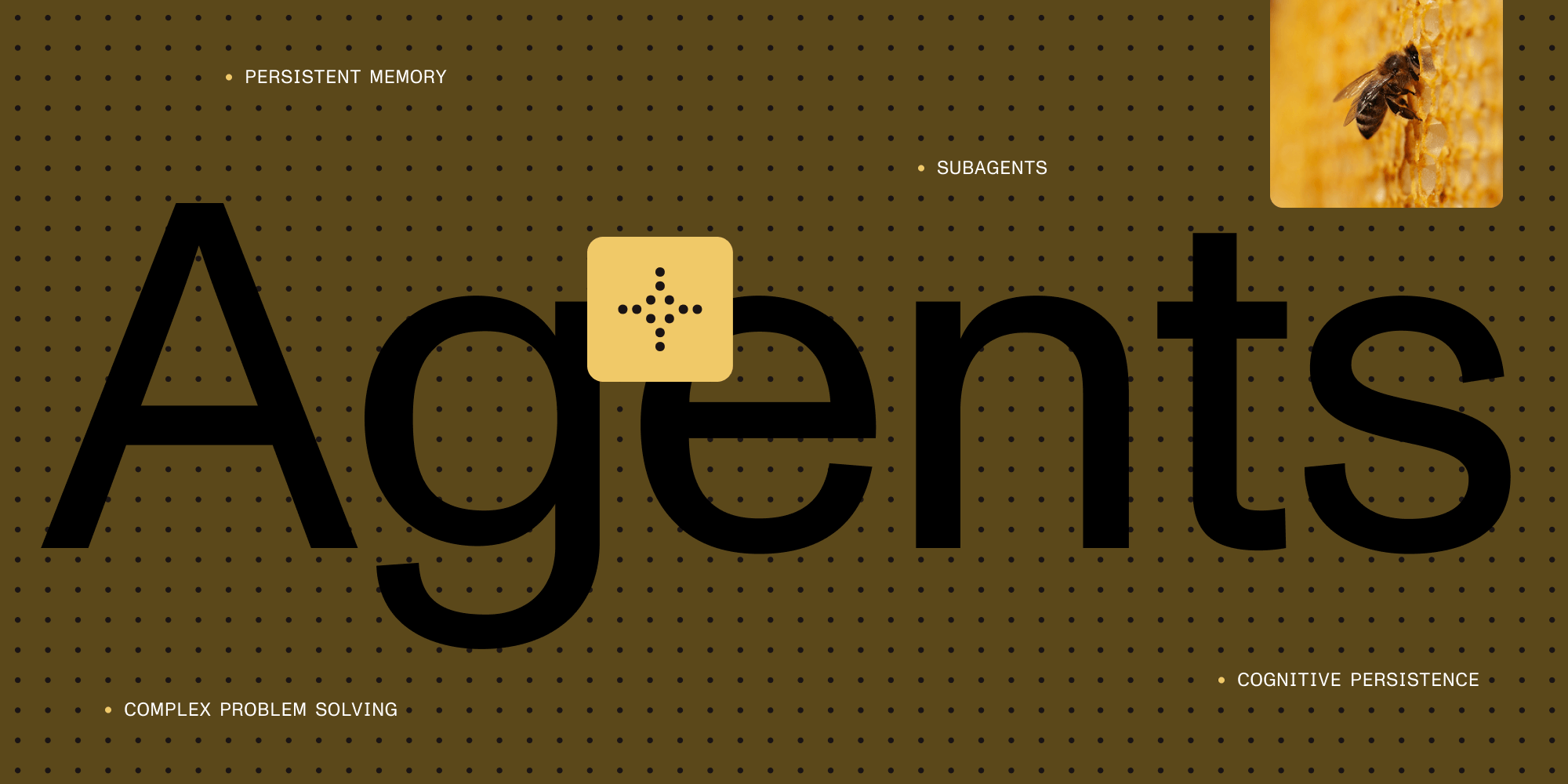
Deep agents move beyond reactive AI responses to build systems that reason over time. They use detailed system prompts, planning tools, subagent coordination, and persistent memory to solve complex problems that traditional agents can’t handle.
Imagine building an automated document processing system that handles everything from legal contracts to medical records. At first, it seems straightforward — extract data, validate compliance, generate reports. But the complexity reveals itself quickly. Legal contracts need different handling than financial statements. Validation rules learned from one document type don’t carry over to the next. And coordinating all these interdependent steps across diverse document formats proves harder than expected.
Traditional AI agents handle individual tasks well — extract a specific field, answer a question about PDF structure — but they struggle with the bigger picture. They can’t maintain context about different document formats, remember validation patterns from previous sessions, or coordinate the complex workflow steps that real business processes require.
This is the problem LangChain set out to solve with deep agents(opens in a new tab). Unlike traditional agents that react to individual requests, deep agents maintain complex mental models over extended periods and coordinate multiple specialized reasoning processes simultaneously.
The problem with traditional agents
Traditional AI agents work well for immediate responses: Ask a question, get an answer. Request a tool operation, they execute it. This handles straightforward interactions fine.
But this approach fails when dealing with complex document workflows that businesses need daily. Processing legal contracts involves document parsing, data extraction, compliance validation, risk assessment, approval routing, and audit trail generation. Each area needs specialized expertise, and their interdependencies create coordination challenges beyond what traditional agents can handle.
The ReAct limitation — The ReAct (Reasoning and Acting) pattern shows traditional agent limitations. It works for simple tasks but can quickly lose focus when context explodes.
Understanding deep agents: Four core components
Deep agents use four core components that work together to enable sustained reasoning and complex problem solving. Each component addresses a specific limitation of traditional agents, and their combination creates systems capable of handling sophisticated workflows.
1. Detailed system prompts: Building domain expertise
Deep agents use comprehensive system prompts as scaffolding. These go beyond basic instructions to transform a general language model into a domain-specific expert.
Traditional agent prompts provide basic guidelines like “You are a helpful assistant that can use tools to answer questions.” Deep agent prompts include methodologies, patterns, and decision-making processes specific to their domain.
For document processing applications, a deep agent’s system prompt might include:
- Comprehensive guidance on document classification methods
- Data extraction patterns for various document types
- Compliance validation frameworks
- Quality assurance workflows
- Examples of how extraction, validation, and routing processes interact
# Example: Deep agent system prompt structuresystem_prompt = """You are a senior document processing specialist with expertise in:
## Domain knowledge- Document classification and structure analysis- Data extraction from legal and financial documents- Compliance requirements for different industries- Quality assurance and validation workflows
## Decision frameworkWhen processing documents:1. Document type classification and confidence scoring2. Field extraction accuracy and validation3. Compliance rule application and exceptions4. Quality control and human review triggers5. Audit trail and documentation requirements
## Examples of expert reasoning[Detailed examples of document processing decision-making...]"""
2. Planning tools: Structured problem-solving
Planning tools function as context engineering strategies(opens in a new tab) that keep agents focused on long-term objectives. The most common example is a todo list tool that’s essentially a no-op(opens in a new tab) — it doesn’t actually do anything substantive, but it serves as a psychological tool to help the agent maintain focus and structure its thinking.
The planning tool serves as external memory, enabling the agent to:
- Break down complex objectives into manageable steps
- Track progress across multiple reasoning cycles
- Maintain focus on the overall goal rather than getting distracted
# Example: Todo list tool - essentially a "no-op" for context engineeringfrom langchain.tools import BaseTool
class TodoListTool(BaseTool):    name = "todo_list"    description = "A simple todo list for organizing thoughts and maintaining focus"
    def _run(self, action: str, item: str = None) -> str:        """        This tool doesn't actually do anything substantive - it's pure context engineering.        The agent uses it to structure its thinking, but the real value is psychological.        """        if action == "add" and item:            return f"✓ Added to todo list: {item}"
        elif action == "complete" and item:            return f"✓ Marked as completed: {item}"
        elif action == "list":            return "✓ Todo list reviewed - staying focused on current objectives"
        else:            return "✓ Todo list accessed - use this to organize your thinking"
# Usage example showing the psychological benefitagent_prompt = """You have access to a todo_list tool. Use it to break down complex tasksand maintain focus, even though it doesn't perform any real operations.
Task: Process a complex legal document workflow
Agent: I'll start by organizing my approach with the todo list.Action: todo_list(action="add", item="1. Classify document type")Action: todo_list(action="add", item="2. Extract key legal terms")Action: todo_list(action="add", item="3. Validate compliance requirements")
Now I'll work through each item systematically..."""
3. Subagents: Distributed processing
Subagents enable context management and prompt shortcuts(opens in a new tab) by allowing the main agent to spawn specialized agents for specific subtasks. This provides deeper exploration of individual problems while maintaining focus on the overall objective.
Key benefits of subagents:
- Specialized expertise — Each subagent can have domain-specific prompts and tools.
- Context isolation — Subagents work with focused context rather than the full conversation.
- Parallel processing — Multiple subagents can work simultaneously on different aspects.
# Example: Subagent structure (based on LangChain's deepagents package)from typing import TypedDict, Optional, Listfrom typing_extensions import Annotatedfrom langgraph.prebuilt import InjectedState
# Subagent definition as used in the actual deepagents packageclass SubAgent(TypedDict):    name: str    description: str    prompt: str    tools: Optional[List[str]]    model_settings: Optional[dict]
# Task tool implementation for coordinating with subagentsdef create_task_tool(sub_agents: List[SubAgent]):    """    Creates a task tool that can delegate work to specialized subagents    """
    def task_tool(        instructions: str,        agent_name: Optional[str] = None,        state: Annotated[dict, InjectedState] = None    ) -> str:        """        Delegate a task to a specialized subagent or the general-purpose agent        """        # Default to general-purpose agent if no specific agent requested        if agent_name is None:            agent_name = "general-purpose"
        # Find the specified subagent        selected_agent = None        for agent in sub_agents:            if agent["name"] == agent_name:                selected_agent = agent                break
        if selected_agent is None:            return f"Agent '{agent_name}' not found. Available agents: {[a['name'] for a in sub_agents]}"
        # In the actual implementation, this would invoke the subagent        # with its specialized prompt and tools        return f"Task delegated to {agent_name}: {instructions}"
    return task_tool
# Example usage with document processing subagentsdocument_sub_agents = [    {        "name": "document-classifier",        "description": "Classifies document types and structures",        "prompt": "You are an expert at identifying document types and analyzing their structure...",        "tools": ["document_parser", "structure_analyzer"],        "model_settings": {"temperature": 0.1}    },    {        "name": "compliance-checker",        "description": "Validates documents against compliance requirements",        "prompt": "You are a compliance expert who validates documents against regulatory requirements...",        "tools": ["regulation_lookup", "compliance_validator"],        "model_settings": {"temperature": 0.0}    },    {        "name": "data-extractor",        "description": "Extracts specific data fields from documents",        "prompt": "You are specialized in extracting structured data from unstructured documents...",        "tools": ["field_extractor", "data_validator"],        "model_settings": {"temperature": 0.2}    }]
# Create the coordinating task tooltask_coordinator = create_task_tool(document_sub_agents)
4. File system access: Persistent memory
File system access provides a persistent workspace where agents can store context, modify files, and collaborate across agent instances. This concept is very similar to how Claude Code(opens in a new tab) operates, providing agents with a persistent workspace. The Manus team(opens in a new tab) has written extensively about this approach and its benefits for AI agent workflows.
The virtual file system in deep agents enables:
- Context storage — Save important information between sessions.
- File modification — Edit and update documents as part of workflows.
- Agent collaboration — Multiple agents can work on shared files.
# Example: File system tools (based on LangChain's virtual file system)from langchain.tools import BaseToolimport jsonimport osfrom typing import Dict, Any
class FileSystemTool(BaseTool):    name = "file_system"    description = "Read, write, and manage files in the agent workspace"
    def __init__(self, workspace_path: str = "./agent_workspace"):        super().__init__()        self.workspace_path = workspace_path        os.makedirs(workspace_path, exist_ok=True)
    def _run(self, action: str, filename: str = None, content: str = None) -> str:        """        File system operations for persistent storage        Actions: read, write, list, delete        """        if action == "write" and filename and content:            file_path = os.path.join(self.workspace_path, filename)            with open(file_path, 'w') as f:                f.write(content)            return f"Written to {filename}"
        elif action == "read" and filename:            file_path = os.path.join(self.workspace_path, filename)            try:                with open(file_path, 'r') as f:                    content = f.read()                return f"Content of {filename}:\n{content}"            except FileNotFoundError:                return f"File {filename} not found"
        elif action == "list":            files = os.listdir(self.workspace_path)            if not files:                return "Workspace is empty"            return f"Files in workspace:\n" + "\n".join(files)
        elif action == "delete" and filename:            file_path = os.path.join(self.workspace_path, filename)            try:                os.remove(file_path)                return f"Deleted {filename}"            except FileNotFoundError:                return f"File {filename} not found"
        return "Available actions: read, write, list, delete"
# Example usage for collaborative workflowsclass CollaborativeWorkspace:    def __init__(self):        self.fs_tool = FileSystemTool()
    def save_agent_state(self, agent_id: str, state: Dict[Any, Any]):        """Save agent state for persistence across sessions"""        state_file = f"agent_{agent_id}_state.json"        self.fs_tool._run("write", state_file, json.dumps(state, indent=2))
    def load_agent_state(self, agent_id: str) -> Dict[Any, Any]:        """Load previous agent state"""        state_file = f"agent_{agent_id}_state.json"        result = self.fs_tool._run("read", state_file)        if "not found" in result:            return {}        # Extract JSON from the formatted response        json_start = result.find('{\n')        if json_start != -1:            json_content = result[json_start:]            return json.loads(json_content)        return {}
Deep agents vs. traditional approaches
While concepts like ReWOO planning and context engineering tools have existed before, deep agents represent a generalized approach that combines these ideas into a cohesive framework.
The key differentiators of deep agents are:
- Generalized subagent architecture — A standardized way to spawn and coordinate specialized agents
- Comprehensive tooling ecosystem — Built-in planning tools, file system access, and coordination mechanisms
- Detailed prompts as expertise — Using extensive system prompts to encode domain knowledge rather than relying solely on tool capabilities
Traditional agents react — they respond to inputs with outputs, using tools when needed. Deep agents are proactive — they maintain long-term objectives and work systematically toward complex goals through coordinated subsystems.
Consider the difference in approach when tasked with improving the performance of a web application.
Traditional ReAct agent approach:
Think: Need to find performance bottlenecksAct: `analyze_metrics()`Observe: Database queries taking 2.3s averageThink: That's slow, let me optimize queriesAct: `suggest_query_optimization()`Observe: Suggested adding indexesThink: Task completeDeep agent approach:
Plan:1. Analyze overall system architecture2. Identify multiple optimization strategies3. Evaluate tradeoffs between approaches4. Implement coordinated optimization plan5. Measure results against performance objectives
Execute:- Architecture analysis subagent — Reviews system design patterns- Database subagent — Analyzes query performance and indexing- Frontend subagent — Evaluates client-side optimization opportunities- Caching subagent — Identifies caching strategy improvements
Synthesize:- Coordinate all findings into comprehensive optimization strategy
When to choose deep agents
Choosing between deep agents and traditional architectures depends on your problem characteristics.
Deep agents work best for:
- Deep document understanding and processing. Complex legal contracts, for example, require simultaneous analysis across multiple domains — document structure, legal terminology, compliance requirements, risk assessment, and data extraction — with interdependencies that require coordination beyond traditional agent capabilities.
- Research and analysis that needs systematic information gathering, synthesis from multiple sources, and tradeoff evaluation.
- Long-running projects spanning days or weeks that need persistent memory and state management.
Traditional agents work better for:
- Simple, well-defined tasks with clear success criteria. Answering technical questions, routine code transformations, or API operations don’t need deep agent overhead.
- Real-time applications with strict latency requirements where planning overhead is unacceptable.
- Cost-sensitive applications, since deep agents typically consume 10–15 times more computational resources.
Conclusion
Deep agents enable AI systems to tackle complex, real-world problems with expert-level reasoning. Current implementations have limitations and require significant investment, but their potential to handle complex technical challenges makes them worth exploring.
Deep agents are a step toward AI systems that can work as partners with human experts on complex problems.