




Best low-code and no-code document integrations (2026)

Turn scanned PDFs and images into searchable text within SharePoint and Microsoft 365 workflows. Use low-code OCR with Power Automate or Nintex to process files without building a custom application.
Discover how our OCR solutions can transform your document management by scheduling a demo today.
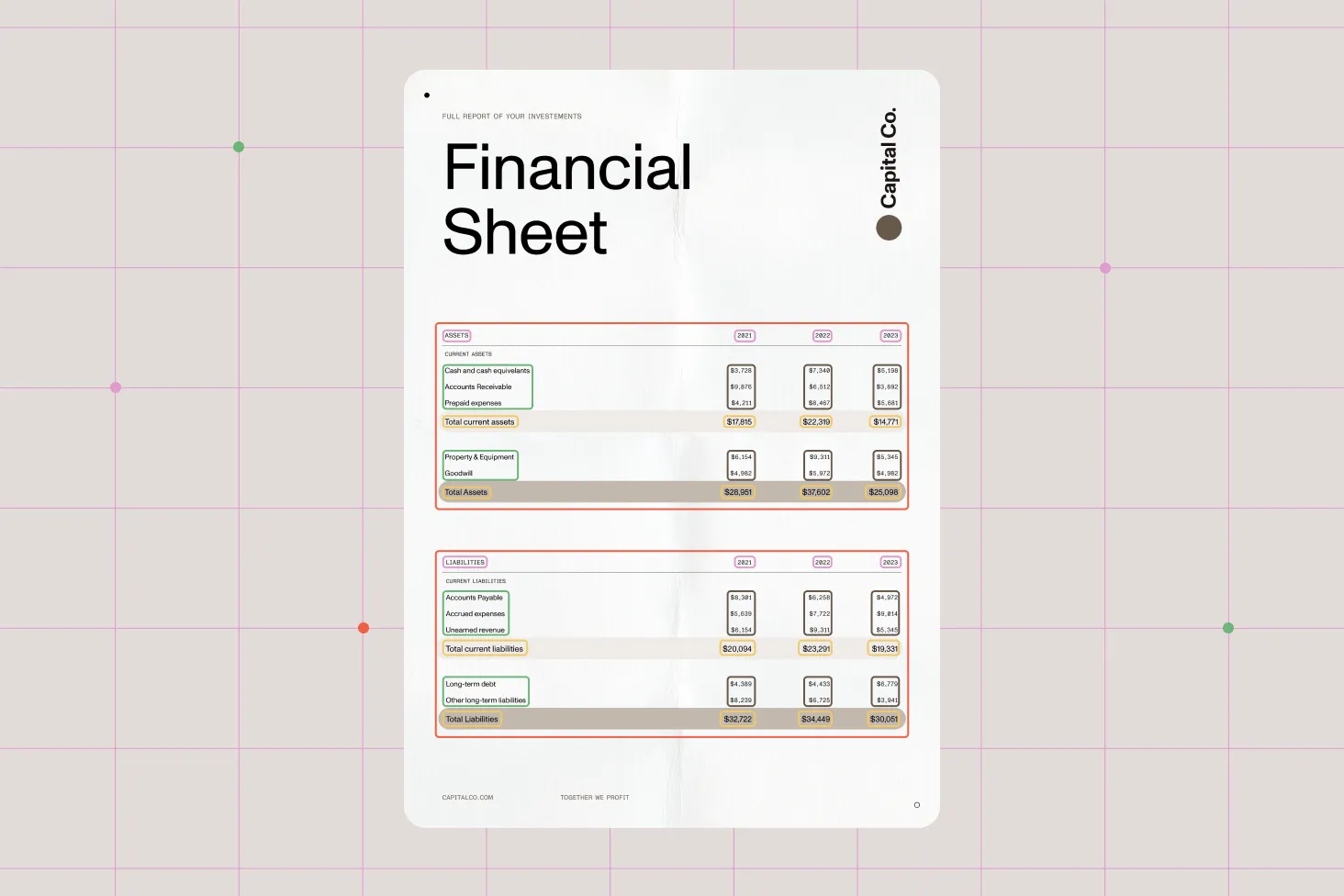
Leverage advanced OCR technology to meticulously extract text and data from your scanned documents, images, and PDFs. Our OCR engine uses cutting-edge algorithms, delivering superior text recognition for even the most intricate document layouts and less-than-perfect images. With support for a variety of languages and fonts, our solution is easily tailored to your global business needs.
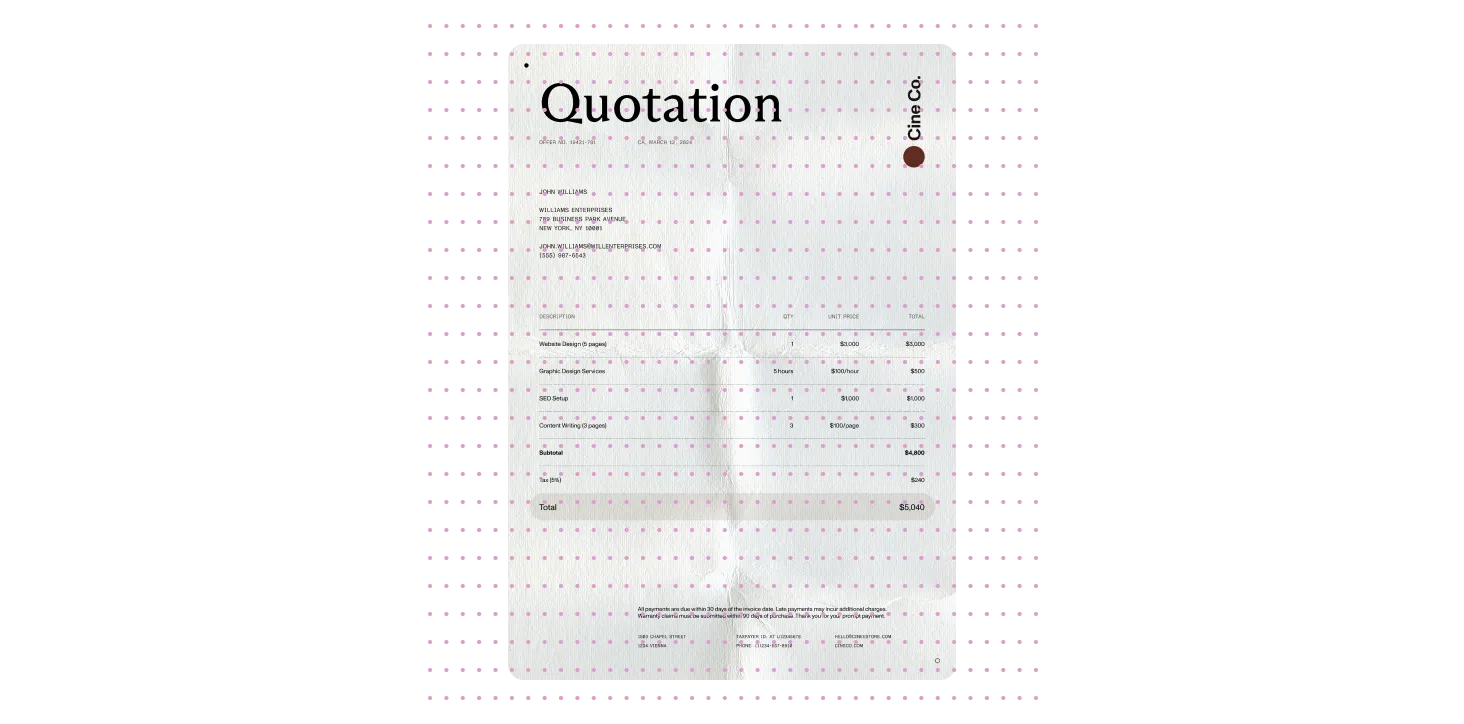
Capitalize on our powerful OCR technology for accurate text and data extraction from a variety of documents. Convert scanned images and PDF files into editable and searchable text, making it easier to access and manage your information. Our OCR solution can handle handwritten notes as well as printed reports, ensuring the text is extracted accurately and is fully usable.
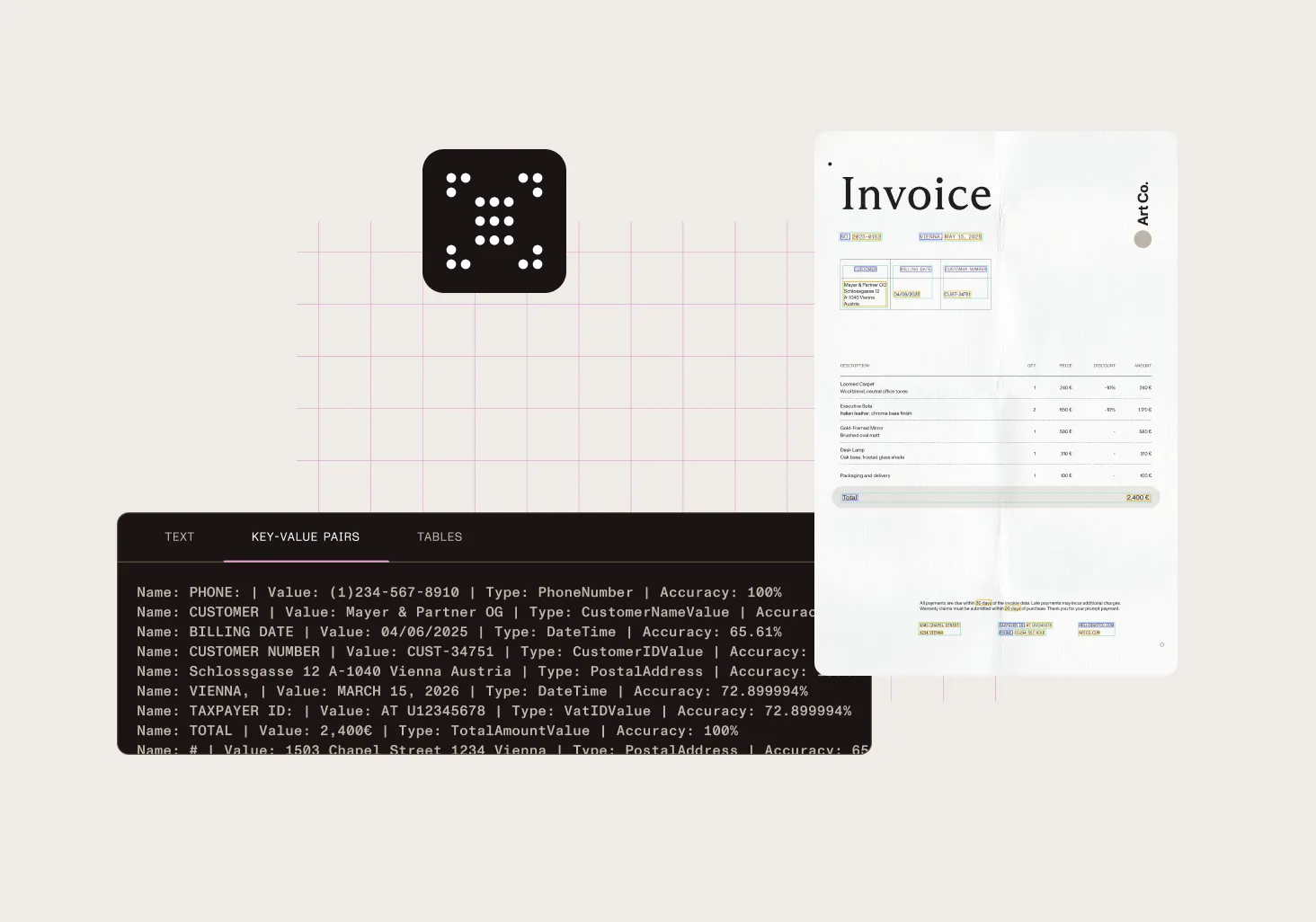
Improve your data extraction capabilities with our advanced key-value pair feature. Define and automatically extract specific information from documents, like dates and invoice numbers, streamlining data retrieval and processing. This feature is customizable for various document types and integrates seamlessly with data management systems, improving both automation and accuracy.
Enhance your data extraction process with zonal text extraction. Specify areas within your documents for data extraction, allowing for targeted and efficient data retrieval. This feature is particularly useful for forms and structured documents where specific data needs to be captured and processed.
Extract pages from PDF files with precision, either by locating text in a designated area, or by spotting specific barcodes. Once you’ve identified the necessary pages, choose to save them as separate documents or merge them into new files based on your criteria.
Need to switch up those PDF tables? Use this feature to convert your PDF into a CSV or Excel file. Set the output format to your preference and decide whether to add the data to an existing file or create a new one. You’re able to extract your data in several ways — for instance, pull out all tables, customize your selection by grouping or excluding tables, or tweak headers to your liking. You can also grab text from specific pages by setting a range, and use OCR to remove text from image-heavy pages.
Experience superior precision in data extraction that reduces errors and optimizes your document handling processes. Our OCR technology ensures high accuracy in recognizing and converting text, which is crucial for maintaining data integrity and reliability.
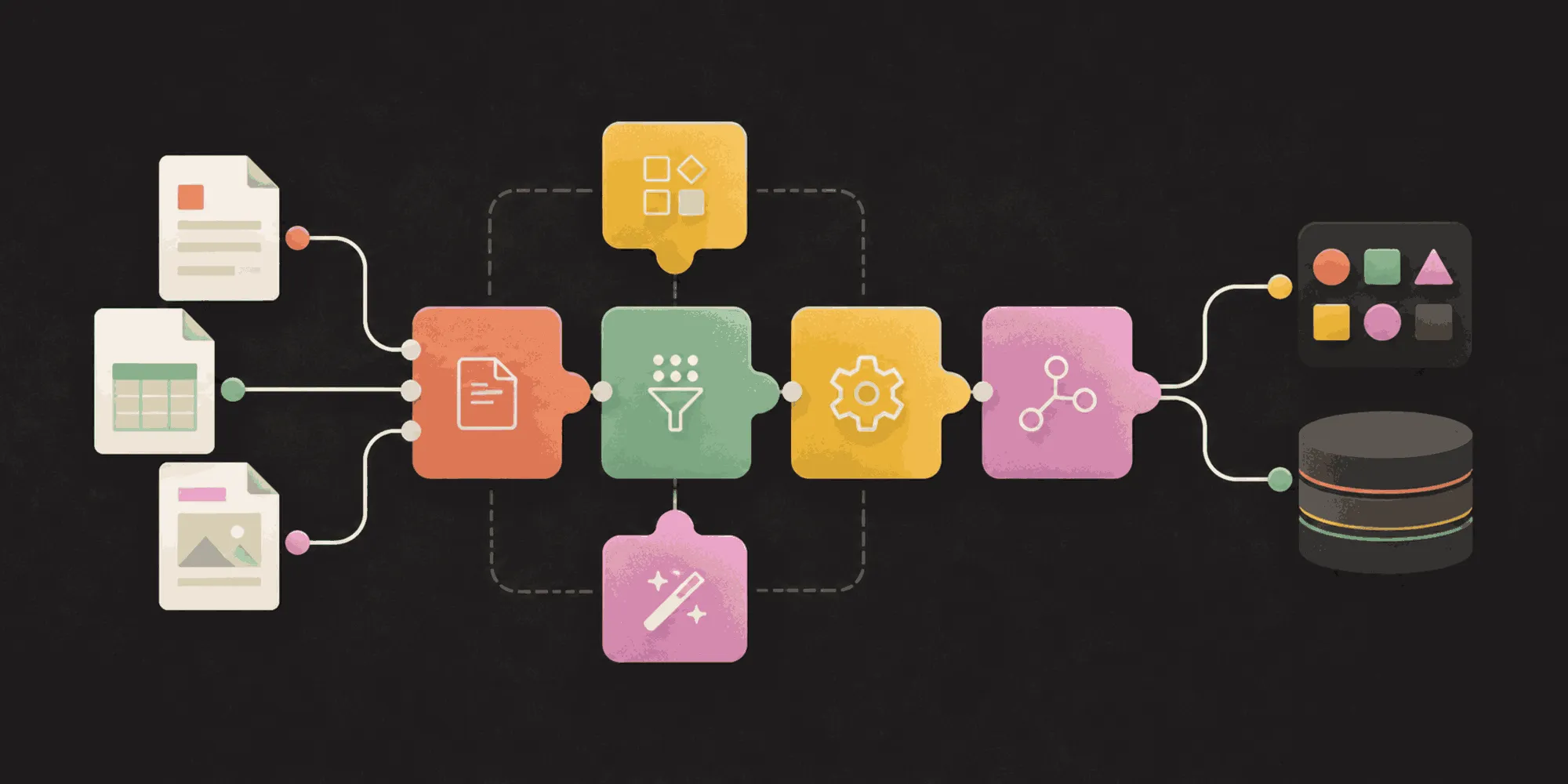
Integrate our OCR capabilities with what you already have in place. Our low-code platform minimizes the need for extensive coding and development, enabling you to quickly enhance your document management system.
Contact us today to find out how our solutions can make your documents more accessible, searchable, and usable across your organization.
Simplify document management in SharePoint, Power Automate, Nintex, and your applications.
Let your team focus on critical tasks while the system performs routine document management.
Ensure compliance and improve document retrieval and searchability with advanced OCR and tagging.
Convert 100+ file types to PDF, extract data, apply watermarks, OCR PDFs, and more using a SOAP-based API with a self-hosted server.
OCR document processing uses optical character recognition technology to convert scanned documents, images, and PDFs into editable, searchable text. This helps your business automate data extraction and document workflows, reducing manual data entry errors and boosting efficiency.
Absolutely! Nutrient’s OCR solution features advanced key-value pair extraction that lets you define and automatically pull specific data points such as dates, invoice numbers, and other critical fields. This capability streamlines your data processing and integrates smoothly with your existing systems.
Yes. Our OCR solution is designed with a low-code approach, minimizing the need for extensive development. It seamlessly fits into your current document management workflows, letting you automate and enhance your processes quickly without coding headaches.
FREE TRIAL


