
How we fixed the GdPicture license expiration (and what to do if you’re affected)

Ensure your organization’s documents are safe, compliant, and easily accessible. Our solutions offer advanced PDF archiving, robust password protection, electronic signatures, and the ability to convert non-searchable PDFs into fully searchable ones — all while working seamlessly within SharePoint.
Discover how our tools can protect your data and streamline your workflows.
Archive your PDFs with ease, ensuring they’re stored in a secure, compliant manner. Our solution enables you to categorize and manage large volumes of documents, ensuring long-term preservation and quick retrieval.
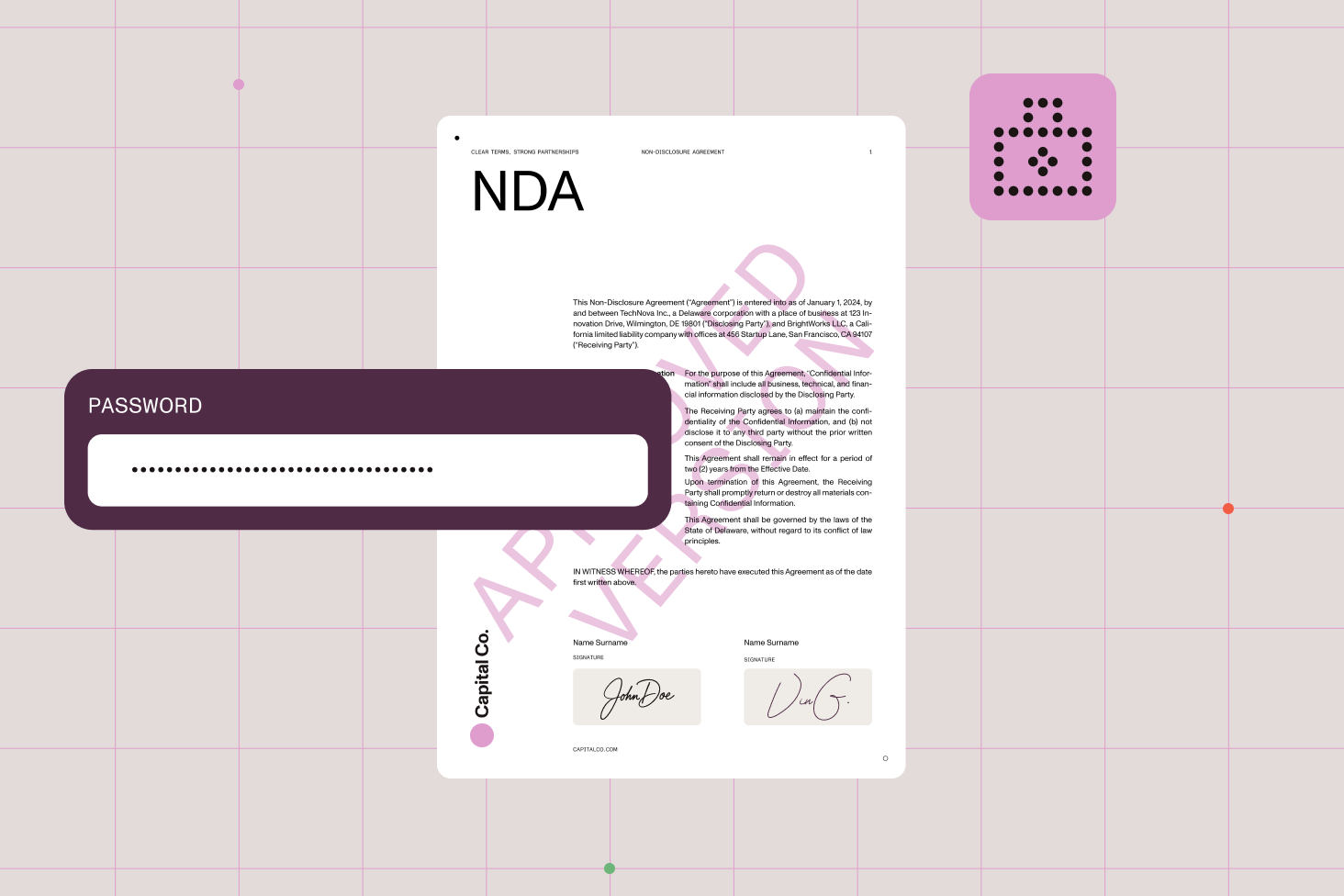
Protect your documents from unauthorized access with our robust password-protection feature. Easily set and manage passwords for your PDFs to ensure that only authorized personnel can view or edit sensitive information.
Add an extra layer of security to your documents with electronic signatures. Our solution lets you easily sign PDFs electronically, ensuring the authenticity and integrity of your documents, while complying with industry standards.
Streamline your SharePoint library management with our automated audit process. This advanced feature identifies non-searchable or partially searchable documents, ensuring no critical information is overlooked. By automating the auditing process, you can efficiently manage large datasets and maintain optimal accessibility and compliance across your entire library.
Convert your non-searchable PDFs into fully searchable documents with our advanced OCR technology. Enhance the accessibility and discoverability of your documents to help your team members quickly find the information they need.
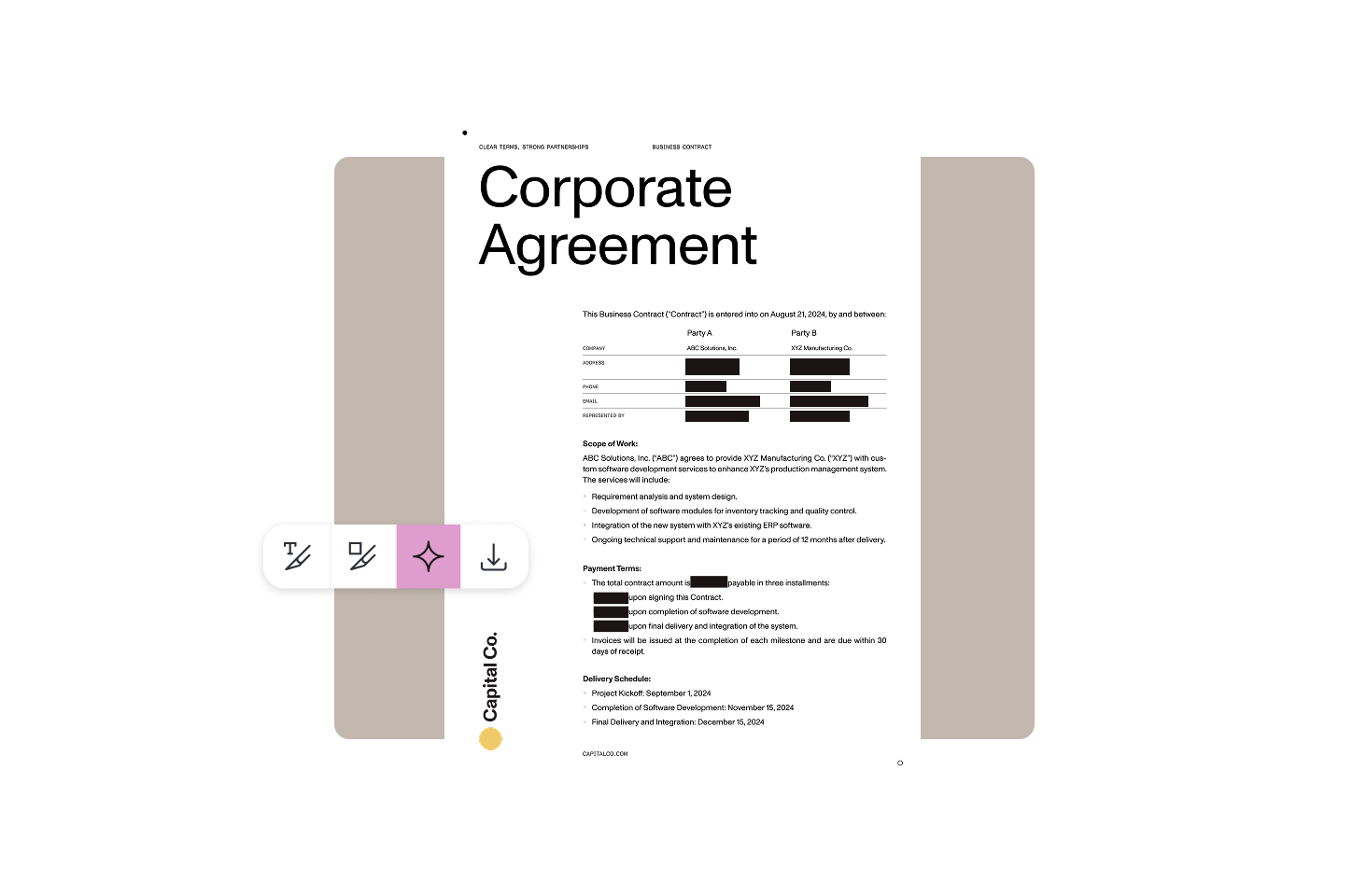
Ensure sensitive information is completely removed from your documents before sharing them. Our redaction feature enables you to permanently obscure confidential data, such as personal information, financial details, and proprietary content.
Add watermarks to your documents to discourage unauthorized distribution and ensure the ownership and authenticity of your documents are maintained. Customizable watermarks can include text, images, or both, and can be applied dynamically during a document’s lifecycle.
Edit your PDFs without leaving SharePoint using Nutrient Document Editor for SharePoint. This enables you to make necessary changes to your documents within the SharePoint environment, ensuring your data never leaves the secure platform.
Contact us today to learn how our solutions can help you maintain compliance, improve accessibility, and protect your valuable information.
Simplify document management in SharePoint, Power Automate, Nintex, and your applications.
Boost document collaboration and security by editing and annotating PDFs in SharePoint.
Let your team focus on critical tasks while the system performs routine document management.
Ensure compliance and improve document retrieval and searchability with advanced OCR and tagging.
Compliance management automation refers to the use of technology to streamline and enforce compliance processes within organizations, especially in industries with strict regulatory requirements. It helps ensure that documents and workflows meet legal and security standards, reducing risks of non-compliance, penalties, and operational disruptions. By automating routine compliance tasks, organizations can focus more on strategic goals while maintaining robust control over their sensitive information.
Nutrient’s PDF security software provides advanced features such as password protection, detailed PDF permissions to control restricting actions like printing and copying, irreversible redaction to permanently remove sensitive data, digital signatures to certify document authenticity, dynamic watermarking with user-specific information, and audit trail capabilities to log security activities and aid compliance with regulations like GDPR and HIPAA.
Nutrient offers advanced features like PDF archiving, password protection, electronic signatures, and OCR technology to convert non-searchable PDFs into searchable documents — all integrated seamlessly within SharePoint. These tools help protect your documents from unauthorized access, validate authenticity, and improve document accessibility — all crucial for meeting compliance and audit standards.
Absolutely. By automating audit processes, document categorization, and security enforcement, compliance management automation eliminates manual bottlenecks and human error. Nutrient’s platform allows editing, redaction, watermarking, and document handling directly within the secure environment, enabling faster approvals and better collaboration without sacrificing compliance.
Yes. Nutrient’s solutions are designed to support a wide range of industries, including healthcare, finance, legal, government, manufacturing, and education. The platform’s flexibility allows customization to specific regulatory requirements, making it a versatile tool to meet diverse compliance and security needs across sectors.
Getting started is straightforward with options like free trials and demos available to explore the platform’s capabilities. Nutrient also provides comprehensive guides, training, and support to help your team implement and optimize compliance processes quickly, ensuring a smooth transition to automated compliance management.
Definitely! Nutrient provides comprehensive SDKs and APIs supporting various platforms, including web, mobile, and server environments. This flexibility enables developers to seamlessly integrate PDF security features — like digital signatures, redaction, and permission controls — directly into their applications, streamlining security without disrupting existing workflows.
FREE TRIAL