Digital process automation: What it is, examples, and how to get started

Table of contents
Digital process automation (DPA) uses software to handle repetitive business tasks — from data collection to approvals — freeing employees to focus on higher-value work. This guide covers what can be automated and shows real examples across departments.
What is digital process automation?
The logical successor to business process management (BPM), digital process automation (DPA) is similarly concerned with ensuring the effectiveness and efficiency of business processes. However, it takes the idea further by focusing on external users, including customers and vendors. This means designing better user experiences and reducing as much friction as possible in your digital operations. Some key tenets of DPA:
- Mobile-first interfaces
- Process transparency for users
- Offloading customer tasks to automation
- Triggered reminders and notifications
- Easy collaboration
- Rapid user response and adaptation
So, while digital automation and BPM software may have focused on getting the process right, DPA assumes the process has been optimized and focuses on making the experience better.
How digital process automation works
DPA applies to customer onboarding, loan and credit approval, purchase orders, and back-office tasks. Automating these processes reduces errors, speeds up operations, and improves the experience for employees and customers.
Benefits of digital process automation
- Better customer experiences — Faster service delivery leads to improved satisfaction and loyalty.
- Lower operational costs — Automating manual tasks and minimizing errors cuts unnecessary expenses.
- More time for strategic work — With routine tasks automated, employees can focus on higher-level work.
- Improved agility — Businesses can quickly adapt to changing market conditions and customer demands.
- Scalability — DPA solutions scale as businesses grow.
- Accuracy and compliance — Automation reduces human error and helps organizations meet regulatory requirements.
What can be automated?
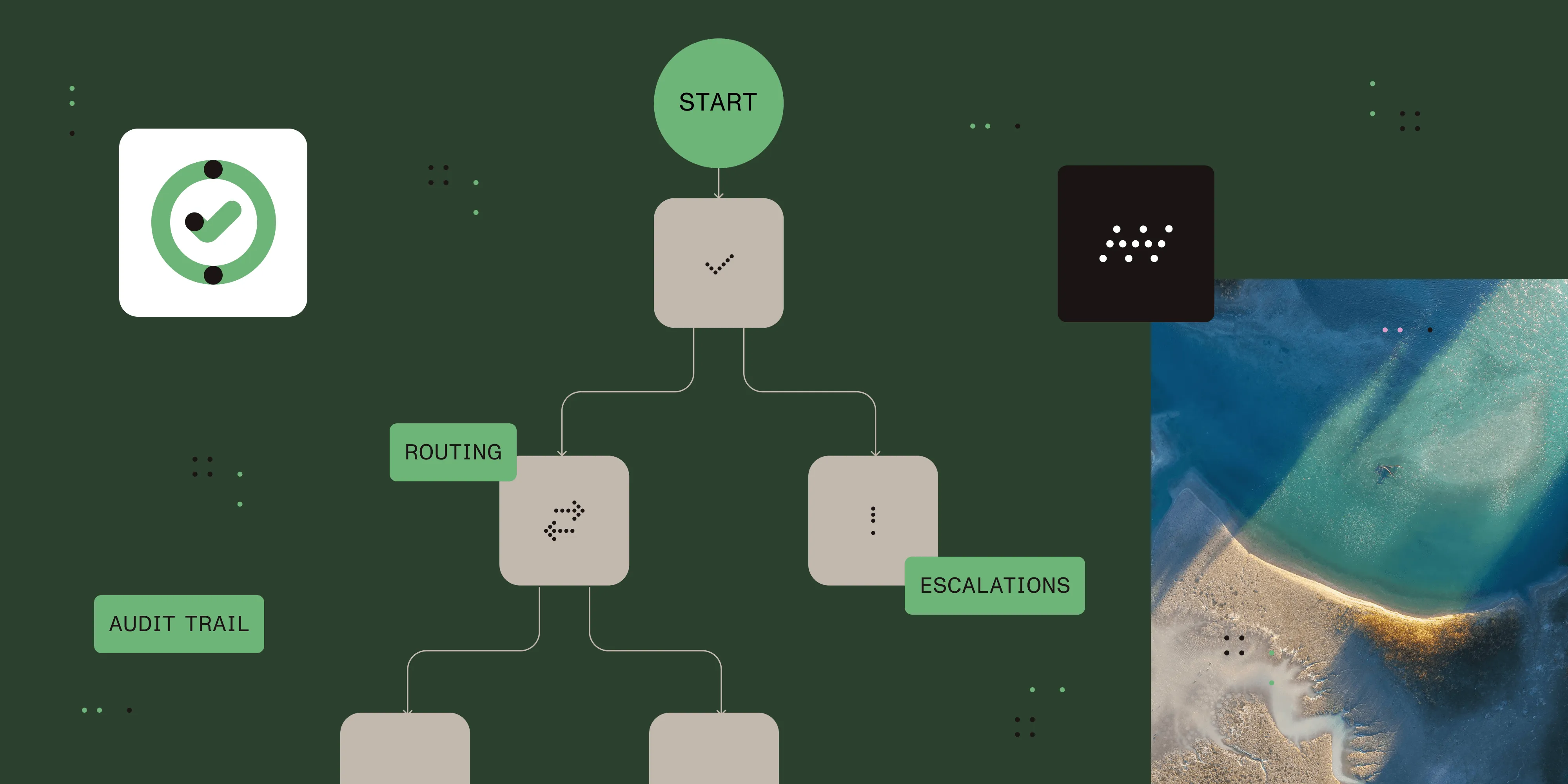
Any process that involves a trigger, data collection, information routing, and activity tracking can be digitally automated.
Triggers
Triggers can be human-initiated or machine-initiated. For instance, someone is making a request or an event occurring in a CRM system.
Data collection
Data collection often involves a form being completed, but it can also involve data being automatically extracted or received from a system.
Information routing
Moving data between people or systems involves business rules and logic that dictate where data needs to travel next.
Activity tracking
Tracking what happens from end to end in a process allows processes to be audited and measured for performance.
Examples of digital process automation
A wide variety of processes across all departments can be digitized. The table below is just a sampling of the processes Nutrient Workflow customers have moved to the cloud, providing a faster, better, more standardized experience for employees and customers.
| IT/IS | Finance | Marketing |
|---|---|---|
| IT service requests | CapEx/AFE requests | Campaign approvals |
| Security access requests | Expense approvals | Collateral approvals |
| New account setup | Salary/wage changes | Brand management |
| Change requests | AP automation | |
| New project requests | Grant management | |
| Security incidents |
| Facilities | Sales | Legal |
|---|---|---|
| Office relocations | Quote approvals | Legal holds |
| Resource scheduling | Pricing discounts | Contract reviews |
| Facility access | Proposal approvals | Client intake |
| Move requests | Product discounts |
| HR | Purchasing | Operations |
|---|---|---|
| Benefits changes | Procurement process | Complaint management |
| Timesheets | Capital approvals | Maintenance request |
| New hire management | Vendor management | New product request |
| Employee onboarding | Invoice approvals | |
| Employee offboarding | Product pricing | |
| Vacation requests |
Identifying areas of user experience improvement
You may have gone through a business process review to identify processes that are performed inefficiently or need to adapt to changes in the organization. We’ve covered the topic on our blog and in our BPM guide. Once you work through process optimization, look at the experience users have when interacting with the process:
- User flow — Have you documented and understood the user flow or journey for each member in the process?
- Screen size — Do forms and other elements display well on mobile? Are you aware of all devices in play?
- Forms — Are they clearly understood and as brief as possible? Are labels and instructions clear? Is the layout easy to move through for users?
- Alerts/reminders — When someone is prompted to take action, are the instructions clear about what they need to do next?
- Context — Are users aware at all times of where they are in a process and what will happen next?
UX/UI resources
- Usability testing(opens in a new tab)
- Website forms usability(opens in a new tab)
- 6 common problems with the UX process, and 6 solutions!(opens in a new tab)
Nutrient Workflow’s approach to DPA
Nutrient Workflow’s business process automation (BPA), which we also refer to as “workflow automation,” gives workflow designers full control of all elements exposed to users during the flow of a process. This includes:
- Mobile-friendly forms by default
- A configurable user portal for quick access
- Process visibility for all participants (vendors, students, employees)
- Built-in collaboration tools for discussions and document sharing
We also partner with robotic process automation (RPA) vendors to handle tasks that require capturing and interpreting inputs as if performed by a real agent.
Digital automation resources
- What is digital business automation?(opens in a new tab) (TechRadar)
- Digital process automation(opens in a new tab) (SearchCIO)
- Robotic Process Automation and Digital Process Automation: Friend or foe?(opens in a new tab) (Information Age)
FAQ
Digital process automation (DPA) focuses on automating workflows to improve efficiency, user experiences, and reduce operational costs.
Unlike traditional automation, DPA extends beyond internal processes to improve customer, employee, and partner experiences.
DPA offers benefits like better customer satisfaction, reduced errors, increased productivity, and streamlined operations.
Processes involving triggers, data collection, routing, and tracking — such as customer onboarding or expense approvals — can be automated using DPA.
DPA helps businesses stay competitive by optimizing workflows, increasing agility, and enabling scalable solutions.