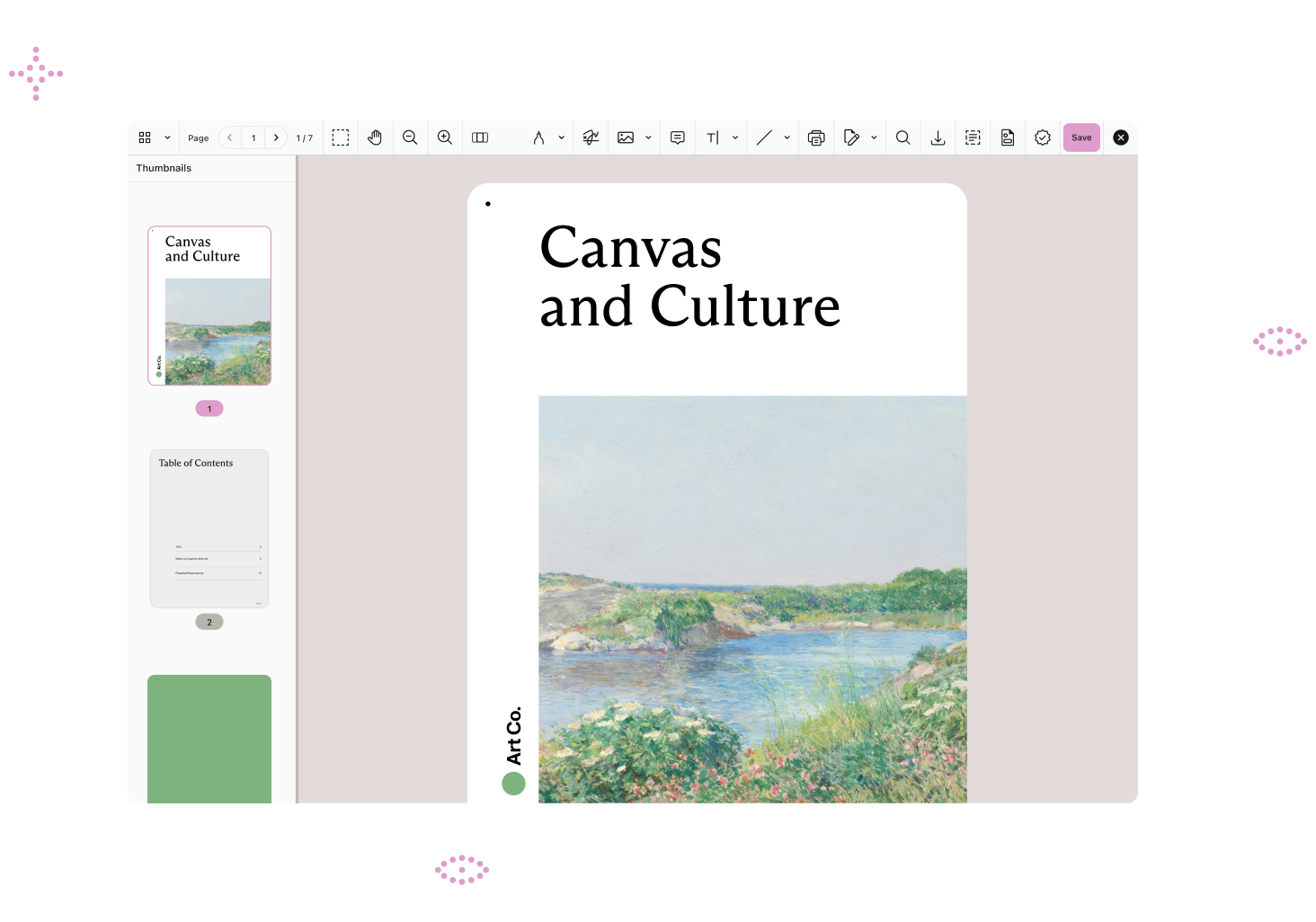
View PDFs, DOCX files, and images with perfect fidelity directly in ServiceNow — no downloads, no external apps, no security risks. Give agents powerful annotation, form filling, and redaction tools while keeping sensitive data secured within the platform.
End the download-switch-upload cycle. Agents view and edit documents directly in ServiceNow, staying focused on closing tickets instead of juggling tools.
Documents never leave ServiceNow. No local downloads means no compliance blind spots, no data leakage, and complete audit trails for every interaction.
Deliver on ServiceNow’s single-platform promise. One embedded solution handles viewing, annotation, forms, and redaction without leaving the record.
Replace multiple licenses, viewer subscriptions, and custom development with one simple integration. Faster time to value, predictable costs.
CAPABILITIES
View, edit, annotate, and secure documents from a single embedded interface — giving your teams complete document control without fragmented tools or complex integrations.
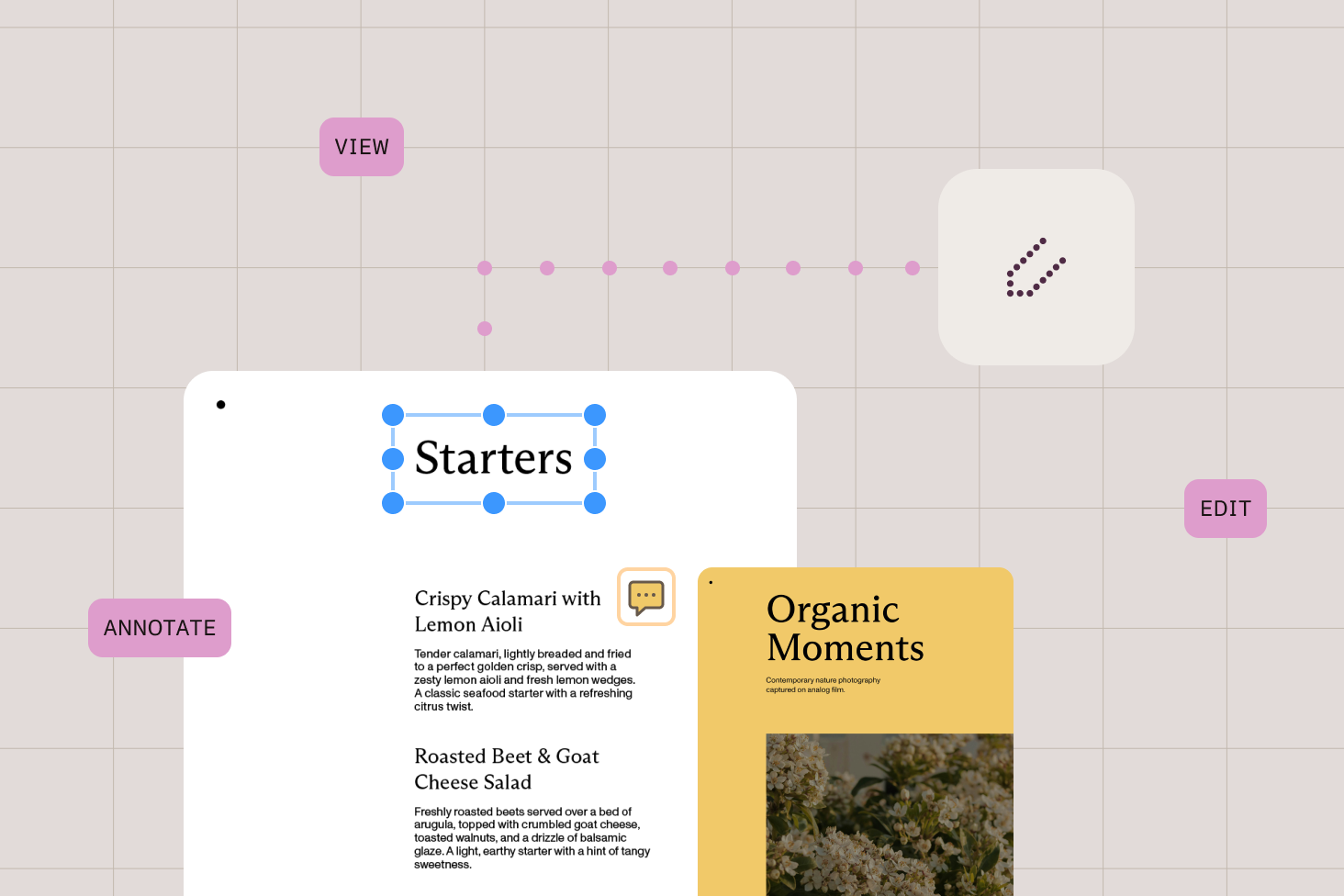
Render PDFs, DOCX files, and images with perfect fidelity — complex layouts, fonts, and graphics display exactly as intended. No file size limits or preview failures.
Add comments, highlights, drawings, and markup directly on documents for clear communication and faster resolutions.
Complete PDF forms inline without external applications, keeping all form data within your workflow.
Permanently remove sensitive information from documents with irreversible redaction before sharing or archiving.
Modify document structure, rearrange pages, and update content without leaving the ServiceNow interface.
Edit text and images within documents, making corrections and updates directly in your workflow.
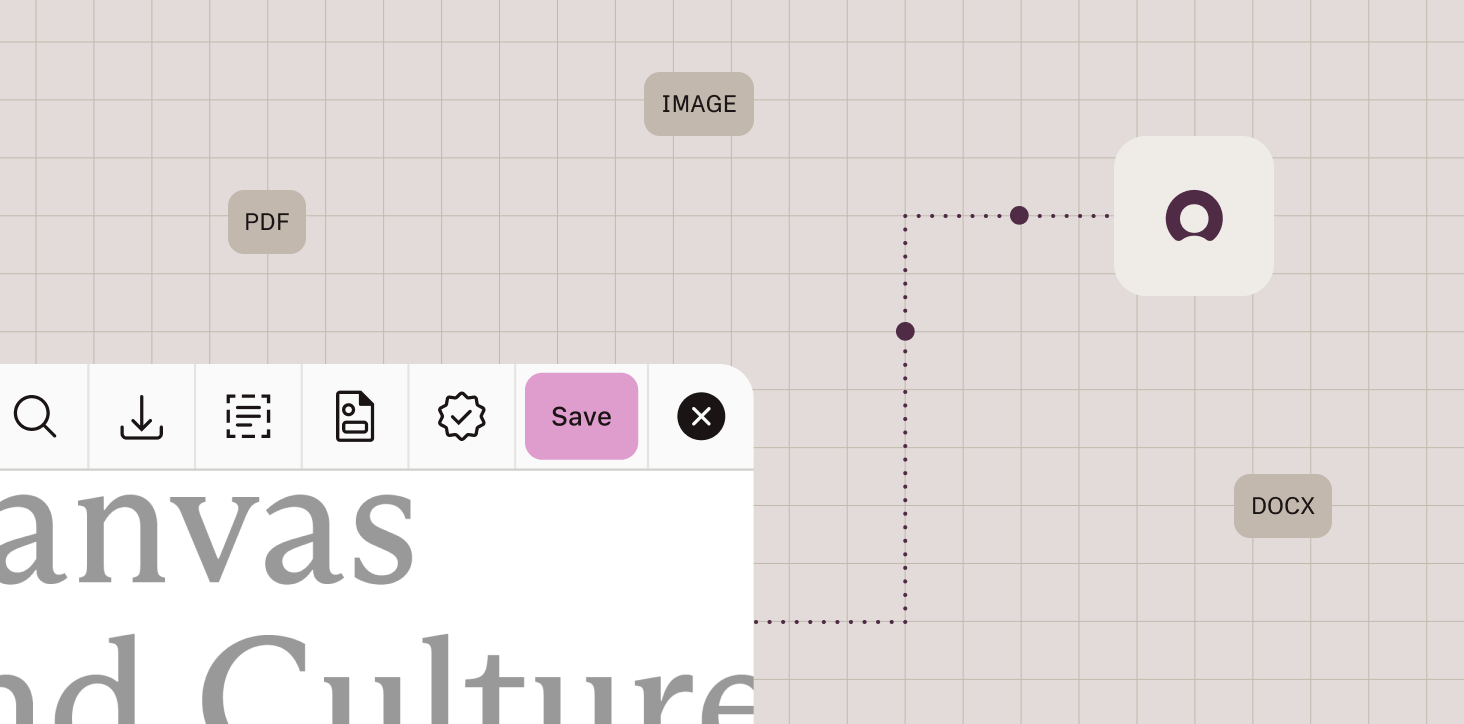
Save edited documents as PDFs automatically, ensuring consistent formatting and universal compatibility.
Capture and apply electronic signatures as visual annotations for internal approvals and form completion.
PRODUCT DEMO
SEAMLESS INTEGRATION
Deploy a lightweight application that renders documents with perfect fidelity directly in ServiceNow. All viewing, editing, and annotating happens securely within the platform — attachments never leave your environment.
Nutrient delivers enterprise-grade document solutions trusted by Fortune 500 companies and government agencies worldwide. The same technology securing millions of documents powers your ServiceNow workflows.
Trusted by global enterprises processing millions of documents daily, with proven uptime and performance.
Simple installation as a ServiceNow application with minimal configuration and upgrade-safe architecture.
SOC 2 Type 2 audited with features designed for HIPAA, GDPR, and government compliance requirements.
Dedicated technical support and implementation guidance from document workflow experts.
GET IN TOUCH
Talk with our team about bringing seamless document viewing and editing to your ServiceNow platform.
A ServiceNow document viewer integration is an embedded solution that renders PDFs, DOCX files, and images with high fidelity directly within the ServiceNow platform. Instead of downloading files to external applications, users view and edit documents securely inside ServiceNow. This eliminates the download-edit-upload cycle while keeping all document data within your secure environment for complete audit compliance.
Embedded document viewing eliminates context switching that slows down agents and creates security risks. When documents can be viewed and edited directly in ServiceNow, agents stay focused in their workspace, resolve cases faster, and maintain better security compliance. Organizations typically see improved mean time to resolution, reduced security incidents from local downloads, and better user satisfaction scores from both agents and end users.
Native ServiceNow has limited document preview capabilities with file size restrictions and rendering issues. A comprehensive integration adds high-fidelity viewing for PDFs, DOCX files, and images with no size limits, plus collaborative annotations, form filling, secure redaction, document editing, and automatic PDF conversion — all working directly within ServiceNow records without external applications or downloads.
ServiceNow is built around the promise of a single unified platform for enterprise workflows, but document handling often breaks this promise. IT service management, customer service, and HR service delivery all involve document-intensive processes — reviewing evidence, completing forms, sharing knowledge articles, and processing sensitive information. Without proper document tools, users are forced to leave ServiceNow, creating inefficiencies and security gaps that undermine the platform’s core value.
The integration deploys as a lightweight ServiceNow application that intercepts clicks on document attachments. When a user clicks an attachment, instead of triggering a download, it launches a fullscreen embedded viewer powered by Nutrient Web SDK. All document interactions happen within ServiceNow, and changes are automatically saved back to the originating record. The solution maintains ServiceNow’s security model and audit trails.
The integration provides high-fidelity viewing for PDF files, DOCX documents, and common image formats (PNG, JPEG, TIFF). Documents are automatically converted to PDF when saving edits to ensure universal compatibility. Unlike ServiceNow’s native viewer, there are no restrictive file size limits — the system handles large, complex documents that frequently cause preview failures in the standard interface, rendering them with perfect fidelity regardless of embedded fonts, graphics, or layout complexity.
Yes. The document integration works across all ServiceNow modules, including IT service management, customer service management, and HR service delivery. Any workflow that involves document attachments — incident management, case resolution, employee onboarding, knowledge management — benefits from embedded document viewing and editing capabilities. The solution is module-agnostic and works wherever ServiceNow stores attachments.
Every local download creates a security risk — documents leave ServiceNow’s controlled environment and become untracked files on user machines. The embedded viewer eliminates this risk entirely. Documents never leave the platform, maintaining complete chain of custody and audit trails for every interaction. This is critical for organizations handling sensitive data under HIPAA, GDPR, or government regulations, as all document viewing, editing, and annotation happens securely within ServiceNow’s auditable environment.
Implementation involves installing the Nutrient application in your ServiceNow instance and configuring basic settings. The solution is designed as an upgrade-safe global application that can be deployed via update sets. Most organizations complete initial deployment and testing within days, not weeks. Nutrient provides implementation support and technical documentation to ensure smooth deployment.
No. This solution focuses on the everyday document work that happens before legally binding signatures are needed. It provides viewing, annotation, form filling, redaction, and electronic signature annotations for internal workflows. For contracts requiring legally binding digital signatures with certificate validation, organizations typically use dedicated eSignature services. The Nutrient integration solves the 80 percent of document work that doesn’t require those services.