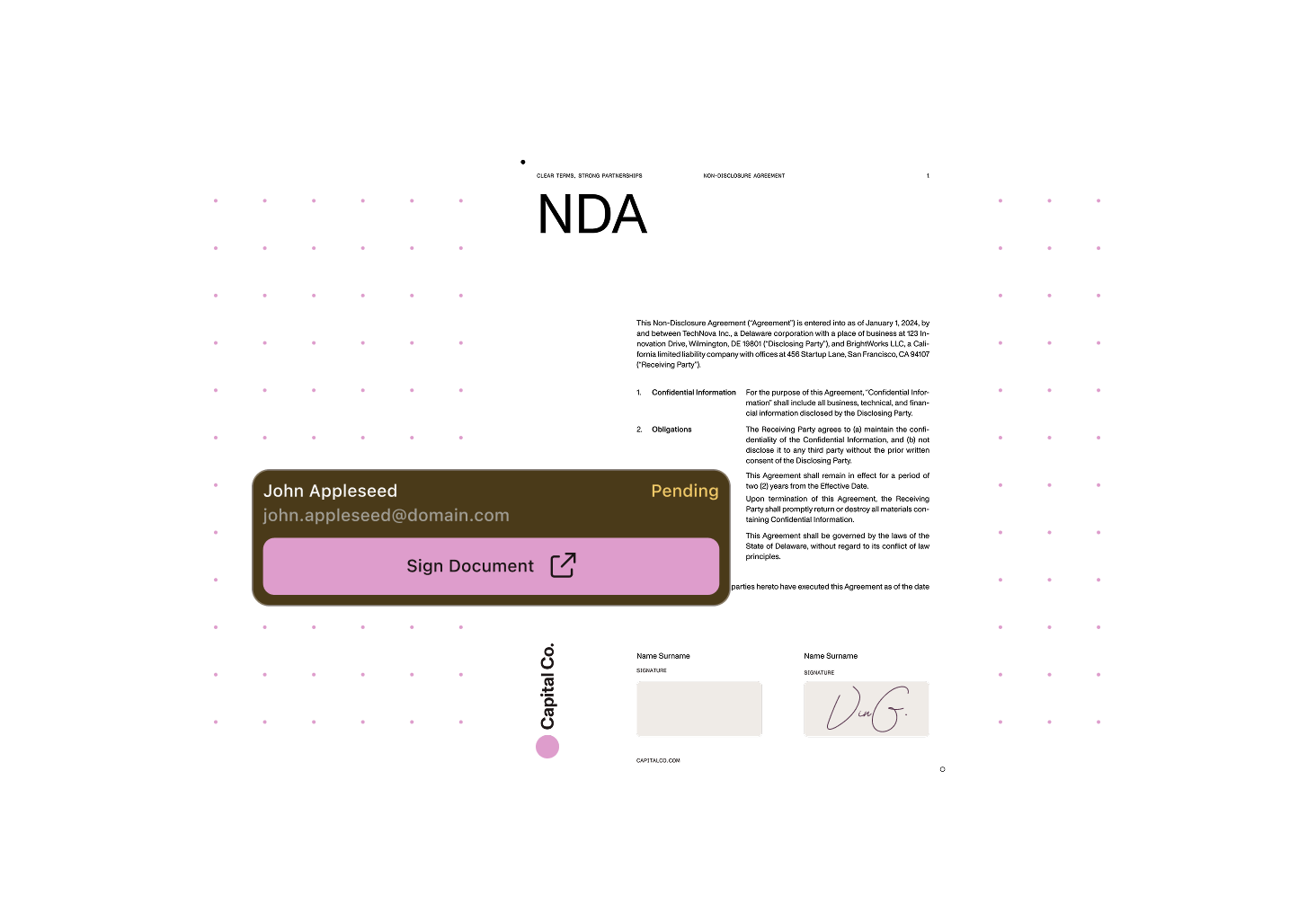
Collect legally binding signatures, monitor progress, and get reminders to ensure approvals stay on track. Prepare envelopes, assign recipients, place signature and form fields, and manage the full signing workflow without leaving Salesforce.
Keep signing workflows connected to the records and business processes that already drive your work.
Monitor signing status and envelope progress alongside the Salesforce data your teams already rely on.
Use reminders and workflow controls to reduce delays and keep signature-dependent processes on track.
Support digital signatures as part of record-based workflows for sales, service, and operations teams.
Keep signing workflows aligned with Salesforce records, users, pages, and approvals instead of managing them in a disconnected external tool.
Configure senders and reminders to keep digital signature workflows moving.
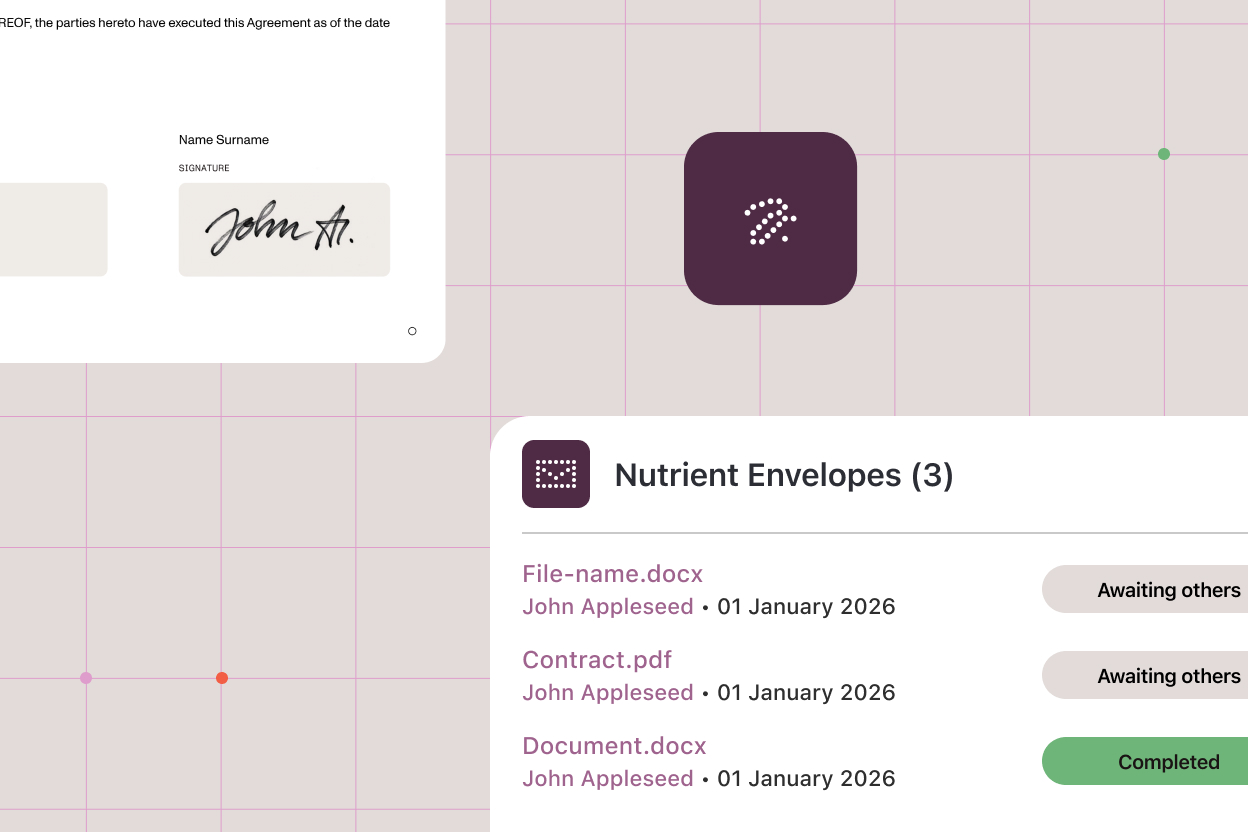
Track envelope status and signing progress without losing business context.
View forms in Salesforce documents, place form elements as part of signing workflows, and support form filling during signing.
Prepare, manage, and track digital signing workflows in a Salesforce-native experience.
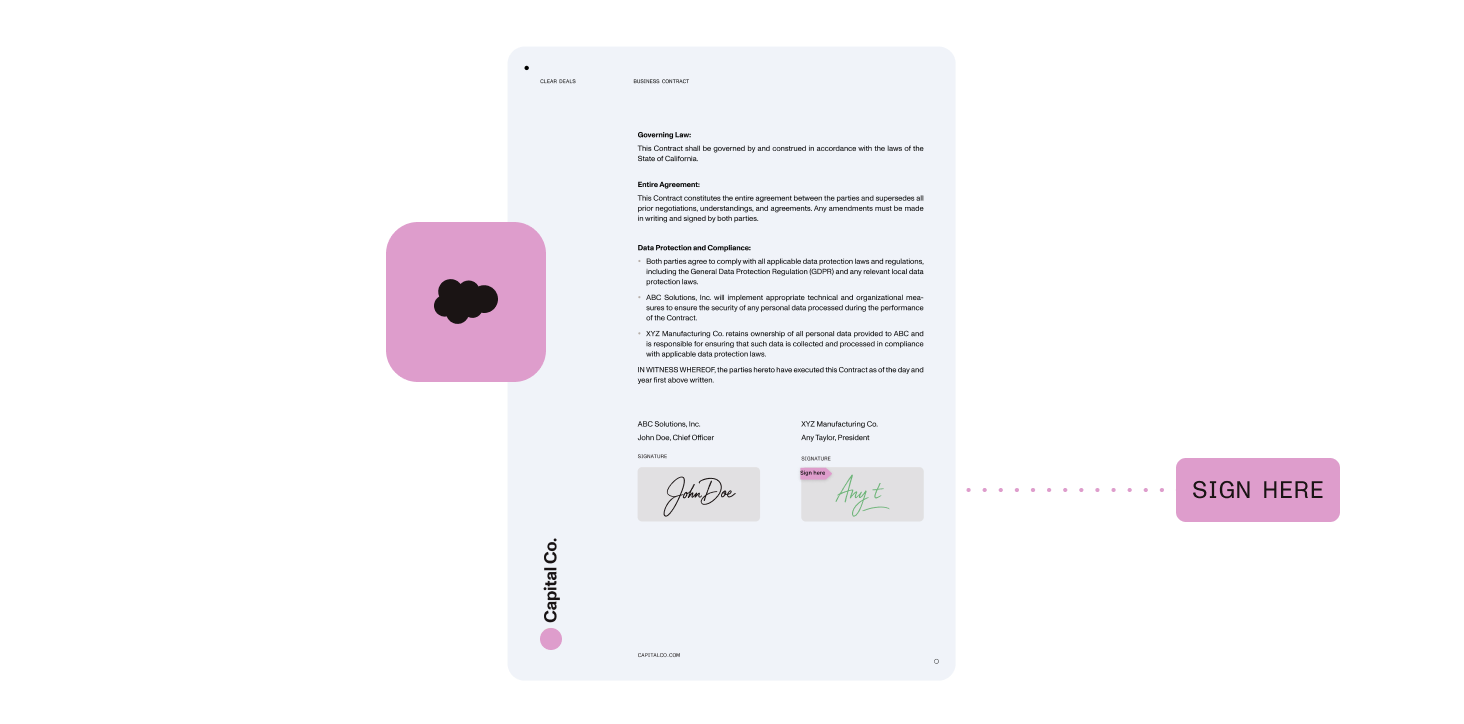
Nutrient helps teams bring digital signature workflows into Salesforce without disconnecting them from records, users, and approvals.
Keep digital signatures tied to the same records and business processes your teams already use.
Track signing progress and envelope status in context.
Bring document generation, editing, and signing closer together in a more consistent Salesforce experience.
Support approval-heavy workflows across sales, service, and operations teams.
Yes. Nutrient Documents for Salesforce supports digital signing workflows for Salesforce documents.
Teams can manage key signing workflow steps in Salesforce, including sender configuration, reminders, and envelope status tracking.
Yes. Signing workflows are designed to stay closely connected to Salesforce records, users, and approvals.
Common examples include contracts, approval documents, customer-facing forms, and other Salesforce-driven business documents.
Digital signing workflows can support both internal and external signers.
See how Nutrient helps teams manage digital signing without disconnecting documents from records and approvals.