Automated PII redaction with Nutrient API: Detect and remove PII

Table of contents
Quick start — Sign up for Nutrient DWS Processor API(opens in a new tab) → Get an API key → Choose AI-powered (/ai/redact) or regex-based (/build) redaction → Receive a redacted document for validation.
Free tier — Every account includes 50 free credits per month to prototype and test.
What you’ll learn — PII taxonomy, compliance considerations (GDPR and HIPAA), and end-to-end examples for both AI and regex methods.
Manual review and regex each have useful roles in redaction. Scans, mixed layouts, and identifiers with varied formatting can make either approach harder to apply consistently.
For example, a regex written only for hyphenated Social Security numbers can miss SSN: 123 45 6789. A reviewer can also overlook a repeated mention. Broader patterns, contextual detection, review, and application logging help address these risks.
What is PII redaction?
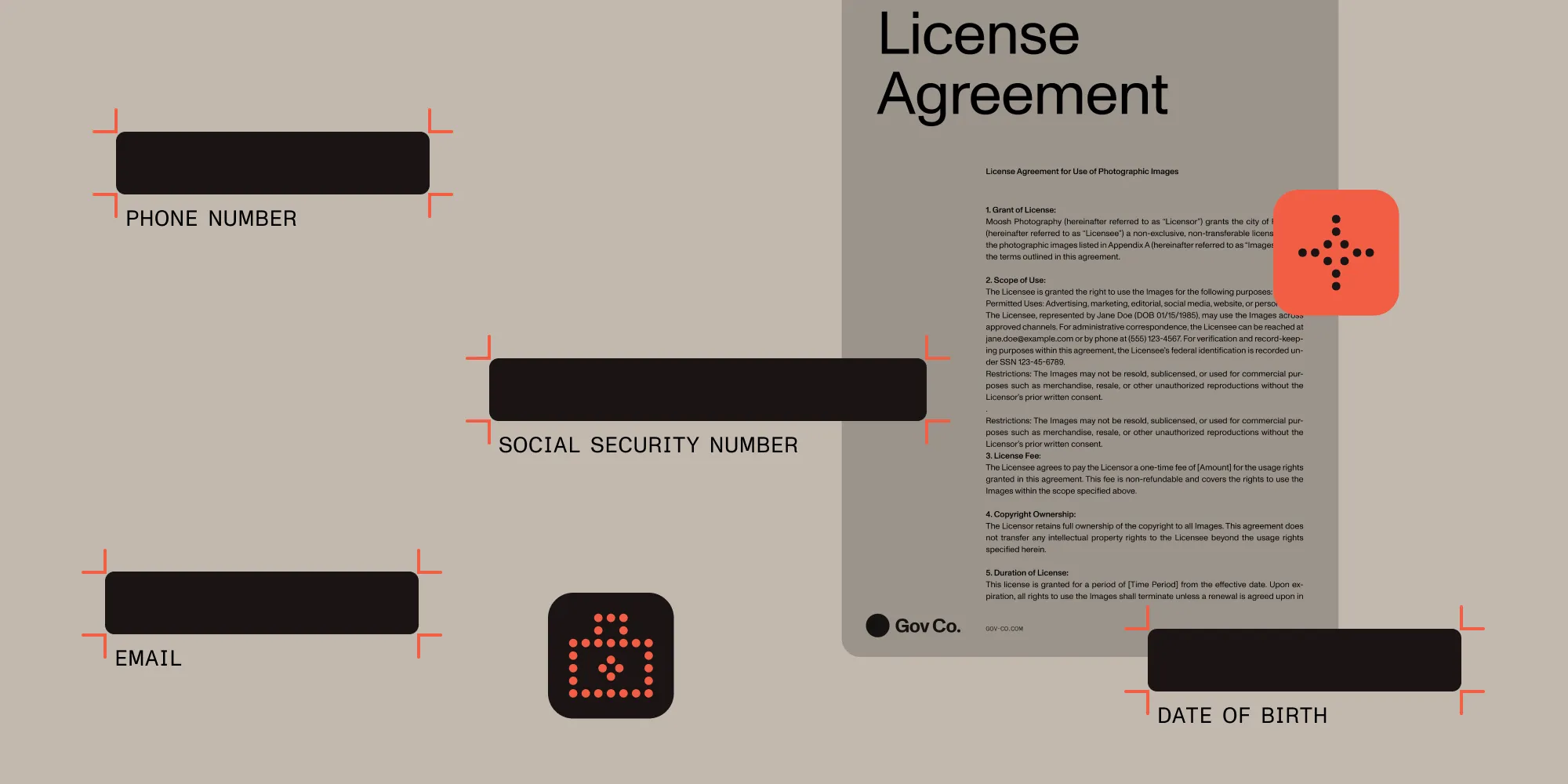
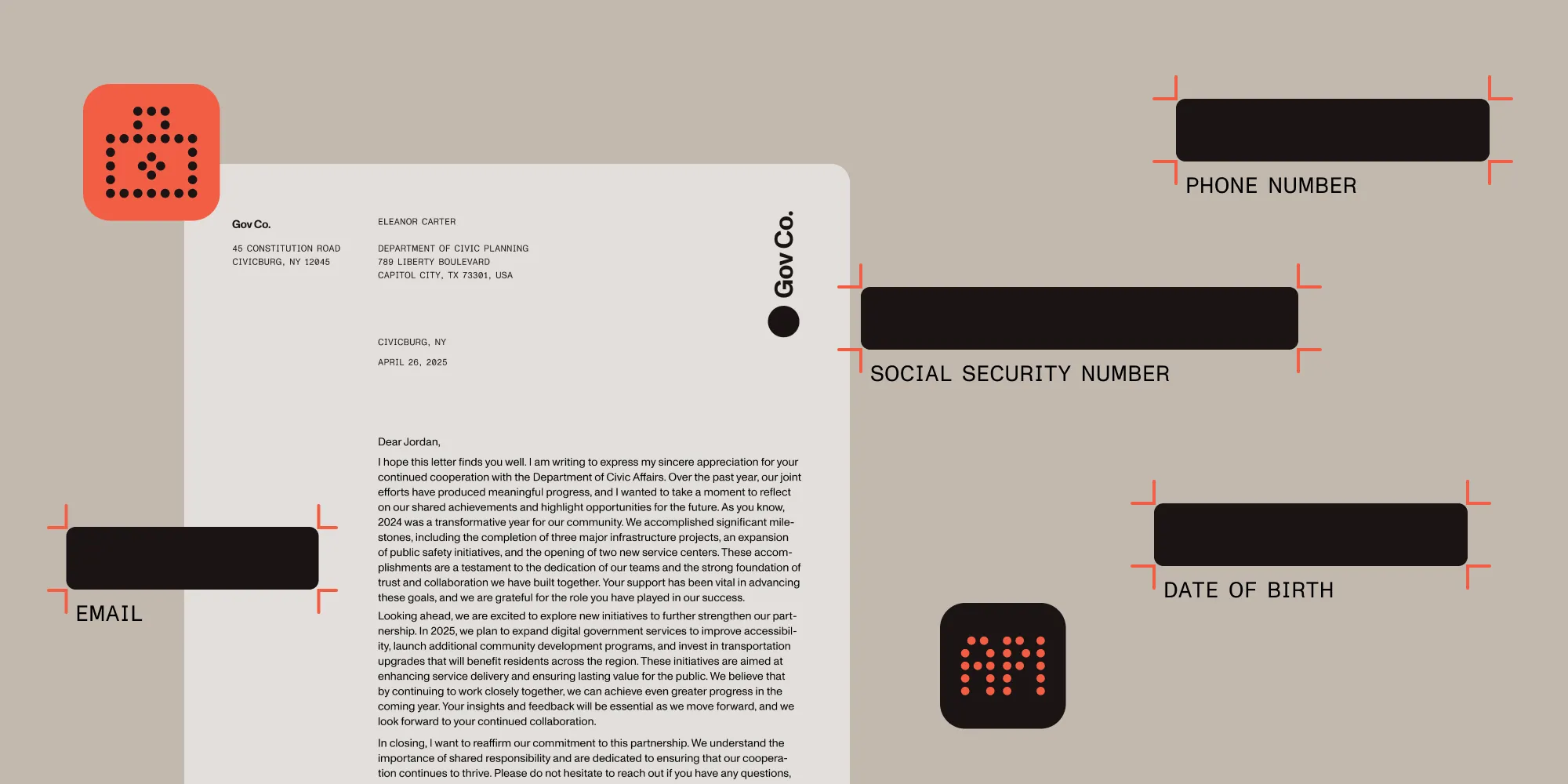
Redaction of personally identifiable information (PII) is the permanent removal of that information from a document — not hiding it behind an overlay, but destroying the underlying text so it can’t be selected, copied, or recovered. A PII redaction API automates this: It accepts a document, detects PII (by semantic analysis, pattern matching, or both), and returns a redacted copy. Your application should record review decisions and processing outcomes when an audit trail is required.
The distinction between redaction and masking matters legally. A black rectangle drawn over text is masking; the text underneath is still extractable. True redaction removes the marked content itself. Meeting a GDPR erasure request or HIPAA de-identification requirement also depends on scope, exceptions, other retained copies, and the selected legal process.
PII taxonomy for automated detection
PII falls into four categories:
Direct identifiers
- Full names and aliases
- Government ID numbers (SSN, passport, driver’s license)
- Biometric data
- Account numbers
Quasi-identifiers
- Dates of birth
- Geographic locations
- Phone numbers
- Email addresses
Special categories of personal data (GDPR Article 9(opens in a new tab))
- Health information
- Genetic and biometric data used to uniquely identify a person
- Political opinions
- Religious beliefs
Contextual PII
- Employee ID numbers
- Customer reference codes
- Internal project names
Systems need to know when 123-456-7890 is a phone number vs. a product code, or when John Smith refers to a person vs. a street.
Comparing redaction approaches
| Method | How it works | Best use cases | Limitations |
|---|---|---|---|
| Manual markup | Human reviewers locate/cover sensitive text | Small document volumes, highly sensitive content requiring human judgment | Time-consuming, inconsistent across reviewers, overlay redactions can leave text selectable |
| Regex patterns | Static patterns for well-formed tokens | Well-structured documents, known data formats, deterministic compliance requirements | Requires pattern maintenance for format variations, limited context awareness |
| Basic ML classifiers | Snippet-level models without layout context | Simple classification tasks, limited entity types | Poor at multipage context, hard to tune for diverse documents |
| AI-powered redaction | Context-aware entity recognition | Diverse document types, complex layouts, contextual PII detection | Requires representative testing and review of missed or incorrect detections |
Example: A legal document contains “Contact Sarah Johnson at 555-0123 regarding the Johnson account (#12345).”
- A phone-number regex can flag the number but miss the account reference.
- Manual review can identify contextual references, but repeated mentions still need checking.
- Context-aware redaction can suggest additional matches; validate that it finds every relevant occurrence in your test document.
GDPR and HIPAA compliance contexts
Automated redaction must comply with data protection regulations that govern how PII is processed, stored, and deleted. Here’s how to align your implementation with the General Data Protection Regulation (GDPR) and the Health Insurance Portability and Accountability Act (HIPAA).
GDPR requirements for automated processing
Under GDPR Article 6(opens in a new tab), automated PII processing requires a lawful basis (e.g. legitimate interests, contractual necessity, or legal obligation). Core principles in Article 5(opens in a new tab) apply:
- Data minimization — Only process data necessary for redaction
- Purpose limitation — Define the purpose and avoid incompatible further processing
- Storage limitation — Retain personal data only as long as necessary for the stated purpose
- Accuracy — Keep personal data accurate and address inaccuracies
- Accountability — Demonstrate compliance through technical and organizational measures
HIPAA safeguards and de-identification
HIPAA obligations depend on your organization’s role and use of protected health information (PHI). Access controls, audit controls, integrity, authentication, and transmission safeguards belong to the broader security process; an API key or redaction operation alone doesn’t establish compliance.
For de-identification, the U.S. Department of Health and Human Services (HHS) describes Safe Harbor and Expert Determination(opens in a new tab). Removing some visible identifiers isn’t sufficient by itself. Neither HIPAA nor GDPR universally requires AI confidence scores. Plan appropriate review, recordkeeping, and contractual safeguards for your use case.
This guide provides technical implementation details and isn’t legal advice. Consult your legal counsel for specific compliance requirements in your jurisdiction and use case.
Prerequisites
Before implementing automated PII redaction, you’ll need:
- A valid Nutrient API account with credits (sign up here(opens in a new tab))
- Basic understanding of REST APIs
- Python 3.7+ or cURL for testing
- PDF documents for testing redaction (you can use this example document containing various PII types)
How Nutrient handles redaction: AI and regex methods
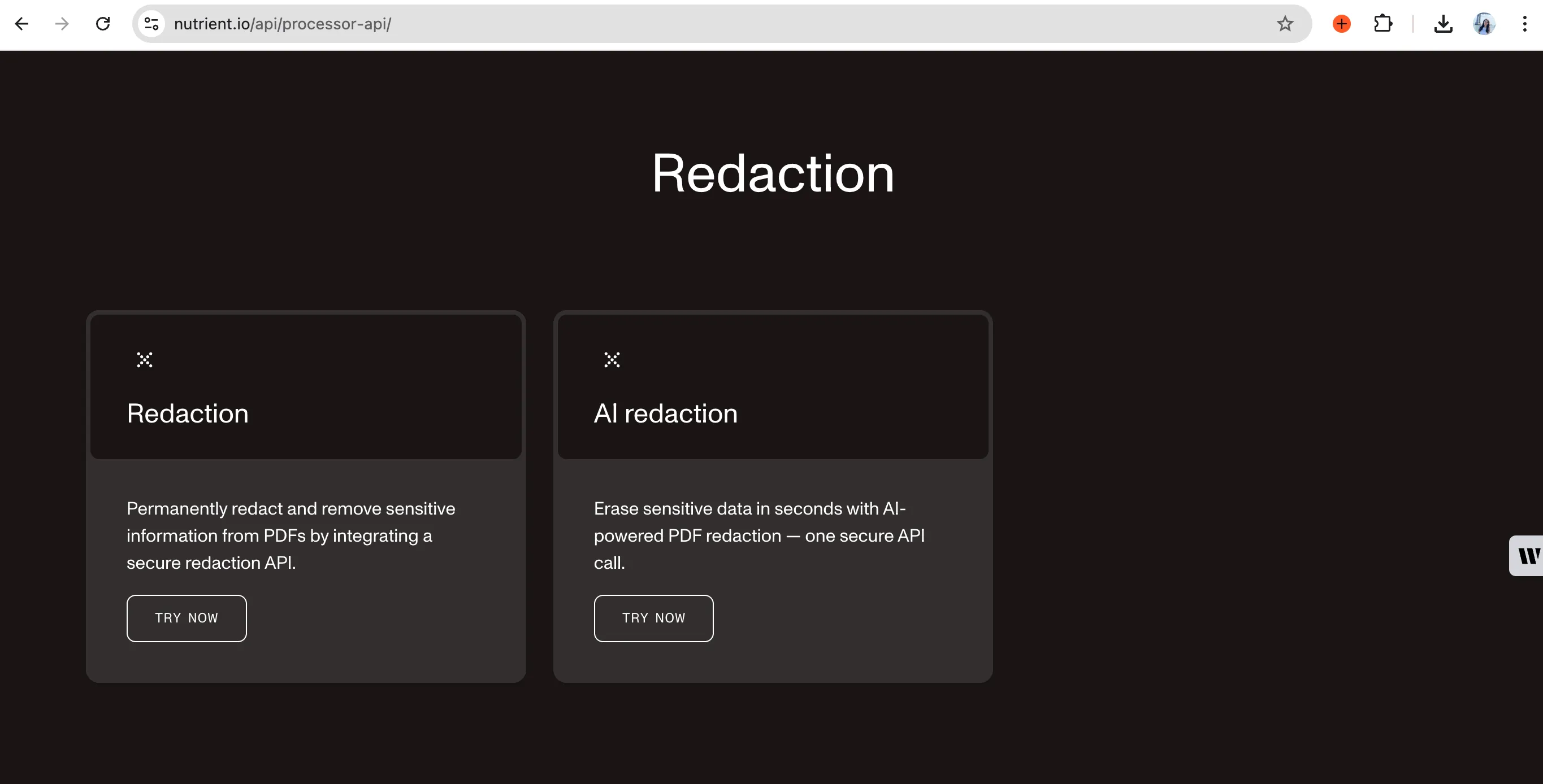
Nutrient provides two redaction methods to meet different requirements.
AI-powered redaction API
The AI-powered redaction API uses large language models (LLMs) to identify PII through semantic analysis. Regex matches defined patterns; AI uses context to suggest sensitive information.
How AI redaction works
Semantic understanding — The AI uses surrounding text to interpret identifiers such as “Routing No. 987654321.” Test ambiguous examples, such as numbers used as product codes or names used in street addresses.
Document preparation — Send searchable PDFs to the AI redaction API. Use optical character recognition (OCR) first for scans, and validate detection on:
- Native PDF text
- Scanned documents (OCR processing)
- Mixed layouts with text and images
- Tables and complex document structures
Review and evaluation — Define redaction criteria, test on labeled documents, and review uncertain cases. Measure false positives and missed identifiers in your own evaluation rather than assuming the endpoint exposes a configurable confidence threshold.
Key features
- Context-aware detection — Uses surrounding text to help distinguish personal names from other uses
- Entity recognition — Personal data, payment information, medical terms, custom entities, and contextual PII
- Review support — Integrate document review and application logging into your compliance process
- API integration — Compatible with existing platforms and automation tools
- Zero infrastructure — No servers, containers, or model updates to manage
Processing workflow
- Upload — Send the PDF for processing under your plan’s retention policy
- Analyze — AI model performs semantic analysis of content and context
- Validate — Check detected regions against your redaction policy
- Stage or apply — Based on configuration, redactions are staged for review or applied automatically
- Return — Permanently redacted PDF with no recoverable content underneath black boxes
Measure processing time and review effort on representative contracts before estimating time savings. For more information, refer to our technical guide on how AI redaction sets a new document security baseline.
Regex-based redaction API
For rule-based redaction, Nutrient’s regex API removes content matching specific patterns.
Features
- Pattern-based redaction — Find and redact using regex, keywords, or custom criteria
- Preset pattern detection — Built-in patterns for email addresses, phone numbers, URLs, and other common PII formats
- Custom regex support — Build search rules for industry-specific formats
- Two-step process — Create redaction annotations first, and then apply them for permanent removal
Nutrient’s Processor privacy guide makes retention plan-dependent: When retention isn’t enabled, uploaded and generated files are deleted within 24 hours. When retention is enabled, files may be retained to operate, improve, and develop services, including model training and evaluation. Check your plan before sending sensitive documents. API requests use HTTPS.
API setup
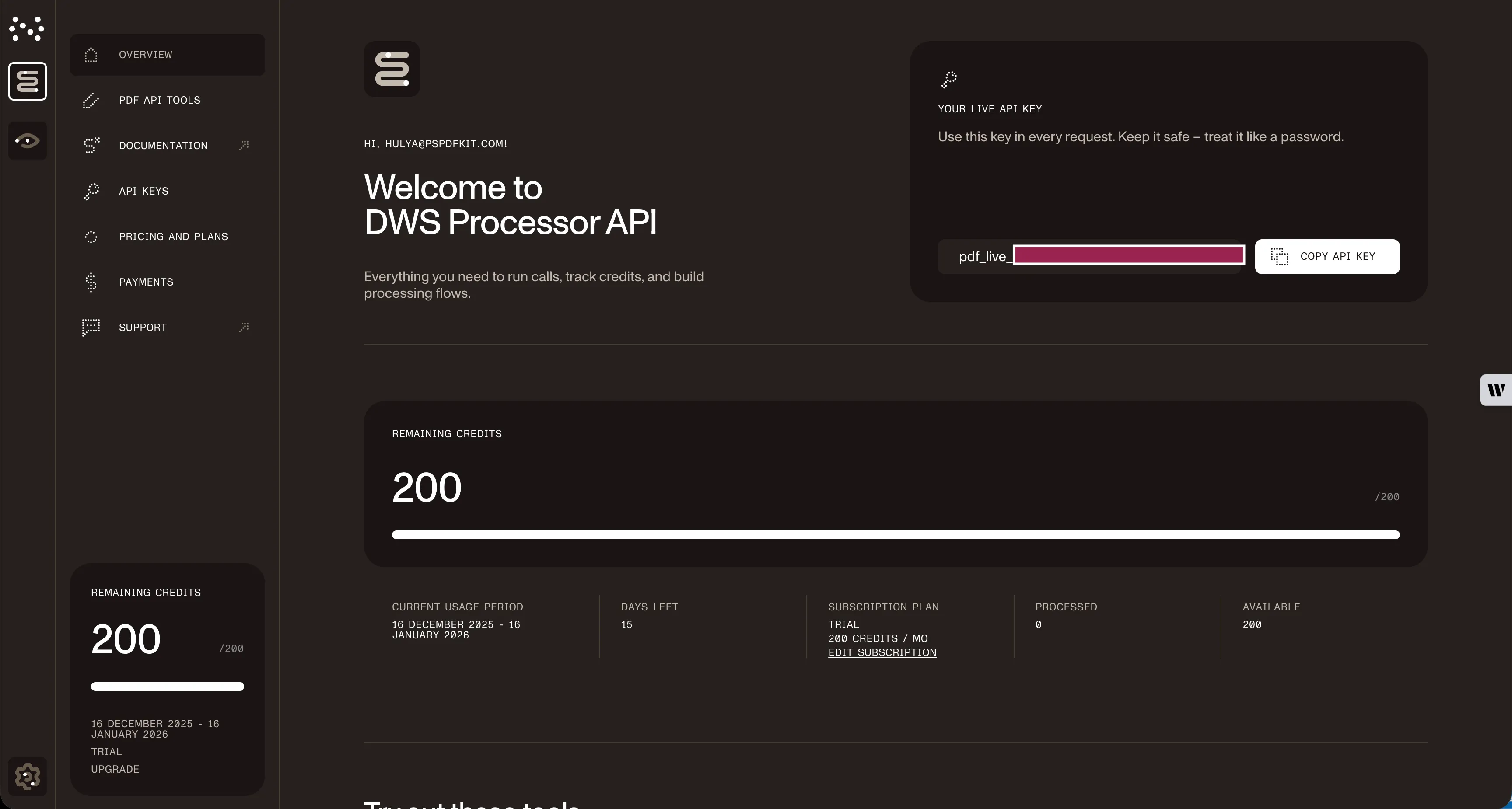
To get your API credentials:
- Sign up for a free account at https://dashboard.nutrient.io/sign_up/?product=processor(opens in a new tab).
- Navigate to the API keys section in your dashboard.
- Note your usage limits — You get 50 free credits monthly.
Code path A: AI-powered PII detection and redaction
Here’s how to implement AI-powered PII detection and redaction.
Basic redaction with cURL
This example sends a document with a criteria string, staging every detected PII match for review:
# Simple PII redaction.curl -X POST https://api.nutrient.io/ai/redact \ -H "Authorization: Bearer {NUTRIENT_API_KEY}" \ -o result.pdf \ --fail \ -F file1=@redaction.pdf \ -F data='{ "documents": [ { "file": "file1" } ], "criteria": "All personally identifiable information", "redaction_state": "stage" }'Stage vs. apply
Set how redactions are finalized via redaction_state:
"stage"→ creates reviewable annotations (text remains selectable)"apply"→ permanently removes the underlying content (burn-in)
Here’s the minimal payload change needed:
{ "documents": [{"file": "file1"}], "criteria": "All personally identifiable information", "redaction_state": "stage"}{ "documents": [{"file": "file1"}], "criteria": "All personally identifiable information", "redaction_state": "apply"}Use "stage" to evaluate detection before applying redactions. A new AI request runs detection again; to preserve human-reviewed annotations, apply those annotations to the reviewed PDF with the Build API’s applyRedactions action.
PII redaction in Python
The same request looks like this using Python’s requests library:
import requestsimport json
response = requests.request(  'POST',  'https://api.nutrient.io/ai/redact',  headers = {    'Authorization': 'Bearer {NUTRIENT_API_KEY}'  # Replace with your actual API key.  },  files = {    'file1': open('redaction.pdf', 'rb')  },  data = {    'data': json.dumps({      'documents': [        {          'file': 'file1'        }      ],      'criteria': 'All personally identifiable information',      "redaction_state": "stage" # or "apply" for permanent redaction.    })  },  stream = True)
if response.ok:  with open('result.pdf', 'wb') as fd:    for chunk in response.iter_content(chunk_size=8096):      fd.write(chunk)else:  print(response.text)  exit()
Code path B: Regex-based redaction
For deterministic redaction, use the regex API with preset patterns or custom rules.
Basic redaction with Python
This example creates redaction annotations for every occurrence of a search term, and then applies them permanently in the same request:
import requestsimport json
response = requests.request(  'POST',  'https://api.nutrient.io/build',  headers = {    'Authorization': 'Bearer {NUTRIENT_API_KEY}'  # Replace with your actual API key.  },  files = {    'document': open('redaction.pdf', 'rb')  },  data = {    'instructions': json.dumps({      'parts': [        {          'file': 'document'        }      ],      'actions': [        {          'type': 'createRedactions',          'strategy': 'text',          'strategyOptions': {            'text': 'acme',            'includeAnnotations': True,            'caseSensitive': False          }        },        {          'type': 'applyRedactions' # createRedactions only for review.        }      ]    })  },  stream = True)
if response.ok:  with open('result.pdf', 'wb') as fd:    for chunk in response.iter_content(chunk_size=8096):      fd.write(chunk)else:  print(response.text)  exit()
Stage vs. apply (regex “build” flow)
Regex and preset redaction is a two-step pipeline:
createRedactions→ marks regions (stage)applyRedactions→ burns in redactions (apply)
If you omit the applyRedactions step, you’ll only see visual boxes, and the underlying text will still be present.
For SDK-based implementations with built-in UI components, refer to our document redaction SDK guide. For broader automation patterns, explore dynamic document redaction workflows.
Troubleshooting
Common API errors:
401 Unauthorized— Check your API key in the Authorization header413 Payload Too Large— File exceeds 100 MB limit, consider splitting large documents429 Rate Limit Exceeded— Implement retry logic with exponential backoff422 Unprocessable Entity— Verify PDF isn’t password-protected or corrupted
FAQ
A PII redaction API is a web service that detects and permanently removes personally identifiable information from documents programmatically. Instead of installing redaction software or reviewing documents by hand, an application sends a document to an endpoint (such as https://api.nutrient.io/ai/redact) and receives a redacted copy back — with the underlying text destroyed, not merely covered. Nutrient offers AI-based detection through /ai/redact and deterministic regex rules through /build, with review before applying redactions.
Sign up at dashboard.nutrient.io(opens in a new tab) and you’ll receive 50 free credits immediately. At 0.05 credits per page for AI redaction, that covers up to 1,000 pages per month; at one credit per document for regex-based redaction, that covers 50 documents. Credits renew monthly.
AI redaction costs 0.05 credits per page; regex-based redaction costs one credit per document. Once you use your monthly free credits, additional usage draws from your plan’s credit balance.
Use AI redaction (0.05 credits per page) when you need semantic understanding — the AI analyzes context to distinguish “Johnson” as a person vs. a street name, processes scanned documents with OCR, and handles mixed layouts. Evaluate missed detections and false positives, and route sensitive documents through human review.
Use regex-based (one credit per document) for deterministic patterns in well-structured content where you need predictable rule-based matching. Both methods support permanent redaction and auditability.
AI redaction uses LLMs to detect sensitive information from context and applies redactions to the identified regions. Detection can miss content, so validate the results. Document retention follows the Processor privacy guide.
Context can help distinguish a phone number from a product code or a person from a street name, but ambiguous cases still need evaluation.
PDF is fully supported. Office files (Word, Excel, PowerPoint) can be converted to PDF first using Nutrient’s conversion APIs; conversion usage also consumes credits.
For complete format support and pricing details, see our API documentation.
Conclusion
If your documents are messy, scanned, or context-heavy, choose AI redaction; if they’re structured and predictable, choose regex and preset redaction. Both methods can remove marked content permanently. Add review decisions and processing logs in your application for auditability.
A simple rule for rollout: Start in "stage" to validate what gets flagged, and then switch to "apply" to burn it in for production.
Ship it this week
- Try it for free — Create an account(opens in a new tab) and you’ll get 50 monthly credits to test.
- Go AI first — Read the AI redaction API guide for guidance on scans and mixed layouts.
- Lock down patterns — Use the regex redaction API for deterministic rules.
Use these APIs to automate repeatable redaction steps. Then validate the results against your document policy.