BPM tools: What they do and how to choose one

Table of contents

Try Workflow Automation free for 14 days
Business process management (BPM) tools are software applications that support the process lifecycle: modeling processes visually, automating the workflows inside them, collecting data through forms, and tracking performance against key performance indicators (KPIs). Modern process management tools have shifted from code-heavy suites for information technology (IT) specialists to low-code platforms that business analysts configure directly.
What do BPM tools do?
A process can improve through clearer responsibilities and fewer unnecessary steps. BPM software helps teams execute and measure those changes consistently. BPM tools cover four core jobs:
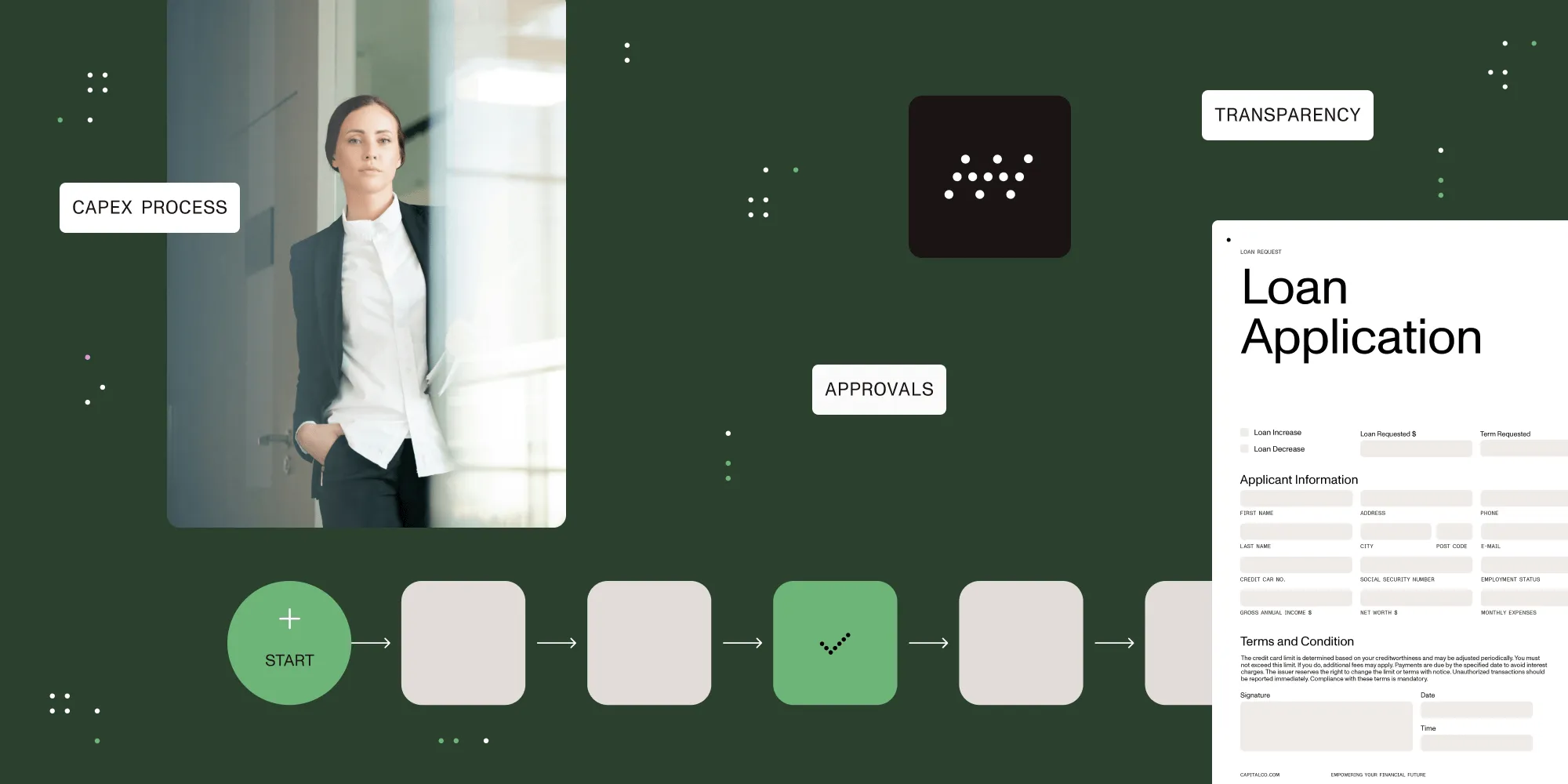
- Process modeling — Visual tools for diagramming processes with a standard syntax (steps, decisions, swim lanes), so every team documents processes the same way. The mapping conventions are covered in the BPM guide.
- Workflow automation — Routing work between people and systems with rules: sequential and parallel approvals, escalations, reminders, and audit trails. This is the largest category in practice; workflow automation covers it in depth.
- Data capture and forms — Structured forms replace the free-text email requests that make process data unusable, and they let workflows bridge gaps between enterprise applications.
- KPI tracking and reporting — Dashboards, configurable alerts, and drill-down reporting against the metrics defined during process design.
How to evaluate BPM tools
The selection criteria that matter, drawn from the BPM guide’s tool-selection chapter:
| Criterion | What to check |
|---|---|
| Ease of implementation | Time from purchase to first live workflow, and whether IT involvement is required for each new process |
| Learning curve | Whether business analysts can build and change processes without code |
| Functional depth | Visual process design, rule-based routing, forms, and KPI reporting in one system |
| Integration | Whether captured data flows to other enterprise applications without manual reentry |
| Auditability | Whether every approval records the approver and timestamp — verbal approvals are a major source of accountability gaps |
Configurable workflow features inside an existing enterprise resource planning (ERP) or customer relationship management (CRM) system may also connect to external systems through APIs and connectors. Check their supported integrations, approval controls, and maintenance requirements against your process. A dedicated BPM tool fills the “process whitespace” — the work that happens between and outside the big transactional systems.
When a BPM tool pays off
The clearest signals that a process needs tooling rather than more discipline:
- Approvals happen verbally or in email, so nobody can say who approved what and when.
- Work is tracked in spreadsheets that only one person understands.
- Requests get lost in handoffs between departments.
- Management can’t see where in-flight work is stuck without asking someone.
Each of these is a process optimization problem first — eliminate the unnecessary steps. Then automate what remains.
FAQ
BPM tools are software applications that support business process management: modeling processes visually, automating workflows with rules-based routing and approvals, capturing data through structured forms, and tracking process performance against KPIs.
Workflow automation software handles routing, approvals, and notifications for individual workflows. BPM tools cover the wider lifecycle around those workflows — process modeling, data capture, and KPI reporting — with workflow automation as the execution layer inside.
Modern BPM tools are predominantly low-code: Business analysts design processes and forms visually, and IT involvement is limited to integrations with other enterprise systems. Earlier generations of process management tools required technical specialists to sequence work in code.
Nutrient Workflow Automation covers all four capability areas — visual process design, rules-based routing and approvals, forms, and KPI dashboards. The Workflow Automation Platform page has the details. A free trial is also available.