CapEx formula: Reducing errors in capital expenditure through automation

Table of contents
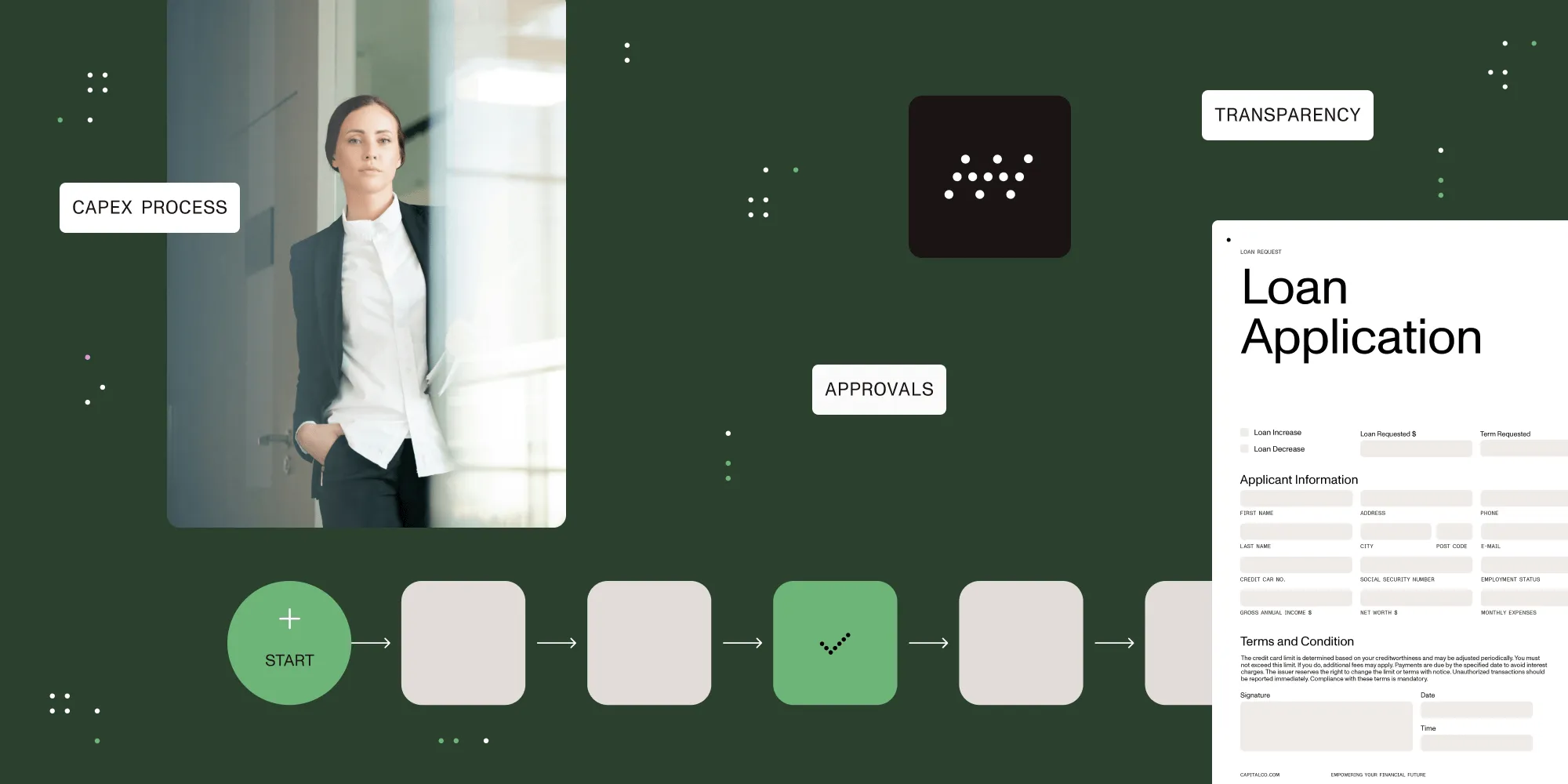
The simplified CapEx formula — change in net PP&E plus depreciation — estimates fixed-asset additions only when other asset movements are absent or reconciled. Automation supports approval routing, validation, and audit trails.
This post will explore how to calculate CapEx, why precision matters, and how automation can eliminate common pain points in CapEx management. For how capital expenditures differ from operating costs, see the CapEx vs. OpEx guide.
Try Workflow Automation free for 14 days
How to calculate CapEx (capital expenditure)
Understanding how to calculate CapEx is essential for financial forecasting and investment planning. A simplified estimate of fixed-asset additions uses net property, plant, and equipment (PP&E):
CapEx = PP&E (current period) – PP&E (prior period) + Depreciation Expense
Alternatively, it can be expressed as:
CapEx = ΔPP&E + Current Depreciation
Where:
- ΔPP&E refers to the change in net property, plant, and equipment.
- Current Depreciation is the depreciation expense recorded in the current period.
This estimate assumes no disposals, impairments, acquisitions, revaluations, foreign-exchange changes, or other movements. Reconcile those items in the asset schedule. For example, add back the carrying value of disposed assets, not their sale proceeds. Use cash-flow purchases to identify cash CapEx; accounting additions may include noncash transactions.
Example: CapEx calculation
Let’s say a company’s PP&E increased by $500,000 in a year, and its depreciation expense for that period was $100,000. Using the formula:
CapEx = $500,000 + $100,000 = $600,000
Under the stated assumptions, estimated fixed-asset additions are $600,000. This example assumes no disposals or other asset movements.
Watch our full CapEx automation demo video
Want to see CapEx automation in action? Watch our full demonstration video below.
What is net capital expenditure (net CapEx)?
Define “net CapEx” before using it: Here, it means cash purchases less proceeds from asset sales. In valuation, the term can instead mean CapEx less depreciation. For the cash-spending measure:
Net CapEx = Gross CapEx – Proceeds from Sale of Fixed Assets
This measures net cash spent on fixed assets. It doesn’t establish whether purchases expand capacity or replace existing assets.
In a separate cash-flow example, suppose confirmed cash purchases were $600,000 and asset-sale proceeds were $150,000:
Net CapEx = $600,000 – $150,000 = $450,000
This indicates that after accounting for asset sales, the net investment in long-term assets is $450,000.
Why manual CapEx management leads to errors
Many organizations still manage CapEx using spreadsheets, email threads, and paper forms — tools not built for precision or scale. This leads to common issues such as:
- Inconsistent or incomplete data collection.
- Human input errors in calculations.
- Delayed or missed approvals due to disorganized workflows.
- Poor audit trails that complicate compliance.
When errors creep into CapEx reporting, it can distort forecasts, hinder capital planning, and affect financial statements.
How CapEx automation improves accuracy and efficiency
CapEx automation platforms are designed to standardize and streamline the capital request and approval process. They reduce manual touchpoints and introduce controls that improve data quality and visibility.
Accurate data entry and validation
Automated systems enforce data validation, flag calculation errors, and ensure figures used in CapEx formulas are consistent and complete.
Standardized forms and required fields
Customizable digital forms ensure that every CapEx request includes all the necessary details. This minimizes the risk of omissions and enables faster processing.
Streamlined, auditable workflows
Automated workflows route each request through predefined approval paths, complete with status tracking, deadline notifications, and audit trails.
Key benefits of CapEx automation for organizations
While error prevention is a major advantage, automation offers additional business value:
- Faster processing — Automated routing and reminders can reduce waiting time between reviewers; measure the change against your own baseline.
- Real-time transparency — Dashboards track request status, bottlenecks, and spending trends.
- Regulatory readiness — Built-in audit trails simplify compliance and year-end reporting.
- Strategic insights — Accurate data enables better forecasting and informed capital investment decisions.
Supporting strategic growth with Nutrient Workflow Automation
Nutrient’s CapEx automation solution is purpose-built to bring clarity, consistency, and control to capital expenditure management. From input validation to final approvals, every part of the process is traceable, auditable, and aligned with financial goals.
Whether you’re optimizing your asset portfolio or scaling operations, automation helps ensure your CapEx strategy is data-driven and error-resistant.
Looking to modernize your CapEx process? Get started with Nutrient Workflow.
FAQ
A simplified estimate is CapEx = change in net PP&E + depreciation. It requires reconciling disposals and other asset movements, and accounting additions may differ from cash purchases.
CapEx automation reduces manual errors, standardizes request workflows, improves approval tracking, and enhances compliance with audit trails.
Here, net CapEx means cash purchases of fixed assets less asset-sale proceeds. Some valuation analyses instead use CapEx less depreciation. State which definition you use; neither measure alone establishes capacity growth.
Manual CapEx processes often lead to input errors, incomplete documentation, slow approvals, and weak audit visibility — all issues that automation can resolve.
Automation validates data entry, enforces form completeness, applies consistent calculations, and routes approvals efficiently, reducing the risk of misreporting.