Capital cost vs. operating cost: Understanding capital expenditure (CapEx) request forms

Table of contents
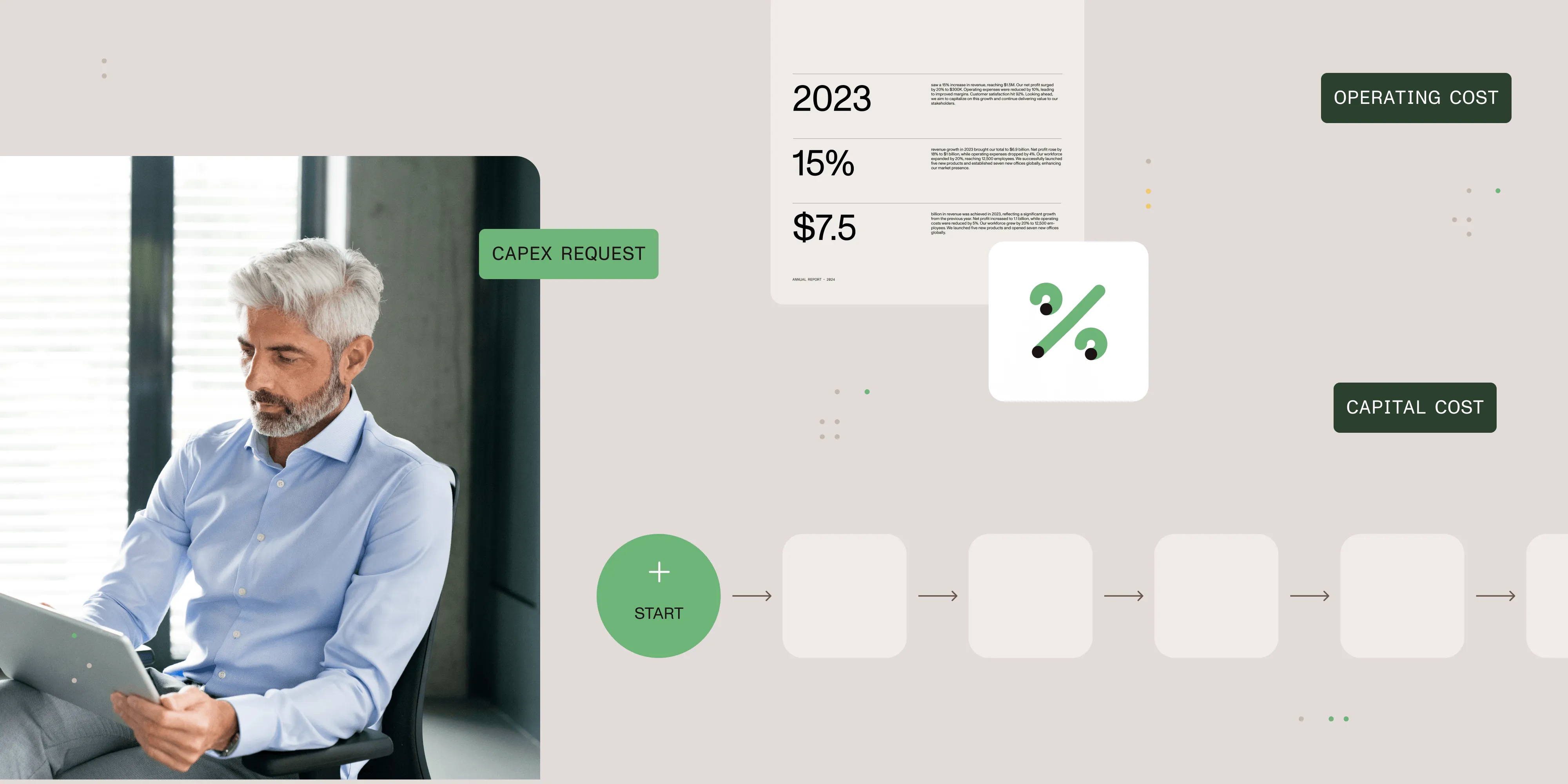
A capital expenditure request form is a formal document organizations use to request funding for purchases or projects that involve capital expenditures (CapEx) — money spent to acquire, upgrade, or maintain physical assets like buildings, equipment, or technology. A standardized form ensures the right information is captured upfront, which speeds approvals and supports accurate financial planning. A CapEx request is one type of requisition form — for a broader look at requisition types and how to automate them, see our complete requisition form guide.
Definition and importance of CapEx
Capital expenditure covers any spending on assets that will serve a company beyond the current fiscal year. Common reasons include entering new markets, launching products, improving operational efficiency, or upgrading technology. Because CapEx decisions tie up capital for years, managing them well directly affects a company’s financial health.
Learn more: CapEx examples
Purpose of a capital expenditure request form
A CapEx request form standardizes how teams ask for project funding. It collects project details, financial analysis, and strategic justification in one place so decision-makers can compare proposals on equal terms. Standardization also creates transparency: Everyone follows the same process, and every request is traceable.
Creating and filling out a capital expenditure request form
A good CapEx request form covers the elements below. Including all of them gives approvers enough information to evaluate the project without followup questions.
Essential elements of a CapEx request form
- Project details — Describe the project’s objectives, scope, and timeline, including key milestones.
- Financial analysis — List costs, expected benefits, and return on investment (ROI) calculations so reviewers can judge financial viability.
- Strategic alignment — Explain how the project supports the organization’s broader goals.
- Contact details — Name the project sponsor and relevant stakeholders so approvers know whom to contact with questions.
- Approval process — Specify required signatures and authorization steps.
- Operating expenses — Estimate ongoing costs the project will create after the initial purchase.
- CapEx management — Outline how the project will be tracked, including reporting cadence and performance metrics.
Together, these sections give reviewers a complete picture of the project’s cost, purpose, and oversight plan.
Capture and route CapEx requests for approval
Standardized capital expenditure request forms reduce errors and shorten approval cycles. For a broader look at designing and automating approval chains, see our guide to document approval workflows. That said, collecting this information through Excel templates, paper forms, or email becomes a bottleneck once CapEx request volume grows.

Clients like Baylor University and British Petroleum use Nutrient’s workflow management software to handle financial approvals and routing online. BP reduced project approvals from weeks to as little as one day after automating its capital spend process.
Finance executives also gain better visibility into spending patterns because all request data lives in one auditable, exportable location.
CapEx form example
With Nutrient Workflow, a company can automate equipment purchase approvals so that every request includes the required documentation and reaches the right reviewers automatically. This shortens cycle times and reduces missed steps.
Capture the right data consistently, then route it
Nutrient Workflow includes one of the most configurable routing workflow engines available. You can mirror your organization’s policies and business rules directly, using approval matrices to route each CapEx form to the right person or chain of approvers.
Nutrient Workflow follows industry-standard security practices and certifications. It integrates with enterprise resource planning (ERP) systems, customer relationship management (CRM) systems, and accounting systems so your data stays in one place.
Benefits of automating your capital expenditure processes
Automating CapEx processes improves four areas.
Productivity and efficiency
- Reduce expenditure request, review, and approval time
- Streamline and standardize requests across multiple divisions
- Review and approve requests from mobile devices
- Attach and store supporting financial documentation
Compliance
- Eliminate error-prone manual systems
- Provide a clear audit trail for internal and external auditing
- Establish multitiered process definitions to provide security for sensitive data
- Control access levels to ensure privacy
Reporting and visibility
- Compare planned vs. actual spend
- Report on the efficiency of the process overall or for individual requests
- Provide a transparent view of the process and current status
- Identify CapEx approval bottlenecks and take corrective action
Integration
- Integrate with financials in existing ERP systems
- Push or pull data between systems to populate dropdown lists and other form fields
- Embed CapEx forms and tracking into existing intranets or websites
Get a head start on automating your CapEx process with our CapEx process template. Just import the template, customize, and launch your new process.
Get started
Contact us for a free demo of Nutrient Workflow applied to your CapEx request process.
FAQ
A CapEx request form is used to propose and document expenses for acquiring or upgrading physical assets like equipment or property.
Automating CapEx request forms streamlines the submission and approval process, reduces errors, and improves compliance and reporting.
Automation enables faster processing, consistent data capture, and clear audit trails, ensuring approvals are efficient and compliant.
Yes. Automated workflows can integrate with ERP, CRM, and accounting systems to maintain a unified source of truth.
The main benefits include increased efficiency, improved compliance, enhanced reporting capabilities, and seamless system integration.