Retrieve or set the annotation bounding box in Flutter
Each annotation has a size and position, known as the annotation’s bounding box. To access an annotation’s bounding box, call controller.document.annotations.getAnnotations(pageIndex) to retrieve the annotation. Then read its bounding box (bbox). The bounding box value is a rect array instance that stores the annotation’s size and position in PDF coordinates.
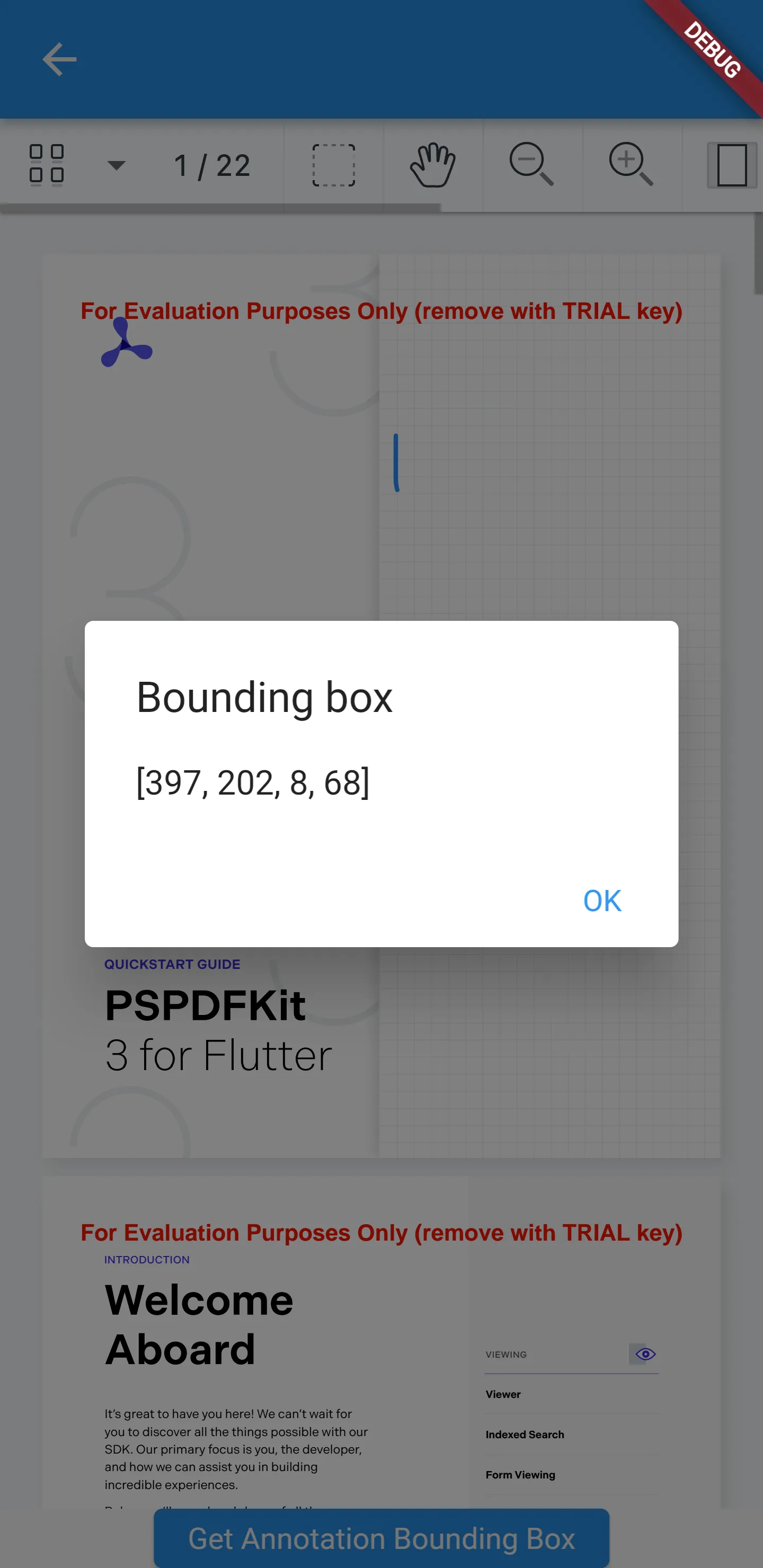
The following example adds a button that displays an alert with the bounding box value of the first annotation on the first page of the document:
import 'package:flutter/material.dart';import 'package:nutrient_flutter/bindings.dart';
class NutrientAnnotationsExample extends StatefulWidget {  final String documentPath;
  const NutrientAnnotationsExample({super.key, required this.documentPath});
  @override  State<NutrientAnnotationsExample> createState() =>      _NutrientAnnotationsExampleState();}
class _NutrientAnnotationsExampleState    extends State<NutrientAnnotationsExample> {  late NutrientController _nutrientViewController;  @override  Widget build(BuildContext context) {    return Scaffold(        appBar: AppBar(),        body: Column(          children: [            Expanded(              child: NutrientDocumentView(                documentPath: widget.documentPath,                onControllerReady: (controller) {                  setState(() {                    _nutrientViewController = controller;                  });                },              ),            ),            ElevatedButton(                onPressed: () {                  _nutrientViewController.document.annotations                      .getAnnotations(0)                      .then((annotations) async {                    await showDialog<AlertDialog>(                        context: context,                        builder: (BuildContext context) => AlertDialog(                              title: const Text('Bounding box'),                              content: Text('${annotations[0].bbox}'),                              actions: [                                TextButton(                                    onPressed: () {                                      Navigator.of(context).pop();                                    },                                    child: const Text('OK'))                              ],                            ));                  });                },                child: const Text('Get Annotation Bounding Box')),          ],        ));  }}
The alert shows the annotation’s bounding box value: