NutrientDocumentView Flutter widget
NutrientDocumentView is a Flutter widget(opens in a new tab) that integrates Nutrient Flutter SDK into your app. It displays PDF and image documents. Its onControllerReady callback provides the controller for programmatic access, and you can adjust the widget layout to match your app’s UI. Refer to the platform adapters guide to learn how the widget and platform adapters work together.
NutrientDocumentView replaces the legacy NutrientView widget from the deprecated method-channel API.
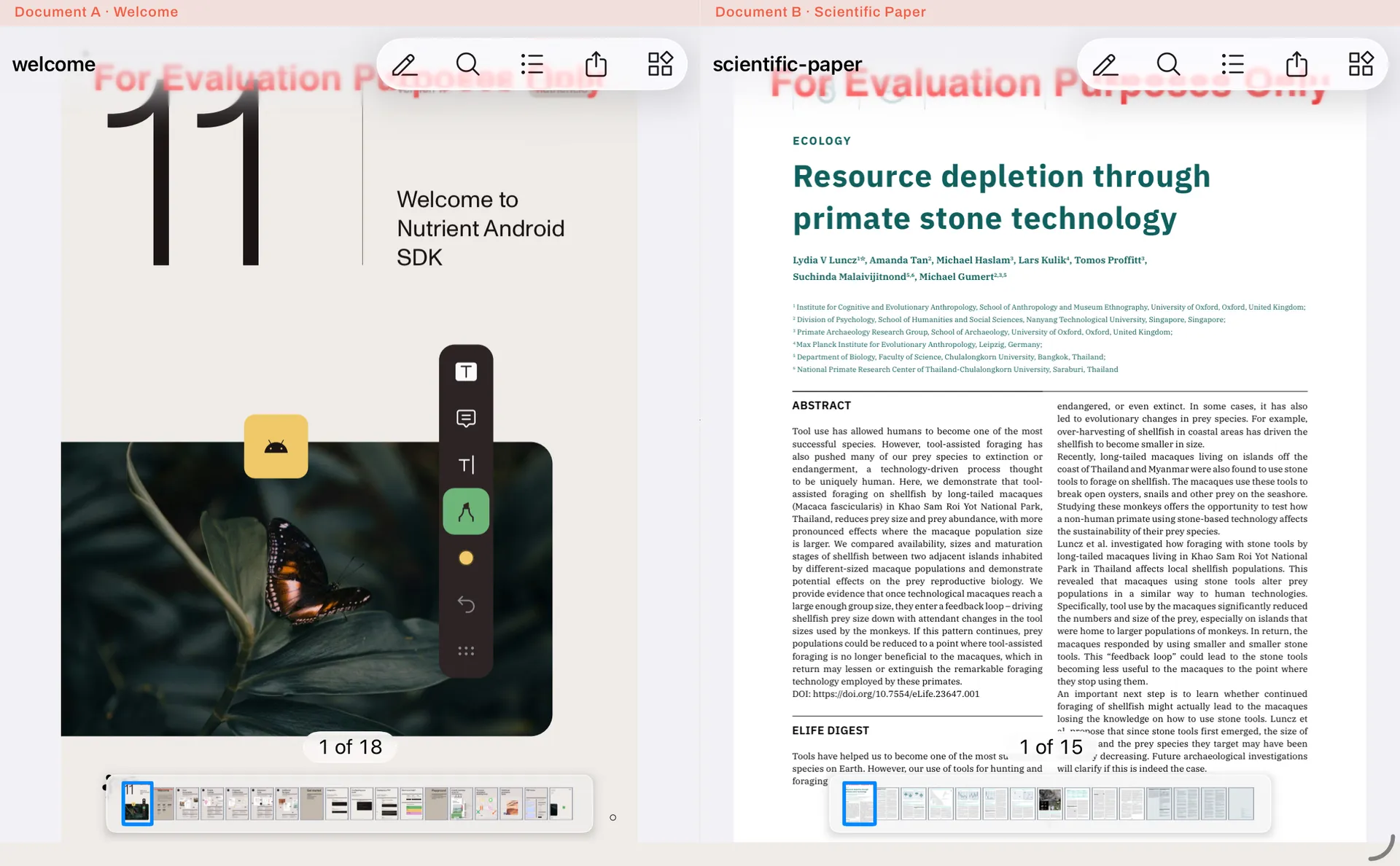
The following example displays two NutrientDocumentView instances side by side.
final document1 = ... // Copy the document from assets to the temporary directory.final document2 = ... // Copy the document from assets to the temporary directory.
await Navigator.of(context).push(MaterialPageRoute(    builder: (_) => Scaffold(        appBar: AppBar(title: const Text('Two Widgets')),        body: SafeArea(            bottom: false,            child: Row(children: [              Expanded(                  child: NutrientDocumentView(documentPath: document1.path)),              Expanded(                  child: NutrientDocumentView(documentPath: document2.path)),            ])))));
The split view shows both documents next to each other.
On Android, NutrientDocumentView requires your Android module’s activity to inherit the AppCompatActivity class. Use NutrientFlutterActivity, or extend FlutterAppCompatActivity. Refer to the getting started guide for setup details. If the app crashes on launch, refer to the AppCompatActivity troubleshooting guide.