How to find your current SDK version
If you’re unsure which version of Nutrient you’re using, there are ways to find out.
The current way to ask for the framework version at runtime is:
let pspdfVersionString = PSPDFKit.SDK.versionStringNSString *pspdfVersionString = PSPDFKitGlobal.versionString;Another option is to open PSPDFKit.xcframework or PSPDFKitUI.xcframework. Inside, you’ll find the VERSION file with the version number inside.
It’s necessary to use the same version from the same disk image for both PSPDFKit.xcframework and `PSPDFKitUI.xcframework“
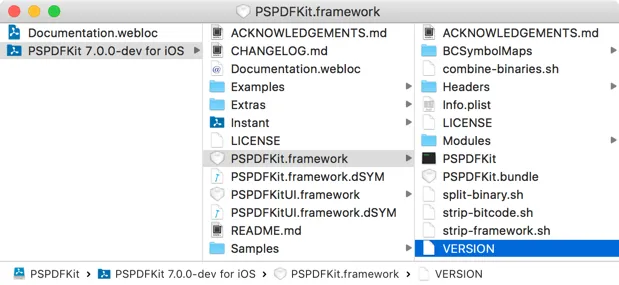
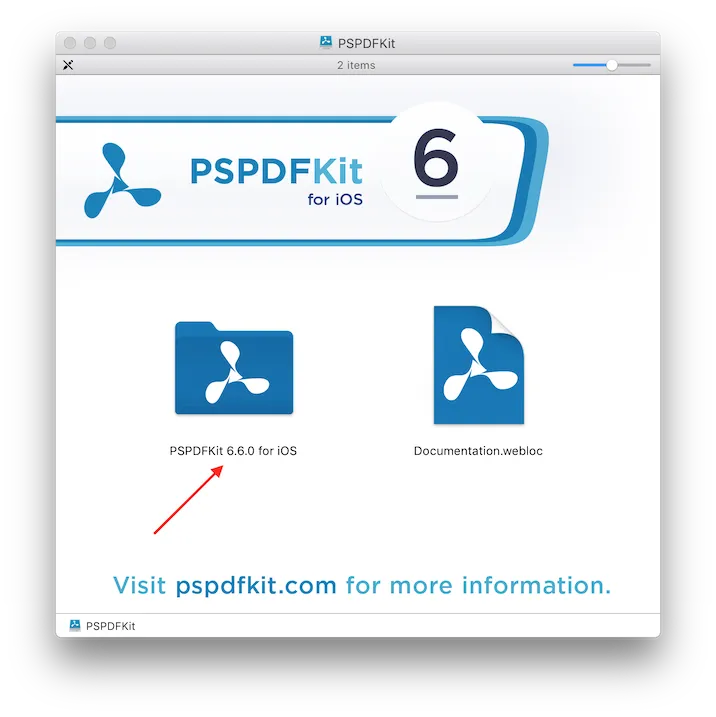
Beginning with Nutrient iOS SDK 6.6.0, the topmost folder in the downloaded disk image has the same name as the version of Nutrient in use.