Set annotation author in React Native
Each annotation created by your users will contain the annotation author name. By default, Nutrient will ask your users for this name the first time they create an annotation.
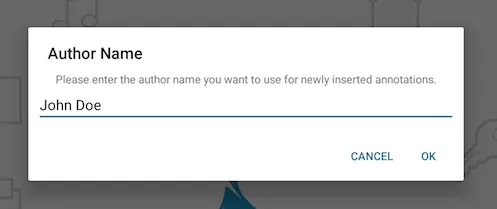
You can programmatically set the annotation author name using the annotationAuthorName prop like this:
<NutrientView document={DOCUMENT} ref={this.pdfRef} fragmentTag="PDF1" annotationAuthorName={'Jane Appleseed'} style={{ flex: 1 }}/>