Programmatically select or deselect annotations in React Native
In some scenarios, it’s useful to select one or more specific annotations programmatically to allow your users to interact with them, or to clear all selected annotations.
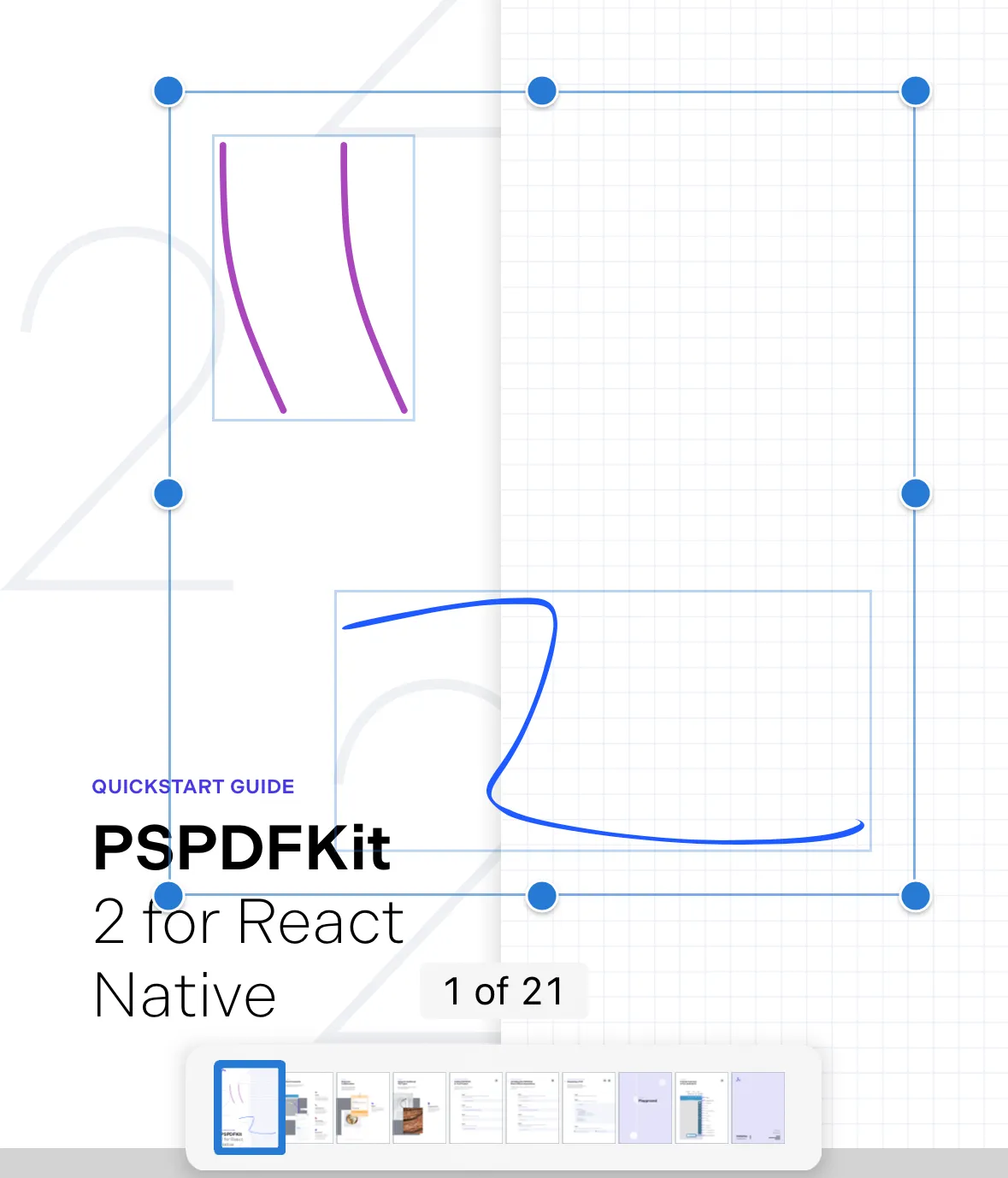
Select annotations programmatically using the selectAnnotations API, passing in the list of annotations to select in Instant JSON format:
const result = await this.pdfRef.current?.selectAnnotations( annotations,);Or, deselect all annotations using the clearSelectedAnnotations API:
const result = await this.pdfRef.current?.clearSelectedAnnotations();