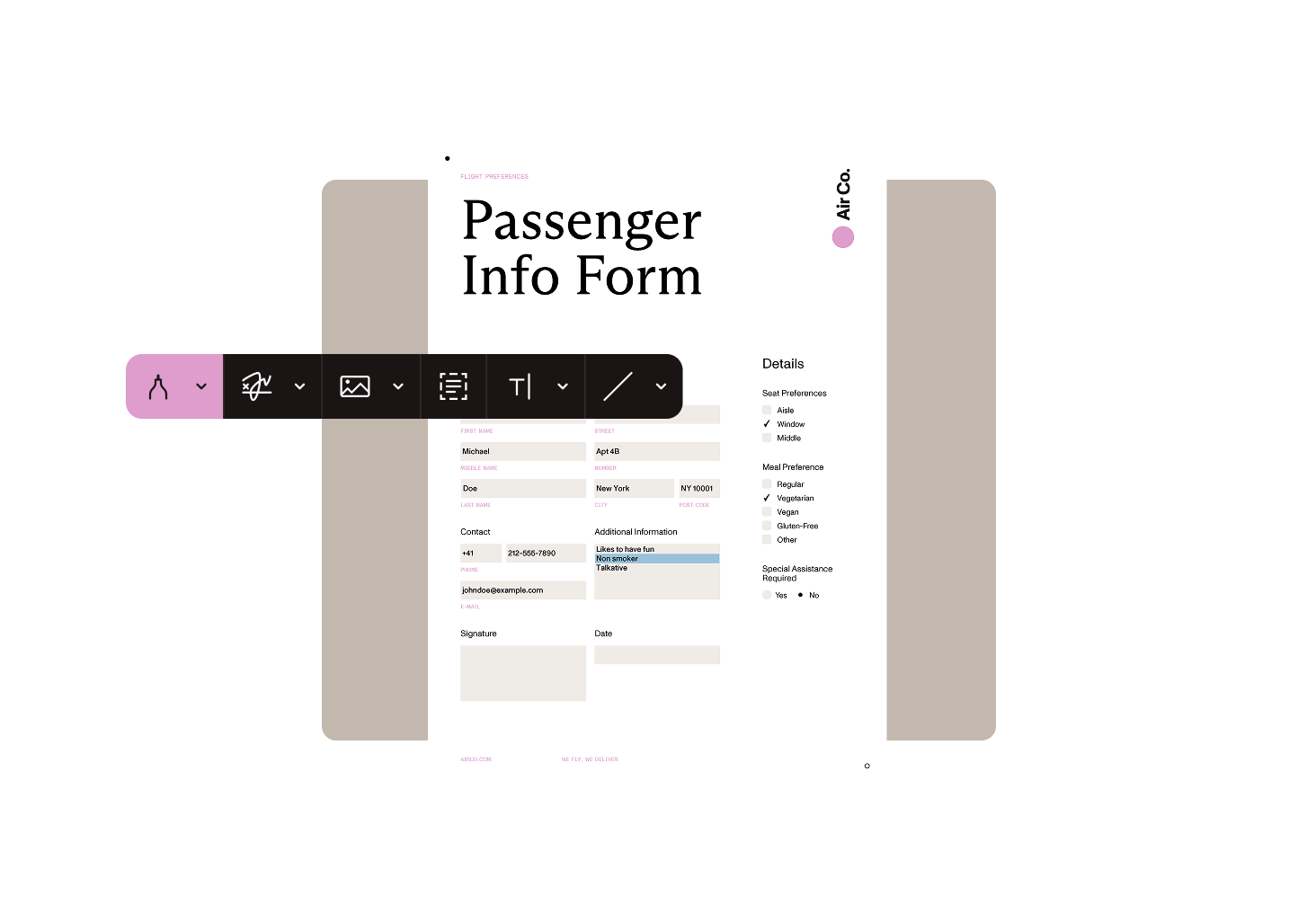
Review, refine, and finalize documents in Salesforce with support for PDF and DOCX text editing, page-level document changes, markup, annotation, and form-related workflows.
Make text and content changes to PDF and DOCX documents without moving work into separate tools.
Reorder, crop, add, or delete PDF pages as part of document preparation and review.
Use comments and markup to support feedback and document collaboration.
Refine outputs in Salesforce before they’re saved, sent, or signed.
Support content editing, page-level document updates, markup, and review workflows with a fully native experience.
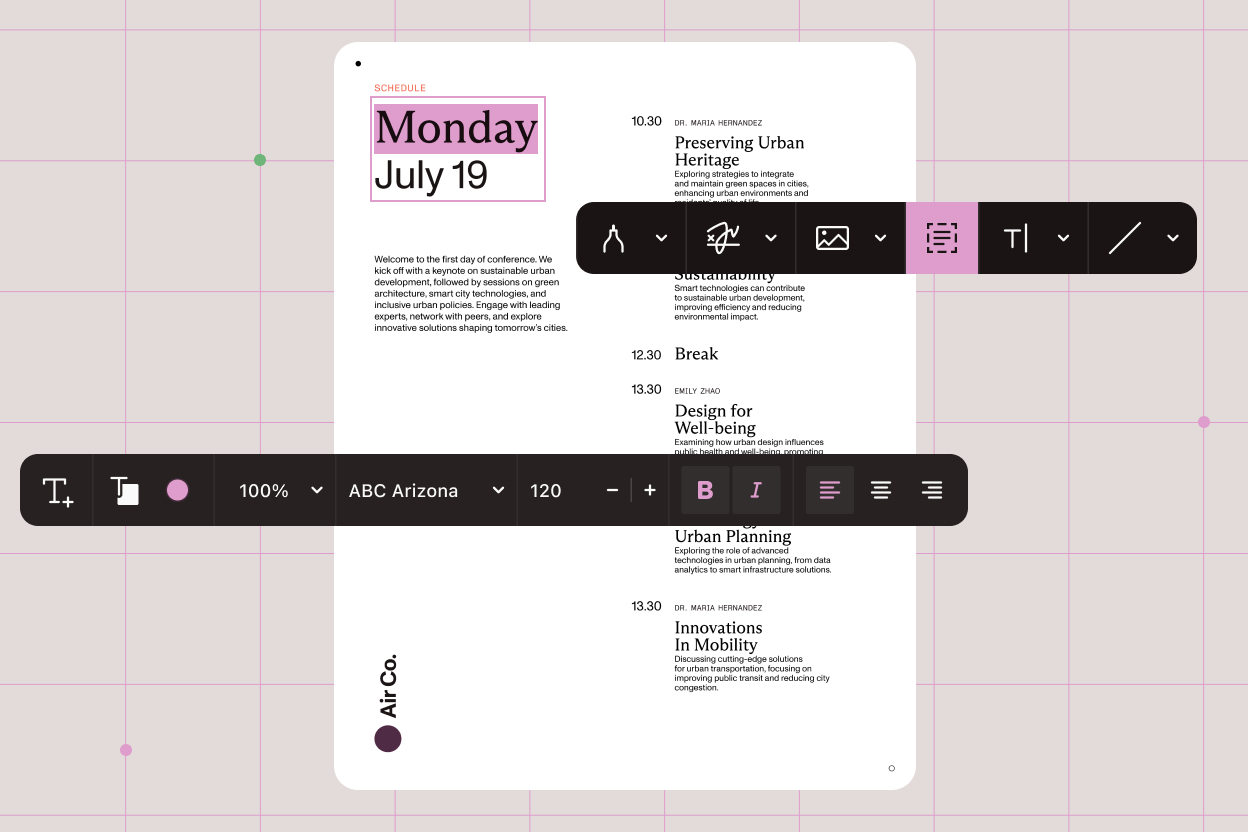
Edit text and content in PDF and DOCX documents without leaving Salesforce.
Reorder, crop, add, or delete PDF pages to make structural document changes before sharing or signing.
Add comments and markup to support review and collaboration in context.
Keep editing and refinement steps close to Salesforce records and document-driven business processes.
Use Nutrient’s editing features directly inside Salesforce document workflows.
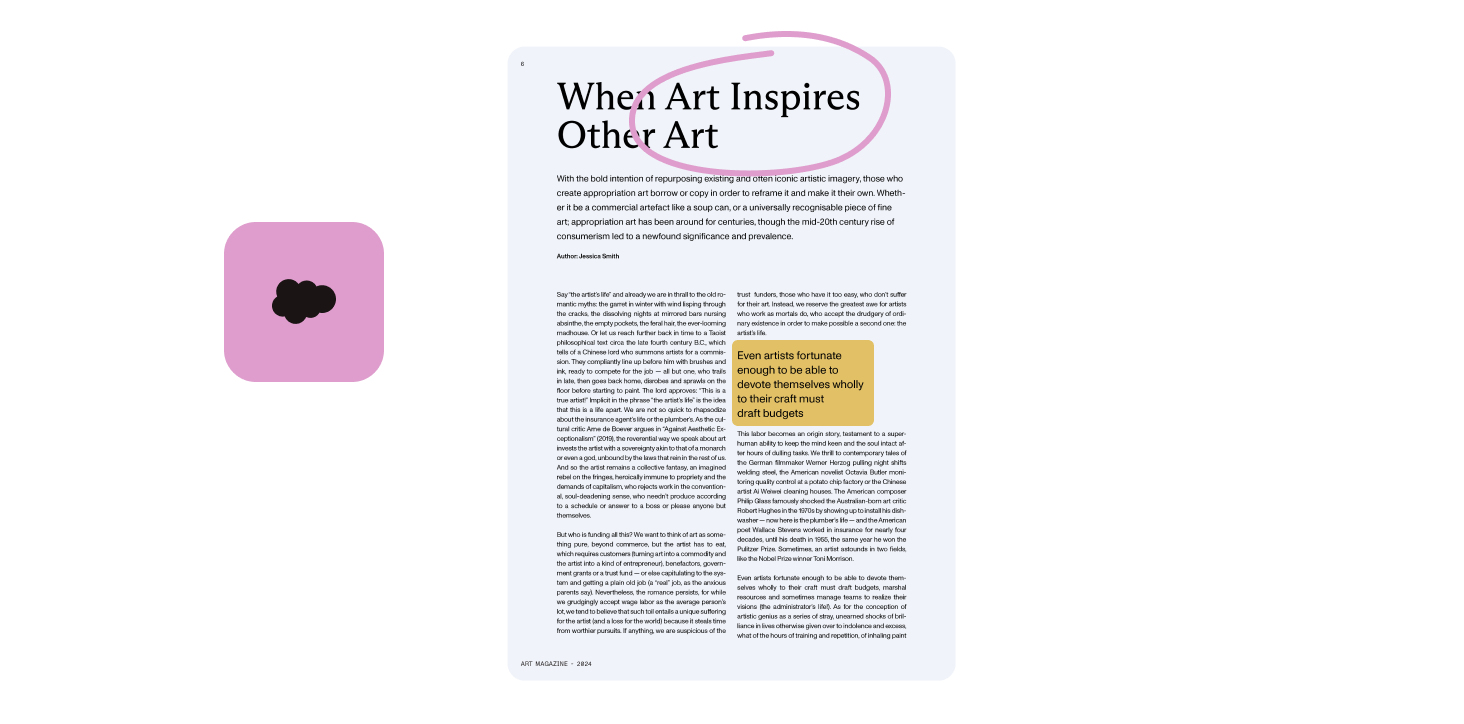
Nutrient’s industry-leading technology delivers a single solution to bring document editing directly into Salesforce.
Support both text changes and structural PDF edits in one workflow.
Review and annotate documents in the same business context where they’re used.
Edit documents before saving, sharing, or signing without breaking the Salesforce process.
Support sales, service, and operations teams that need document changes to happen inside Salesforce.
Yes. Nutrient Documents for Salesforce supports PDF editing directly in Salesforce, including content changes and page-level document updates.
Yes. Nutrient Documents for Salesforce supports DOCX editing and authoring workflows directly in Salesforce.
Teams can make content changes, reorder pages, crop pages, add or delete pages, and use markup tools for review and collaboration.
Yes. Teams can review, refine, and finalize documents in Salesforce before saving, sharing, or sending them for signature.
Editing can be part of the same Salesforce workflow as document generation, review, and digital signing.
See how Nutrient helps teams review, annotate, refine, and finalize PDF and DOCX documents without leaving Salesforce.