





Best low-code and no-code document integrations (2026)

Streamline your SharePoint content management by automatically generating metadata, enabling users to quickly find and utilize the information they need. Our tagging solution ensures consistency and accuracy across your SharePoint environment to make document management more efficient and reliable.
Learn how automated metadata tagging can streamline your content management and improve document retrieval. Contact us for a demo.
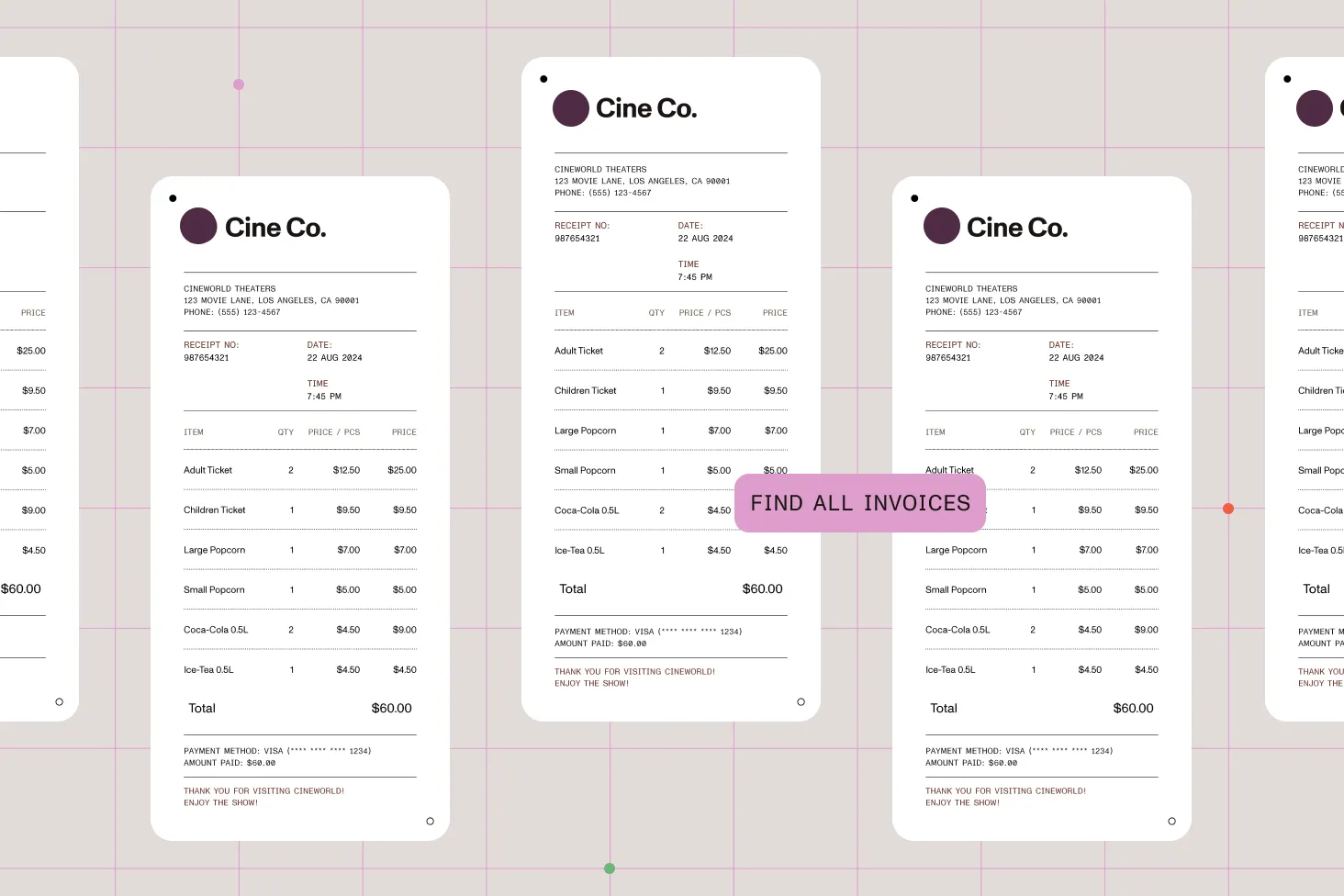
Nutrient Document Searchability automates metadata generation based on document content through various methods, including rules, taxonomies, barcodes, PDF forms, and integration with natural language processing (NLP) services. This comprehensive approach ensures documents are tagged with relevant metadata, making them easier to find and manage.
Define specific rules for metadata tagging, ensuring documents are tagged accurately and consistently. These rules can include text rules, zonal rules, barcode extraction, and PDF forms and metadata. This feature ensures your documents are systematically tagged according to predefined criteria, enhancing organization and searchability.
Use natural language processing (NLP) to analyze document content and generate relevant metadata. This advanced feature is particularly useful for content migration, sentiment analysis, and key-phrase extraction. NLP-based tagging helps derive meaningful tags from unstructured text, improving metadata accuracy and document findability.
Automatically tag documents by comparing their content with terms in the SharePoint Term Store. This ensures documents are tagged based on their textual content, aligning with your organization’s taxonomy, and improving search results.
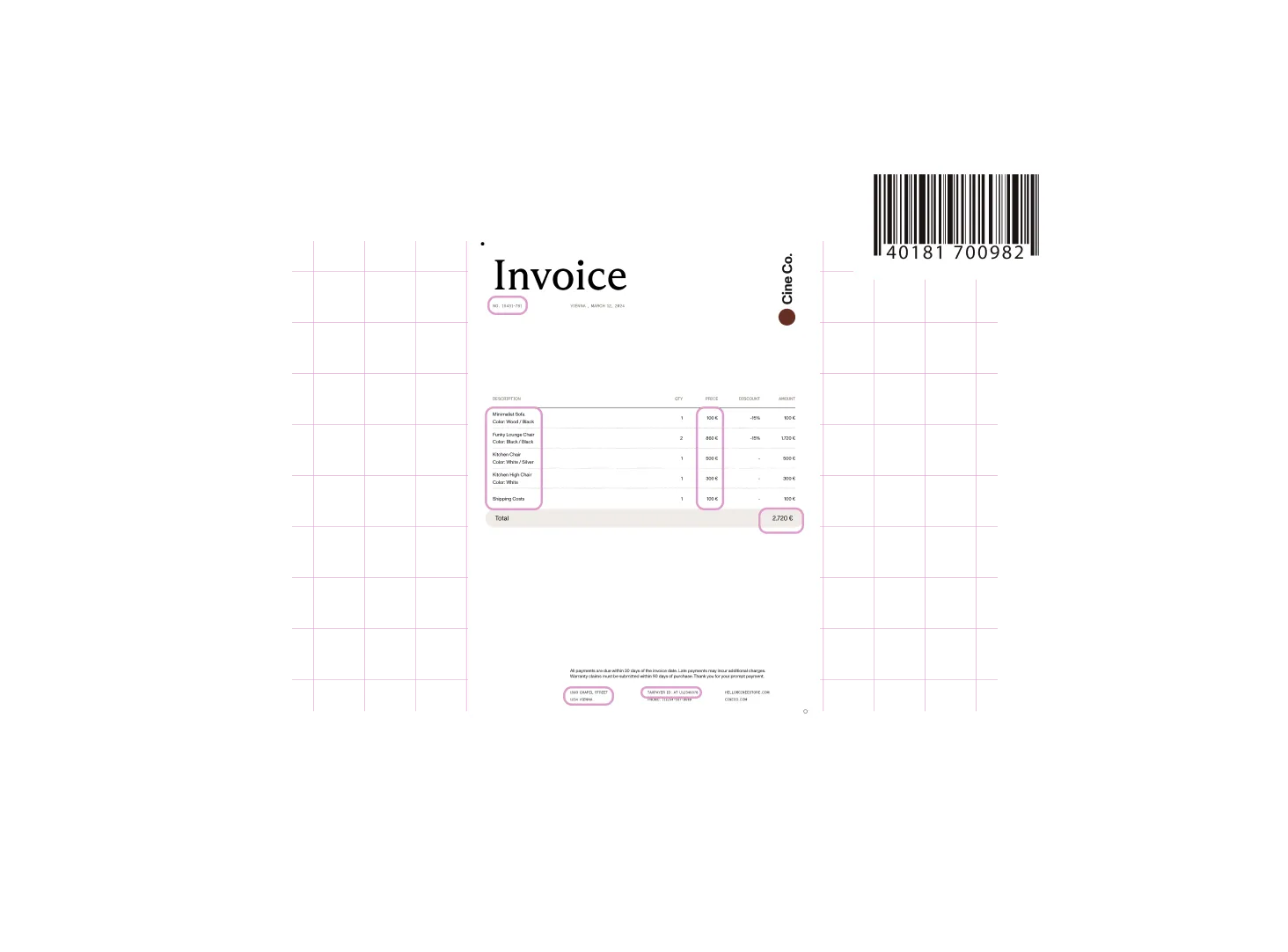
Tag documents by extracting text from specific zones in PDF pages. This feature is particularly useful for standardized document layouts like invoices. It ensures critical information is accurately tagged and easy to retrieve.
Automated tagging reduces the risk of human error, ensuring metadata is applied consistently across your SharePoint environment. This consistency is crucial for maintaining high-quality data and improving the overall usability of your content.
By automating the tagging process, save time and resources that would otherwise be spent on manual metadata entry. This efficiency enables your team to focus on more strategic tasks, enhancing productivity.
Our solution integrates seamlessly with SharePoint, leveraging existing metadata and taxonomy structures. This integration ensures your automated tagging system aligns with your current content management practices and enhances them without disruption.
Discover how automated metadata tagging can streamline your SharePoint content management and improve document retrieval. Contact us for a demo.
Ensure compliance and improve document retrieval and searchability with advanced OCR and tagging.
It’s an automated metadata tagging solution built on Nutrient Document Searchability. It generates metadata from document content and applies it to files in SharePoint, so users can find, filter, and manage documents using consistent, accurate tags instead of relying on manual entry.
Metadata is generated from a document’s content using several methods that can be combined:
This ensures documents are tagged with relevant metadata automatically as they enter your SharePoint environment.
The solution supports several rule types so you can match the right method to each document layout:
Yes. Scanned and image-based files can be made searchable first, and then tagged from their recognized content. If your workflow centers on pulling structured data out of documents, the OCR data extraction solution covers that step before tagging is applied.
Yes. The solution integrates with SharePoint and leverages your existing metadata and taxonomy structures. Text rules tag documents by matching content against terms in the SharePoint Term Store, so tagging aligns with your organization’s taxonomy rather than introducing a parallel system.
Natural language processing analyzes document content to generate relevant metadata from unstructured text. It’s particularly useful for content migration, sentiment analysis, and key-phrase extraction where there’s no fixed layout or form field to read from.
Tagging is part of a broader set of SharePoint solutions. You can also edit and annotate PDFs in the browser and automate document workflows with tools like Power Automate and Nintex. See the full list on the solutions overview.
You can start a free trial to evaluate the solution, review options on the pricing page, or contact Sales for a demo tailored to your SharePoint environment.
FREE TRIAL


