Document routing: How to automate document distribution

Table of contents
Try Nutrient Workflow Automation free for 14 days
- Document routing directs documents to the right people based on defined rules — replacing manual forwarding, email chasing, and ad hoc decisions
- Common routing patterns include linear, parallel, conditional, and escalation
- Nutrient Workflow automates document routing with a visual process designer, AI data extraction, in-workflow document viewing, and a full audit trail
- Supports common business document formats, including PDF, Office files, and images
Document routing is the process of directing a document to the right person or system at the right time, based on defined rules. It determines who receives a document and in what sequence, what actions they need to take, and what happens next — whether the document is approved, revised, signed, filed, or forwarded to a downstream system.
In most organizations, document routing happens manually: Someone decides who needs to see a contract, forwards it by email, follows up when there’s no response, and manually determines the next step. Automated document routing replaces that coordination overhead with a system that applies routing logic consistently, tracks every action, and moves documents forward without human intervention between steps.
What manual document routing actually costs
The problems with manual document distribution are consistent and measurable:
- Misdirected documents — Routing decisions depend on institutional knowledge. When the person who knows the rules is unavailable, documents go to the wrong place.
- Lost documents — Email attachments get buried, forwarded to incorrect threads, or never acknowledged.
- No status visibility — Neither the sender nor the intended recipient can see where a document is in the review process without asking.
- Inconsistent handling — The same document type gets handled differently depending on who sends it and when.
- Compliance exposure — Without a defined routing path, required reviewers get skipped, creating audit gaps in regulated processes.
- Delays from manual follow-up — Someone has to notice that a document hasn’t moved, figure out why, and chase it down manually.
Organizations that automate document routing eliminate all of these failure modes simultaneously. Documents route correctly every time, status is visible to all stakeholders, and the audit trail is generated automatically.
How automated document routing works
When a document enters an automated routing system — via form submission, upload, email integration, scanner, or API — the routing engine evaluates it against a set of rules and directs it to the appropriate recipient or system.
What routing rules evaluate
Routing rules define where a document goes based on its characteristics:
- Document type — Contracts, invoices, and expense reports each follow different paths
- Metadata — Department, project code, cost center, or submission date
- Content values — Dollar amount, risk level, or data extracted from the document itself
- Requester attributes — The submitter’s role, location, department, or seniority
- Outcome of a previous step — A document approved at one stage may follow a different path than one that was returned with comments
Routing patterns
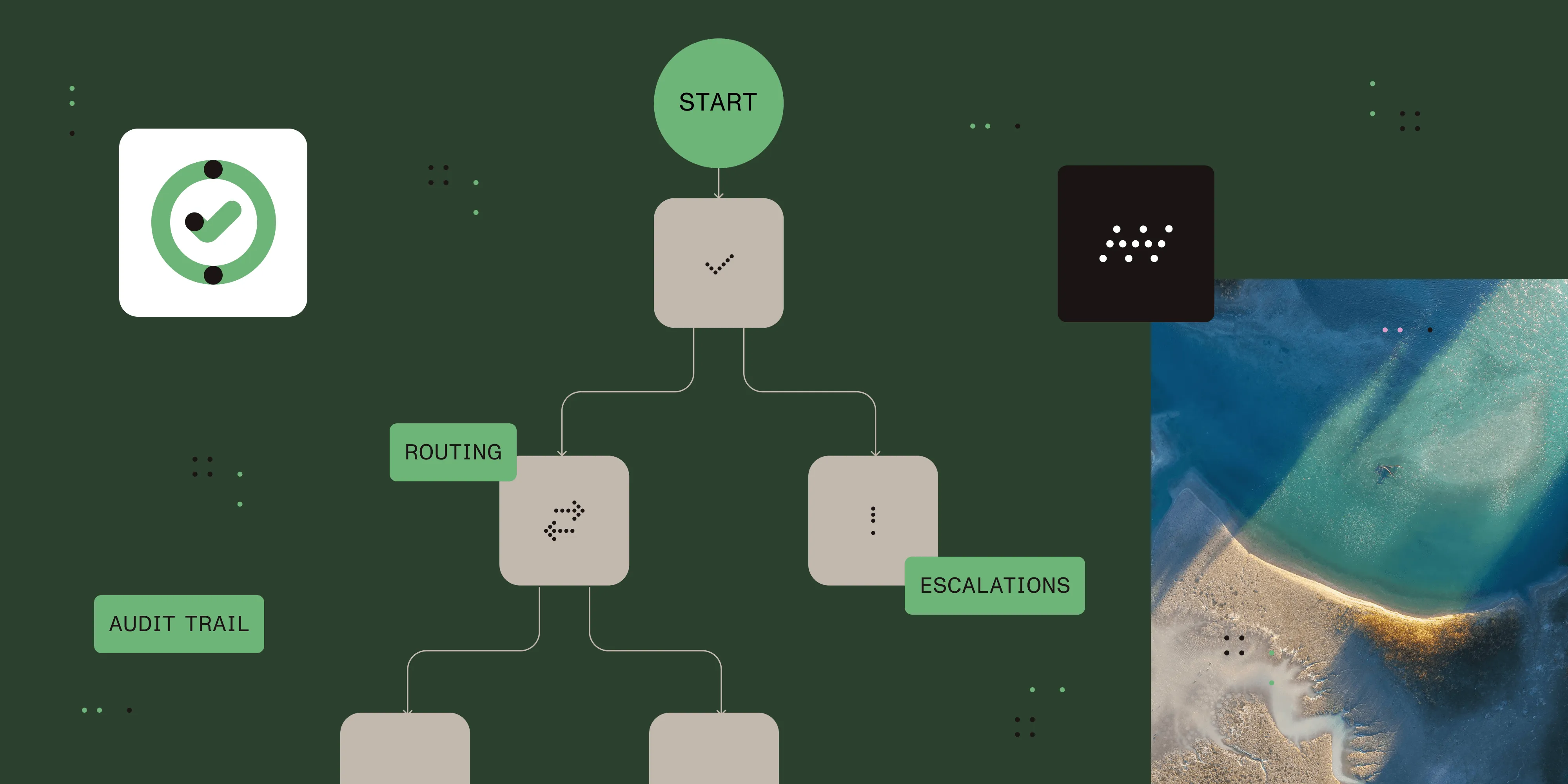
Linear routing — The document moves through a fixed sequence of recipients. Each step begins only when the previous one is complete. This is appropriate for approval chains where order and accountability matter.
Parallel routing — The document goes to multiple recipients simultaneously. Reviews happen concurrently, reducing total cycle time. This is useful when independent signoffs are needed before a document can advance.
Conditional routing — The path the document takes depends on its content or the outcome of a previous step. A contract under a defined value may skip executive review; one above that value requires it. Rejection at any step can trigger a different path than approval.
Escalation routing — If no action is taken within a configured time window, the document is automatically escalated to a supervisor or alternate reviewer. This prevents individual unavailability from stalling a process.
Document routing capabilities in Nutrient Workflow
Nutrient Workflow Automation Platform provides a complete document routing engine designed for business-critical, document-centric processes.
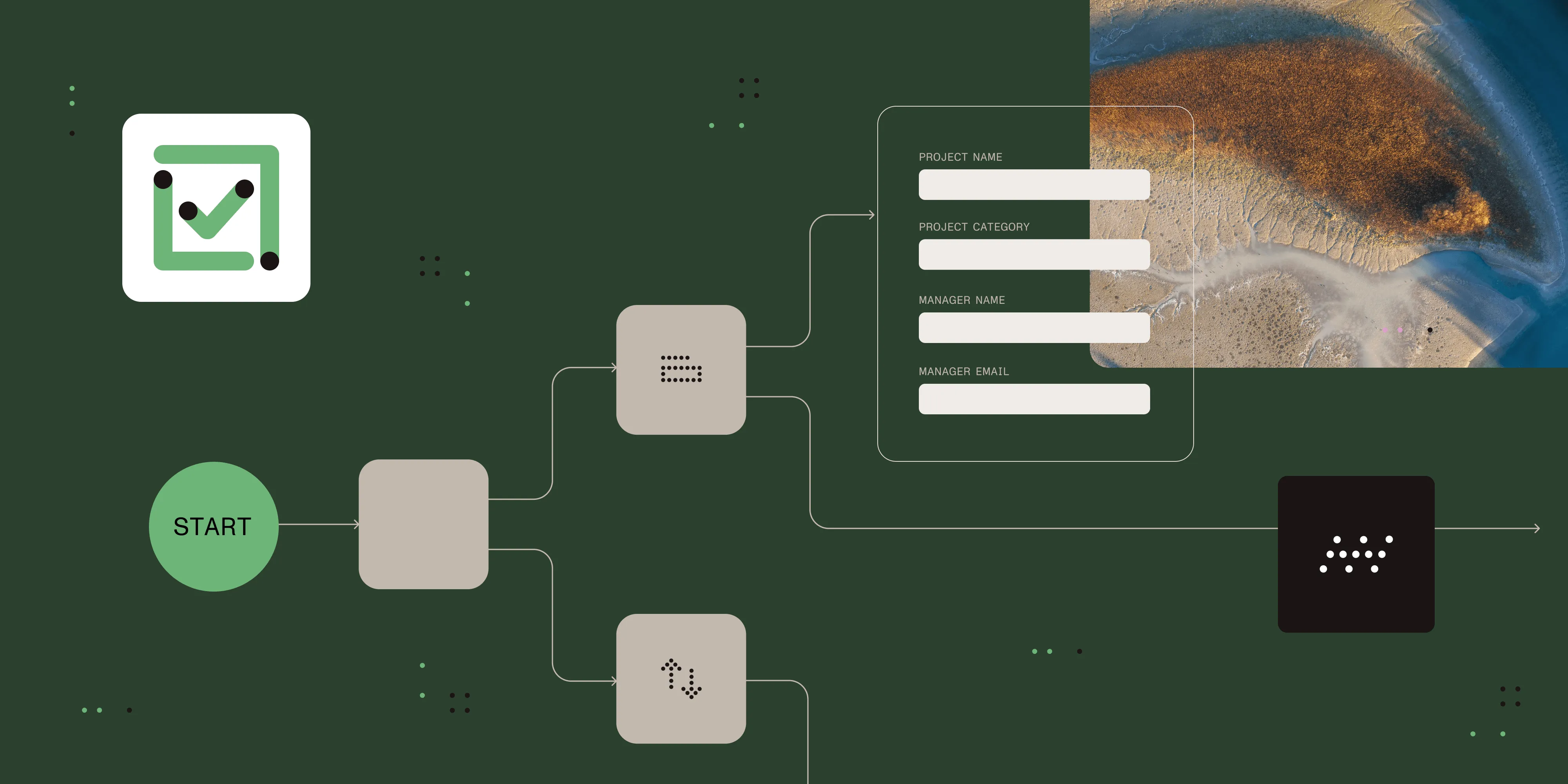
Drag-and-drop process designer — Build routing workflows visually. Each node in the designer represents a routing step: who receives the document, what action they take, and where it goes based on the outcome.
Business rules engine — Configure if/then routing logic based on any combination of form data, document metadata, or user attributes — without writing code. Rules are evaluated at runtime so the same workflow handles different document types with different routing paths.
Document viewing inside the workflow — Recipients can view documents directly within the Nutrient Workflow interface, with markup and signing capabilities available in the platform. Supports common business document formats, including PDF, Office files, and images. No external application required.
Document generation — Nutrient Workflow can automatically generate documents — DOCX or PDF — from templates populated with workflow data and route those generated documents through subsequent review steps.
AI data extraction — Invoices, contracts, and other forms can have data extracted automatically using AI before routing. Extracted data populates routing rules, form fields, and downstream systems — eliminating manual data entry entirely. Supported providers include OpenAI and Claude (Anthropic).
File operations — The platform includes file copy tasks for routing documents to storage destinations as part of the workflow.
REST and database integration — Routing decisions can trigger calls to external systems — ERP, HRIS, CRM, and document management platforms — automatically via REST API or direct database tasks.
Audit trail — Every routing action is logged: who received the document, when they received it, when they acted, what they did, and any comments they added. This supports internal and regulatory compliance requirements.
Process reporting — Track document cycle times by process type and step. Identify where documents spend the most time and use that data to adjust routing rules and improve throughput.
Mobile access — Recipients can view documents and take action on routing tasks from iOS and Android devices.
Common document routing use cases
Document routing applies across departments wherever paperwork moves through multiple hands. The following examples highlight common patterns.
Contract review and approval
Contracts move through legal, procurement, and business stakeholders before execution. Nutrient Workflow routes each contract to the correct reviewers based on contract type, value, and counterparty — and ensures the signed, executed version is stored correctly. See contract approval workflows for a detailed breakdown.
Invoice processing and accounts payable
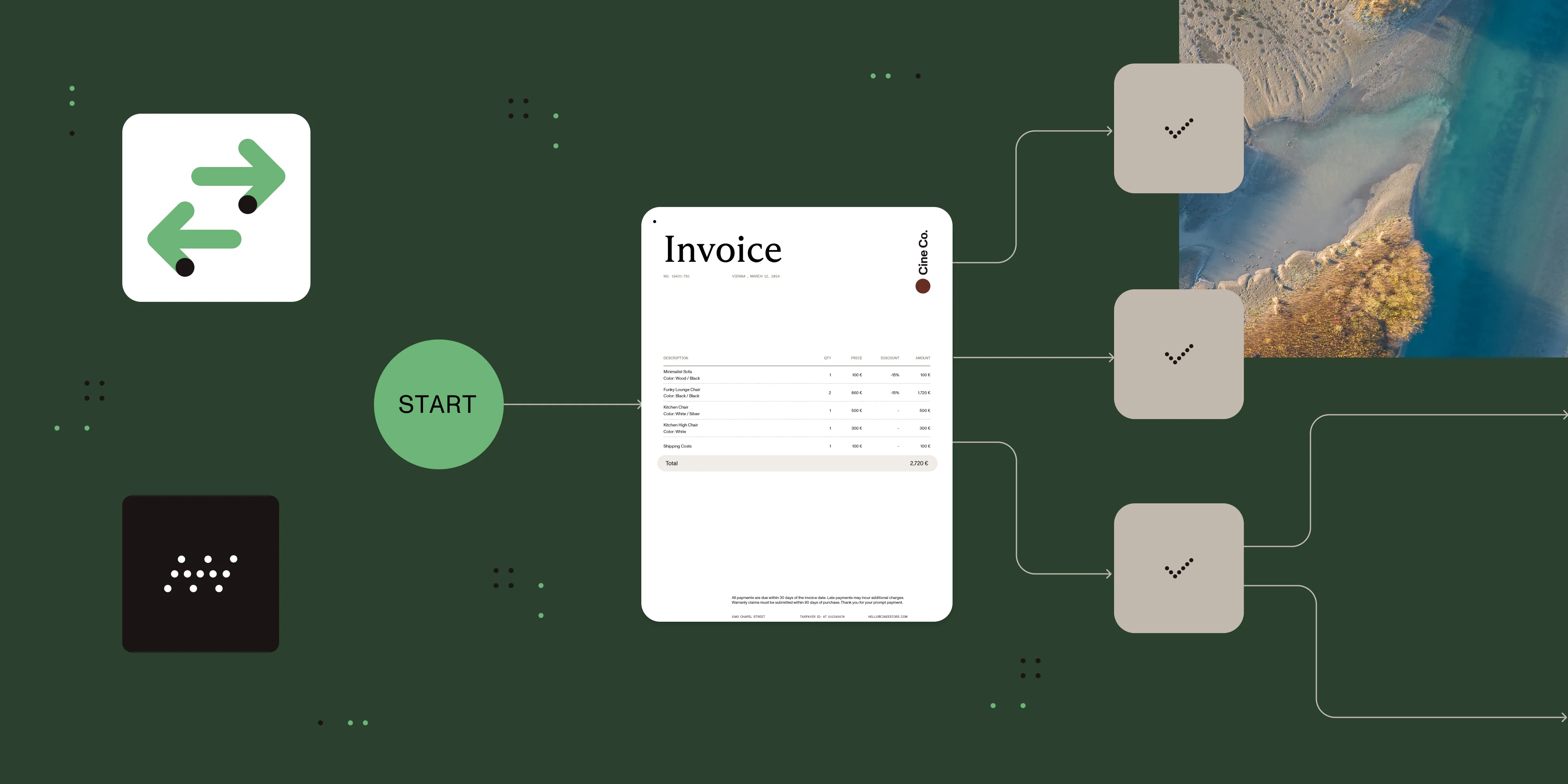
Invoices arrive from multiple channels. Nutrient Workflow’s AI data extraction reads the invoice; identifies the vendor, amount, and purchase order reference; and routes to the appropriate approver automatically. Near payment deadlines, escalation rules activate without manual intervention.
HR document workflows
Offer letters, onboarding packets, performance reviews, and termination paperwork each follow defined routing paths through HR, managers, and employees. Automating these paths eliminates missed signatures and creates a complete record for compliance.
Regulated and compliance documents
In healthcare, finance, and government, certain documents must be reviewed by specific roles in a documented sequence. Nutrient Workflow enforces those sequences and generates the audit trail that supports compliance with applicable regulatory requirements. See the FDA 21 CFR Part 11 compliance guide for details on how the platform addresses specific regulatory controls.
Request management
When employees or customers submit requests, supporting documents need to reach the right team with full context attached. Nutrient Workflow’s request management capabilities ensure documents don’t wait in a shared inbox for manual assignment.
Document processing pipelines
High-volume document processing pipelines — batch invoice processing, application review, and insurance claims — benefit from automated routing that handles each document based on its extracted data, without human triage at the intake stage.
Document routing vs. document management
These functions are related but distinct. Most organizations need both.
| Document routing | Document management | |
|---|---|---|
| Focus | Moving documents through active processes | Storing and organizing completed documents |
| Primary function | Workflow and handoffs | Search, versioning, retention |
| When it matters most | During review, approval, and processing | Before intake and after completion |
| Automation type | Rule-based routing and notifications | Indexing, tagging, access control |
Nutrient Workflow handles document routing. It integrates with document management systems via REST tasks and file operations, so routing workflows can store completed documents in the right location automatically.
Implementing automated document routing
Step 1 — Inventory your document types
List the categories of documents your organization processes regularly. Note the current routing path, the parties involved, and the most common failure points. Process mapping before this step helps surface informal steps and exception handling that aren’t always obvious.
Step 2 — Prioritize by impact
Focus first on the document types with the highest volume, the most manual effort, or the greatest compliance risk.
Step 3 — Define routing rules explicitly
For each priority document type, write out the logic: who receives it, under what conditions, and in what order, plus what happens when action isn’t taken within a deadline.
Step 4 — Build the intake and workflow in Nutrient Workflow
Use the form designer to capture the document and relevant metadata at intake. Use the process designer to configure the routing steps, business rules, and escalation logic.
Step 5 — Test with actual documents
Run representative documents through the workflow before going live. Verify that routing rules trigger correctly, that recipients receive the right notifications, and that the audit trail captures the expected information.
Step 6 — Monitor and refine
Use Nutrient Workflow’s reporting dashboards to track document cycle times by type and step. Identify where documents spend the most time and use that data to adjust routing rules or service-level agreement (SLA) thresholds.
When to use automated document routing
Automated document routing is the right investment when:
- Documents regularly go to the wrong person or get lost in transit
- Multiple teams or roles need to act on the same document in sequence
- Compliance requires a documented record of who reviewed what and when
- Document volume is high enough that manual triage is a bottleneck
- Delays in document processing have a measurable business impact (late payments, contract delays, and missed deadlines)
It may be unnecessary when:
- A single person handles all documents of a given type with no handoffs
- Document volume is very low and the process is genuinely stable
- The documents are purely informational with no required actions
Alternatives and tradeoffs
| Approach | Pros | Cons |
|---|---|---|
| Email forwarding | No setup, universal | No routing rules, documents get lost, no status tracking, no audit trail |
| Shared team inbox | Centralized | Still manual triage, no automation, no escalation |
| Document management system (SharePoint, Google Drive) | Good for storage and access control | Not designed for active routing or approval workflows |
| Task management tools (Asana, Monday) | Familiar, easy to use | No document-specific logic, no in-workflow viewing or signing |
| Generic business process management (BPM) platform | Flexible | Complex setup, often requires developer involvement |
| Nutrient Workflow Automation Platform | Document-native routing, in-workflow viewing, AI extraction, compliance-ready | Platform adoption required; best suited for document-centric processes |
For organizations whose core workflows revolve around documents — contracts, invoices, HR paperwork, and compliance documentation — a platform built specifically for document routing (like Nutrient Workflow) delivers capabilities that generic task tools and document management systems can’t replicate.
FAQ
Document routing is one specific capability within workflow automation. Workflow automation covers the full design and execution of business processes — tasks, decisions, integrations, notifications, and reporting. Document routing focuses on directing documents to the right people based on rules. Nutrient Workflow Automation Platform provides both: a complete workflow engine that includes document routing as a core capability.
Yes. In Nutrient Workflow, rejected documents can be routed back to the submitter with comments, escalated for additional review, or sent down an alternate path based on the rejection reason. Escalation rules activate when reviewers don’t respond within configured time windows.
In Nutrient Workflow, routing rules are configured in a visual rule builder and can be updated by process owners without IT involvement. Changes take effect for new documents entering the workflow. In-progress documents typically follow the rules active at their submission time.
Yes. Nutrient Workflow connects to SharePoint via the Power Automate Connector, and to other storage systems via file operation tasks and REST API tasks. Any storage system with an HTTP API can be reached via REST tasks as part of the routing workflow.
Nutrient Workflow supports common business document formats — including PDF, Office files, and images — for in-workflow viewing and routing. Documents can also be generated in DOCX and PDF format from templates as part of the workflow.
Want to stop routing documents by hand? Nutrient Workflow Automation Platform automates document distribution with rule-based routing, AI data extraction, in-workflow document viewing, and a complete audit trail. Try it free for 14 days, or download our free eBook, The execution gap, to learn how automation closes the gap between process design and execution.