Digital forms: Replace paper forms with automated workflows

Table of contents
Try Nutrient Workflow Automation free for 14 days
- Digital forms capture structured data electronically, replacing paper forms, Word documents, and emailed PDF attachments.
- Connected to a workflow platform, a digital form becomes the trigger for automated routing, approvals, notifications, and system integrations.
- Nutrient Workflow’s drag-and-drop form designer supports conditional logic, prepopulation, AI data extraction from attachments, and integration with document signing workflows — no code required.
- Form data flows into connected systems (ERP, HRIS, and CRM) automatically, eliminating manual reentry.
Digital forms are online interfaces that capture structured data electronically, replacing paper forms, Word documents, and PDF attachments sent by email. Unlike a scanned paper form — which is still a static image requiring manual data entry — a digital form captures data that can be validated at submission, prepopulated from connected systems, routed automatically to the correct reviewer, and processed without any reentry.
Digital forms are the intake layer of business process automation. Every request that enters a workflow starts somewhere — typically with a person filling in information. A well-built digital form ensures information is complete, correctly formatted, and immediately available to the process that needs to act on it.
Why paper forms and email attachments still cause problems
Despite widespread digitization, many organizations still run critical processes on forms that were never designed for automation: Word documents emailed as attachments, PDF forms filled and scanned, Excel spreadsheets passed from inbox to inbox.
These approaches create consistent, measurable problems:
- Incomplete submissions. Paper and email-based forms have no way to enforce required fields. Incomplete forms generate back-and-forth that delays an entire process.
- Manual data reentry. Information captured on a form has to be typed into another system by a human. Every reentry is an opportunity for error.
- No automatic routing. After submission, someone has to decide what to do with the form and manually forward it. That decision depends on knowledge that may not be documented.
- No status tracking. The person who submitted has no visibility into where their request stands unless they ask.
- No audit trail. There’s no automatic record of who handled the form, when, and what they did with it.
- Storage and retrieval are slow. Finding a specific form from six months ago can take hours.
Digital forms, connected to a workflow automation platform, eliminate all of these failure modes simultaneously.
Digital forms vs. paper forms: A direct comparison
| Paper/email forms | Digital forms in a workflow platform | |
|---|---|---|
| Submission | Physical delivery or email attachment | Web submission from any device |
| Validation | None at submission | Required fields, format checks, conditional logic |
| Routing | Manual forwarding by a human | Automatic based on configured rules |
| Status visibility | None | Real time for submitters and reviewers |
| Data entry | Manual reentry into other systems | Direct integration with downstream systems |
| Audit trail | None | Full history of every submission and action |
| Storage | Physical filing or scattered email attachments | Searchable, centralized records |
| Compliance | Difficult to demonstrate | Built-in audit trail and access controls |
What digital forms can do
Modern digital forms in a workflow platform support capabilities that paper and PDF forms can’t match — from logic-driven field behavior to direct integration with downstream systems. The sections below cover the core features that separate a true digital form from a fillable file.
Conditional logic
Form fields show or hide based on previous answers. A travel request form displays hotel fields only if the employee selects overnight travel. A purchase request adds a second approval routing path if the amount exceeds a configured threshold. Submitters only see what’s relevant to their specific situation, which reduces errors and speeds up completion.
Required field validation
Digital forms enforce completion rules before submission. Required fields must be filled. Date fields reject invalid dates. Currency fields reject text. Dropdown fields restrict choices to defined options. Validation catches errors at the source — before a partially complete request reaches a reviewer who has to send it back.
Prepopulation from connected systems
Forms can pull in data from integrated systems automatically. The submitter’s name, department, manager, cost center, and employee ID can be populated from an HR system without the employee typing them. This reduces errors, speeds up completion, and ensures consistency with data already in your systems of record.
Mobile-friendly design
Digital forms in Nutrient Workflow are accessible on phones and tablets. Field workers, remote employees, and staff away from their desks can submit requests from wherever they are — and approvers can take action from the same devices.
Electronic signatures in document workflows
For processes that require authorization, Nutrient Workflow supports electronic signatures as part of document workflows — eliminating printing, signing, scanning, and emailing.
Document attachment and generation
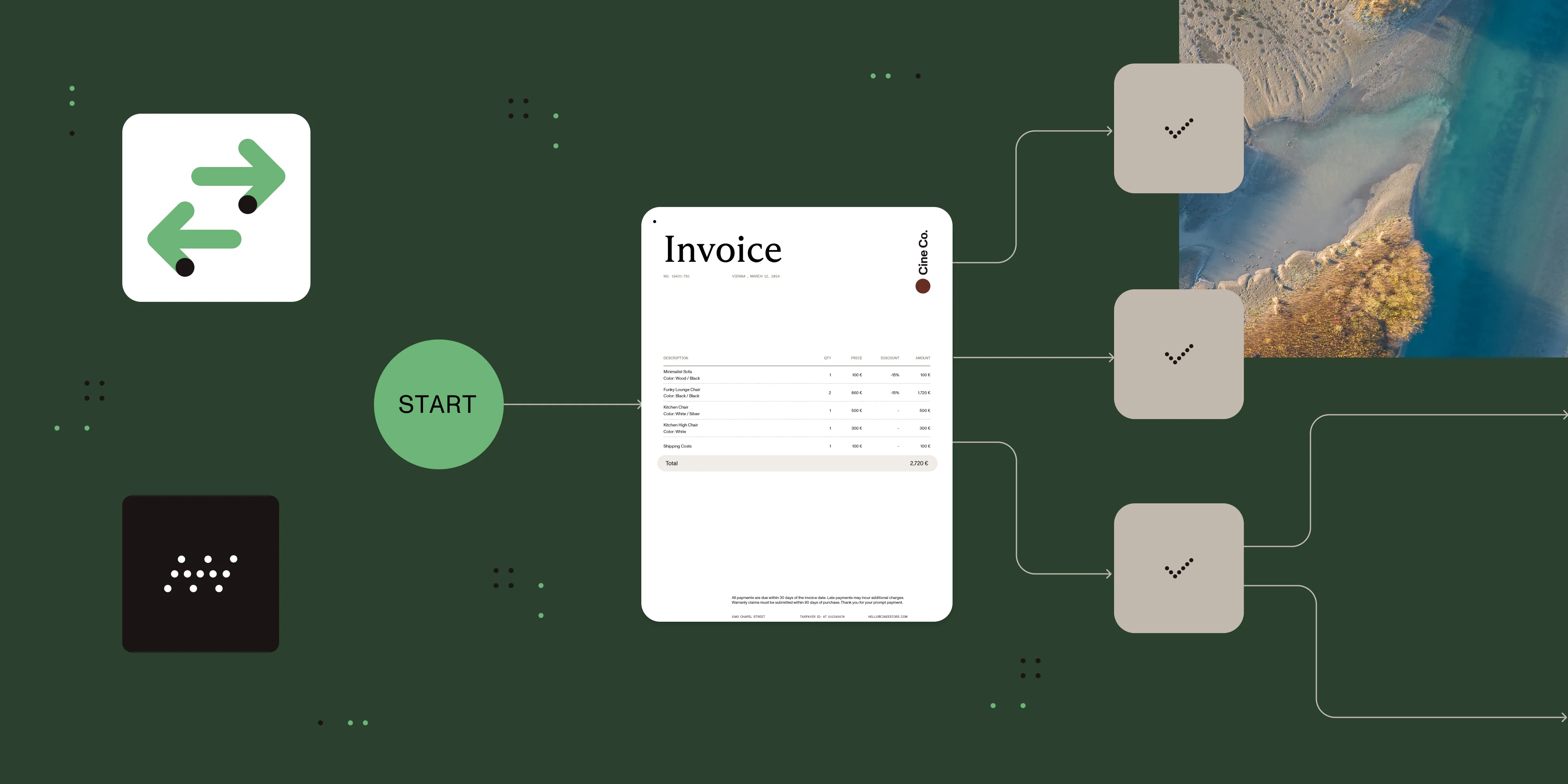
Submitters can attach supporting documents to a form. After submission, Nutrient Workflow can automatically generate formatted documents — offer letters, purchase orders, contracts — from templates populated with the form data, ready for routing and approval.
Digital forms in Nutrient Workflow
Nutrient Workflow Automation Platform includes a full-featured form designer tightly integrated with the workflow engine. Forms built in the platform aren’t standalone data capture tools — they’re the intake mechanism for automated processes.
Drag-and-drop form designer — Build forms visually without writing code. Add fields, set validation rules, configure conditional logic, and organize sections by dragging and dropping elements.
Field types — Available field types include text, number, date, dropdown, multiselect, file attachment, and table. Every field type supports validation configuration.
Conditional logic — Show or hide fields, sections, or entire pages based on the values in other fields. Build forms that adapt to the submitter’s context.
Prepopulation — Connect to user profile data, integrated databases, or previous workflow steps to auto-populate fields. Configure via Nutrient Workflow’s prefill settings with built-in search.
Form task in workflows — The form task type assigns form completion to a specific user at any point in a workflow — not only at intake. Use it to collect additional information mid-process, have a reviewer fill in a decision form, or gather signature and confirmation at the end.
AI data extraction from attachments — When a submitter attaches a document (an invoice, contract, or completed paper form), Nutrient Workflow can extract data from it automatically using AI — populating other form fields or workflow variables without manual entry. Supported providers include OpenAI and Claude (Anthropic).
Integration with downstream systems — Form data flows into connected systems via REST API tasks and database tasks, with no manual reentry. Nutrient Workflow connects to ERP systems, HRIS platforms, CRMs, SharePoint (via Power Automate connector), and 7,000+ apps via Zapier.
Reporting on form submissions — Track submission volume, completion rates, average processing time, and rejection rates through Nutrient Workflow’s dashboards and custom reports.
Connecting digital forms to approval workflows
A digital form on its own captures data. Connected to Nutrient Workflow’s automation engine, it becomes the trigger for a fully automated approval workflow:
- The submitter fills out and submits the form.
- Validation rules confirm the submission is complete and correctly formatted.
- The workflow engine applies routing rules to determine the first approver.
- The approver is notified immediately and can act from web or mobile.
- If no action is taken within a configured time window, escalation activates automatically.
- Approval decisions trigger downstream actions: document generation, database updates, and API calls to connected systems.
- The submitter receives a status notification at each stage, as well as a final confirmation.
Every step is logged in the audit trail with timestamps and user identification.
This means no one manually reviews a shared inbox to decide who handles a form. No one follows up on stalled requests. No one reenters data into another system. The workflow handles all of it.
Common digital form use cases
Digital forms power intake across many recurring business processes. The examples below show where Nutrient Workflow customers most commonly deploy them — and the kinds of routing, validation, and integration each use case typically requires.
HR and employee requests
Leave requests, expense reimbursements, onboarding documents, performance review submissions, and salary change requests all follow defined paths. Digital forms ensure HR receives complete information and trigger the right approval workflow automatically — reducing administrative overhead and giving employees real-time status visibility.
Purchase and procurement
Purchase requisition forms capture vendor, item, quantity, and cost center. Conditional logic routes low-value requests to a department manager and higher-value requests to finance based on rules configured once and applied consistently.
IT service requests
Common IT service requests include access requests, equipment orders, and software license requests. Digital intake forms ensure IT receives all required information — system name, justification, and access level — and route requests to the correct team based on request category, without manual triage. See document routing for more on rules-based routing patterns.
Project intake
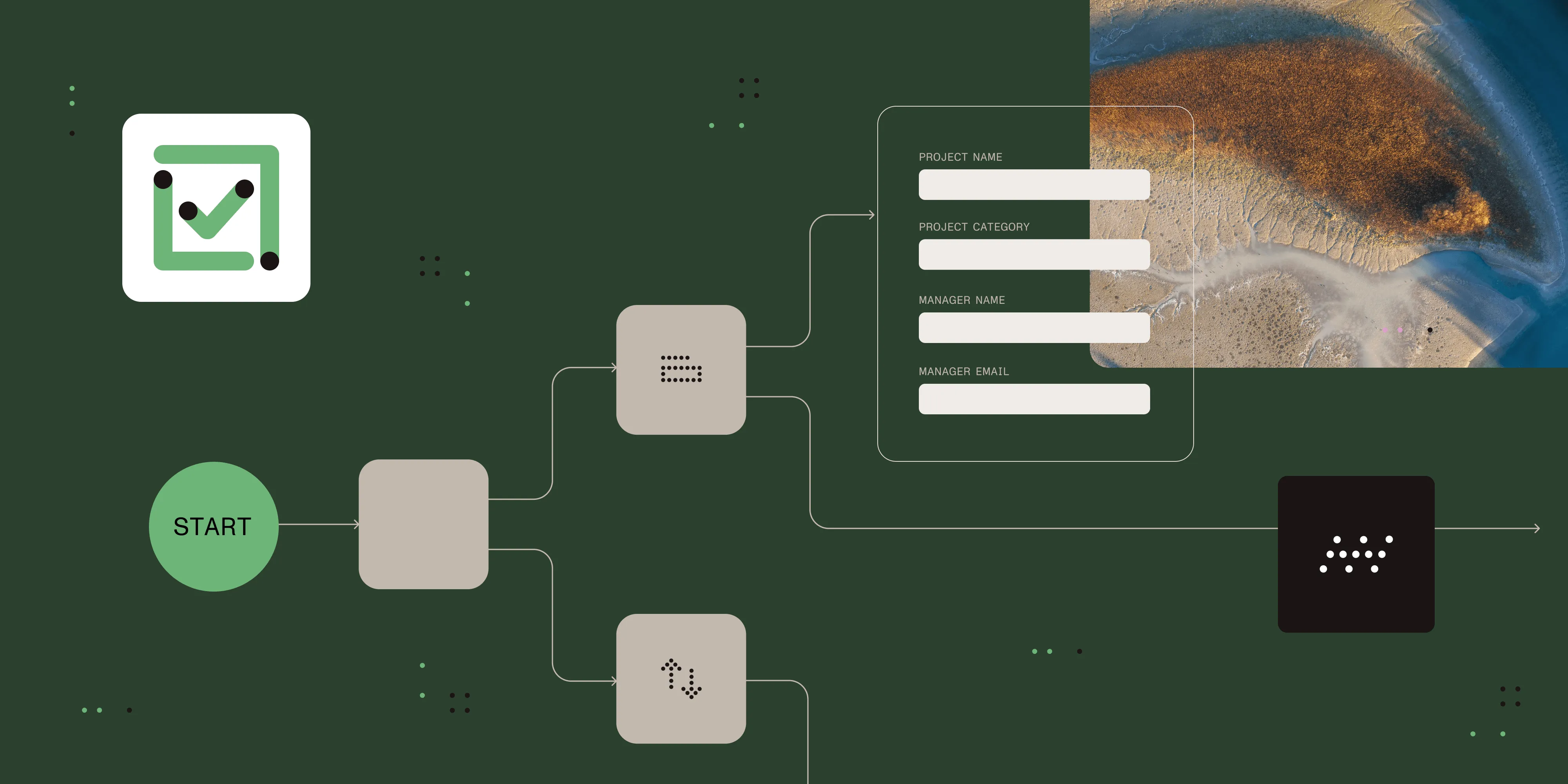
Project request forms capture scope, timeline, budget, and stakeholder information. Automated routing sends the completed form to the appropriate committee or manager for review and prioritization.
Contract and legal intake
When business units need legal review, a digital intake form captures the contract type, counterparty, key terms, and timeline. Routing rules send the request to the correct legal reviewer and flag high-risk contracts for additional scrutiny.
Compliance documentation
For regulated processes, digital forms ensure that required fields are always completed, that the right approvers are always included, and that the full record is retained with a complete audit trail. Process mapping before automating regulated workflows helps identify which steps require documentation.
Designing effective digital forms
Include only the fields you actually need. Every extra field increases submission time and abandonment. If you don’t use a data point to route, approve, or process the request, don’t ask for it.
Write field labels that leave no room for interpretation. “Amount” is ambiguous. “Total cost in USD, excluding tax” is not.
Use conditional logic to hide irrelevant fields. A form that shows all possible fields to all submitters is more difficult to use than one that adapts to the submitter’s context.
Set defaults for fields where most submitters will choose the same value. Default the currency to USD, the date to today, and the department to the submitter’s department.
Validate at the field level, not only at submission. Immediate feedback is less frustrating than discovering an error after completing the entire form.
Pilot with actual submitters before rolling out. Forms that seem obvious to their designers are often confusing to first-time submitters.
What to look for in digital form software
- Drag-and-drop form builder usable by non-technical staff
- Conditional logic and field branching
- Required field enforcement and format validation
- Prepopulation from user profiles and connected systems
- Mobile-responsive forms accessible on any device
- Electronic signature support in document workflows
- Tight integration with the workflow routing engine
- AI data extraction from attached documents
- Integration with existing systems (HRIS, ERP, CRM) via API
- Submission tracking and real-time status for submitters
- Reporting on form volume and processing times
When to use digital forms with workflow automation
Digital forms connected to a workflow platform are the right choice when:
- Submissions need to trigger a defined process (approval, review, routing, or notification).
- Incomplete or incorrect submissions are causing delays or rework.
- You need a real-time record of who submitted what and when.
- Data from the form needs to flow into other systems (ERP, HRIS, and CRM) without reentry.
- Compliance requires documented evidence of submission and review.
A standalone digital form (without workflow automation) may be sufficient when:
- The form is purely for data collection with no downstream process.
- A single person handles all submissions with no handoffs.
- There’s no compliance requirement for process documentation.
Alternatives and tradeoffs
| Approach | Pros | Cons |
|---|---|---|
| Paper forms | No setup cost | Incomplete submissions, manual reentry, no routing, no audit trail |
| PDF forms (fillable) | Familiar format | Static data, manual distribution, no automatic routing or integration |
| Standalone form tools (Google Forms, Typeform) | Easy to create | No workflow integration, no conditional routing, no downstream automation |
| Task management tools with forms (Jira, ServiceNow) | Good for IT workflows | Complex setup, not designed for document-centric business processes |
| Nutrient Workflow Automation Platform | Form + workflow + document handling in one platform, AI extraction, compliance-ready | Platform adoption required; more capability than needed for simple data collection |
For processes where form submission triggers a defined workflow — approvals, document generation, cross-system data entry — a platform where forms and workflows are tightly integrated (like Nutrient Workflow) eliminates the integration overhead and failure points of connecting separate tools.
Frequently asked questions
A filled PDF captures data in a static file. Someone still has to open it, read it, and manually transfer the information into another system or forward it manually. A digital form in a workflow platform captures structured data that flows directly into the automated process — triggering routing, approvals, notifications, and system integrations without any manual handling.
Yes. Nutrient Workflow connects to external systems via REST API tasks and database push/pull tasks. Form data can flow into ERP, HRIS, CRM, and other systems automatically, without reentry.
Nutrient Workflow’s form designer is built for business users — drag and drop, no code. Process owners can build and update forms without IT involvement. IT is typically needed only for initial system integrations and infrastructure setup.
Electronic signatures are widely accepted in business contexts. For specific requirements in your jurisdiction or industry, verify against the relevant regulatory framework before relying on them for compliance purposes.
Submitters can attach files to forms in Nutrient Workflow. Attached documents are stored with the workflow record and can be viewed within the platform. Nutrient Workflow’s AI data extraction can read the content of attached documents and extract data fields automatically, populating workflow variables without manual entry.
Ready to replace paper forms with digital forms that trigger automated workflows? Try Nutrient Workflow Automation Platform free for 14 days — drag-and-drop form designer, conditional logic, AI data extraction, and full workflow automation included. Or download our free eBook, The execution gap, to learn how automation closes the gap between process design and execution.