What is process mapping? A complete guide

Table of contents
Try Nutrient Workflow Automation free for 14 days
- Process mapping documents every step, decision point, and handoff in a repeatable business process
- Common formats include flowcharts, swimlane diagrams, value stream maps, and more formal notations such as BPMN
- Mapping often reveals that a large portion of total cycle time is waiting time — a key target for automation
- Nutrient Workflow Automation Platform turns a completed process map into a live, automated workflow using a drag-and-drop designer — no code required
Process mapping is the practice of creating a visual representation of a business process — documenting every step, decision point, responsible party, and handoff from start to finish. The result is a diagram that shows exactly how work moves through your organization.
Organizations use process maps to surface inefficiencies, standardize operations, onboard new employees, prepare for audits, and design workflow automation. A process map is the foundation — without it, you risk automating the wrong things or missing the steps that matter most.
What is a process map?
A process map is a structured diagram that shows the sequence of tasks in a repeatable business process, who performs each task, and the decision points that determine what happens next. Unlike a project plan (which covers a unique, one-time effort), a process map documents repeatable workflows: purchase approvals, onboarding sequences, invoice routing, and HR requests.
Process maps answer three questions simultaneously:
- What happens at each step
- Who is responsible
- When control passes from one person or system to another
Why process mapping matters: The outcomes
Organizations that invest in process mapping report measurable improvements across four areas:
Faster cycle times. When every step is documented and owned, work stops getting stuck waiting for someone to figure out the next move. Workflow analysis on a mapped process regularly reveals that the majority of total cycle time is waiting time — time that automation can eliminate.
Fewer errors. Undocumented processes depend on individual memory and judgment. Mapped and automated processes enforce the same steps every time, removing the variation that causes errors.
Audit readiness. Many regulatory and compliance frameworks require documented evidence of how processes work. A process map plus an automated workflow system with a full audit trail satisfies that requirement without extra manual effort.
Faster onboarding. New team members learn a mapped process in hours, not weeks. The process doesn’t depend on undocumented knowledge held by a single person.
Types of process maps
Different formats suit different audiences and goals. Pick the one that matches the process complexity and the decision you want the map to support.
Flowchart
The most basic format. Rectangles represent tasks, diamonds represent decision points, and arrows show the direction of flow. Flowcharts are easy to create and read, making them useful for communicating a process to a broad audience.
Best for: Simple, linear processes within a single team.
Swimlane diagram
A flowchart divided into horizontal or vertical lanes — one lane per role or department. Each lane shows only the tasks that belong to that actor. Handoffs between lanes are immediately visible, which makes cross-departmental delays easy to spot.
Best for: Processes that involve multiple teams or require clear handoff documentation.
Value stream map
A lean manufacturing technique adapted for service and office processes. Value stream maps show both process steps and the time spent at each step — including wait time. The ratio of value-adding time to total elapsed time is typically surprisingly low in unoptimized processes.
Best for: Identifying where time is wasted and quantifying the improvement opportunity.
BPMN diagram
Business process model and notation (BPMN) is a standardized notation readable by both business stakeholders and workflow automation systems. BPMN diagrams use defined symbols for tasks, gateways (decision points), events, and flows, and can be imported directly into platforms that support the standard.
Best for: Processes that will be implemented in a workflow automation platform.
How to create a process map in six steps
The steps below take you from naming the process to validating the finished map with the people who run it.
Step 1: Define the scope
Name the specific process you’re mapping, along with its boundaries. “Accounts payable” is too broad; “invoice approval from receipt to payment authorization” is workable. Vague scope produces vague maps.
Step 2: Identify every step
Walk through the process with the people who actually perform it. Ask:
- What triggers this process?
- What is the first action taken?
- What information is needed at each step?
- What decisions are made, and what determines each outcome?
- What signals that the process is complete?
The people closest to the work always know about informal steps, exceptions, and workarounds that aren’t in any documentation.
Step 3: Choose your format
Match the format to your goal. Documenting for compliance? A flowchart may be sufficient. Preparing for automation? A swimlane diagram or BPMN format gives you more actionable detail. Identifying time waste? Use a value stream map.
Step 4: Draw the map
Sequence the steps. Add decision points where the process branches. Assign each step to its responsible role. Use your chosen format’s conventions consistently — mixed formats produce confusion, not clarity.
Start simple: Capture the main path first, and then add exception handling once the core flow is correct.
Step 5: Validate with the people who do the work
A process map created without frontline input will have gaps. Review your draft with every role involved in the process. The goal is to map what actually happens, not what should happen according to a procedure document written three years ago.
Step 6: Analyze and act
Once the map is accurate, look for:
- Steps with no clear owner
- Manual handoffs that require follow-up (email, phone calls)
- Waiting time between steps
- Decision points with no documented criteria
- Steps that add no value
These are your improvement targets — and your automation candidates.
Process mapping tools
| Tool type | Examples | Best for |
|---|---|---|
| Diagramming | Lucidchart, draw.io, Visio | Creating shareable visual maps |
| Collaborative whiteboard | Miro, FigJam | Real-time group mapping sessions |
| Workflow automation platform | Nutrient Workflow Automation Platform | Maps that become executable workflows |
For teams planning to automate, using a workflow platform to design processes directly removes the translation step between documentation and execution. In Nutrient Workflow Automation Platform, you build the process visually in the drag-and-drop process designer — and that diagram becomes the live workflow that runs in production.
How process mapping connects to Nutrient Workflow Automation
Process mapping is the preparation. Nutrient Workflow is the execution.
Once a process is mapped and validated, Nutrient Workflow implements it with:
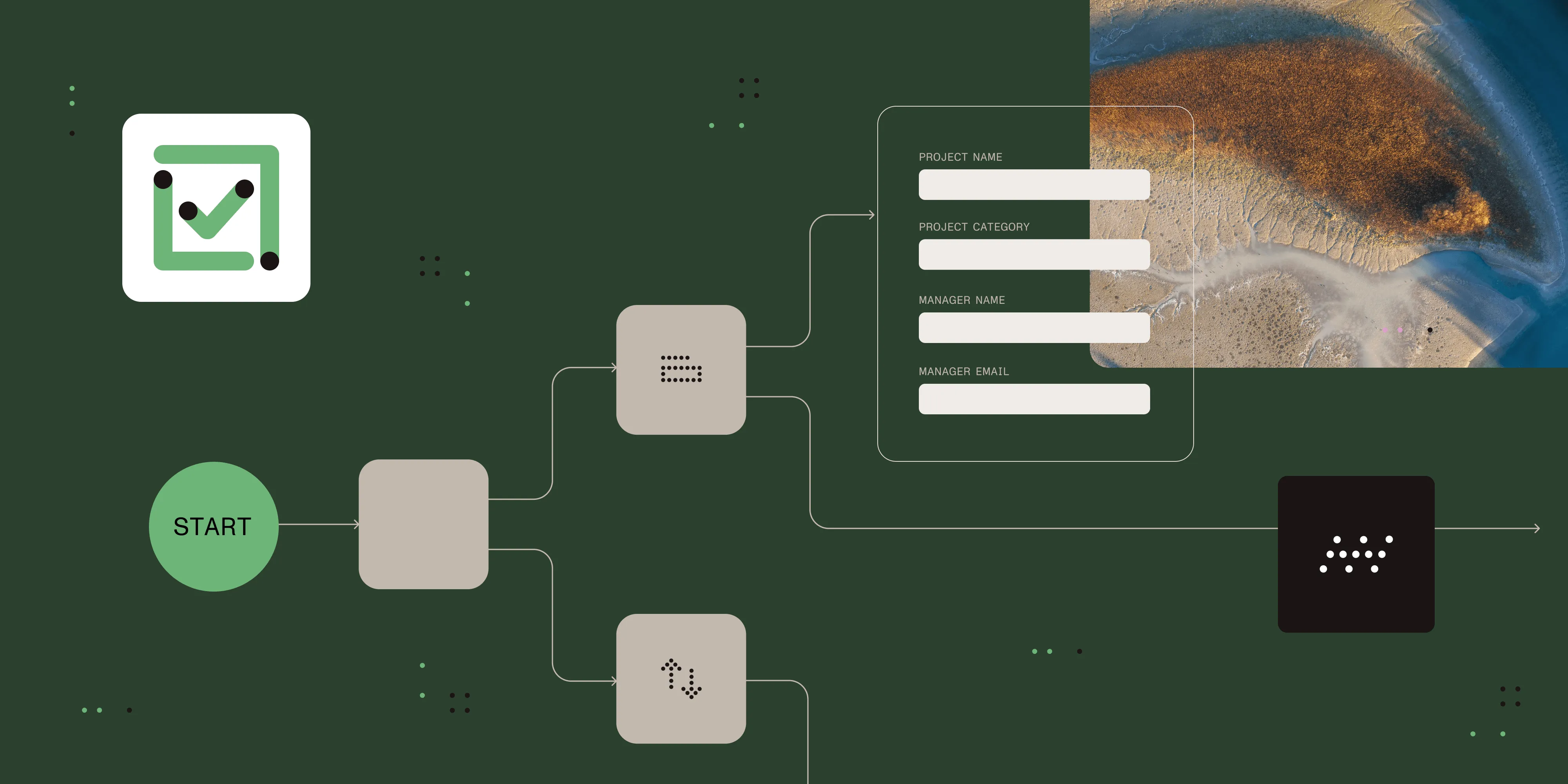
- Drag-and-drop process designer — Build the workflow from the process map without writing code. Each step in the map becomes a task in the workflow.
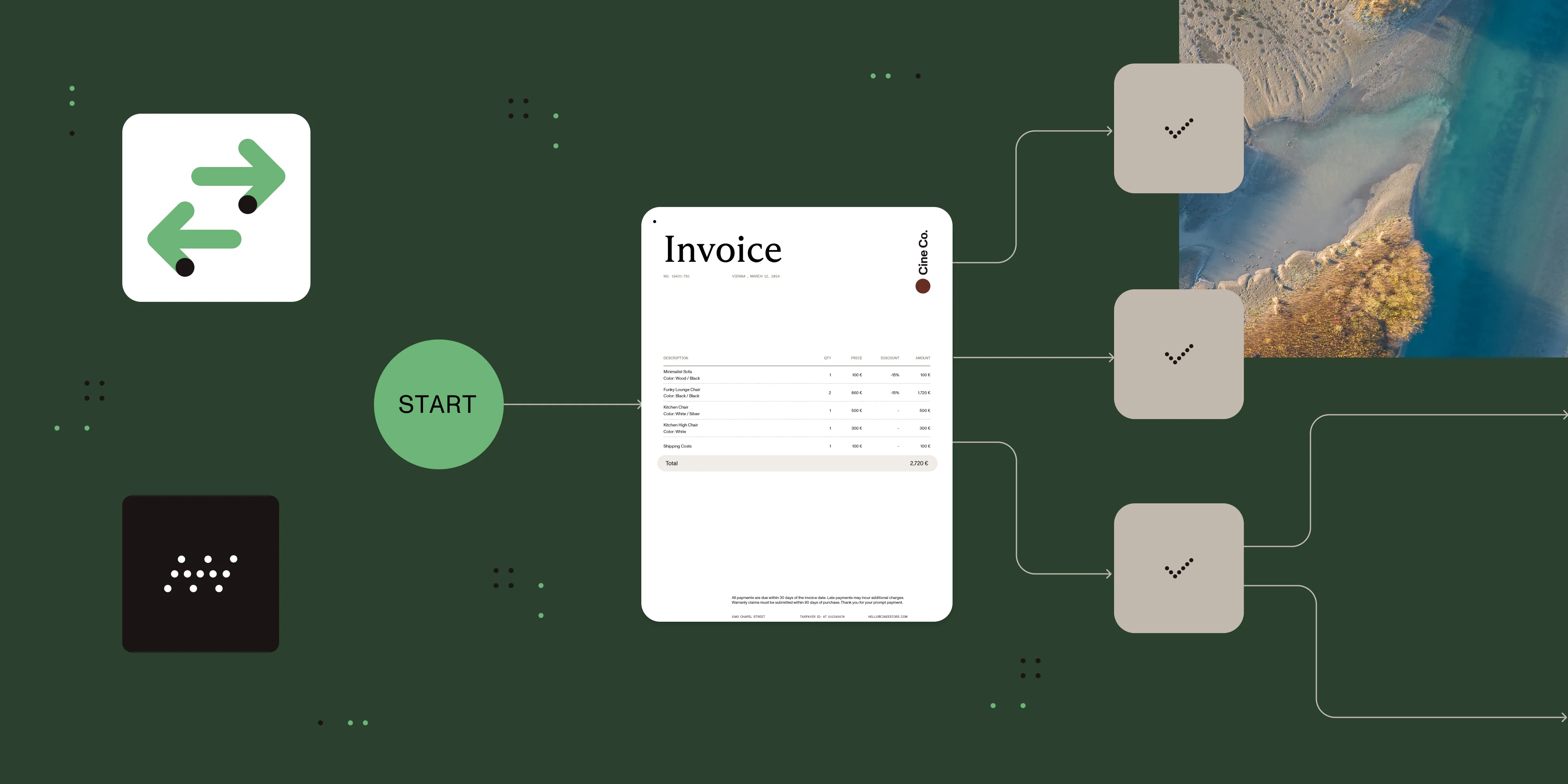
- Multiple task types — Approval tasks, form tasks, document generation, AI data extraction, database push/pull, REST API calls, and more. The platform handles the automation mechanics.
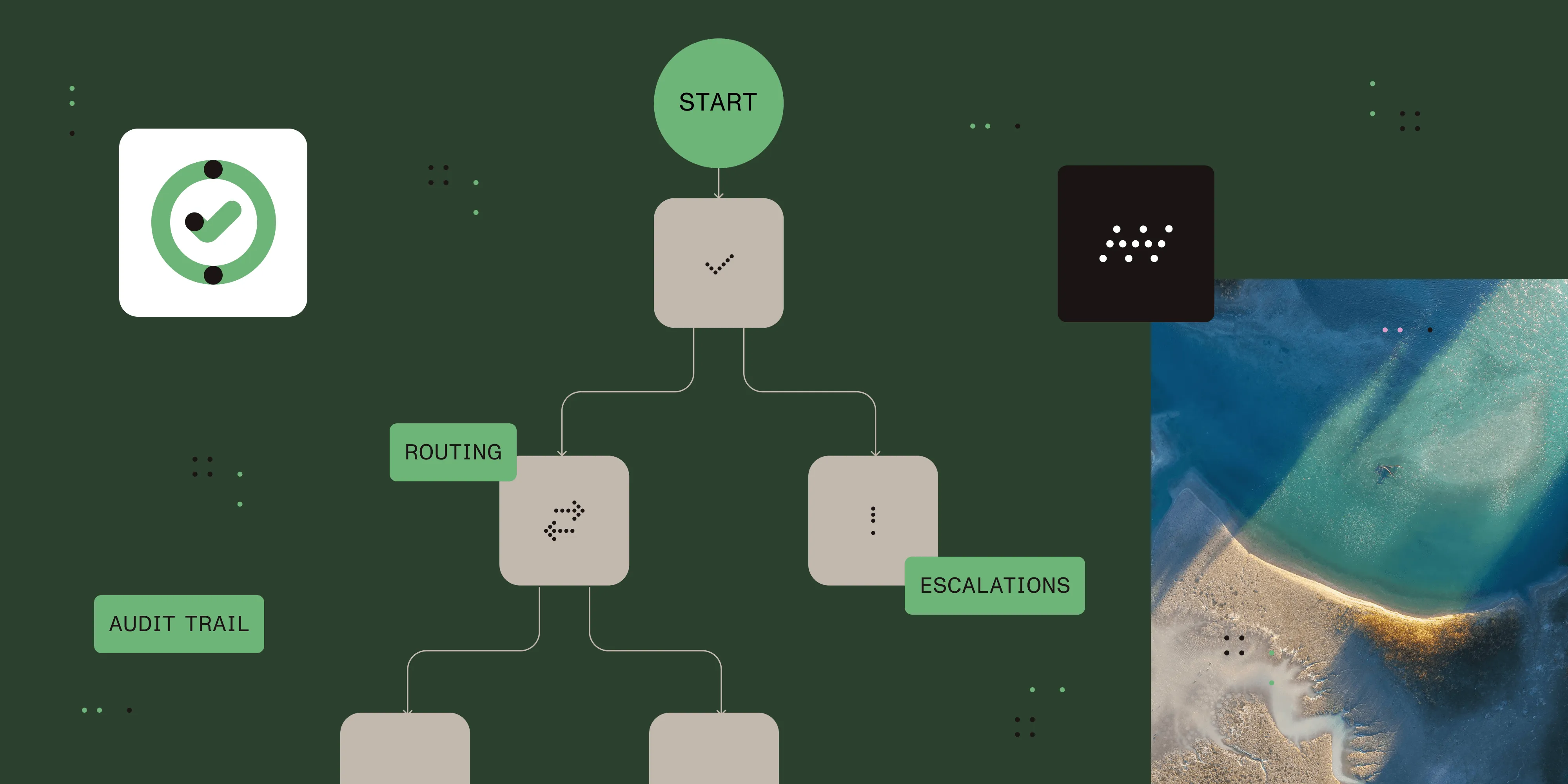
- Business rules engine — Conditional routing rules mirror the decision points in your process map. The engine can send requests above a defined dollar threshold to finance leadership, or route submissions from regulated departments through an additional review step.
- Escalation — Automatically escalate overdue steps when a reviewer doesn’t respond within a configured time window.
- Real-time audit trail — Every step logged with timestamp, actor, and outcome. Supports internal and regulatory compliance requirements.
- Reporting — Track cycle times by process, department, and step. See where time is lost and measure the impact of improvements.
The result: A process that was documented on paper or in a diagram becomes a system that runs consistently, tracks itself, and produces data for continuous improvement.
Nutrient Workflow offers deployment options suitable for regulated industries, enabling organizations to maintain data control while automating document-driven workflows.
When to use process mapping
Process mapping is the right starting point when:
- A process involves more than one team or handoff between roles
- Bottlenecks or errors keep occurring but the root cause isn’t clear
- You’re preparing to automate a workflow and need to define what the automation should do
- Compliance, audit, or regulatory requirements demand documented process evidence
- You’re onboarding new staff and undocumented knowledge is a risk
It may not be necessary when:
- The work is truly one-time and non-repeatable (a project, not a process)
- A process has only one or two steps with a single owner
- You need to act immediately and can document afterward
Alternatives and tradeoffs
| Approach | Pros | Cons |
|---|---|---|
| Whiteboard or pen and paper | Free, fast to start, good for workshops | Not shareable, not version-controlled, can’t become an executable workflow |
| Diagramming tool (Lucidchart, Visio) | Visual, shareable, supports multiple formats | Produces documentation only — separate tool still needed to automate |
| Spreadsheet or Word document | Familiar, low barrier | Hard to read as a process, not visual, no automation path |
| Workflow automation platform (Nutrient Workflow) | Map and automate in the same interface, executable diagrams, built-in reporting | Requires platform adoption; overkill for one-off documentation only |
For organizations that plan to automate, a workflow platform eliminates the translation step between the documented map and the running workflow. For teams that only need documentation — for audits, onboarding, or analysis — a diagramming tool is sufficient.
Common process mapping mistakes
Mapping the ideal process instead of the real one. Ask what actually happens, and not what the procedure document says should happen. The gap between the two is usually where the problems are.
Too much detail too soon. A map that covers every edge case and exception before the main flow is clear is difficult to act on. Get the main path right first.
Skipping stakeholder review. The person who designed the process is rarely the person who runs it. Frontline workers know about workarounds, bottlenecks, and missing steps that designers don’t.
Treating the map as done. Processes change. Maps should be reviewed whenever a process changes, a problem surfaces, or performance data shows an unexpected pattern.
Frequently asked questions
A flowchart is one type of process map. Process mapping is the broader practice of visually documenting a business process. Flowcharts, swimlane diagrams, value stream maps, and BPMN diagrams are all forms of process maps.
Simple processes with a single team can typically be mapped relatively quickly. Complex cross-departmental processes take longer due to stakeholder interviews and review cycles. The effort scales with the number of steps, decision points, and teams involved.
No. A whiteboard or pen and paper is sufficient to start. Purpose-built diagramming tools speed up the creation and sharing. If you’re planning to automate the process, using a workflow platform — like Nutrient Workflow’s process designer — to build the map eliminates a separate documentation step.
Process mapping defines what the workflow should do — the steps, decision points, responsible parties, and routing logic. Workflow automation executes that definition consistently, at scale, and with a complete audit trail. Most automation projects begin with a process map.
In Nutrient Workflow, the process designer is a visual drag-and-drop interface where you lay out the steps of your mapped process. Those steps become live tasks in the workflow engine — routing automatically, sending notifications, enforcing business rules, and logging every action. There’s no separate step to “import” a process map; you design and run from the same interface.
Ready to turn process maps into running workflows? Nutrient Workflow Automation Platform includes a drag-and-drop process designer, a rich set of task types, and real-time reporting — no code required. Try it free for 14 days. Or, download our free eBook, The execution gap, to learn how automation closes the gap between process design and execution.