How to convert DOCX to PDF using PHP

Table of contents
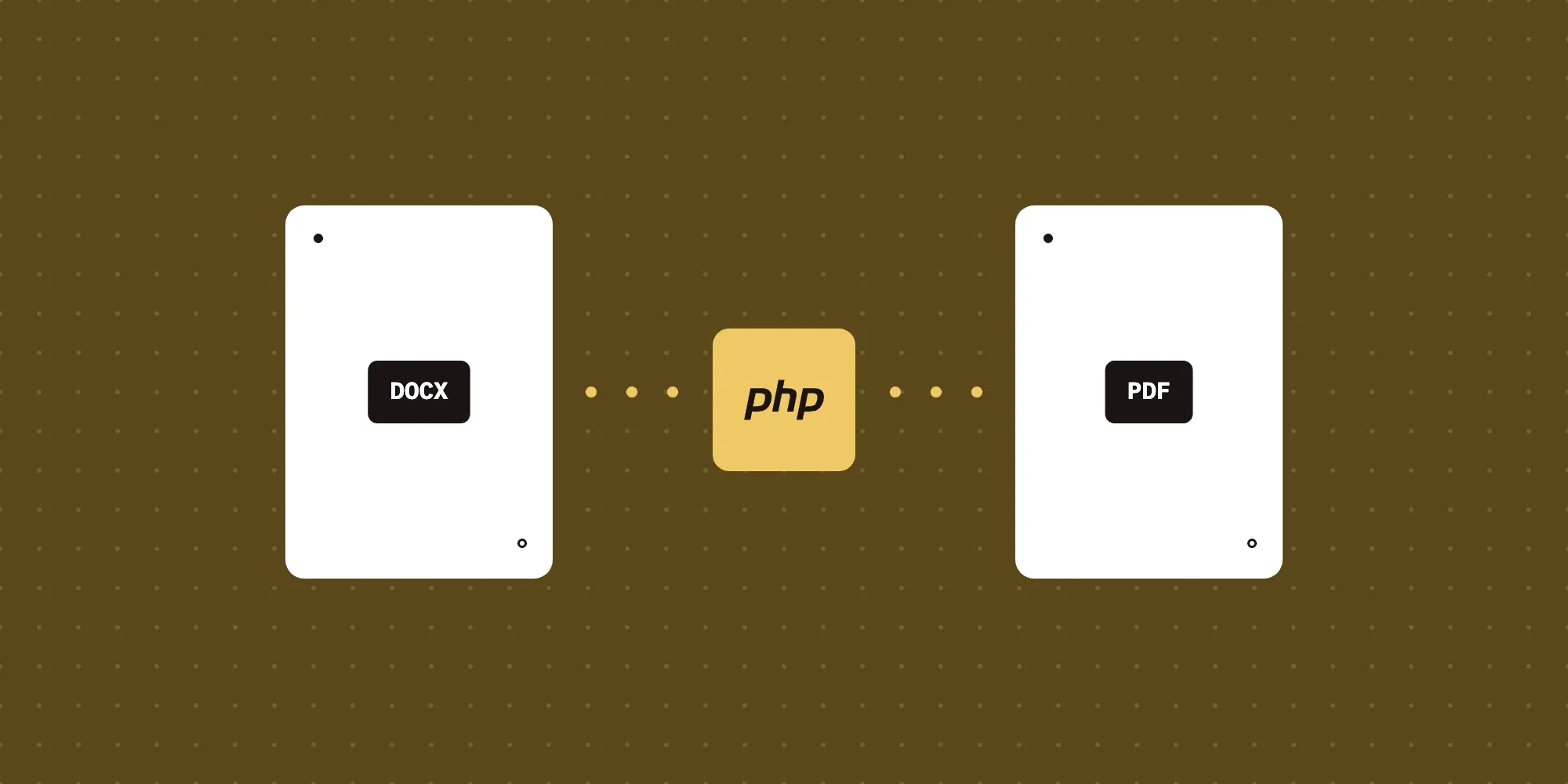
Convert DOCX to PDF using Nutrient’s PHP API. Create a free account, get API credentials, and implement conversion using cURL. Combine with 30+ API tools for merging, watermarking, and page manipulation.
Convert DOCX files to PDFs in PHP using Nutrient’s DOCX-to-PDF PHP API. The free plan includes 50 credits. Different operations consume different amounts of credits. Create a free account(opens in a new tab) to get your API key.
It’s now possible to view and edit Word, Excel, and PowerPoint documents directly in the browser, without any server-side processing required.
Why convert DOCX to PDF?
Converting DOCX files to PDF is essential for workflows requiring document standardization and sharing. Common use cases include:
- Document preservation — Convert Word documents to PDFs to preserve formatting, fonts, and layouts regardless of software or device used to view them.
- Professional distribution — Share contracts, reports, and proposals in a universal format that maintains consistent appearance across all platforms.
- Compliance and archiving — Create tamper-resistant records for legal compliance, audit trails, and long-term document storage.
- Print-ready documents — Ensure documents print exactly as intended without formatting issues or missing fonts.
- Version control — Lock document formatting to prevent accidental edits while allowing controlled review and approval processes.
The DOCX-to-PDF API automates this process in your workflow.
Nutrient DWS Processor API
Converting DOCX to PDF is one of 30+ operations available through our PDF API tools. Combine DOCX-to-PDF conversion with other tools for complex workflows:
- Converting various file formats and consolidating them into PDFs
- Converting DOCX files and then watermarking and flattening the PDFs
- Processing multiple DOCX files before merging them into a single PDF
Your account includes access to all PDF API tools.
Step 1 — Creating a free account on Nutrient
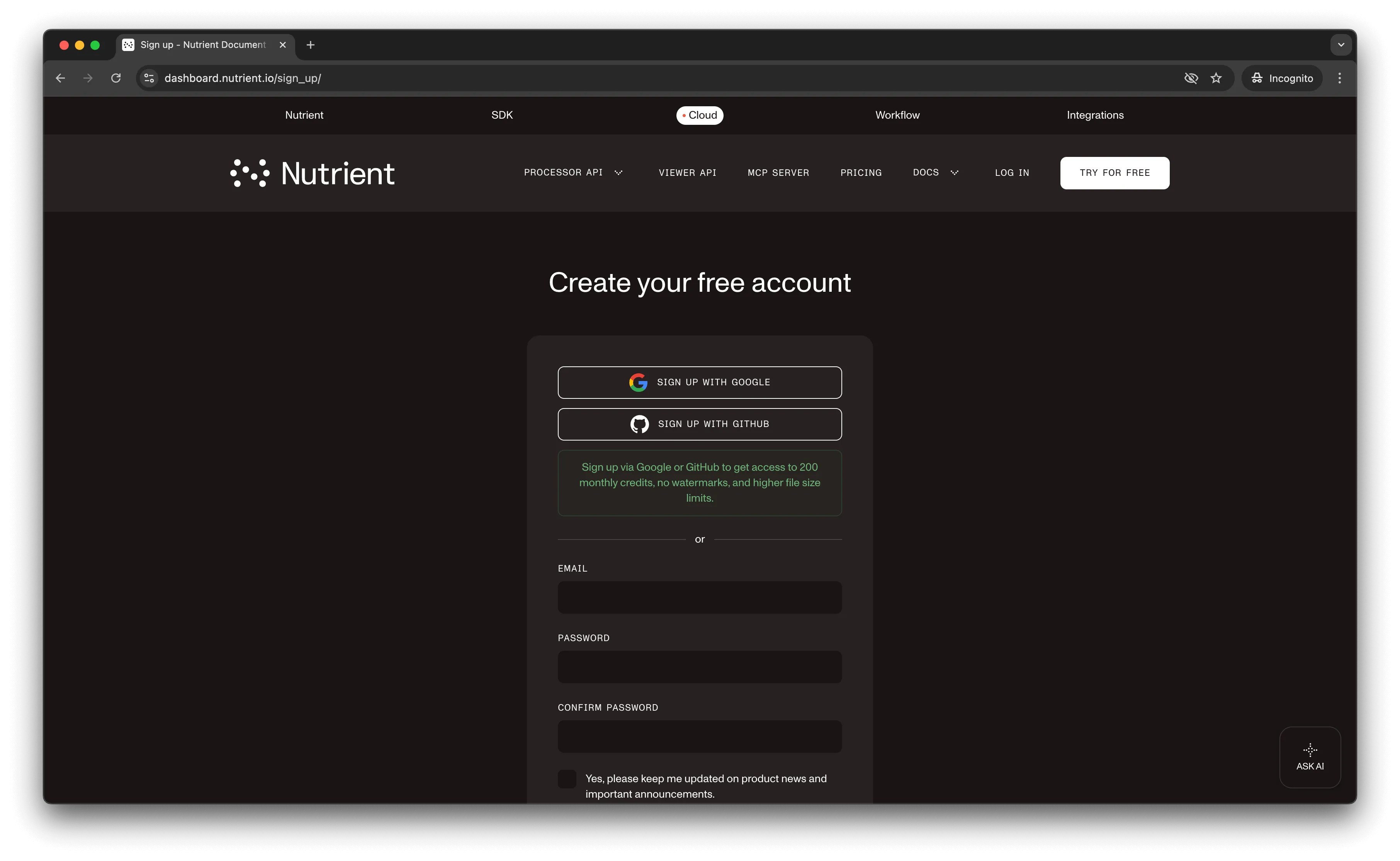
Go to our website(opens in a new tab), where you’ll see the page below, prompting you to create your free account.
Once you’ve created your account, you’ll be welcomed by a page showing an overview of your plan details.
You’ll start with 50 credits to process, and you’ll be able to access all our PDF API tools.
Step 2 — Obtaining the API key
After you’ve verified your email, you can get your API key from the dashboard. In the menu on the left, click API keys. You’ll see the following page, which is an overview of your keys.
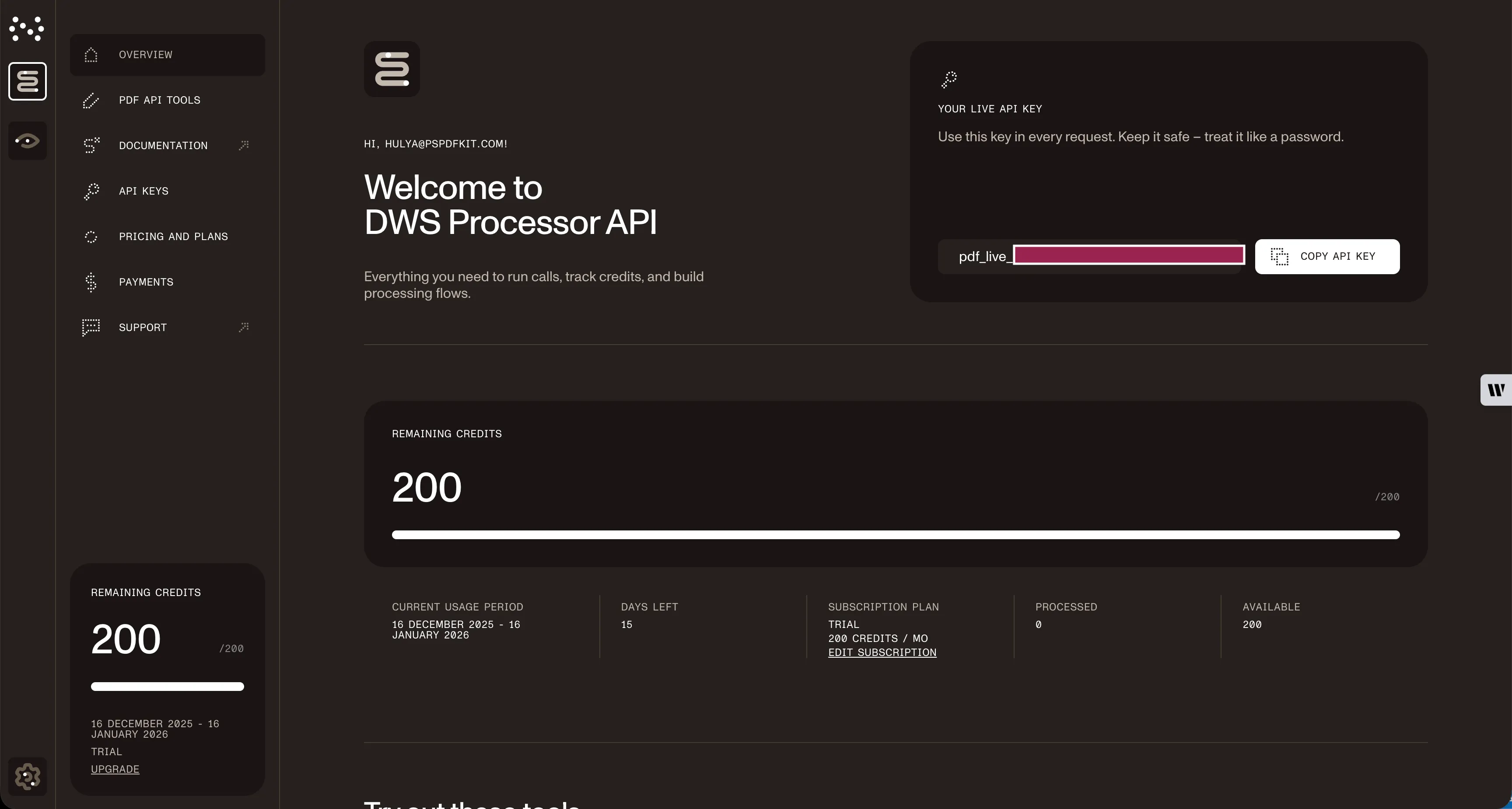
Copy the Live API key, because you’ll need this for the DOCX-to-PDF API.
Step 3 — Setting up folders and files
Now, create a folder called docx_to_pdf and open it in a code editor. For this tutorial, you’ll use VS Code as your primary code editor. Next, create two folders inside docx_to_pdf and name them input_documents and processed_documents.
Copy your DOCX file to the input_documents folder and rename it to document.docx.
Then, in the root folder, docx_to_pdf, create a file called processor.php. This is the file where you’ll keep your code.
Your folder structure will look like this:
docx_to_pdf├── input_documents| └── document.docx├── processed_documents└── processor.phpStep 4 — Writing the code
Now, open the processor.php file and paste the code below into it:
<?php
$FileHandle = fopen('processed_documents/result.pdf', 'w+');
$curl = curl_init();
curl_setopt_array($curl, array(  CURLOPT_URL => 'https://api.nutrient.io/build',  CURLOPT_CUSTOMREQUEST => 'POST',  CURLOPT_RETURNTRANSFER => true,  CURLOPT_ENCODING => '',  CURLOPT_POSTFIELDS => array(    'instructions' => '{      "parts": [        {          "file": "file"        }      ]    }',    'file' => new CURLFILE('input_documents/document.docx')  ),  CURLOPT_HTTPHEADER => array(    'Authorization: Bearer YOUR_API_KEY_HERE'  ),  CURLOPT_FILE => $FileHandle,));
$response = curl_exec($curl);
if ($response === false) {    echo 'Error: ' . curl_error($curl);} else {    echo 'PDF generated successfully!';}
curl_close($curl);
fclose($FileHandle);
Make sure to replace YOUR_API_KEY_HERE with your API key.
Code explanation
Here, you create a FileHandle variable to save the converted PDF file in the processed_documents folder. Then, you initialize a cURL session and configure it with the API endpoint and your instructions.
The instructions variable contains the API instructions in JSON format. You use CURLFILE to attach the input file. Finally, you execute the cURL request, which processes the file and saves the response to the output folder.
Output
To execute the code, use the following command:
php processor.phpOn the successful execution of the code, you’ll see a new processed file named result.pdf in the processed_documents folder.
The folder structure will look like this:
docx_to_pdf├── input_documents| └── document.docx├── processed_documents| └── result.pdf└── processor.phpAdditional resources
Explore more ways to work with Nutrient API:
- Postman collection — Test API endpoints directly in Postman
- Zapier integration — Automate document workflows without code
- MCP Server — PDF automation for LLM applications
- PHP Examples — Official PHP code examples and documentation
Conclusion
This tutorial covered converting DOCX files to PDF documents in PHP using the DOCX-to-PDF PHP API.
You can integrate these functions into existing applications. The same API token enables other operations like merging documents, adding watermarks, and more. Sign up(opens in a new tab) for a free trial.
FAQ
No. Start with a free account that provides 50 credits for processing documents. Different operations consume different amounts of credits, so you can process varying numbers of documents depending on the operations you use.
Yes. Nutrient DWS Processor API maintains document formatting, including fonts, styles, images, tables, and page layouts. Complex elements like headers, footers, and embedded objects are preserved in the PDF output.
This code requires PHP 7.4 or higher with the cURL extension enabled. The cURL extension is typically included with most PHP installations but may need to be explicitly enabled in your php.ini configuration file.
Yes. Nutrient DWS Processor API converts multipage DOCX documents to PDF while maintaining pagination, page breaks, and document structure across all pages.