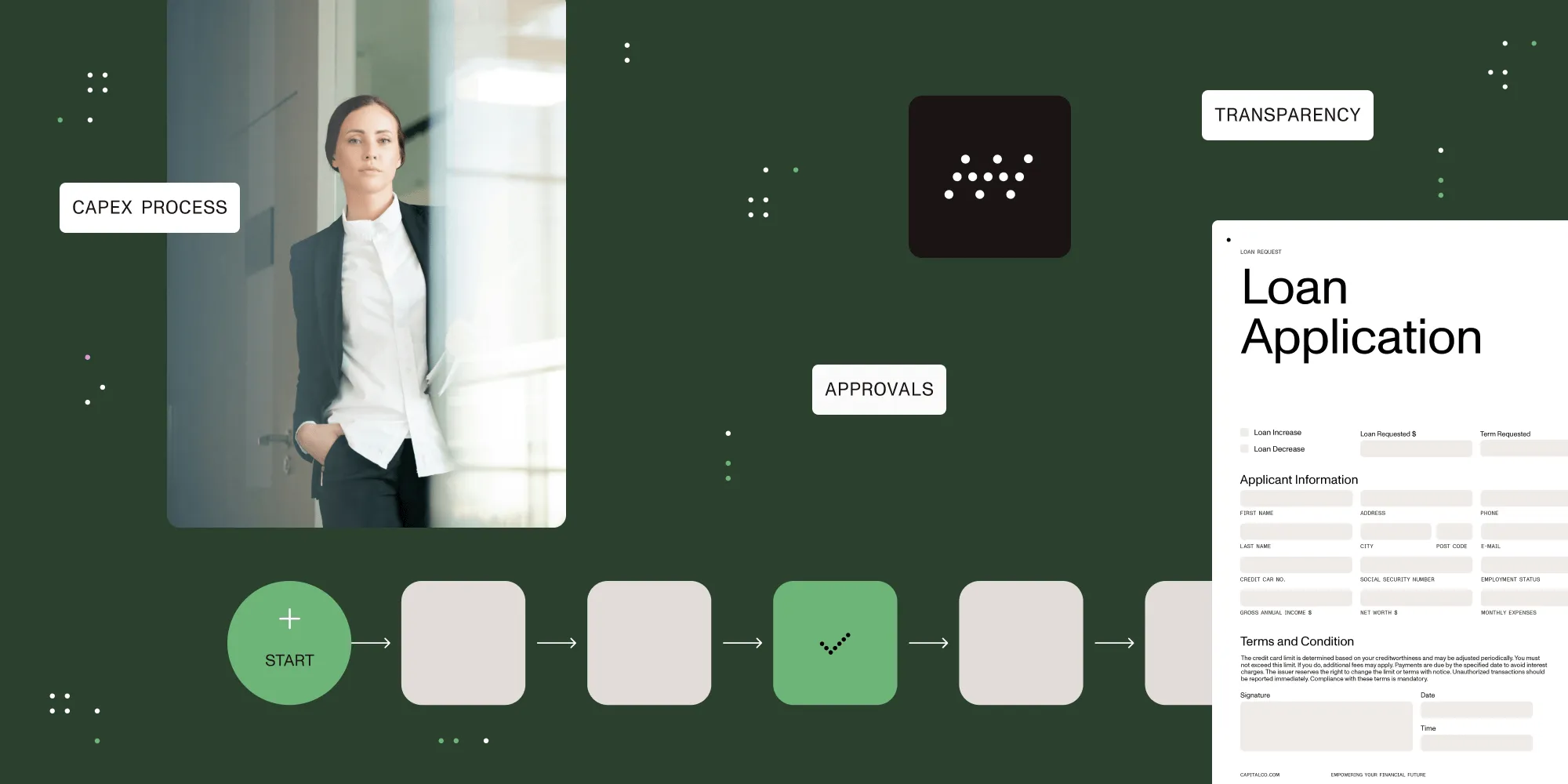
Proven tips to streamline workflows and improve efficiency

Table of contents

Streamlining a process means removing unnecessary work and making each handoff clear. Map the current steps, identify delays and rework, assign owners, document the revised process, and automate suitable tasks. Test the change against a baseline for completion time and errors before rolling it out.
Business users execute a series of repeatable steps daily — passing data between systems and people. Whether it’s onboarding, compliance, or IT requests, workflows define how work gets done. But without optimization, these workflows can become slow, inconsistent, and frustrating.
Learning how to streamline your workflow processes puts your organization on a path to higher productivity, fewer errors, and better employee experiences.
What does it mean to streamline a process?
To streamline a process is to simplify how work moves from a request to its outcome. That can mean removing duplicate data entry, combining redundant reviews, or making approval rules explicit. Automation is one option, but a clearer form or fewer handoffs may solve the problem first.
For example, an invoice approval workflow might require staff to reenter the same supplier details in a spreadsheet and an approval form. Capturing those details once removes duplicate work. Routing the request to a named approver also makes responsibility clear. Required checks still need to remain in place.
What are the benefits of streamlining workflows?
Using a platform like Nutrient Workflow to streamline business processes helps reduce errors, speed progress, and enforce accountability across business units. Getting rid of unnecessary work helps employees feel more engaged with their jobs. Other advantages an organization can gain if it decides to streamline processes and workflows include:
- Improving communication and coordination among teams
- Boosting efficiency, agility, and productivity across the organization
- Helping businesses comply with industry standards
- Outlining the hierarchy of who holds responsibility for different tasks within a workflow
- Simplifying employee training
How to streamline a process
Start with one workflow that has a visible problem, such as overdue approvals or repeated corrections. The six steps below move from documenting the current work to testing a revised version.
1. Examine and catalog your current processes
The first step in developing ways to streamline business processes is listing and analyzing each step. That includes understanding how different business processes work in various areas of your company day to day.
Map the route a real request takes, including waiting time, handoffs, and returned work. ASQ’s flowchart guidance(opens in a new tab) explains how mapping a process can reveal bottlenecks and unnecessary steps. Make sure you speak with process owners and those performing the work. Incorporate their feedback into enhancements you wish to make to current business functions.
In addition, you should gather and review all supporting documentation to gain clarity on all supportive steps. Look for factors that hamper the effectiveness of the current process. Finally, look for ways to fill gaps and improve the current workflow.
2. Break the process down into smaller steps
Once you understand the business function, you can break it into more manageable pieces, arranged in the specific order that achieves the best result (save time, improve efficiency, reduce errors, etc.). The more you can simplify your workflow procedures, the better your chances of streamlining the entire business process. Keep going until you find a path to achieving your desired outcome.
3. Establish work priority
Reorganize each process based on its importance to the company. Then, come up with a ranking procedure that works for you. For example, you can rate each business process on a scale of 1 to 10, with items labeled as 1 having the highest priority. That way, you can adequately maintain your workflow and consistently achieve ideal outcomes after each completion.
4. Maintain documentation
Regardless of their experience or understanding, no one can remember the steps or procedures of every process workflow. That’s why it’s essential to lay out every step needed to carry out the work effectively. It doesn’t always have to be outlined in a formal document. Keep the agreed process in a shared place where the people doing the work can find the current version.
Ensure you capture what’s happening and provide evidence of what’s occurring. That way, you can ensure streamlined workflows function as they should without unexpected issues.
5. Automate workflows
Once you’ve accurately captured all the steps necessary to carry out a business process, turn that information into automation using a work management solution. Nutrient Workflow’s workflow builder makes it easy for users to turn their research into automated workflows that carry out essential business functions.
Also, consider the existing systems you might need to integrate the processes with, for instance, customer relationship management (CRM) systems, finance management systems, project management software, etc.
6. Test out the new automated workflow
Once you’ve turned your documentation into an automated workflow, test it out and evaluate the effectiveness of your improvements. Watch how it functions in a live business environment. Make modifications as needed to ensure it works properly.
Once you’re satisfied with how your workflow functions, start rolling it out across relevant business areas, making sure workers understand the changes underway so they know how those changes benefit their role in the company.
How do you measure whether a workflow improved?
Compare the original and revised workflow using the same start and end points. Keep request types and reporting periods comparable, and record changes in workload that might affect the result.
| Measure | What to check | What it can reveal |
|---|---|---|
| Cycle time | Elapsed time from submission to completion | Whether requests finish sooner |
| Rework rate | Share of completed requests that needed correction | Whether faster work creates more errors |
| Overdue requests | Open requests past their due dates | Whether work is accumulating at a handoff |
| Manual handoffs | Transfers that require someone to forward or reenter information | Where duplicate effort remains |
For example, removing an approval step might shorten cycle time while increasing returned requests. Review speed and quality together before treating the change as an improvement. The workflow metrics and KPI guide explains how to define the measures.
Processes to consider for streamlining
| IT/IS | Facilities | Legal | Sales | Marketing | HR | Operations | Finance | Purchasing |
|---|---|---|---|---|---|---|---|---|
| IT service requests | Office relocations | Legal holds | Quote approvals | Campaign approvals | Benefits changes | Complaint management | CapEx/AFE requests | Procurement process |
| Security access requests | Resource scheduling | Contract reviews | Pricing discounts | Collateral approvals | Timesheet approvals | Maintenance requests | Expense approvals | Capital approvals |
| New account setup | Facility access | Client intake | Proposal approvals | Brand management | New hire management | New product requests | AP automation | Invoice approvals |
| Change requests | Move requests | Product discounts | Employee onboarding | Grant management | ||||
| New project requests | Employee offboarding | |||||||
| Security incidents | Vacation requests | |||||||
| Software asset management |
Streamline and automate processes with Nutrient Workflow
Boost your organization’s efficiency with Nutrient Workflow. Our platform simplifies the creation of automated business workflows, helping you save time and reduce errors.
Ready to transform your processes? Talk to a Nutrient Workflow expert and see Nutrient Workflow in action!
FAQ
Streamlining a workflow involves removing unnecessary steps, automating tasks, and optimizing processes to improve efficiency and reduce errors.
Automation can reduce repeated data entry and route work consistently. First check that the process has clear rules and owners. Automating an unnecessary step preserves the unnecessary work.
Nutrient Workflow simplifies creating automated business workflows, helping you improve efficiency and accountability across teams.
Key steps include analyzing existing workflows, breaking processes into manageable steps, maintaining documentation, and automating repetitive tasks.
Streamlined workflows reduce tedious tasks, allowing employees to focus on meaningful work, boosting engagement and job satisfaction.