Automated email-to-PDF conversion solutions

Table of contents

Try Nutrient Document Converter
Many organizations face strict regulatory requirements to archive customer communications — often in PDF/A format — which makes manual conversion of thousands of emails and attachments per month completely impractical. We spoke with a customer dealing with over 100,000 emails monthly and helped them fully automate email-to-PDF/A conversion using our API. Our purpose-built solution handles complex formatting, attachments, calendars, and compliance-grade PDF output, outperforming generic converters. If you’re sitting on a mountain of emails and need a reliable, automated archiving solution, this post shows how it’s done.
We were talking to one of our customers the other day about an interesting use case that turns out to be more common than we anticipated.
During our discussion, it came to light that their regulatory body requires all communication exchanged with customers to be stored in a format suitable for long-term archiving — in their case, PDF/A(opens in a new tab). The problem is that doing this by hand is an impossible amount of work and difficult to enforce. This is made even more difficult by the fact that attachments need to be converted to PDF as well.
Guess what… they need to do this for 100,000 emails per month! Doing this by hand just isn’t an option, which is why they went looking for a third-party solution.
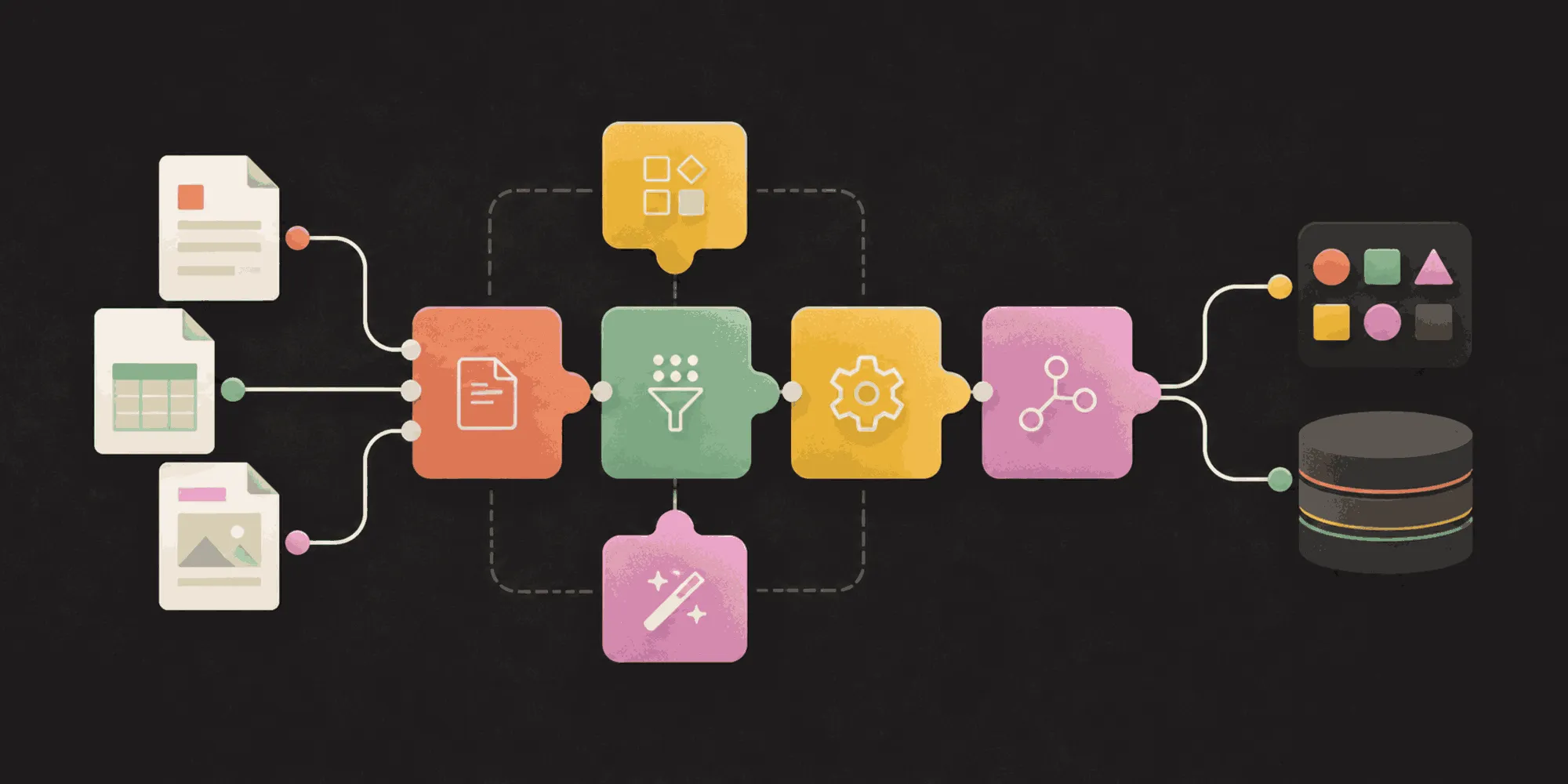
There are a small number of solutions available in the market. Some service providers and vendors of development libraries claim to be able to convert EML and MSG files to PDF, but few do this in a way that:
- Generates perfect-looking PDFs
- Supports emails written in a multitude of languages and character sets
- Converts all attachments and merges them into a single PDF
- Provides many ways to filter and configure these attachments
- Takes care of rendering delivery receipts
- Includes calendar entries and contact cards
- Outputs PDFs in PDF/A1b, 2b and 3B formats
- Allows the process to be fully automated via workflow platforms or an API
We’re generally a modest bunch, but we truly believe we have the best email-to-PDF converter in the world. We know this because we searched for third-party libraries when we first implemented this facility. Nothing existed that was half decent, so we decided to build our own. Our team has spent an enormous amount of time on this facility — more than on any of our other converters, including our popular and comprehensive InfoPath converter. The results are clearly visible — Nutrient Document Converter works very well.
So, this customer was faced with a very difficult task. How did they end up solving it? Their in-house team built a simple solution using Java code in combination with the REST API exposed by our online service(opens in a new tab). Things just sit quietly in the background, working around the clock to generate PDFs out of emails.
The REST API approach works well for them. We also support a SOAP API(opens in a new tab) in combination with hosting our software on your own servers, SharePoint Online, SharePoint on-premises, Power Automate (Microsoft Flow), Azure Logic Apps, UiPath, Nintex Workflow, K2, C#, JavaScript, Python, PHP, and anything else that is remotely modern.
We could make up fancy ROI figures for this use case, but the fact is that the requirement was nearly impossible. Whatever figure we come up with is bound to be wrong by an order of magnitude. Let’s just say it is working out very well for everyone involved.
Many of our customers are sitting on gigabytes of emails that need to be archived for eDiscovery, freedom of information requests, and various retention regulations. Being able to access these emails 10, 20, or even 40 years down the line, in a universally accepted format such as PDF (including PDF/A), is absolutely essential. Nutrient’s range of PDF conversion products make this possible for all common file formats, as well as for some uncommon ones such as MSG, EML and even InfoPath.
If you have any questions or comments, feel free to contact us. Or, try Nutrient Document Converter today.