The complete guide to digital signatures: PAdES, CAdES, and XAdES explained

Table of contents
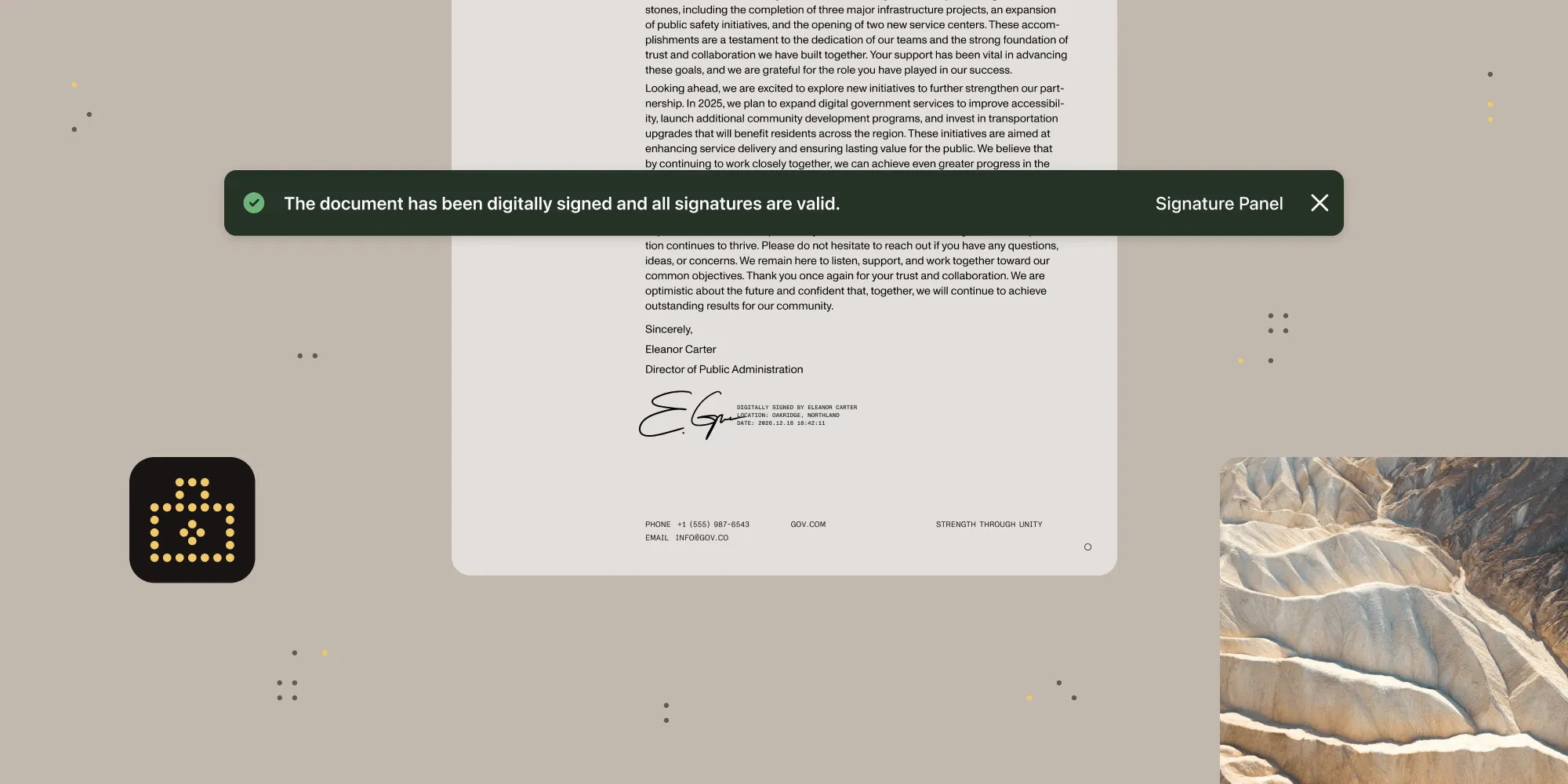
Digital signatures use PKI cryptography to verify document integrity and signer identity. PAdES(opens in a new tab) is the standard for PDFs, CAdES(opens in a new tab) is for any file type, and XAdES(opens in a new tab) is for XML. For long-term validity, use PAdES B-LT or B-LTA. This guide covers the standards, compliance frameworks, and implementation with Nutrient SDK.
Why digital signatures matter
Organizations signing contracts, compliance documents, medical records, and financial agreements need assurance that signed documents are authentic, unaltered, and legally enforceable.
Digital signatures provide this assurance through cryptographic technology that verifies:
- Document integrity — The document hasn’t been modified since signing
- Author authenticity — The signer’s identity is verified and confirmed
- Non-repudiation — The signer cannot deny having signed the document
- Timestamp verification — Proof of when the document was signed
This guide covers implementing digital signatures, from understanding the standards (PAdES, CAdES, XAdES), to meeting compliance requirements and building production-ready signing workflows.
Electronic signatures vs. digital signatures
Electronic signatures and digital signatures are different technologies with different security properties, though the terms are often used interchangeably.
Electronic signatures (eSignatures)
An electronic signature is a digital representation of a handwritten signature. It can be as simple as:
- A typed name in a signature field
- A drawn signature using a mouse, stylus, or finger
- An uploaded image of a handwritten signature
- A checkbox indicating agreement
Limitation — By themselves, eSignatures (typed names, drawn marks, checkboxes) do not include cryptographic proof of a signer’s identity or tamper detection. However, many eSignature services apply digital signatures behind the scenes to provide these guarantees. The distinction here is between the visual representation (eSignature) and the underlying cryptographic mechanism (digital signature).
Digital signatures
A digital signature is a cryptographic solution that produces a verifiably untampered document. It uses public key infrastructure (PKI) to create an encrypted “digital fingerprint” tied to a signer’s identity.
Digital signatures provide:
- Authentication — Precise identification of the signer via X.509 certificates
- Integrity — Detection of any post-signing modifications through hashing
- Non-repudiation — The signer cannot deny their signature once applied
Comparison table
| Feature | eSignature | Digital signature |
|---|---|---|
| Identity verification | None (visual only) | Certificate-based PKI |
| Tamper detection | No | Yes (cryptographic hash) |
| Non-repudiation | Limited | Strong (certificate binding) |
| Timestamp proof | No | Yes (trusted TSA) |
| Long-term validity | No | Yes (with LTV) |
| Use case | Low-risk acknowledgments | Contracts, legal, regulated |
Understanding signature standards: PAdES, CAdES, and XAdES
The European Telecommunications Standards Institute (ETSI)(opens in a new tab) has defined three primary standards for advanced electronic signatures. Each standard is designed for specific use cases and file formats.
PAdES (PDF Advanced Electronic Signatures)
PAdES(opens in a new tab) is the standard specifically designed for PDF documents, defined in ETSI EN 319 142. It defines extensions to standard electronic signatures that make them compliant with legislative requirements worldwide.
Key characteristics of PAdES
- Embedded in PDF files — signatures are part of the document itself
- Supports visible and invisible signatures
- Allows multiple signatures on a single document
- Compatible with standard PDF readers
- Supports timestamping and long-term validation (LTV)
PAdES compliance levels
PAdES defines four progressive compliance levels(opens in a new tab), each building on the previous one.
| Level | Description |
|---|---|
| PAdES B-B | Basic level. Contains the signer’s certificate and basic signature data. Suitable for short-term validation. |
| PAdES B-T | Timestamped. Adds a trusted timestamp from a Time Stamping Authority (TSA)(opens in a new tab), proving when the document was signed. |
| PAdES B-LT | Long-term. Embeds validation data (certificates and revocation status) so signatures can be verified even after certificate expiration. |
| PAdES B-LTA | Long-term with archive timestamp. Adds proof of existence (POE) timestamps for signatures that must remain valid decades into the future. |
Nutrient currently supports PAdES B-B, B-T, and B-LT levels. PAdES B-LTA isn’t yet supported.
CAdES (CMS Advanced Electronic Signatures)
CAdES(opens in a new tab) is based on the Cryptographic Message Syntax (CMS)(opens in a new tab) and can be applied to any type of file, not just PDFs.
Key characteristics of CAdES
- File-agnostic — Can sign any file type (PDF, images, XML, etc.)
- Wraps the signed file in a
.p7mcontainer that includes both the file and its signature - Requires specialized software to view and validate
- Doesn’t support visible signatures
Important — When CAdES signatures are embedded inside a PDF (referred to as ETSI.CAdES.detached in the PDF specification), they function similarly to PAdES signatures and can be validated in standard PDF readers.
XAdES (XML Advanced Electronic Signatures)
XAdES(opens in a new tab) is designed for XML documents and is commonly used in web services, electronic invoicing, and government systems.
Key characteristics of XAdES
- Based on the XML Digital Signature (XMLDSig)(opens in a new tab) standard
- Signature is expressed in XML format
- Can be embedded (enveloped), contain data (enveloping), or reference external data (detached)
- Commonly used in SOAP web services and e-invoicing (e.g. UBL, Factur-X)
Standard comparison
| Feature | PAdES | CAdES | XAdES |
|---|---|---|---|
| File format | PDF only | Any file type | XML documents |
| Visible signatures | Yes | No | No |
| Multiple signatures | Yes | Yes | Yes |
| Standard viewer | PDF readers | Specialized tools | XML parsers |
| Primary use case | Contracts, legal documents | Any file archival | Web services, invoices |
Global compliance frameworks
Digital signatures are legally binding in most jurisdictions when they comply with applicable regulations.
eIDAS (European Union)
The Electronic Identification, Authentication and Trust Services (eIDAS)(opens in a new tab) regulation establishes the legal framework for electronic signatures in the EU. It defines three levels of electronic signatures:
- Simple Electronic Signature (SES) — Basic eSignature with no specific requirements. Legally valid but offers minimal security.
- Advanced Electronic Signature (AdES) — Linked to the signer, created with keys only they control, and detects any changes to the signed data.
- Qualified Electronic Signature (QES) — An AdES created using certified hardware and a qualified certificate from a trusted provider. Legally equivalent to a handwritten signature.
PAdES fully supports eIDAS compliance. Nutrient integrates with trusted certificate authorities like GlobalSign to enable QES signatures.
ESIGN Act (United States)
The Electronic Signatures in Global and National Commerce (ESIGN) Act(opens in a new tab) provides the federal framework for electronic signatures in the US. Key requirements include:
- Intent to sign — The signer must demonstrate clear intent to sign
- Consent to electronic records — Parties must agree to conduct business electronically
- Record retention — Signed records must remain accessible and reproducible
- Attribution — The signature must be attributable to a specific individual
UETA (US state level)
The Uniform Electronic Transactions Act (UETA)(opens in a new tab) complements ESIGN at the state level. It has been adopted by 49 states, the District of Columbia, Puerto Rico, and the U.S. Virgin Islands. New York has not adopted UETA but has its own electronic signature statute (ESRA).
FDA 21 CFR Part 11 (pharmaceutical/medical)
For pharmaceutical and medical device industries, the FDA’s 21 CFR Part 11(opens in a new tab) governs electronic records and signatures. Requirements include:
- Complete audit trails for all document changes
- Signature manifestations showing printed name, date/time, and meaning
- Unique identification of each signer
- System access controls and security procedures
Implementing digital signatures with Nutrient
Nutrient offers digital signature capabilities across multiple products for different deployment models.
Digital signatures across Nutrient products
| Product | Best for | Key capabilities |
|---|---|---|
| Nutrient SDK | Client-side signing in web, iOS, Android, .NET, React Native | Visible/invisible signatures, validation UI, certificate management |
| Nutrient API | Cloud-based document processing without infrastructure | Server-side signing, SOC 2 Type 2 audited |
| Nutrient Document Engine | Enterprise server deployments with full control | HSM integration (AWS CloudHSM), GlobalSign DSS, on-premises option |
| Nutrient Workflow Automation | Business process automation with signing tasks | PAdES signatures, sequential signing, signer identity verification |
Signature architecture options
Nutrient supports three primary signing architectures, each suited to different security and deployment requirements:
- Client-side signing — Certificates stored locally or in hardware tokens. Best for scenarios where private keys must never leave the user’s device.
- Server-side signing — Centralized signature servers or cloud services. Ideal for automated workflows and batch signing.
- Delegated signing — Clients send only document hashes to a secure backend with a hardware security module (HSM). Private keys stay protected while users sign.
Prerequisites
Before implementing digital signatures with Nutrient, ensure you have:
- A Nutrient SDK license (for client-side signing) or a Document Engine instance (for server-side signing)
- Node.js 18+ (for JavaScript examples)
- A PDF document to sign
- A signing certificate in PKCS#12 format (or use Nutrient’s GlobalSign integration for QES)
Code example: Signing with PAdES B-LT
The following example demonstrates signing a PDF with long-term validation using Nutrient’s Digital Signatures API:
curl -X POST https://api.nutrient.io/sign \ -H "Authorization: Bearer your_api_key_here" \ -o result.pdf \ --fail \ -F file=@document.pdf \ -F data='{ "signatureType": "cades", "cadesLevel": "b-lt" }'This creates a PAdES B-LT signature with long-term validation data embedded, ensuring the signature remains verifiable even after the signing certificate expires.
Web SDK example
For client-side signing with the Web SDK:
await instance.signDocument( { signingData: { signatureType: NutrientViewer.SignatureType.CAdES, padesLevel: NutrientViewer.PAdESLevel.b_lt, }, }, { jwt: "<access_token>", });Why SignatureType.CAdES? PAdES signatures are technically CAdES signatures embedded in a PDF. When you specify SignatureType.CAdES with a padesLevel, Nutrient creates a PAdES-compliant signature following the ETSI standard.
Signature validation
Nutrient’s validation process consists of two steps:
- Certificate trust verification — Checks if the signature certificate can be trusted by validating against provided root certificates.
- Signature integrity verification — Decrypts the signature using the public key and compares the result with the document’s hash to detect any modifications.
The validation UI displays a color-coded status: green for valid, yellow for warnings, and red for invalid signatures.
Validation status in Web SDK
const signaturesInfo = await instance.getSignaturesInfo();
console.log("Overall status:", signaturesInfo.status);// NutrientViewer.DocumentValidationStatus.valid// NutrientViewer.DocumentValidationStatus.warning// NutrientViewer.DocumentValidationStatus.error
signaturesInfo.signatures.forEach((sig) => {  console.log("PAdES Level:", sig.PAdESSignatureLevel);  console.log("Valid from:", sig.validFrom);  console.log("Valid until:", sig.validUntil);  console.log("Certificate chain status:", sig.certificateChainValidationStatus);});
GlobalSign integration
For trusted digital signatures meeting eIDAS regulations, Nutrient integrates with GlobalSign DSS:
await instance.signDocument( { signingData: { signatureType: NutrientViewer.SignatureType.CAdES, padesLevel: NutrientViewer.PAdESLevel.b_lt, }, }, { signingToken: jwtToken, });Note — When integrating with GlobalSign DSS via Document Engine, always use SignatureType.CAdES and padesLevel: b_lt, because GlobalSign DSS certificates expire after 10 minutes. This creates PAdES B-LT signatures that embed long-term validation data, so signatures remain verifiable even after the signing certificate expires.
Long-term validation (LTV)
LTV (PAdES B-LT) ensures a signature remains verifiable years after signing by embedding validation data at signing time. This addresses scenarios where:
- The signer’s certificate has expired
- The Certificate Authority has ceased operations
- Online revocation services are no longer available
Algorithm obsolescence — LTV alone doesn’t protect against cryptographic algorithm weaknesses over time. For signatures that must remain valid for decades with protection against algorithm obsolescence, use PAdES B-LTA (archive timestamps) or implement periodic retimestamping with stronger algorithms. Nutrient currently supports B-LT; B-LTA isn’t yet available.
How LTV works
LTV works by embedding all the data needed to validate a signature at the time of signing. This includes:
- Complete certificate chain — From the signer’s certificate to the trusted root
- Revocation status — Proof that the certificate wasn’t revoked at signing time (fetched from online services)
- Trusted timestamp — Cryptographic proof of when the document was signed
Implementing LTV with Nutrient
Nutrient handles LTV when you specify the appropriate PAdES level. For PAdES B-LT signatures, Nutrient will:
- Contact the OCSP server to obtain revocation status for certificates
- Embed the certificate chain needed for validation
- Include cryptographic timestamp tokens when timestamping is enabled
- Store all validation data within the PDF document
Note — LTV behavior may vary between Nutrient products. With the Web SDK, LTV data is embedded client-side during signing. With Document Engine, LTV is handled server-side. Refer to the Web SDK signatures guide or Document Engine signatures guide for product-specific details.
PAdES level selection guide
| Use case | Recommended level | Why |
|---|---|---|
| Short-term acknowledgments | PAdES B-B | Minimal overhead, adequate for non-critical documents |
| Business contracts | PAdES B-T | Timestamp provides proof of signing time |
| Legal documents, archival | PAdES B-LT | LTV ensures long-term verifiability |
| Regulatory compliance, court evidence | PAdES B-LTA | Maximum longevity with archive timestamps (not yet in Nutrient) |
Best practices
This section covers security guidelines for key management and certificate handling, along with a checklist to complete before deploying to production.
Security
- Use RSA 2048-bit+ keys (or ECDSA) and SHA-256 or stronger
- Store private keys in HSMs or secure key vaults, never in application code
- Obtain certificates from recognized CAs and monitor expiration
- Use HTTPS for all communications
Before going to production
- Identify applicable regulations (eIDAS, ESIGN, FDA, etc.)
- Choose the appropriate PAdES level based on retention requirements
- Configure trusted root certificates for validation
- Implement audit logging
- Test validation across PDF readers and browsers
FAQ
An electronic signature is any electronic indication of intent to sign, such as a typed name, drawn signature, or checkbox. A digital signature is a specific type of electronic signature that uses PKI cryptography to verify the signer’s identity and detect document tampering. Digital signatures provide stronger legal evidence because they include certificate-based authentication and tamper detection.
For most business documents, PAdES B-LT is the recommended choice. It includes long-term validation data (certificates and revocation information), so the signature remains verifiable even after the signing certificate expires. Use PAdES B-B only for short-term, low-risk documents. Use PAdES B-LTA when signatures must remain valid for decades and you need protection against algorithm obsolescence.
Yes, in most jurisdictions. In the EU, digital signatures are governed by the eIDAS regulation, which gives Qualified Electronic Signatures (QES) the same legal effect as handwritten signatures. In the US, the ESIGN Act and UETA recognize electronic signatures as legally valid when they meet requirements for intent, consent, and record retention. Some document types (wills, certain real estate documents) may still require wet signatures, depending on jurisdiction.
A basic digital signature (PAdES B-B) is valid only while the signing certificate is valid, typically 1–3 years. With long-term validation (LTV), signatures can remain valid indefinitely. PAdES B-LT embeds the certificate chain and revocation data at signing time, allowing validation even after certificate expiration. PAdES B-LTA adds archive timestamps that protect against algorithm weaknesses over time.
A QES is the highest level of electronic signature under eIDAS. It requires an Advanced Electronic Signature created using certified hardware and a qualified certificate from a trusted authority. QES is legally equivalent to a handwritten signature across all EU member states. Nutrient integrates with GlobalSign to enable QES signatures.
Yes. PAdES supports multiple signatures on a single document, which is common for contracts requiring signoff from multiple parties. Each signature is independent and can be validated separately. The document maintains an incremental save structure, so each signature captures the document state at the time of signing.
Digital signatures detect any modification to the signed content. If a document is altered after signing, validation will fail and show an error status. Nutrient’s validation UI displays this with a red indicator. Some modifications (like adding a new signature or form field) are allowed and don’t invalidate existing signatures, but content changes will break the signature.
For basic validation, no. The signature and certificate data are embedded in the PDF. However, checking whether a certificate has been revoked requires network access. PAdES B-LT signatures embed this revocation data at signing time, allowing complete offline validation.
Conclusion
Digital signatures provide cryptographic verification, legal enforceability, and long-term document integrity for compliance-critical workflows. By understanding the standards (PAdES for PDFs, CAdES for any file, XAdES for XML) and compliance frameworks (eIDAS, ESIGN, FDA 21 CFR Part 11), you can build signing solutions that meet your organization’s requirements.
Additional resources
- Digital signatures implementation guide
- Cryptography standards for PDF signatures
- GlobalSign integration for QES
- How to add a signature pad using JavaScript — Capturing a handwritten signature in the browser