Best Unstructured alternatives for document parsing and ingestion (2026)

Table of contents

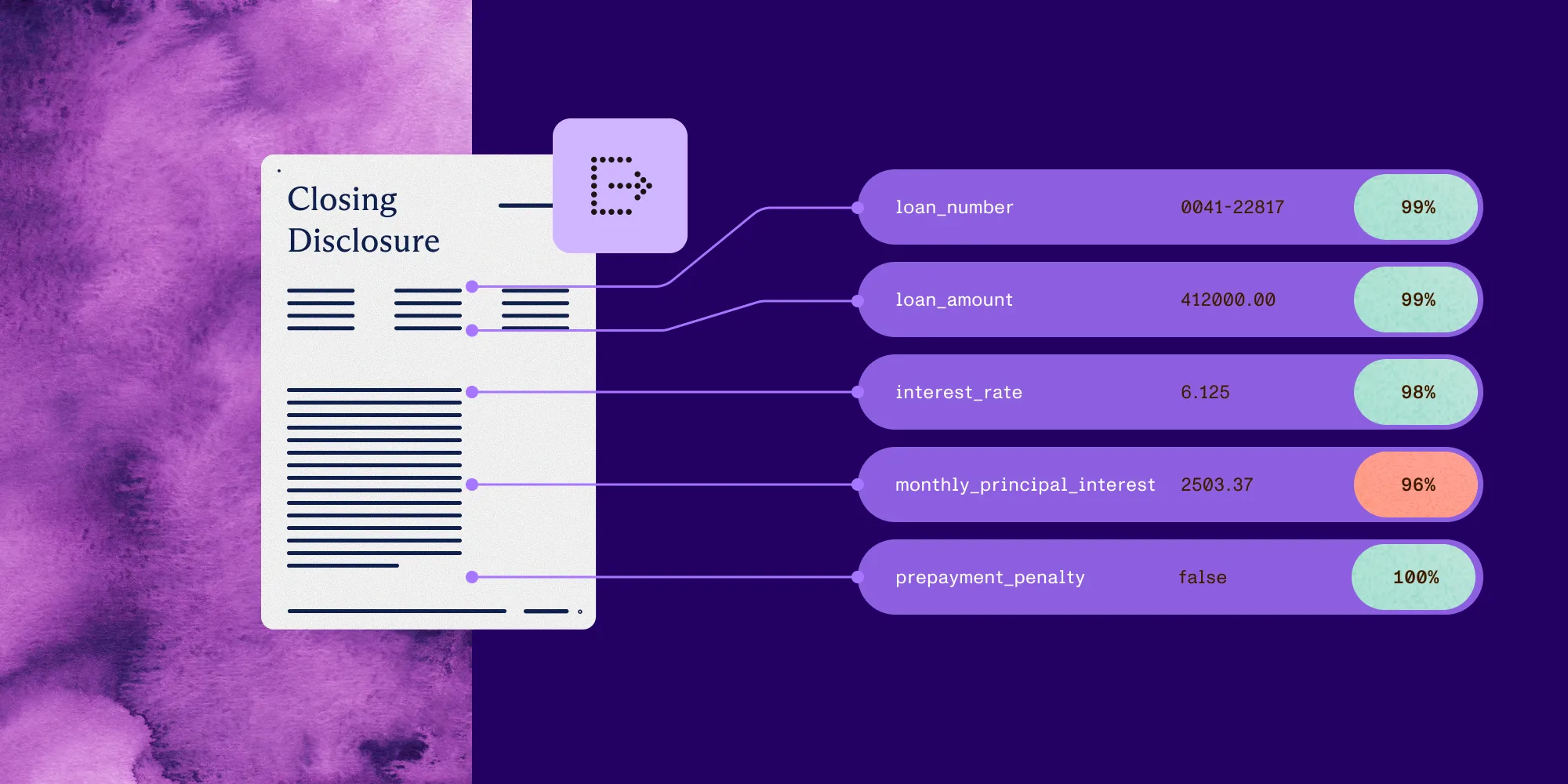
Structured output with per-field confidence scores through the Nutrient Data Extraction API.
- There’s no universal best Unstructured alternative. Choose by output contract, source grounding, scan and table handling, deployment boundary, retrieval-framework fit, and pricing shape.
- Choose Nutrient when parsed pages also have to become schema-shaped fields carrying a page reference, a bounding box, and a confidence signal.
- Choose Docling when document conversion has to run locally in an open source pipeline your own team operates.
- Choose LlamaParse when the parsed output feeds a LlamaIndex retrieval stack.
- Choose Amazon Textract, Azure AI Document Intelligence, or Google Document AI when the pipeline is already standardized on one cloud.
- Keep Unstructured when connectors and chunking strategies are the center of the ingestion problem.
The best Unstructured alternative depends on what happens to a document after it’s parsed. Nutrient Data Extraction API is the pick when ingestion has to end in named business fields that carry a page reference, a bounding box, and a confidence signal a reviewer can act on. Docling fits teams that need conversion to run on their own hardware. LlamaParse fits stacks already built on LlamaIndex. Reducto fits corpora where difficult visual pages are the whole problem. Marker fits a self-hosted converter that should emit Markdown and chunks. Amazon Textract, Azure AI Document Intelligence, and Google Document AI fit pipelines committed to one cloud.
What Unstructured does well
Unstructured(opens in a new tab) is an open source Python library plus a hosted platform for turning many file types into retrieval-ready pieces. Its documentation describes partitioning a document into typed elements (titles, narrative text, list items, tables, images), each carrying metadata and coordinates. It then chunks those elements with strategies such as by title, by page, and by similarity. Partitioning ranges from a fast path for born-digital files through a high-resolution path to a vision language model (VLM) path.
Around that sits the part most teams buy: a library of source and destination connectors and workflows(opens in a new tab). One pipeline can then read from object storage, a content system, or a mailbox and write into a vector database. Deployment runs from the open source library on your own hardware to a managed API and a virtual private cloud (VPC) installation. That’s a coherent answer to one problem: getting varied enterprise content into a retrieval index without writing a reader for every format.
Why teams look beyond Unstructured
The reasons appear after the prototype works and your team has to operate the pipeline:
- The application needs named business fields with types, not elements and chunks.
- A reviewer has to trace a value back to a page region before it updates a system of record.
- Running the open source library in production means owning the container, its models, and its memory profile.
- Documents can’t leave a specific cloud, network, or country boundary.
- Users also need to view, redact, compare, or sign the same documents, and nobody wants a second vendor for that.
None of these are faults in Unstructured. They’re signs that the job is no longer ingestion alone.
Criteria that matter in production
Score every candidate against the same requirements before running a sample document.
Output contract
Decide what the downstream system consumes. Markdown suits chunkers and agents because headings and tables survive as plain text. Typed elements suit pipelines that route by element type. Schema-shaped JSON suits code that expects invoice_number to be a string and total_amount to be a number.
Source grounding and confidence
Check whether each value comes back with a page reference, a bounding box, and a signal a review queue can key on. Grounding lets a reviewer see where a value came from. A confidence number is a routing signal rather than proof of correctness, and it’s worth knowing which of the two a vendor returns.
Scans, tables, and other hard pages
Born-digital documents flatter every parser. Scans, handwriting, merged cells, nested headers, and multicolumn layouts separate them. Treat table quality as a workload to measure on your own pages rather than a property of a vendor.
Deployment and the data boundary
Confirm where documents, derived artifacts, model calls, and logs live. Managed API, VPC, on-premises, and fully local are four different answers, and a vendor can support one mode for parsing and another for its model-based features.
Retrieval-framework fit
If the output feeds retrieval-augmented generation (RAG), ask how much assembly remains after parsing: chunking strategy, metadata, embedding, and the connector to the vector store. A parser hands that work back to you; an ingestion platform does it and gives you less control over the pieces.
Pricing shape
Compare the bill your workflow produces, not a headline rate. Include parsing, extraction, citations, retries, and review time, plus compute and engineering ownership for open source. Credit, per-page, per-feature, and self-hosted models aren’t comparable until they meet the same documents.
Unstructured alternatives at a glance
| Alternative | Class | Genuine strength | Grounding and output | Deployment | Choose it when |
|---|---|---|---|---|---|
| Nutrient Data Extraction API | Grounded extraction API and document platform | Parse, extract, classify, and split from one API, with viewing, editing, redaction, and signing around it | Spatial elements with bounding boxes and confidence, Markdown, or schema-shaped JSON with per-field citations and match labels | Hosted API, or self-hosted through Nutrient’s SDKs and Document Engine | Parsed pages have to become reviewable fields in your own product |
| Docling(opens in a new tab) | Open source conversion pipeline | Local conversion with layout and table-structure models | A structured document representation exported as Markdown or JSON | Your infrastructure | Conversion has to stay on hardware you control |
| LlamaParse and LlamaExtract(opens in a new tab) | Managed parser inside a RAG framework | Processing tiers and a direct path into LlamaIndex indexes and agents | Markdown and layout output, plus schema extraction through LlamaExtract | Managed cloud, with self-hosted and bring-your-own-cloud enterprise options | The parsed output feeds a LlamaIndex retrieval stack |
| Reducto(opens in a new tab) | Focused parsing and extraction platform | Schema extraction aimed at difficult layouts and complex tables | Bounding-box citations with source text and page coordinates | Cloud, hybrid VPC, or on-premises | Difficult visual documents lead the evaluation |
| Marker(opens in a new tab) | Open source converter with a managed option | Tables, equations, and scanned pages, with an optional model pass | Markdown, JSON, HTML, and chunked output | Self-hosted, plus a managed Datalab platform | A self-hosted converter should emit retrieval-ready chunks |
| Azure AI Document Intelligence(opens in a new tab) | Cloud document service | Prebuilt models, custom models, classification, and query fields | Strongly typed values with layout and table output | Azure | The pipeline already runs on Azure |
| Google Document AI(opens in a new tab) | Cloud document service | A processor catalog for forms, custom fields, and common document types | Processor-specific entities, key-value pairs, and tables | Google Cloud | The pipeline already runs on Google Cloud |
| Amazon Textract(opens in a new tab) | Cloud document service | Text, forms, tables, queries, signatures, and layout as primitives | Block objects with geometry and confidence | AWS | The pipeline already runs on AWS |
This isn’t a ranking. A connector-rich ingestion platform, a local converter, and a grounded extraction API solve three different problems, and one pipeline can use more than one.
Eight alternatives to Unstructured
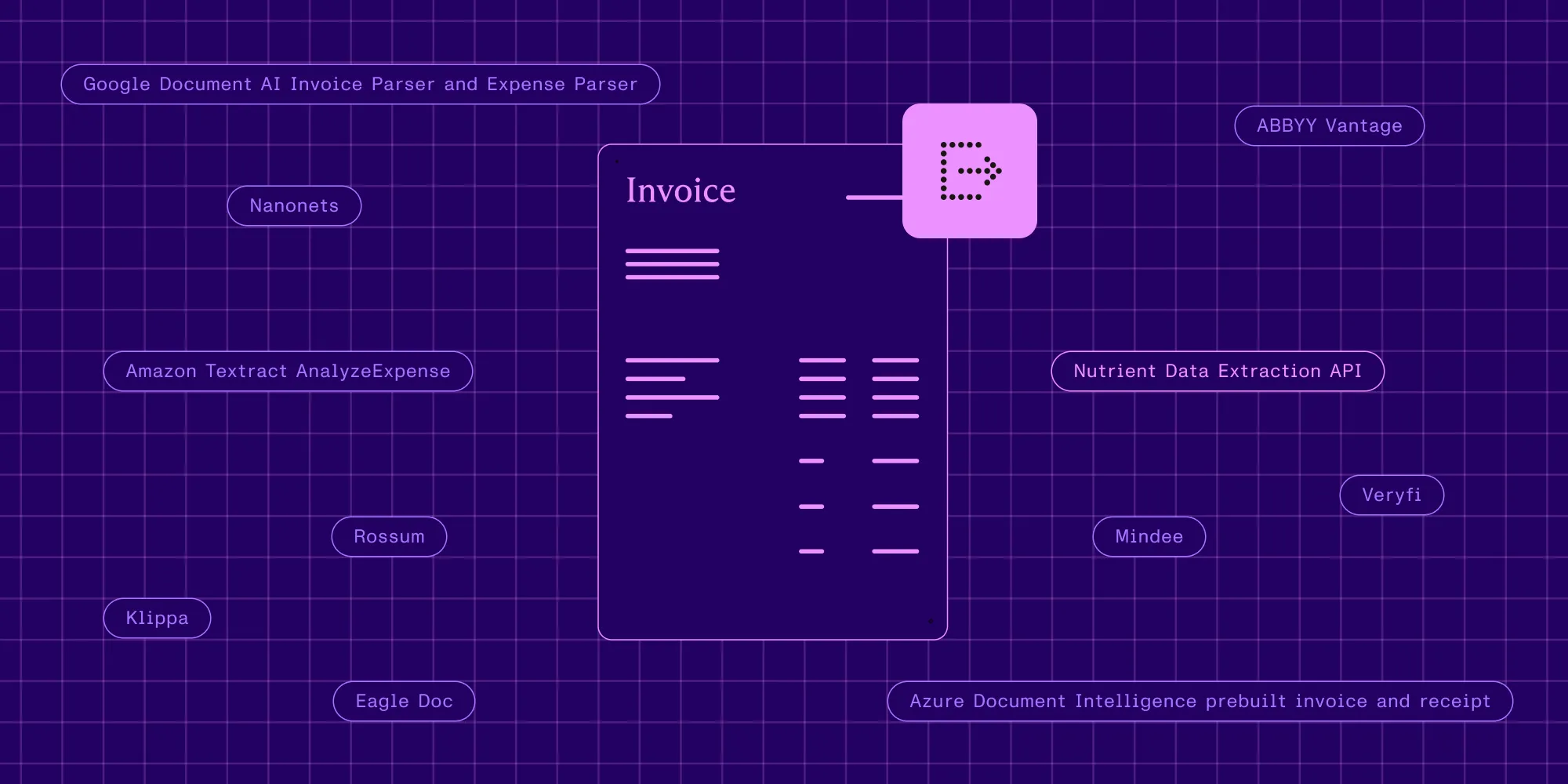
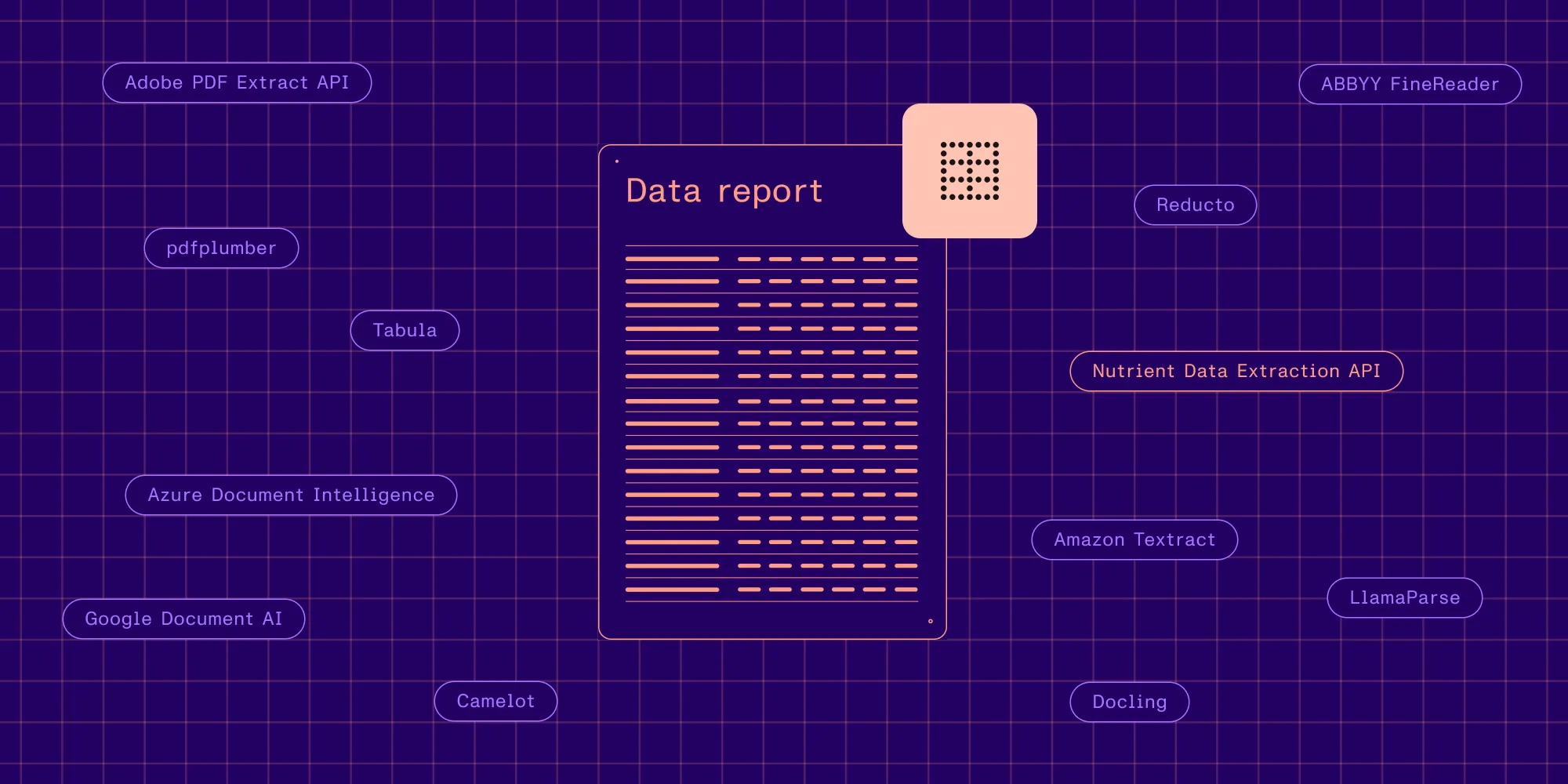
The alternatives below include an extraction API, open source converters, managed parsing services, and cloud document services.
1. Nutrient Data Extraction API
Nutrient Data Extraction API takes PDFs, images, and Office files and returns either typed spatial elements or whole-document Markdown. The elements are paragraphs, tables, formulas, pictures, and key-value regions, each with bounding boxes, a confidence score, and reading order. A separate extract operation maps the same document to a caller-defined JSON Schema and returns each field with a page number, a bounding box, and a match label, plus a confidence signal when the engine provides one. A classify operation scores a document against labels supplied in the request and returns a ranked list, which is what an intake queue needs before it routes a file.
Four processing modes set the depth: text for born-digital Markdown, structure for optical character recognition (OCR)-based spatial elements, understand for AI-augmented layout analysis, and agentic for VLM-augmented pages. Or start with auto, which picks structure, understand, or agentic for each page. The non-VLM modes give a repeatable path for the part of a corpus that doesn’t need model interpretation, and the understand and agentic paths add model-based processing for the part that does. Confidence is a calibrated score from zero to one. The match label (id_match, fuzzy_match, not_found) is the interpretable field review logic keys on.
The surrounding platform is the other difference. Nutrient also covers viewing, annotation, editing, redaction, comparison, conversion, and signing, and extraction can be self-hosted through Nutrient’s SDKs and Document Engine. The Nutrient vs. Unstructured comparison sets out where each fits.
Choose Nutrient when parsed pages have to become reviewable, source-grounded fields inside your own product.
2. Docling
Docling(opens in a new tab) is an open source conversion pipeline that reads PDFs, Office files, images, HTML, and Markdown and produces a structured document representation it exports as Markdown or JSON. It runs locally, ships layout and table-structure models, and lets you select the OCR engine, which removes the managed service from the data path entirely.
The cost moves rather than disappears. Your team owns model artifacts, hardware sizing, throughput, upgrades, and the regression tests that catch a conversion change before it reaches the index.
Choose Docling when conversion has to stay on infrastructure you control and your team can own the pipeline.
3. LlamaParse and LlamaExtract
LlamaParse(opens in a new tab) is LlamaIndex’s managed parser, with processing tiers that reserve deeper model work for harder pages, layout output, and a direct path into LlamaIndex indexes and agents. LlamaExtract is the adjacent service that maps a document to a caller-defined JSON Schema. LlamaIndex documents self-hosted and bring-your-own-cloud deployment for enterprise customers.
The framework is the deciding factor. When retrieval, indexing, and agent orchestration already run on LlamaIndex, parsing in the same ecosystem removes glue code; when they don’t, that advantage doesn’t transfer. The LlamaParse alternatives guide covers this lane in more detail.
Choose LlamaParse when the parsed output feeds a LlamaIndex retrieval stack.
4. Reducto
Reducto(opens in a new tab) is a focused parsing and extraction platform. Its documentation covers schema-based extraction, bounding-box citations(opens in a new tab) that carry source text and page coordinates, and cloud, hybrid VPC, and on-premises deployment(opens in a new tab). It also states that large language model (LLM) output is inherently nondeterministic and suggests caching by document hash when identical results are required.
Reducto aims at getting difficult pages right rather than at moving many file types into a vector store, so ingestion plumbing stays your responsibility. The Reducto alternatives guide compares that lane.
Choose Reducto when difficult visual documents and deployment flexibility lead the evaluation.
5. Marker
Marker(opens in a new tab) converts PDFs and other formats into Markdown, JSON, HTML, and chunked output. Its code is Apache 2.0 with a separate license for the model weights, it runs self-hosted, and an optional mode adds a large language model for harder pages. Datalab also offers a managed platform.
It sits close to Docling in the decision, with the same tradeoff: no managed per-page fee, and no managed operations either. The chunked output is the detail worth testing.
Choose Marker when a self-hosted converter should emit Markdown and chunked output ready for retrieval.
6. Azure AI Document Intelligence
Azure AI Document Intelligence(opens in a new tab), formerly Form Recognizer, combines OCR and layout analysis with prebuilt models for common document types, custom template and neural models trained on labeled examples, document classification, and query fields. Responses can return strongly typed values inside Azure identity, storage, and monitoring.
What it adds is model and service design: choosing between layout, prebuilt, query-field, and custom approaches, then operating the Azure resources and labeled data behind them.
Choose Azure AI Document Intelligence when the pipeline already runs on Azure and the team wants prebuilt plus trainable document models.
7. Google Document AI
Google Document AI(opens in a new tab) organizes its capabilities as processors. Form Parser returns key-value pairs, checkboxes, tables, and OCR text. Custom Extractor supports user-defined fields, and pretrained processors cover common document types. Pricing varies by processor(opens in a new tab), so the per-page number depends on which ones the pipeline enables.
Processor selection is the design decision, because language coverage, regional availability, and output shape differ between processors.
Choose Google Document AI when the pipeline already runs on Google Cloud and the processor catalog covers your document types.
8. Amazon Textract
Amazon Textract(opens in a new tab) returns Block objects for text, forms, tables, queries, signatures, and layout. Blocks carry geometry and confidence, and asynchronous operations handle multipage documents, which suits systems already built around Amazon Simple Storage Service, AWS Identity and Access Management, and queues.
The tradeoff is the output contract. Downstream code has to traverse the block graph and turn it into the reading order, chunks, or field schema the application expects.
Choose Amazon Textract when the pipeline already runs on AWS and managed document primitives matter more than a portable output format.
Scenario-based recommendations
Let the workload, not the vendor category, narrow the shortlist.
- Fields that trigger a decision — Choose Nutrient when every extracted value needs a page reference, a bounding box, and a confidence signal before it updates a system of record.
- Routing before extraction — Choose Nutrient when an intake queue has to sort mixed documents against labels you supply per request, with no training data and no template to maintain.
- A fully local pipeline — Choose Docling when documents can’t leave hardware you control.
- A self-hosted converter for retrieval — Choose Marker when Markdown and ready-made chunks are the output the index wants.
- Framework-native RAG — Choose LlamaParse when LlamaIndex is already the application framework.
- Difficult visual documents — Choose Reducto when complex tables and dense layouts dominate the corpus.
- Single-cloud architecture — Choose Amazon Textract on AWS, Azure AI Document Intelligence on Azure, or Google Document AI on Google Cloud when native identity and monitoring outweigh output portability.
- Connector-heavy ingestion — Keep Unstructured when the hard part is reading from many systems and writing into a vector store, and check the current status of structured data extraction on its pricing page(opens in a new tab) before treating it as a schema-extraction substitute.
Run a fair proof of concept
A comparison page can define the shortlist. Your documents decide the result.
- Collect 30–50 representative files, including the worst scans and the tables people argue about.
- Define one output contract (the same target fields, types, and missing-value rules) and hold every candidate to it.
- Score structure and field values separately, so strong plain-text extraction can’t hide a missing required field.
- Inspect grounding. Open the page each citation points at and confirm it’s the region a reviewer would need.
- Repeat a sample across runs to measure variation in model-based modes.
- Test the real deployment boundary, including authentication, storage, retention, and logs.
- Model total operating cost with retries, review time, and engineering ownership included.
The best document parsing APIs guide and the best PDF parsers for RAG comparison give two more views of the field.
FAQ
Nutrient Data Extraction API is the pick when ingestion has to end in schema-shaped fields with per-field citations, bounding boxes, and confidence signals. Docling and Marker are the open source converters for local pipelines, LlamaParse fits LlamaIndex-centered retrieval, Reducto fits difficult visual documents, and Amazon Textract, Azure AI Document Intelligence, and Google Document AI fit teams standardized on one cloud. Keep Unstructured when connectors and chunking are the center of the work.
Nutrient maps a document to a caller-defined JSON Schema and returns each field with a page number, a bounding box, and a match label, plus a confidence signal when the engine provides one. Reducto documents bounding-box citations with source text and page coordinates, and LlamaExtract offers schema-guided extraction alongside LlamaParse. Verify citations on the exact operation you plan to run.
Nutrient publishes an open source pdf-to-markdown command-line tool for born-digital PDFs, which covers the simplest case without a managed service. For a broader local pipeline, Docling converts PDFs, Office files, images, and markup with layout and table-structure models, and Marker emits Markdown, JSON, HTML, and chunks under an Apache 2.0 code license. All three move operational ownership to your team.
Nutrient returns whole-document Markdown in its lowest-cost mode and spatial JSON with coordinates and page context when a chunker needs structure. LlamaParse is the closer fit when LlamaIndex already owns indexing and retrieval, and Docling or Marker fit teams that want conversion to run locally. Unstructured remains the fit when source and destination connectors are the harder half of the problem.
Nutrient supports self-hosted processing through its SDKs and Document Engine alongside the hosted API. Docling and Marker run locally as open source software, Reducto documents hybrid VPC and on-premises deployment, and LlamaIndex offers self-hosted and bring-your-own-cloud options for enterprise customers. Validate the exact mode and deployment combination before making a compliance decision.
Nutrient charges credits per page by processing mode, and its extract operation bills a parse component plus a fixed extract component, so cost follows the depth each document needs. Cloud services usually bill per page, per processor, or per enabled feature, and open source converters move the cost into compute and engineering time. Apply every model to the same monthly page mix before comparing.