Detect, parse, and extract machine-readable zone (MRZ) data from passports, driver’s licenses, ID cards, and visas. AI-powered OCR turns MRZ into structured data — deploy on-premises for full control over privacy and GDPR compliance.
Extract MRZ data from international passports — name, date of birth, nationality, document number, and expiry date.
Extract MRZ from driver’s licenses to capture holder identity data for verification and onboarding workflows.
Parse MRZ from national ID cards in TD1 format — extract structured identity data for KYC and registration.
Read MRZ from visa documents in MRV-A and MRV-B formats for border control and travel processing.
MRZ DATA EXTRACTION
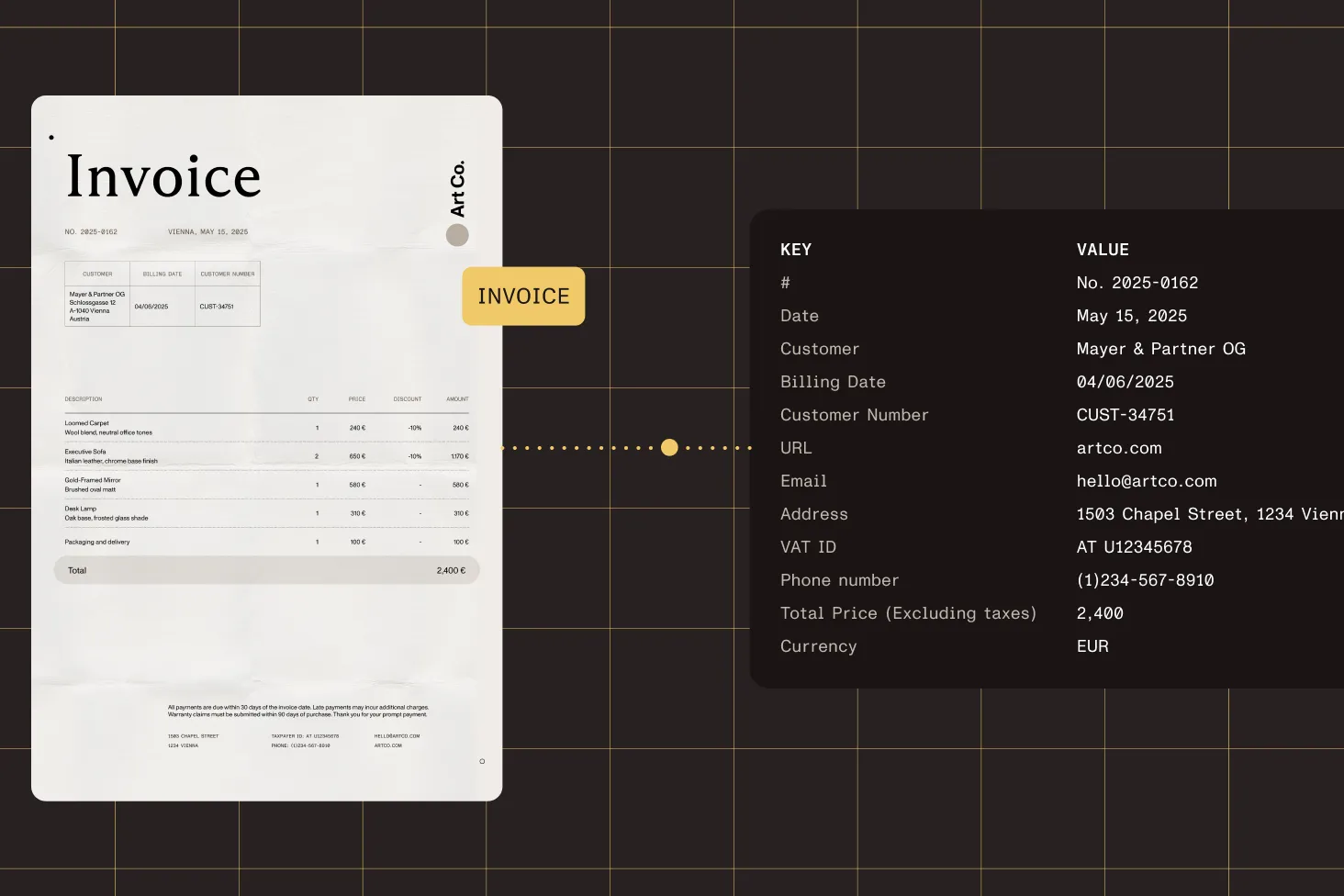
The AI-powered OCR engine detects, parses, and converts MRZ into structured data. Pass an image to the .NET SDK’s OCR engine with the MRZ context and get the extracted text back — the SDK handles detection and parsing internally.
15+ years of continuous improvements to the OCR engine for reliable MRZ recognition across document conditions.
TD1, TD2, TD3, MRV-A, and MRV-B — covering international passports, ID cards, driver’s licenses, and visas.
Extract name, date of birth, sex, nationality, document type, issuing authority, document number, and expiry date.
Convert scanned documents with MRZ to searchable PDFs — recognize MRZ text and save it in a PDF with the OCR engine.
SUPPORTED DOCUMENTS
The same .NET OCR API handles all document types. Load the image, run MRZ recognition, and get structured text — whether the source is a passport, driver’s license, ID card, or visa.
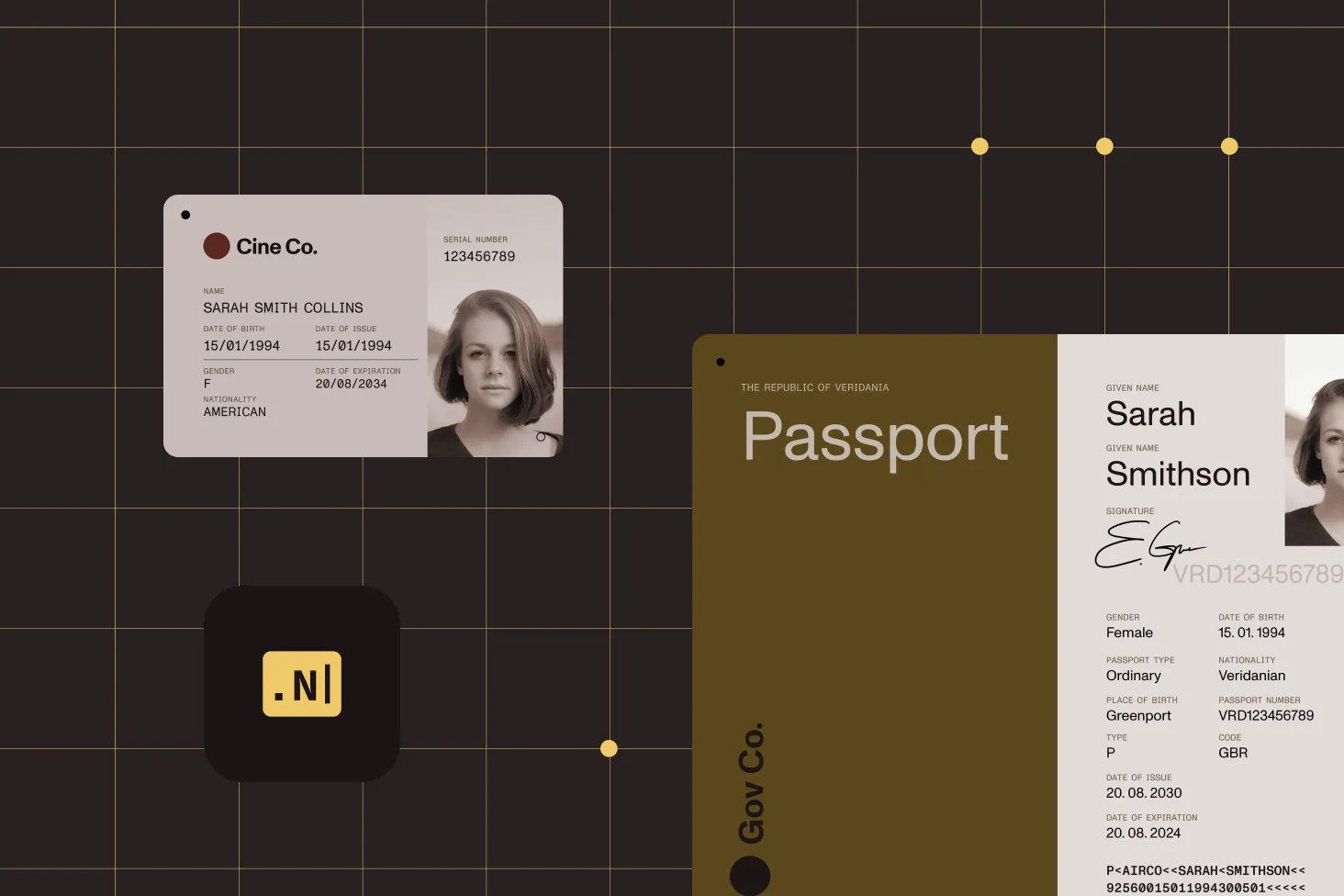
Machine-readable travel documents with two- or three-line MRZ zones. Extract holder identity and document data from international passports.
National identity cards with three-line MRZ zones. Includes support for French and Portuguese ID card formats.
Extract MRZ data from driver’s licenses for identity verification, onboarding, and KYC compliance workflows.
Machine-readable visa documents in both MRV-A and MRV-B formats for border control and travel document processing.
SECURE DEPLOYMENT
Deploy the MRZ SDK on your own infrastructure. No data leaves your environment — full control over privacy, security, and GDPR compliance.
All MRZ extraction runs locally on your servers. Scanned ID images and extracted data never leave your infrastructure — meeting GDPR and data sovereignty requirements.
Integrate MRZ extraction into any .NET application. The SDK provides a simple API — load an image, set the MRZ context, and run OCR.
An MRZ SDK is a software development kit that detects, parses, and extracts machine-readable zone data from identity documents. Nutrient .NET SDK uses AI-powered OCR to read MRZ from passports, driver’s licenses, ID cards, and visas, returning structured data like name, date of birth, nationality, and document number.
Load a scanned passport image into the .NET SDK’s OCR engine and run MRZ recognition. The SDK detects the MRZ zone, recognizes the characters, and returns the extracted data as structured text. The same API works for all supported document types.
The SDK supports all standard MRZ formats: TD1 (ID cards), TD2 and TD3 (passports), MRV-A and MRV-B (visas). It also handles non-standard formats like French and Portuguese ID cards. Driver’s licenses with MRZ zones are also supported.
Yes. Extract MRZ data from identity documents to verify holder information — name, date of birth, nationality, and document expiry. Use the extracted data for KYC/AML compliance, customer onboarding, or identity verification workflows in banking, travel, and healthcare applications.
Yes. The SDK runs entirely on your infrastructure. Scanned images and extracted MRZ data never leave your environment, giving you full control over privacy, security, and GDPR compliance. No cloud dependency is required.
The MRZ contains holder data (name, date of birth, sex, nationality) and document data (document type, issuing authority, document number, date of expiry). The SDK extracts all fields as structured text from the MRZ zone.
The .NET SDK provides a straightforward API: Load the document image, set the MRZ recognition context, and run OCR. The SDK returns the extracted MRZ text as a string. See the extraction guides for complete C# and VB.NET code examples.
Yes. The OCR engine can recognize MRZ text in scanned documents and save the result as a searchable PDF. This combines the visual scan with machine-readable text for archival and search workflows.
FREE TRIAL
Start scanning passports, ID cards, and driver’s licenses in minutes — no payment information required.
An ID verification SDK automates identity document processing by extracting machine-readable zone (MRZ) data from passports, driver’s licenses, ID cards, and visas. Nutrient .NET SDK uses AI-powered OCR to detect, parse, and return structured identity data for use in KYC, onboarding, and compliance workflows.
When evaluating a passport OCR SDK or passport scanner SDK, consider format coverage, deployment model, and integration complexity.
MRZ extraction is used across any industry that processes identity documents — from airport check-in and border control, to banking KYC/AML, hotel check-in, healthcare patient registration, travel booking, and law enforcement.
Nutrient provides a proven MRZ extraction engine with broad format support and on-premises deployment.
Nutrient .NET SDK covers all standard MRZ formats through a single API with on-premises deployment. Unlike cloud-only solutions, your identity data never leaves your infrastructure.




