PDF linearization restructures a document so it can be viewed page-by-page as it downloads. Users see the first page immediately instead of waiting for the entire file. Linearize on the server with Document Engine or the .NET SDK, and enable fast loading in the Web SDK viewer.
Users see the first page immediately. The viewer loads pages incrementally instead of waiting for the entire file to download.
Linearization is especially important for large PDFs where waiting for the full download is impractical.
Linearize PDFs on the server with Document Engine or the .NET SDK. Then serve them from any HTTPS server.
Apply linearization together with compression, image optimization, and grayscale conversion in a single operation.
DOCUMENT ENGINE
Linearize PDFs through a REST API. Enable linearization in the output optimization settings and combine it with compression techniques — MRC hyper-compression, grayscale conversion, and image quality control — all in a single request.
Enable linearization by setting it to true in the optimization configuration of the build request.
Apply linearization together with MRC compression, grayscale conversion, and image quality settings in a single API call.
Integrate linearization into document processing pipelines, background jobs, or API handlers.
.NET SDK
Optimize PDFs for Fast Web View by enabling linearization when saving. The output is restructured so only the requested page is downloaded from the server, rather than the entire document. Optionally combine with document packing for additional size reduction.
Enable linearization with a single parameter when saving — the SDK restructures the PDF for page-by-page loading.
Combine linearization with document packing to further reduce file size, with a tradeoff of slower save time.
Enable linearization during document conversion — linearize the output PDF as part of the conversion workflow.
WEB SDK
Enable linearized loading in the Web SDK viewer so users can view a PDF while it downloads. The viewer requests the first page immediately and loads remaining pages incrementally. Requires a prelinearized PDF served from an HTTPS server with HTTP range request support.
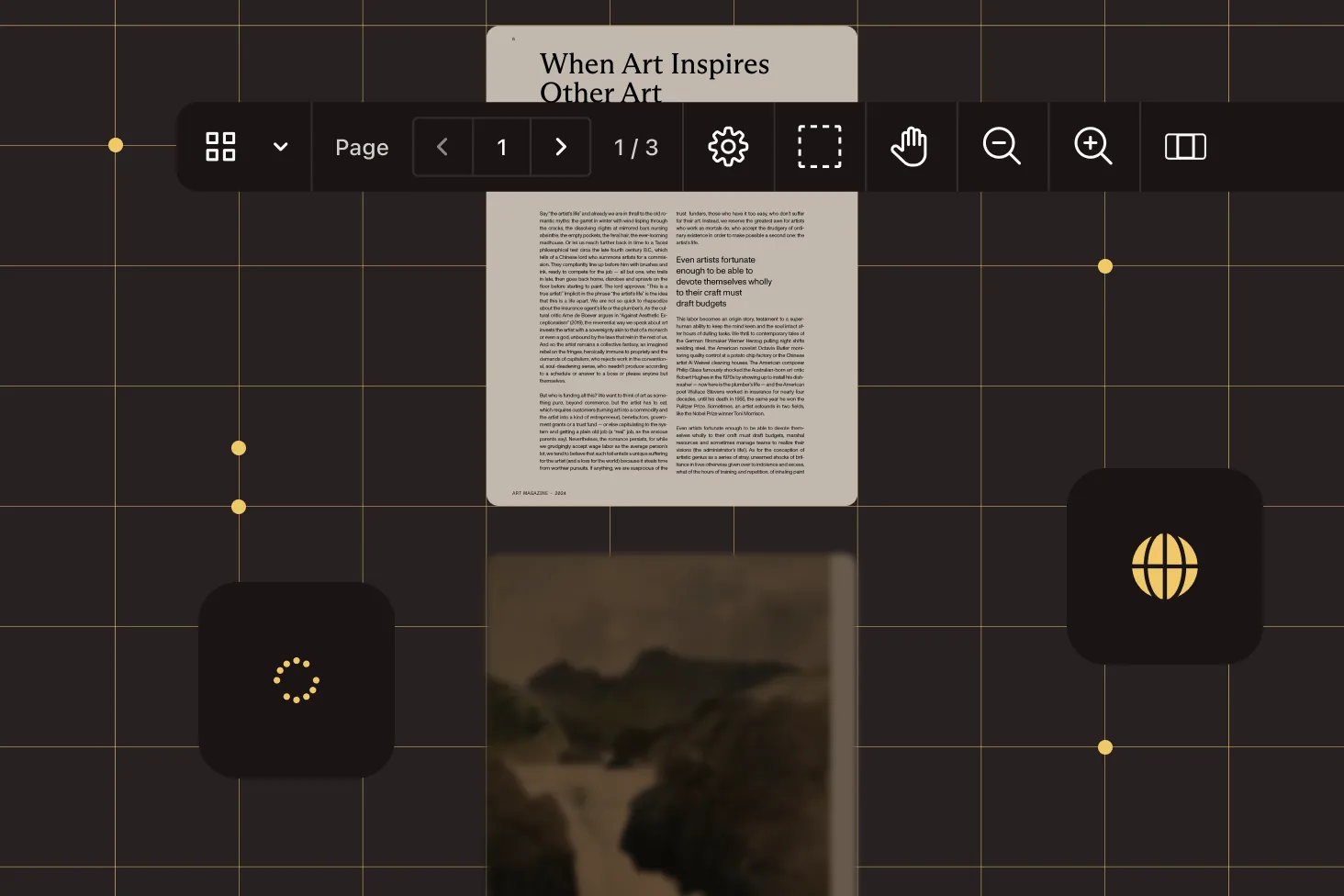
The viewer loads pages as needed instead of downloading the entire file first. Users see the first page immediately.
Enable linearized loading with a single configuration option in the viewer setup.
The server must support HTTP range requests and respond with partial content. Works with standard HTTPS hosting.
LINEARIZATION WORKFLOW
Linearize PDFs on the server, upload them to an HTTPS host, and enable fast loading in the Web SDK viewer.
Use the REST API to linearize PDFs as part of automated processing pipelines. Combine with compression in a single request.
Enable Fast Web View when saving PDFs in C# or VB.NET. Optionally pack the document for additional size reduction.
Enable linearized loading in the viewer configuration. Users see the first page immediately while the rest downloads.
PDF linearization reorganizes a PDF file so it can be viewed page-by-page as it downloads over a network. A linearized PDF places the data for the first page at the beginning of the file, so viewers can render it immediately without waiting for the entire download. This is also called "Fast Web View." Read our guide to linearized PDFs for a detailed explanation of how the format works.
With Document Engine, enable linearization in the optimization settings of the build API request. With the .NET SDK, enable the linearize parameter when saving the file. Both approaches produce a linearized PDF that supports incremental page loading.
PDF/A is an archival conformance standard (ISO 19005) that ensures long-term preservation and self-contained documents. A linearized PDF is an optimization for fast web viewing — it reorganizes the file structure for page-by-page loading over a network. They serve different purposes: PDF/A ensures a document can be reliably opened years from now, while linearization makes it load faster in a browser today.
Yes. Document Engine supports applying linearization together with MRC hyper-compression, grayscale conversion, and image quality optimization in a single API request. The .NET SDK supports combining linearization with document packing.
Enable linearized loading in the Web SDK viewer configuration. The PDF must be prelinearized using Document Engine or the .NET SDK and served from an HTTPS server that supports HTTP range requests.
The server must support HTTP range requests and respond with partial content (HTTP 206 status). Any standard HTTPS hosting works. The viewer requests the first page data initially (minimum ~128 KB) and loads remaining pages incrementally.
No. Linearized PDFs remain read-only until fully downloaded. Users can view and navigate pages during download but cannot add annotations or make edits until the complete file is loaded. For read-write access during download, use Document Engine streaming instead.
Yes. The .NET SDK supports enabling linearization as part of the conversion workflow — linearize the output PDF during conversion from other formats. This avoids a separate linearization step.
FREE TRIAL
Start linearizing PDFs for fast web viewing in minutes — no payment information required.
A PDF linearization SDK lets developers optimize PDF files for fast web viewing by restructuring the document for page-by-page loading. Nutrient provides linearization through Document Engine (REST API), the .NET SDK (programmatic), and consumption through the Web SDK viewer.
Both enable fast first-page rendering. Linearized PDFs require only an HTTPS server (simpler setup) but remain read-only until fully downloaded. Document Engine streaming enables read-write access during download and only fetches the data the viewer actually needs, but it requires running Document Engine as your backend.
PDF/A (ISO 19005) is an archival standard that makes documents self-contained for long-term preservation — all fonts embedded, no external dependencies. A linearized PDF is a performance optimization that reorganizes file structure for page-by-page network loading. They solve different problems: PDF/A for reliable archival, linearization for faster viewing. A PDF can be both PDF/A-compliant and linearized.
Linearize PDFs when users will view them in a web browser and fast initial loading matters — especially for large documents. Common scenarios include document portals, report distribution, and any workflow where PDFs are served over HTTPS to end users. See our blog post on linearized PDFs for real-world use cases and technical details.
Nutrient provides a complete linearization workflow — prepare linearized PDFs on the server and consume them in the Web SDK viewer.




