Introducing Nutrient Documents for Salesforce: Native document generation and signing

Save time and boost productivity by editing PDF documents directly in SharePoint. View, annotate, edit, and sign, or fill out and create forms in Microsoft 365. Our all-in-one PDF editing solutions enable you to process PDFs directly in your browser.
Contact us today to discover how our solutions can streamline your PDF editing processes, boost productivity, and improve efficiency within SharePoint.
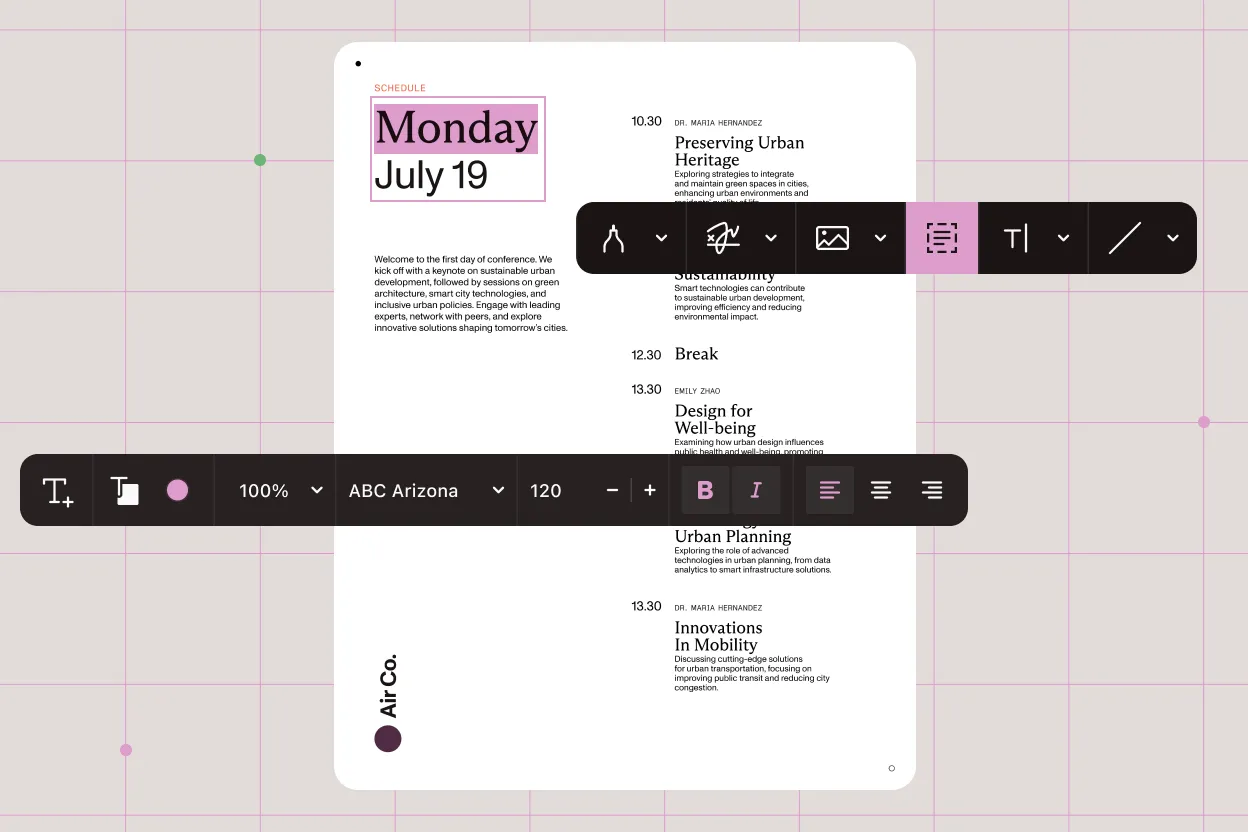
Contact us today to discover how our solutions can streamline your PDF editing processes, boost productivity, and improve efficiency within SharePoint.
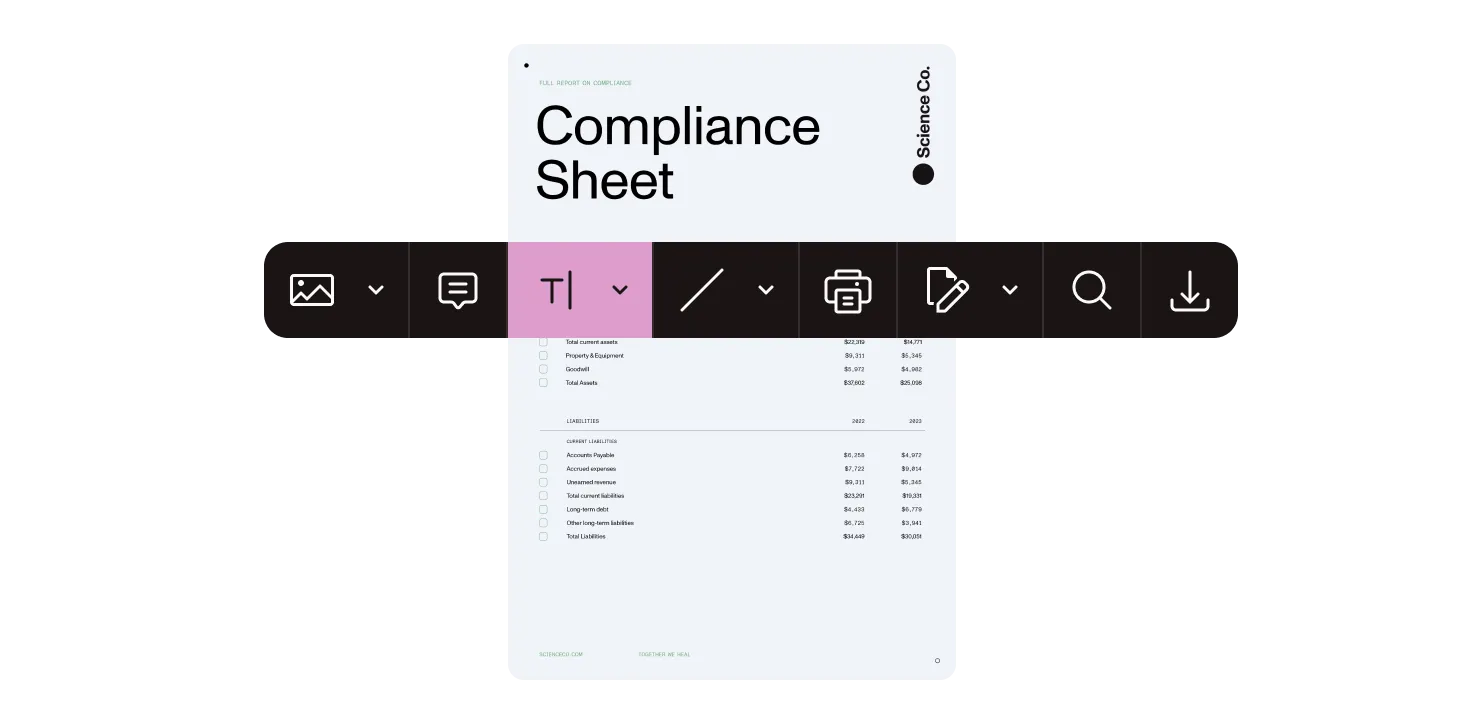
Boost document collaboration and security by editing and annotating PDFs in SharePoint.
The SDK provides a comprehensive suite of editing features, including:
Yes. The SDK supports real-time collaboration features, allowing multiple users to annotate, comment on, and edit documents simultaneously. This functionality enhances teamwork and streamlines document review processes.
Absolutely. The SDK is designed for cross-platform compatibility, supporting:
The SDK incorporates several security measures, including:
The SDK offers a highly customizable user interface, enabling developers to tailor the editing environment to match their application’s design and user experience requirements. This includes modifying toolbars, dialogs, and other UI components to ensure seamless integration.
Document editing automation refers to the use of advanced tools and software to automate the creation, editing, annotating, signing, redacting, and managing of documents — particularly PDFs — without heavy reliance on manual processes. For teams using platforms like SharePoint and Microsoft 365, this automation boosts productivity by allowing users to directly edit, fill forms, add electronic signatures, and collaborate on documents seamlessly within their browsers or familiar environments. It saves time, reduces errors, and streamlines workflows.
Yes. Our editing solution includes a robust redaction feature that allows you to permanently remove sensitive or confidential information from your documents without needing to download the files. You can redact text or specific areas, customize the redaction color and transparency, add comments, and overlay explanatory text. This helps maintain compliance and protect your data privacy.
FREE TRIAL