PDF/UA auto-tagging and viewer accessibility
Nutrient builds PDF/UA compliance into every stage of the document lifecycle — generating accessible files, tagging existing ones, and displaying them in a viewer built for assistive technology. One vendor, from creation to the screen.
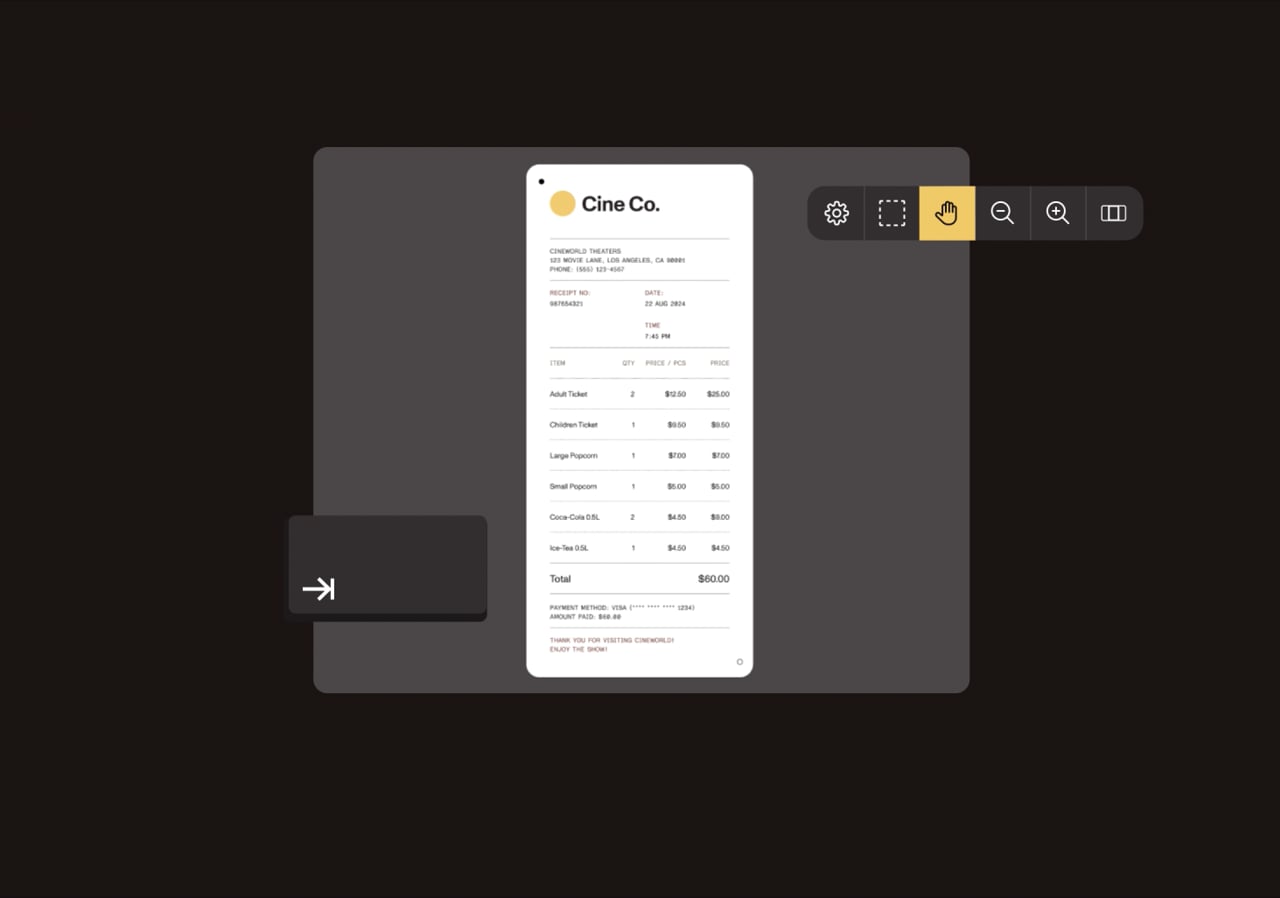
THE FULL CHAIN, ONE PLATFORM
Remediation agencies fix finished files. Point tools cover a single slice. Nutrient handles the whole lifecycle — so nothing falls through the gap between making a document accessible and putting it in front of a reader.
Generate tagged PDF/UA from templates and data, or convert Office files to accessible PDF.
Auto-tag new output and existing libraries — structure, reading order, and figures, at volume.
Confirm PDF/UA conformance automatically, as a step in the pipeline.
Display every file in a viewer that exposes real structure to screen readers.
CREATE, CONVERT AND TAG
Build PDF/UA tagging into the same pipeline that already creates and processes documents: New files come out compliant, and existing libraries are tagged programmatically instead of one page at a time — with the highest PDF/UA conformance of any SDK in Nutrient’s March 2026 benchmark, and zero pipeline-crashing failures.
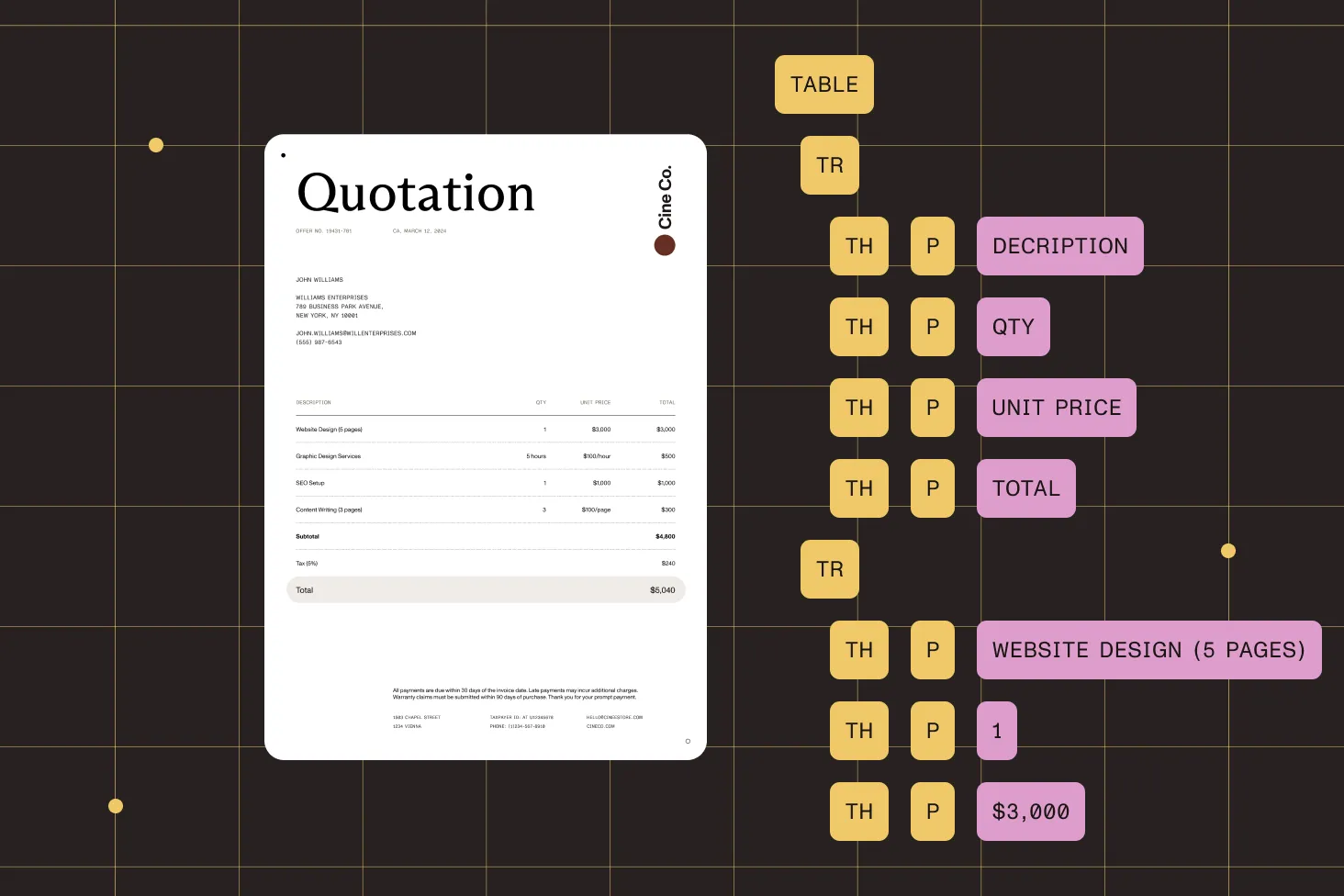
Documents generate as tagged PDF/UA in the same step that already produces them.
Existing libraries run through the same auto-tagging programmatically — no per-page manual pass.
Word, Excel, PowerPoint, and HTML convert to accessible PDF; OCR handles scanned files.
Catch PDF/UA regressions automatically, the same way a failing build is caught.
BENCHMARK — MARCH 2026
In an internal benchmark of 3,157 real-world files, auto-tagged output was scored with the open source veraPDF validator. Nutrient led on the metric that decides real accessibility — whether the output actually conforms — while running fastest and without a single pipeline-crashing failure.
| Metric | Nutrient | Apryse | IronPDF | PDFix |
|---|---|---|---|---|
| PDF/UA conformance (veraPDF) | 96.5% | 64.6% | 47.9% | 15.5% |
| Critical failures | 0 | 7 | 27 | 8 |
| Throughput (files/minute) | 322 | 49 | 92 | 65 |
| Conversion success rate | 98.2% | 98.4% | 98.5% | 96.4% |
| Average output size | 1.17 MB | 1.45 MB | 1.85 MB | 1.52 MB |
Nutrient internal benchmark, 13 March 2026 — 3,157 files per vendor. PDF/UA conformance scored with the open source veraPDF validator. Results reflect this test set and configuration.
ACCESSIBLE VIEWING
Tagging the file is only half the job — a tagged PDF opened in a viewer that ignores that structure is still closed to a screen reader. Nutrient closes the last mile: The viewer renders tagged PDFs as accessible HTML, with keyboard navigation and WCAG 2.2 AA contrast built in.
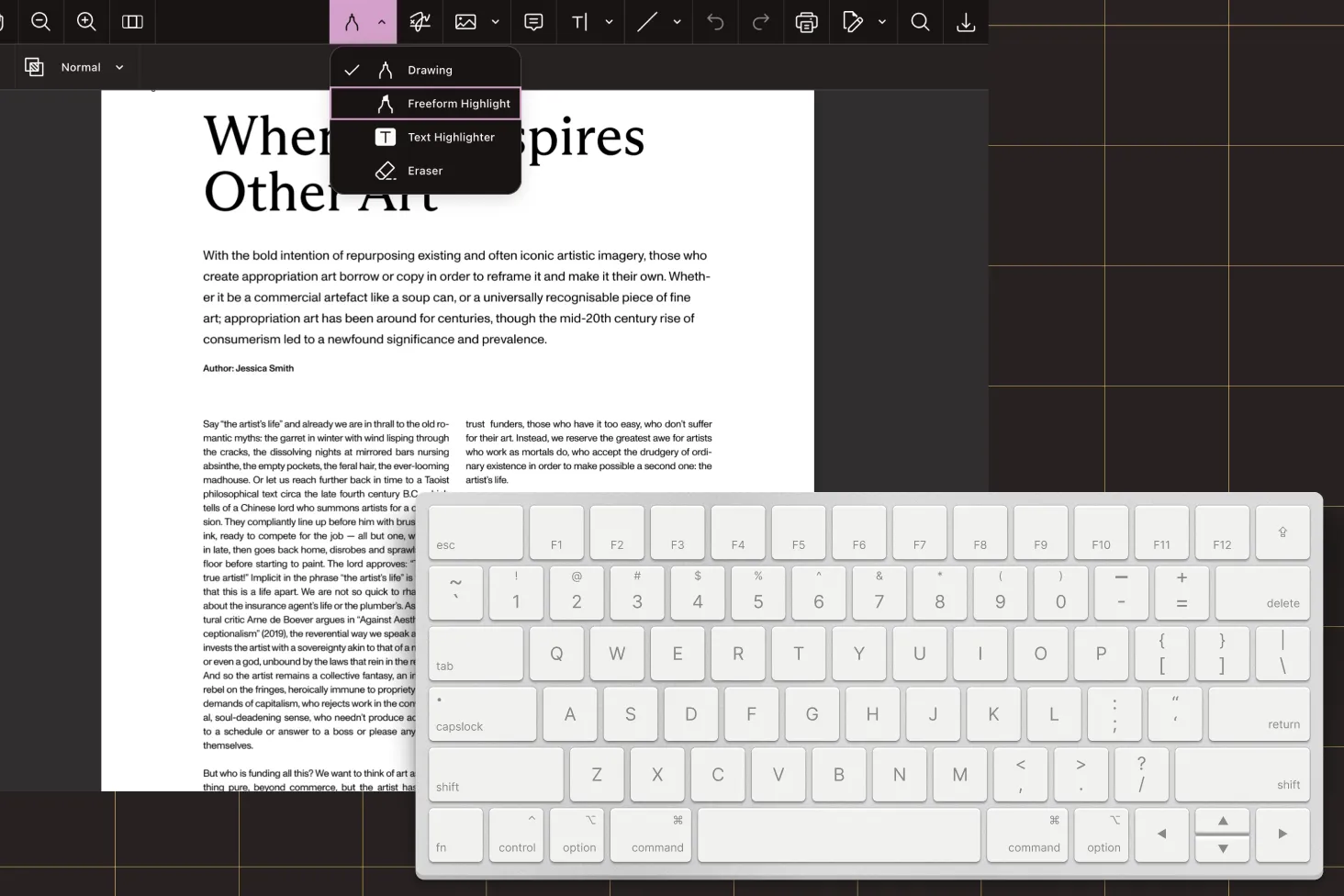
PDF/UA content renders as semantic HTML; NVDA, JAWS, VoiceOver, and TalkBack read the structure, not coordinates.
Pages, annotations, and signing are reachable without a mouse, with focus order that follows the content.
Reader View reflows fixed pages into resizable text with the system font, dark mode, and large sizes.
A VPAT 2.5, independently validated by Level Access, is available for review under NDA.
ONE VENDOR, ANY DEPLOYMENT
When creation, tagging, validation, and viewing come from different vendors, the gaps between them become nobody’s responsibility — usually surfacing in a procurement review or a user test. Nutrient owns the full chain, deployed the way regulated industries require.
Server SDKs and Document Engine run on the organization’s own infrastructure, so regulated and sensitive documents never leave — fitting government, healthcare, and financial-services requirements.
A hosted API performs the same tagging with nothing to deploy or maintain — quota-based pricing, ready in minutes.
The web and mobile viewer SDKs run inside the host application — accessible PDF rendering with no Nutrient service to host or maintain.
STANDARDS, SECURITY, AND PROOF
Targets the standards accessibility programs are measured against, backed by a VPAT independently validated by Level Access — and runs where sensitive documents already live. The document technology behind 15 percent of the Global 500 and 130+ public-sector organizations.
A developer toolkit. Nutrient ships SDKs and APIs that engineering teams integrate into their own applications and document pipelines — not a desktop editor or a done-for-you remediation service. The team keeps full control over how documents are created, tagged, validated, and displayed. Organizations that would rather hand the work to a vendor use a remediation agency instead; Nutrient is for building the capability in-house.
Test it rather than assume it. In Nutrient’s March 2026 benchmark across 3,157 documents, 96.5 percent of auto-tagged output passed strict PDF/UA conformance as scored by the open source veraPDF validator, with zero pipeline failures. Auto-tagging doesn’t remove QA on complex or high-stakes files, but at that rate, the review workload is the remaining fraction — not every page.
Because documents are read in an application, not as raw files. A perfectly tagged PDF opened in a viewer that can’t expose structure to a screen reader or support keyboard-only use is still inaccessible — a gap most programs discover late, during user testing or procurement. Nutrient covers both the document and the viewer, so there’s no seam between the two.
Yes. The .NET, Java, and Python SDKs run inside the application with a license key and no separate Nutrient service, and Document Engine is self-hosted on the organization’s own servers and containers. For regulated data that cannot be sent to an outside service, neither path moves documents off the infrastructure the team controls.
Agencies fix finished files one at a time, and every new document created without accessibility built in adds to the queue they’re clearing. Nutrient automates the same tagging inside the document pipeline — new files come out compliant, and existing libraries are processed at volume — and it covers accessible viewing, which an agency handing back a fixed file cannot.
Nutrient targets PDF/UA (ISO 14289) and supports accessibility requirements associated with Section 508, EN 301 549, the ADA, the European Accessibility Act, and WCAG. The viewer meets WCAG 2.2 AA contrast coverage, and a VPAT 2.5 validated by Level Access is available for procurement review. Specific legal obligations should be confirmed with our team for the use case in question.
One. Creation, conversion, auto-tagging, validation, and accessible viewing come from a single vendor designed to work together — no glue code between a tagging tool, a converter, an agency for the backlog, and a separate viewer, and no gaps where those tools would otherwise meet.
TALK TO OUR TEAM
Bring a sample set and the stack it runs on. A solutions engineer maps the shortest path to PDF/UA — from creating compliant files, to viewing them — and where automation fits.




