What is intelligent data extraction?

Table of contents
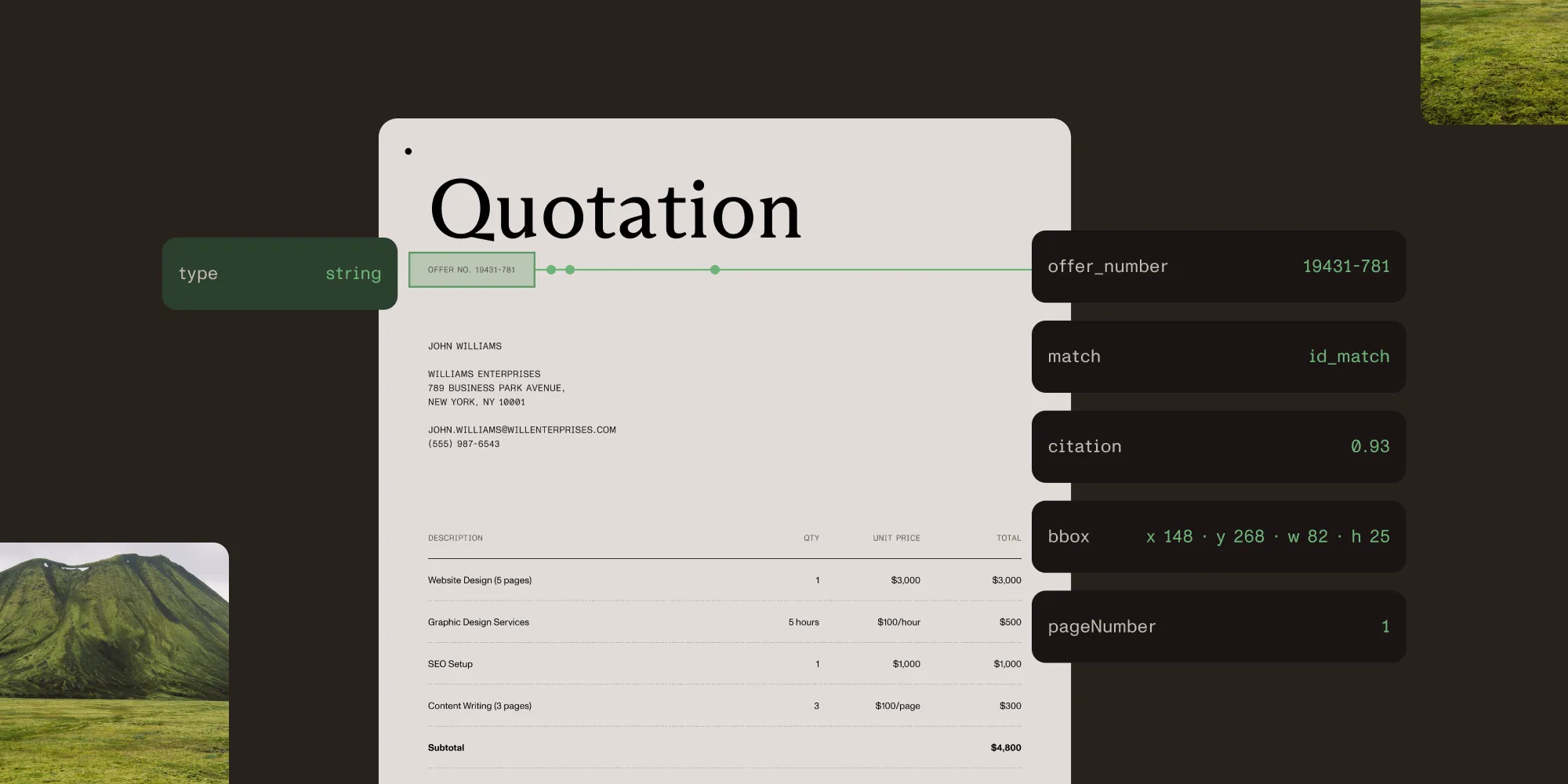
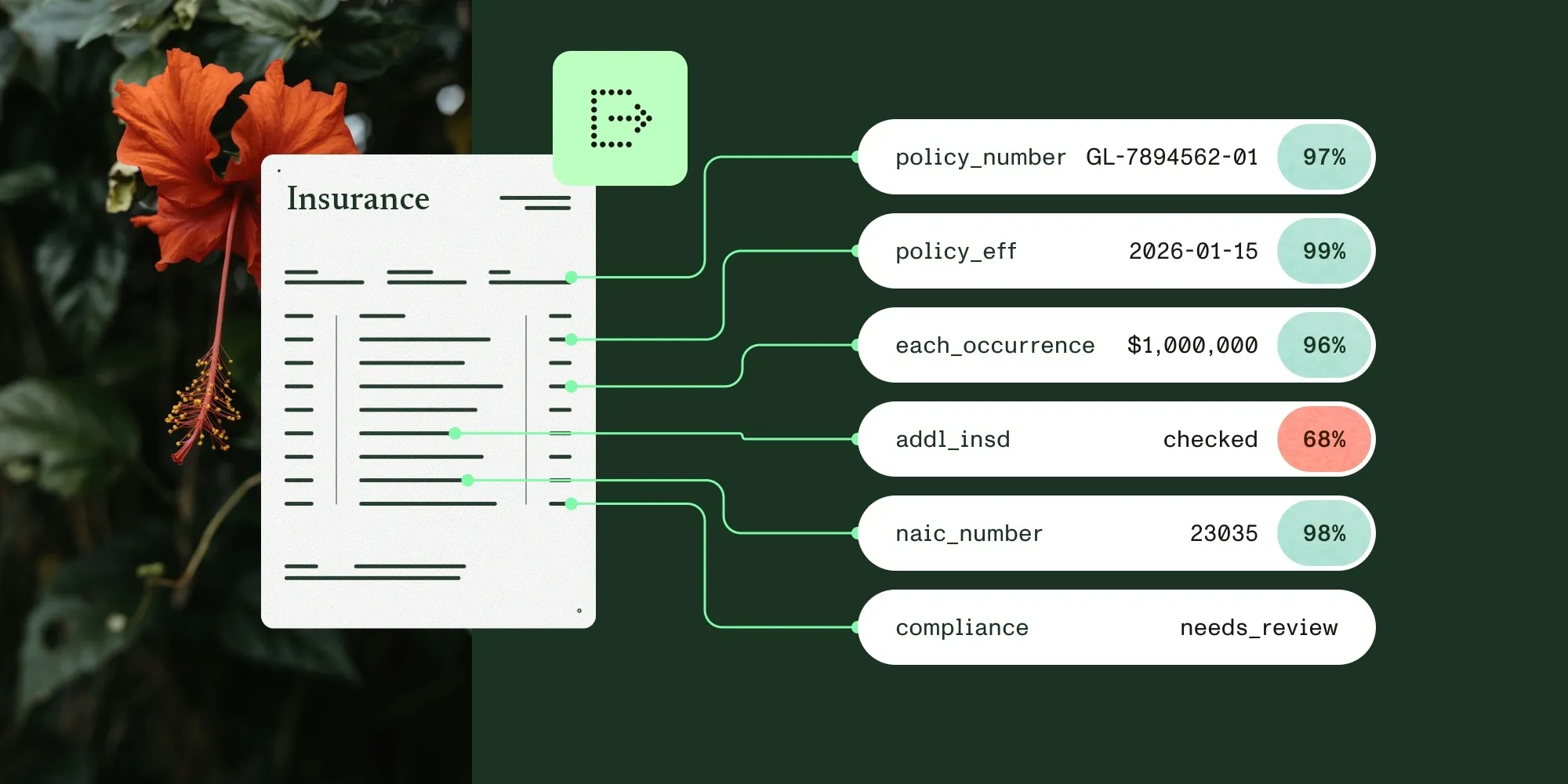
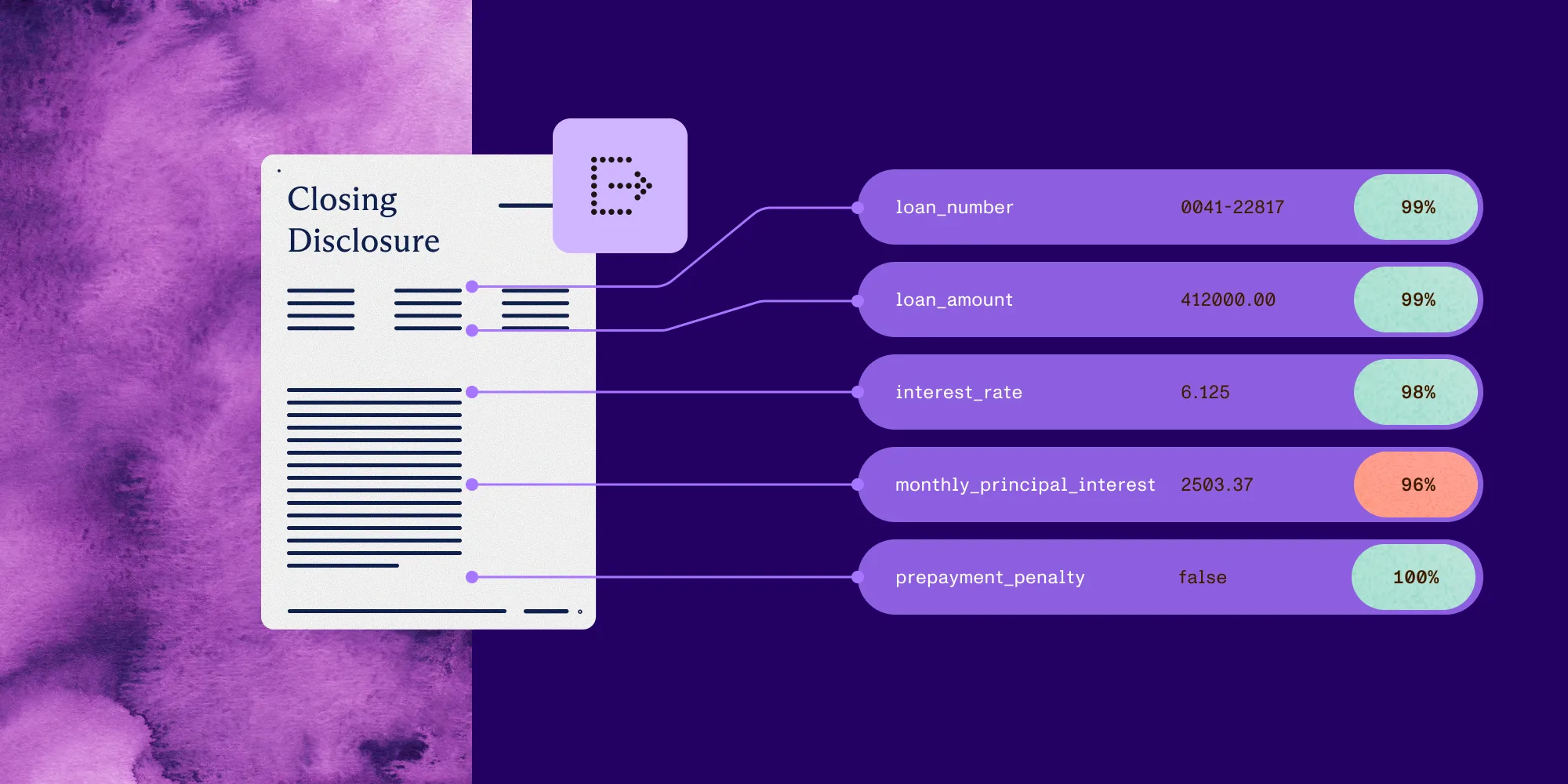
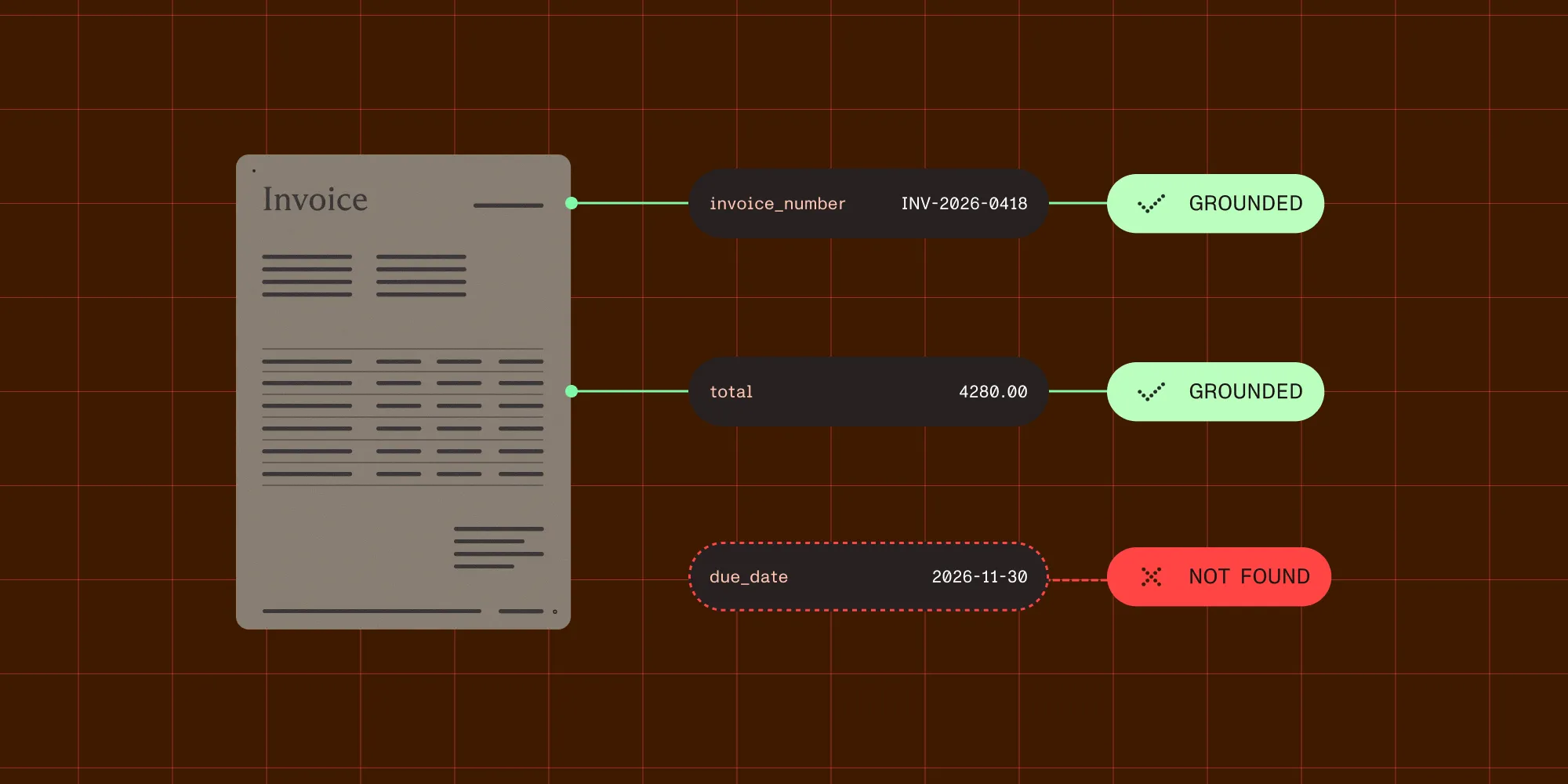
Intelligent data extraction reads a document and returns named, typed fields — not a page of text. Each field carries its value, plus a label describing how it was found, a confidence score, and the page region it came from.
That last part is what separates it from the two older approaches. Optical character recognition (OCR) returns characters and leaves the meaning to the caller. Template extraction returns whatever sits in a predefined region or rule, and it grows brittle as documents drift from that layout. But intelligent extraction returns a field a program can act on, along with the evidence for it.
What each approach gives back
The difference shows up in the response, not the description.
| What you get back | OCR | Template extraction | Intelligent extraction |
|---|---|---|---|
| Output | A string of characters | The text inside a defined region | Named fields matching a schema you supply |
| Types | None — everything is text | None — everything is text | Strings, numbers, integers, Booleans, arrays |
| Knows what a value is | No | Only by position | Yes — the field is named and typed |
| Handles a changed layout | Not applicable — it never associated text with a field | No — layout assumptions break | Yes — fields are found by meaning |
| Says how it found it | No | No | Yes — an exact, partial, or approximate match |
| Says how sure it is | Per character, at best | No | Per field, as a score |
| Points at the source | Often, per character or word — but not tied to a field | The region you defined | The region the value was actually read from |
The bottom three rows change what a program can do. Without provenance, a downstream system has little to validate a value against. A value carrying a match type, a score, and a location can be routed on those signals — strong ones straight through, weak or ambiguous ones to a human. For the mechanics of building this end to end, see the guide to extracting data from PDF.
A single field, in full
Take one field on an invoice: the invoice number. A schema declares it as a string. In this API, the response nests both parts under output: output.data holds the values, and output.metadata mirrors that same structure field for field, so a value and its citation line up by key.
{ "output": { "data": { "invoice_number": "INV-2024-0042" }, "metadata": { "invoice_number": { "match": "id_match", "confidence": 0.93, "bbox": { "x": 878, "y": 268, "width": 82, "height": 25 }, "pageIndex": 0, "pageNumber": 1 } } }}Four facts come back with the value. match reports how the API grounded it to the source. Here, it’s id_match — the invoice number matched a single source block exactly. Other fields might come back id_match_multiblock (matched across several blocks), id_match_partial (only some of the cited blocks resolved), fuzzy_match (close to the source text but not identical), or not_found. confidence is a calibrated score from zero to one — a higher number means the value is more likely to be correct. bbox gives the rectangle on the page, and pageNumber says which page. Together, they point a reviewer at the exact spot instead of the whole document.
Match type deserves as much attention as the score next to it. A confidence of 0.93 on an id_match and 0.93 on a fuzzy_match aren’t the same claim. In this response model, match describes how the value was located on the page (its grounding), and confidence is a calibrated likelihood that the value is correct. How well OCR read the source text is a third signal, recognitionScore, which appears only when a matched block carries a measured OCR confidence. The signals can diverge. A fuzzy_match at high confidence means the value is likely correct, but it only approximately matches the source text, so the citation can’t confirm it’s the invoice number rather than some other value nearby. For an identifier, that’s an expensive combination to miss, because the value looks trustworthy on confidence alone. Read match type and confidence together, and open the bbox on anything less than an id_match.
Intelligent data extraction use cases
- Finance and accounts payable — Invoice data extraction and receipt OCR, plus purchase orders and remittance advice, where the layout differs by supplier but the fields don’t.
- Insurance and lending — Claims, certificates, applications, loss reports, and bank statement data extraction, where a value has to be traceable back to the submitted document.
- Healthcare and regulated intake — Claim forms, patient records, and KYC document extraction, where a field nobody can verify is worse than no field at all.
In each case, the field and its source have to stay together, because somebody eventually has to answer where a number came from.
Try Nutrient Data Extraction API
FAQ
Intelligent data extraction reads a document and returns named, typed fields rather than raw text. Each field includes the extracted value and a match type describing how it was located. It also carries a confidence score and the coordinates of the source region on the page.
OCR converts an image of text into characters. It doesn’t know which characters form an invoice total or a due date, and it returns no structure. Intelligent data extraction returns the fields themselves, typed and named, along with the citation for each one. Many intelligent extraction systems use OCR internally as a first step.
No. Intelligent document processing describes the whole pipeline — classifying a document, extracting its data, validating the result, and routing it onward. Intelligent data extraction is the extraction stage within that pipeline. See the guide to intelligent document processing for how the surrounding stages fit together.
A score on its own can’t be checked. A score paired with a source region can be checked, not just trusted. A reviewer opens the page, looks at the highlighted rectangle, and confirms or corrects the value in seconds — no need to reread the document.
Related reading
- Intelligent document processing — The surrounding pipeline: classification, validation, and routing
- Document AI vs. OCR — Choosing between engines, and the hybrid architecture most teams end up with
- Beyond OCR: document structure understanding — Tables, equations, handwriting, and reading order in practice
- Nutrient Data Extraction API — Schema-defined extraction with per-field citations
- Accuracy benchmarks — 200 PDFs with hand-annotated ground truth, rescored on every release