Nutrient Python SDK: Production-grade document processing for Python

Table of contents

We’re excited to announce the release of Nutrient Python SDK. This production-ready library brings comprehensive document processing to Python — conversion, templates, forms, signatures, OCR, redaction, and data extraction — all through a clean, Pythonic API designed for server-side workflows.
The Python document processing problem
Python developers working with documents face recurring challenges that slow down development and complicate production deployments:
- Format preservation breaks during conversion — Converting Office documents to PDF often loses layouts, fonts, or styling. What should be straightforward becomes hours of manual cleanup work.
- Library fragmentation forces tool sprawl — You need one library for reading PDFs, another for creating them, and a third for extraction, plus separate dependencies for anything beyond basic operations. Managing compatibility between these tools becomes a project in itself.
- Performance doesn’t scale — Libraries designed for single documents struggle with batch processing. What works fine with 10 files falls apart when you reach 1,000.
- Complex documents fail unpredictably — Multicolumn layouts, nested tables, and unusual PDF structures cause unexpected failures. The documents that actually matter in production are often the ones most likely to break.
These aren’t edge cases. They’re the core challenges teams face when building document-heavy Python applications like invoice processing systems, contract automation platforms, and report generation pipelines. Nutrient Python SDK addresses these problems directly.
What you get
Nutrient Python SDK provides comprehensive document processing capabilities that work together to handle server-side workflows:
Bidirectional document conversion — Convert between PDF, Word, Excel, PowerPoint, HTML, Markdown, and images while preserving layouts, fonts, and formatting. The SDK handles multicolumn layouts, embedded images, tables, and complex styling correctly — and converts PDFs back to editable Office formats when you need to repurpose content.
Template-based document generation — Create Word templates with placeholders, populate them with JSON data, and output polished documents programmatically. This approach works for any document type where content changes but structure stays consistent, such as reports, contracts, and invoices.
PDF manipulation and editing — Merge documents across formats, edit metadata, add custom pages, and manipulate page-level content through a clean API. The SDK correctly handles edge cases like encrypted PDFs, complex page trees, and unusual compression schemes.
Annotations and collaboration — Add comments, highlights, stamps, shapes, and file attachments to PDFs programmatically. Enable document review workflows and markup capabilities within your Python application.
Forms and data collection — Create fillable PDF forms, extract submitted data, and automate batch form filling from databases. Process applications, surveys, and registration documents with field-level control.
Digital signatures — Apply electronic signatures and certificate-based digital signatures to PDFs. Authenticate documents, ensure integrity, and meet legal compliance requirements for secure signing workflows.
OCR and text extraction — Convert scanned documents and images into searchable PDFs. Extract text from 100+ file types in 100+ languages with automated preprocessing for skew correction and noise removal.
Redaction and privacy — Permanently remove sensitive content with zone-based redaction. Content is removed from the file structure — not just covered with black boxes — ensuring GDPR and HIPAA compliance.
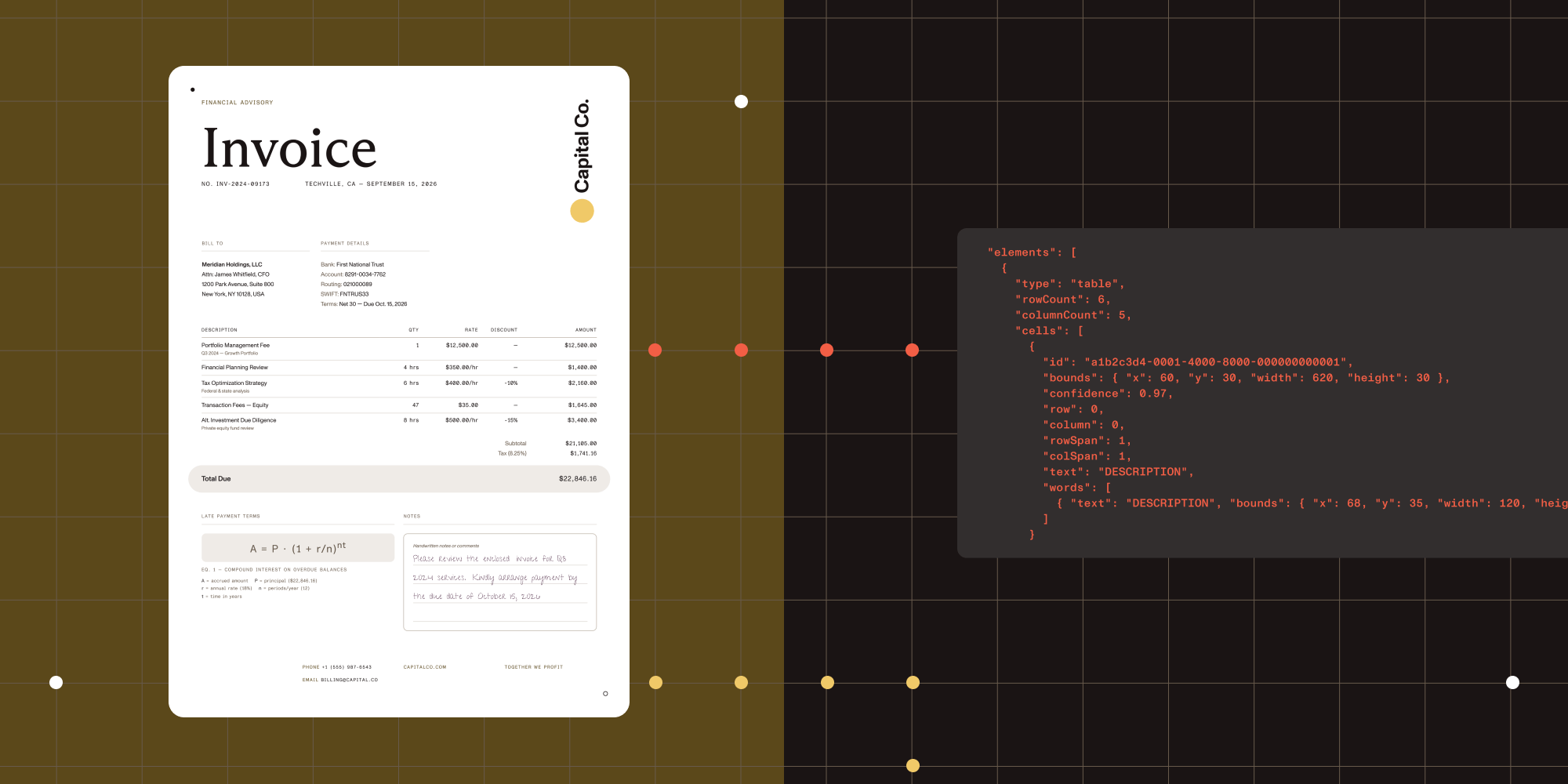
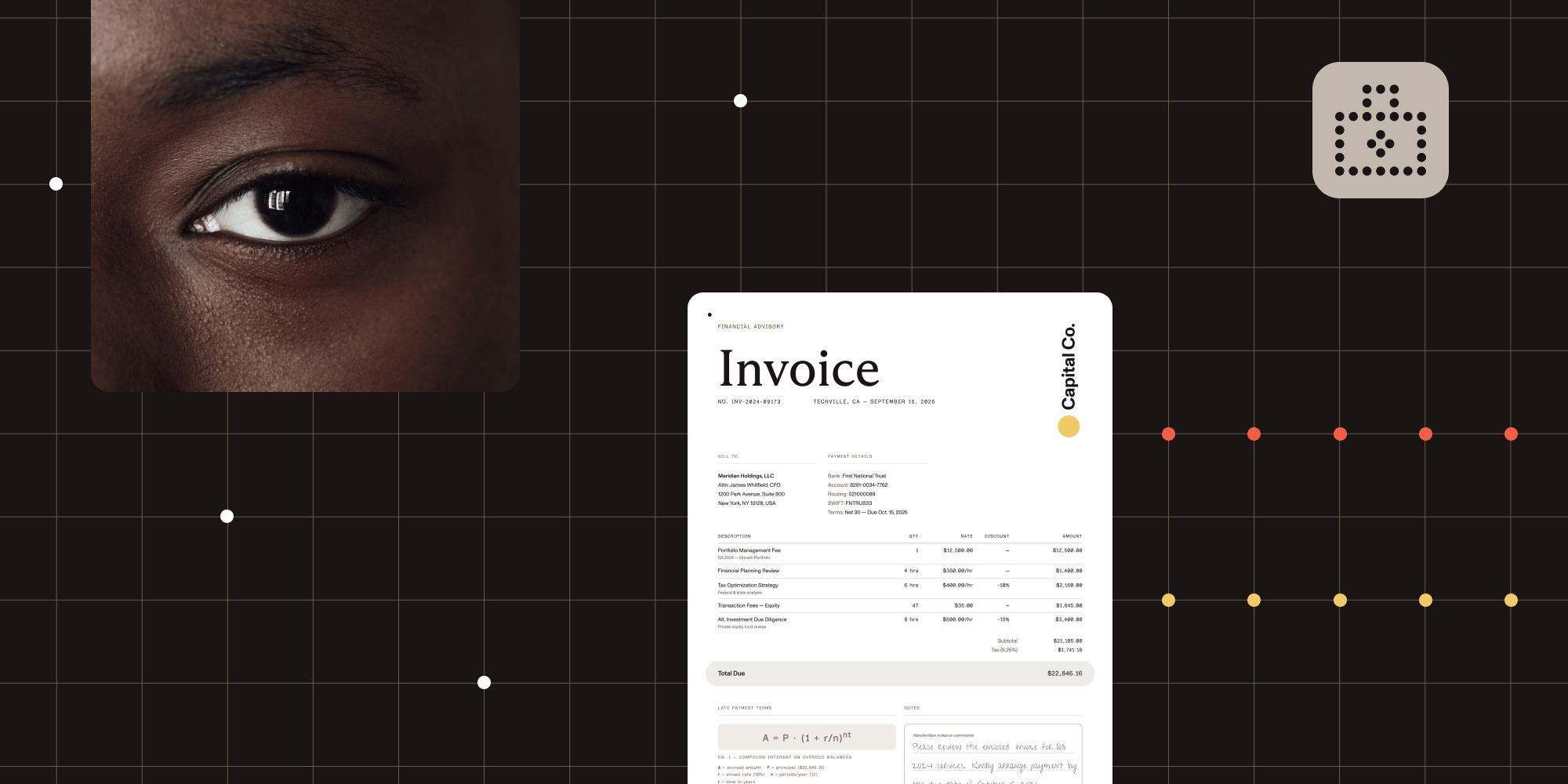
Data extraction — Extract structured data from invoices, receipts, bank statements, and forms using key-value pair detection. Export dates, amounts, addresses, and other fields to JSON for integration with your data pipelines.
Built for production
Most Python document libraries were built for academic projects and prototypes. Nutrient Python SDK was designed from the ground up for servers that process thousands of documents daily.
Batch processing that scales — The SDK uses memory efficiently for large documents, with predictable resource consumption you can model in production. It supports concurrent operations when parallelism makes sense, and it delivers linear throughput scaling as you add more cores.
Pythonic API design — The SDK includes type hints for editor support and static analysis; provides async support where appropriate; and works seamlessly with Django, Flask, FastAPI, and other popular frameworks. The API follows Python conventions and idioms, making it feel natural to experienced Python developers.
Error handling for real documents — PDFs don’t always follow specifications perfectly. The SDK handles malformed structures, unusual encodings, and edge cases gracefully, successfully processing documents that crash other libraries.
Simple, clean API
The SDK’s API is designed to be intuitive and concise. Most operations take just a few lines of code.
Document conversion (Word to PDF):
with Document.open("input.docx") as document: document.export_as_pdf("output.pdf")Template generation from JSON:
with Document.open("template.docx") as document: editor = WordEditor.edit(document) editor.apply_template_model(json_data) editor.save_with_model_as("output.docx")Merging documents into a single PDF:
with Document.open("report.docx") as document: editor = PdfEditor.edit(document) with Document.open("appendix.pdf") as appendix: editor.append_document(appendix) editor.save() document.export("combined.pdf", PdfExporter())Test Nutrient Python SDK with your documents and see how it handles real-world complexity.
What’s next
This release delivers a comprehensive toolkit, but development continues.
Page-aware architecture represents a fundamental shift in how you work with documents. Instead of setting a current page and performing operations sequentially, you’ll work directly with page objects. This enables true concurrent processing where operations on 200 pages can distribute across available CPU cores, letting multicore systems process pages in parallel instead of sequentially.
Advanced document understanding capabilities will expand what’s possible with AI-powered extraction. Future releases will provide comprehensive JSON output containing complete document structure and content — going beyond key-value pairs to capture relationships, hierarchies, and semantic meaning across document types without requiring specialized logic for specific formats.
Enhanced vision capabilities will introduce AI-powered image description and insight extraction, plus improved form and table detection developed in collaboration with our AI team.
The goal is straightforward: to make Python the best platform for document processing — not just the most accessible one.
Available now
Nutrient Python SDK is available with full production support. Our getting started guide walks you through installation and basic usage, while our comprehensive Python guides cover advanced topics like batch processing, template generation, and OCR optimization. Free trial access enables you to evaluate capabilities with your documents, test integration patterns, and plan your deployment.
Whether you’re building invoice processing systems, contract automation platforms, document review workflows, or compliance pipelines that require signatures and redaction — this SDK was built for production Python applications that need reliable document processing at scale.
Try it today
Ready to eliminate document processing friction from your Python applications? Start your trial to explore conversion quality, test OCR accuracy, and verify performance with your actual workloads. If you have questions about integration or specific use cases, join our Discord community(opens in a new tab) where developers share solutions and our team provides direct support.