Nutrient React Native SDK
Need pricing or implementation help? Talk to Sales.
PDF ANNOTATIONS IN REACT NATIVE
const inkAnnotation: InkAnnotation = new InkAnnotation({ type: 'pspdfkit/ink', bbox: [89.59, 98.58, 143.13, 207.16], pageIndex: 0, isDrawnNaturally: false, lines: { intensities: [[0.5, 0.5, 0.5]], points: [ [ [92.09, 101.08], [92.09, 202.16], [138.13, 303.24], ], ], }, });
await this.pdfRef.current ?.getDocument() .addAnnotations([inkAnnotation]);const documentJSON: DocumentJSON = { annotations: [ { v: 1, type: 'pspdfkit/ink', bbox: [89.59, 98.58, 143.13, 207.16], pageIndex: 0, isDrawnNaturally: false, strokeColor: '#AA47BE', opacity: 1, lineWidth: 5, lines: { points: [[[92.09, 101.08], [138.13, 303.24]]], intensities: [[0.5, 0.5]], }, id: '01CKNX7TVEGWMJDPTS9BN3RH9M', }, ], format: 'https://pspdfkit.com/instant-json/v1',};
await this.pdfRef.current ?.getDocument() .applyInstantJSON(documentJSON);const RNFS = require('react-native-fs');const processedDocumentPath = RNFS.DocumentDirectoryPath + '/flattened.pdf';
// Save all annotations first.await this.pdfRef.current ?.getDocument() .save();
// Flatten all annotations into the PDF.await Nutrient.processAnnotations( 'flatten', 'all', sourceDocumentPath, processedDocumentPath,);
// Open the flattened document.await Nutrient.present(processedDocumentPath, {});USE CASES
Contracts, blueprints, and reports need highlights, comments, and signatures added directly on the device. The SDK provides a full annotation UI out of the box.
Export annotations as Instant JSON — a lightweight overlay that stores only changes, not the full PDF. Import them on another device to pick up where the user left off.
Before sharing a document externally, flatten annotations into the PDF so they can’t be edited or removed. The SDK handles flatten, embed, remove, and print modes.
The same annotation API works on both platforms. Create, update, and remove annotations programmatically without platform-specific branching.
Add annotations programmatically or through the built-in UI. Update properties like color, position, and content on existing annotations.
Exchange annotations between documents and systems using Instant JSON or XFDF. Annotations are stored separately from the PDF.
Merge annotations permanently into the PDF content. Flattened annotations keep their visual appearance but can no longer be edited.
Add annotations to PNG, JPG, and TIFF images using the same API as PDF annotations. Annotation data is stored in XMP metadata.
Draw markers, labels, or custom callouts directly on the page, locked to exact PDF coordinates and staying in sync as users pan and zoom. Useful for custom UI beyond the built-in annotation types.
ADVANCED CAPABILITIES
The SDK handles more than adding highlights. Control annotation behavior with flags, track changes through event callbacks, restrict editing per type, and process annotations for final output — all through a unified API on iOS and Android.
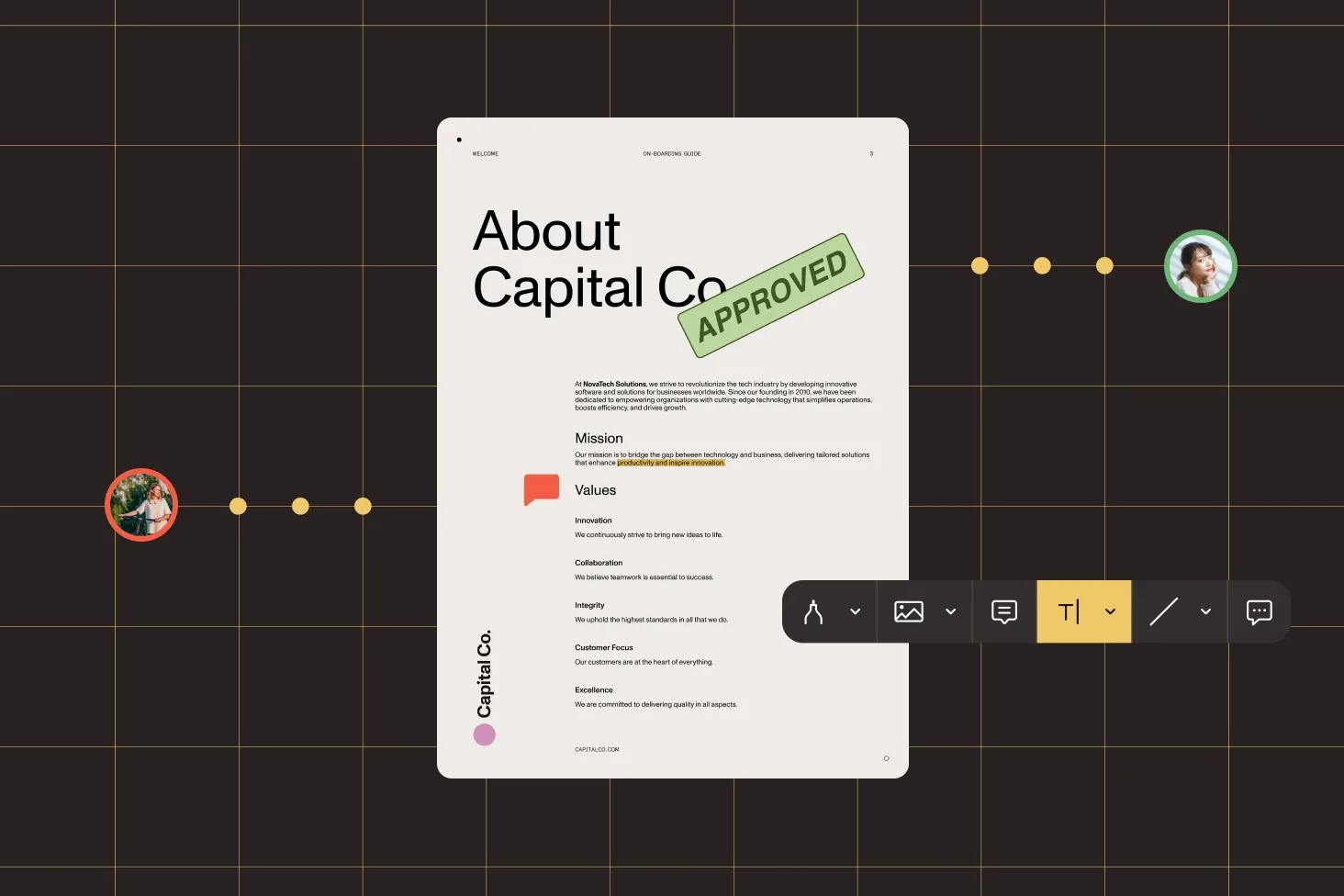
Control behavior per annotation — mark as read-only, hidden, locked, or print-only using standard PDF flags.
Listen for annotation creation, modification, and deletion events to sync state or trigger workflows in your app.
Disable annotation editing entirely, or restrict which annotation types users can modify through configuration.
Annotations save automatically on background events. Disable autosave and trigger manual saves when you need full control.
Create an annotation object with the required properties (type, bounding box, page index) and pass it to the addAnnotations() method on the document reference. The SDK supports 17 annotation types, including ink, text, highlights, stamps, and shapes. See the programmatic annotations guide for working examples.
The SDK supports 17 types: ink, highlight, underline, strikeout, squiggly, text, note, comment marker, stamp, image, link, redaction, and five shape types (rectangle, ellipse, line, polygon, and polyline). See the annotation types reference for the full list.
The SDK supports two formats: Instant JSON and XFDF. Instant JSON stores only annotation changes as a lightweight overlay — use applyInstantJSON() to import and getAllUnsavedAnnotations() to export. XFDF is an XML-based format compatible with Adobe Acrobat — use importXFDF() and exportXFDF(). See the Instant JSON guide and XFDF guide.
Use the processAnnotations() function with the change type set to flatten. This merges annotations into the PDF visually while removing the annotation objects. You can flatten all annotations or target specific types. The result is saved to a new file. See the flatten annotations guide.
Yes. The SDK supports annotations on PNG, JPG, and TIFF images using the same annotation tools as PDF documents. Annotation data is stored in XMP metadata format. See the annotate on images guide.
Register for the onAnnotationsChanged event on the NutrientView component. The callback fires when annotations are created, updated, or deleted through the UI, providing the change type and affected annotations. See the detect changes guide.
Yes. Set enableAnnotationEditing to false in the configuration to disable all editing, or use editableAnnotationTypes to allow editing only for specific types (e.g. only ink annotations). See the disable editing guide.
Yes. The programmatic annotation API — including creating, updating, removing, importing, exporting, and flattening annotations — is unified across both platforms. You use the same JavaScript methods regardless of the target platform. Native rendering ensures performance on both iOS and Android.
FREE TRIAL
Add PDF annotations to your React Native app in minutes — no payment information required.
Also available for
More React Native SDK capabilities




