




PDF accessibility for developers: Meeting WCAG 2.2, Section 508, and PDF/UA with an SDK
What makes a PDF accessible, which standard applies (WCAG 2.2, Section 508, or PDF/UA), and how to ship compliant PDF apps on web, iOS, and Android with an SDK.

A PDF-to-HTML conversion library for turning PDF documents into clean HTML — for web display, content reuse, search, and accessibility. Choose page or reflow layouts, and run it through a REST API (callable from JavaScript and any language) or directly in the .NET, Java, and Python SDKs.
Render PDF content as HTML so it can be embedded directly in webpages and apps.
Produce a continuous flow of text without page breaks for responsive reading.
Extract PDF content into HTML for downstream processing, indexing, and content reuse.
Make document content easier to search and more accessible to screen readers.
DOCUMENT ENGINE
Convert PDFs to HTML through the Build API — send a PDF, set the output type to HTML, and receive a text/HTML document. Because it’s a REST endpoint, you can call it from JavaScript, Node.js, or any language, and apply operations like assembly, rotation, and watermarking before conversion.
Choose page layout to preserve the original page structure, or reflow for continuous, page-break-free HTML.
It’s a standard REST call, so you can convert PDF to HTML from a Node.js or browser-backed JavaScript app.
Assemble multiple parts, rotate pages, add watermarks, or import annotations before generating the HTML.
PDF-to-HTML conversion uses the same /api/build pipeline as the rest of Document Engine’s conversion operations.
.NET, JAVA, AND PYTHON
Convert PDFs to HTML in desktop, server, and scripting environments with a single call. The .NET, Java, and Python SDKs each expose a one-line export so you can generate HTML without managing PDF parsing or layout logic yourself.
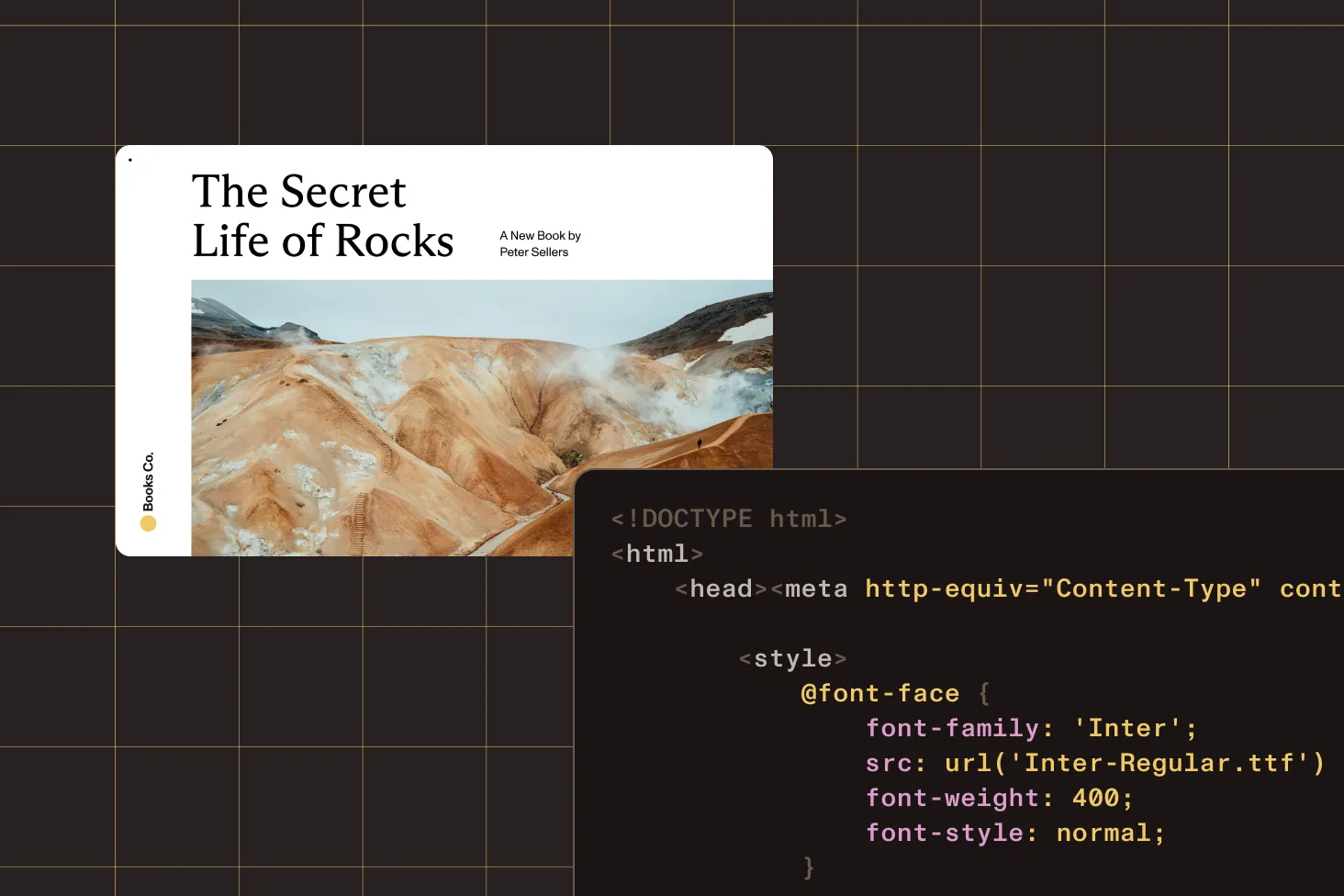
Load a PDF and call SaveAsHTML() with a layout type — for example, HtmlLayoutType.PageLayout.
Open the document and call exportAsHtml() to write an HTML file in one step.
Open the document and call export_as_html() to convert the PDF to HTML.
The SDK handles PDF parsing, font and style conversion, and HTML layout generation behind the scenes.
COMPARE
Pick the deployment that fits your stack — a server REST API, or the .NET, Java, and Python SDKs.
| Document Engine | .NET | Java | Python | |
|---|---|---|---|---|
| How it works | POST a PDF to /api/build with output type
html | SaveAsHTML() | exportAsHtml() | export_as_html() |
| Layout options | Page or reflow | Page layout (HtmlLayoutType) | Single-call export | Single-call export |
| Preconversion operations | Assemble, rotate, watermark, import annotations | — | — | — |
| Callable from JavaScript | Yes — REST API | — | — | — |
| Deployment | Self-hosted server/container | Desktop and server (.NET) | Server/JVM | Server, scripts, pipelines |
Nutrient’s Document Web Services (DWS) platform offers cloud-native APIs for document conversion and processing — without managing infrastructure.
Convert, generate, and process documents from the cloud with a headless processing API built for scale.
Render and display documents in the browser with a cloud-hosted viewer API.
Parse and extract structured content from documents into JSON or Markdown for AI and automation.
Choose your environment. With Document Engine, send the PDF to
the /api/build endpoint with the output type set to
html. With the .NET, Java, or Python SDKs, load the
document and call the export method (SaveAsHTML, exportAsHtml, or
export_as_html). Either way, the SDK handles PDF
parsing and HTML generation for you.
PDF-to-HTML conversion runs through Document Engine’s REST API,
so you can call it from Node.js or a JavaScript backend: POST
the PDF to the /api/build endpoint with an HTML output
type and read back the text/html response. There’s no
separate native library to install — any language that can make an
HTTP request can convert PDF to HTML.
Page layout keeps the generated HTML close to the original PDF page structure, which matters when visual fidelity is important. Reflow layout produces a continuous flow of text without page breaks — better for responsive reading and content reuse. Document Engine uses page layout by default.
PDF-to-HTML conversion is available on Document Engine (server REST API) and the .NET, Java, and Python SDKs. Document Engine is the right choice for centralized, server-side conversion callable from any language; the native SDKs are ideal when conversion runs inside a desktop, server, or scripting application.
Yes, with Document Engine. Because PDF-to-HTML conversion uses the Build API, you can assemble a document from multiple parts, rotate pages, add a watermark, or import annotations before generating the HTML — so the output reflects the processed document.
Converting PDFs to HTML makes document content easy to embed in webpages, search, and reuse downstream, and it improves accessibility for screen readers. It’s a common step for content publishing, web display, and document-processing pipelines.
Yes. Start a free trial to evaluate PDF-to-HTML conversion across supported platforms. For pricing or a production license, contact Sales.
What makes a PDF accessible, which standard applies (WCAG 2.2, Section 508, or PDF/UA), and how to ship compliant PDF apps on web, iOS, and Android with an SDK.
Convert PDF to Markdown and HTML for LLMs and AI workflows using Claude Code and the Nutrient DWS MCP Server — restoring the structure that the PDF format strips away.

Compare the top JavaScript PDF libraries for 2026. In-depth analysis of PDF.js, jsPDF, Nutrient SDK, and more. Find the perfect solution for your project with our expert guide.
FOR DEVELOPERS
Nutrient converts PDF documents into HTML so you can display, search, reuse, and make document content accessible. Conversion is available as a server-side REST API and directly in the .NET, Java, and Python SDKs, with page and reflow layout options.
A PDF-to-HTML SDK programmatically turns PDF content into HTML for the web and for downstream processing.
Pick based on where conversion needs to run and how much control you need.
Because Document Engine exposes PDF to HTML through a REST endpoint, you can convert PDFs to HTML from a Node.js or JavaScript backend without a native library — post the PDF to the Build API with an HTML output type, and read back the HTML response.
Convert wherever your stack runs.
SaveAsHTML() with a configurable
HTML layout type.
exportAsHtml()/export_as_html().
Nutrient gives you one conversion engine across server and SDK deployments, so the same PDF-to-HTML capability is available whether you call a REST API from JavaScript or run it in a .NET, Java, or Python application — backed by complete documentation, code samples, and developer support.