OCR vs. intelligent document processing: Choosing the right document extraction engine

Table of contents
Your team is building a product that processes documents. Maybe it’s a claims management system, a contract analysis tool, or a patient intake platform. Somewhere in the roadmap, there’s a line item that says “extract data from scanned documents,” and now you need to figure out what that actually takes.
The market gives you two categories: optical character recognition (OCR) and intelligent document processing (IDP). Most comparison content treats this as a binary choice. But when you dig into the requirements — table structures that need to stay intact, handwritten fields mixed with printed text, multicolumn layouts where reading order matters — the binary framing breaks down. Different documents need different levels of analysis, and the right solution often involves more than one engine.
This post lays out a practical framework for evaluating document extraction capabilities, matching engines to document types, and scoping the integration for your engineering team.
The OCR vs. IDP framing is too simple
Traditional OCR reads characters. It turns an image into a string of text. That’s useful when your documents are simple: single-column layouts, typed text, predictable structure. Receipt scanning, search indexing, digitizing printed archives. OCR handles these well and handles them fast.
But the moment your documents get more complex, OCR output falls apart. A two-column research paper comes back as one mangled paragraph. An invoice table loses its row and column structure. Handwritten notes at the bottom of a form are either garbled or missing. You get text, but you lose the structure that gives that text meaning.
Intelligent document processing goes further. IDP systems use AI models to analyze document layout, detect tables, recognize handwriting, and determine reading order. The output isn’t just text. It’s structured data with positional context: which value came from which cell, which paragraph was read before which, where on the page each element sits.
Here’s the problem with treating this as a binary: Not every document in your pipeline needs the same level of analysis. Running full layout analysis on a simple text page wastes compute. Running basic OCR on a complex multicolumn form wastes your team’s time fixing the output. The more useful question isn’t “OCR or IDP?” but “which engine for which document?”
Three tiers of document extraction
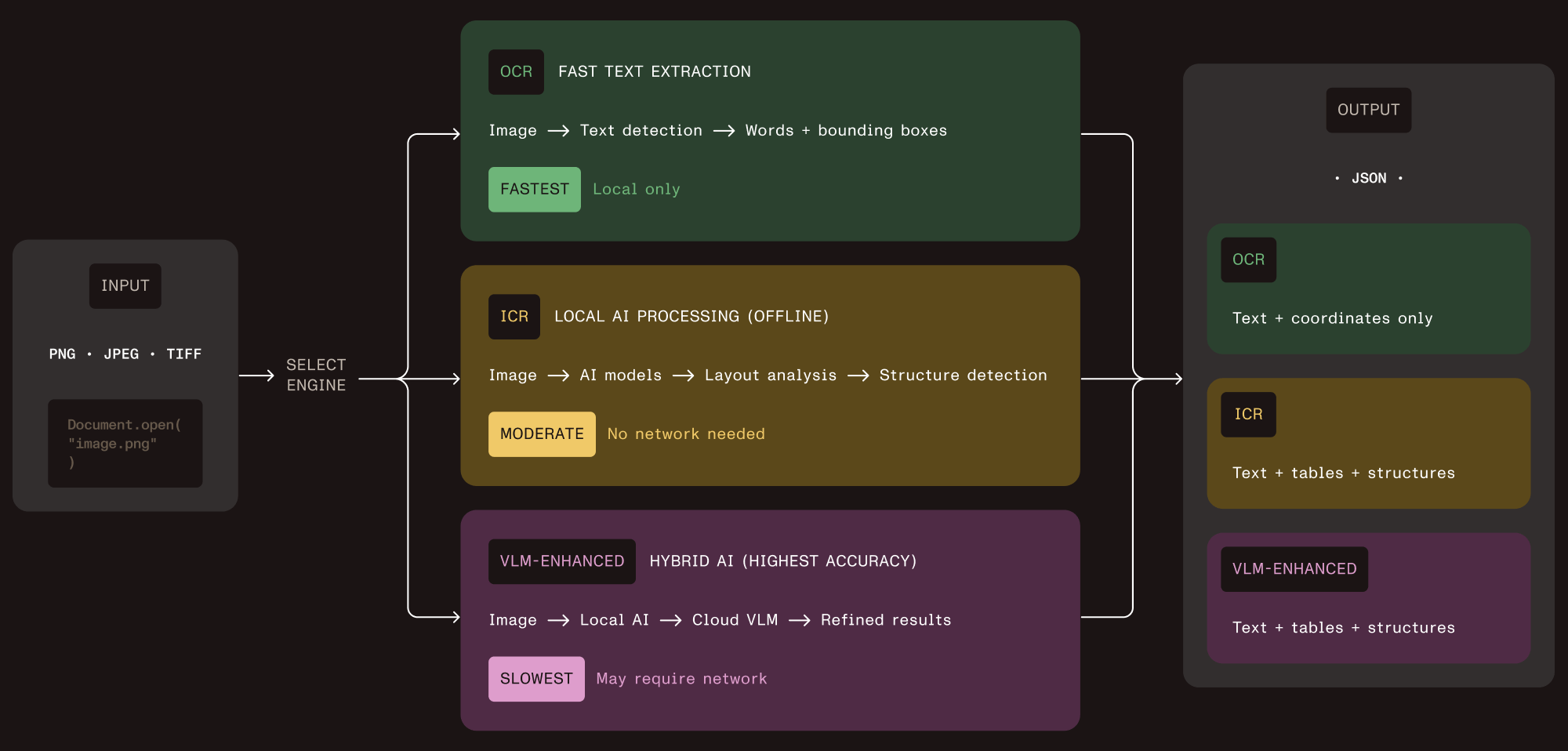
Nutrient Vision API takes this approach directly. Instead of offering one engine that tries to handle everything, it ships three extraction tiers through a single API. Each tier adds capability and cost. You pick the tier that matches the document.
Tier 1 — OCR
Character recognition with word-level bounding boxes and language detection. Fast, lightweight, runs locally. Use it for documents where you need raw text and don’t care about layout. This is your high-throughput path for simple documents.
Tier 2 — Intelligent content recognition (ICR)
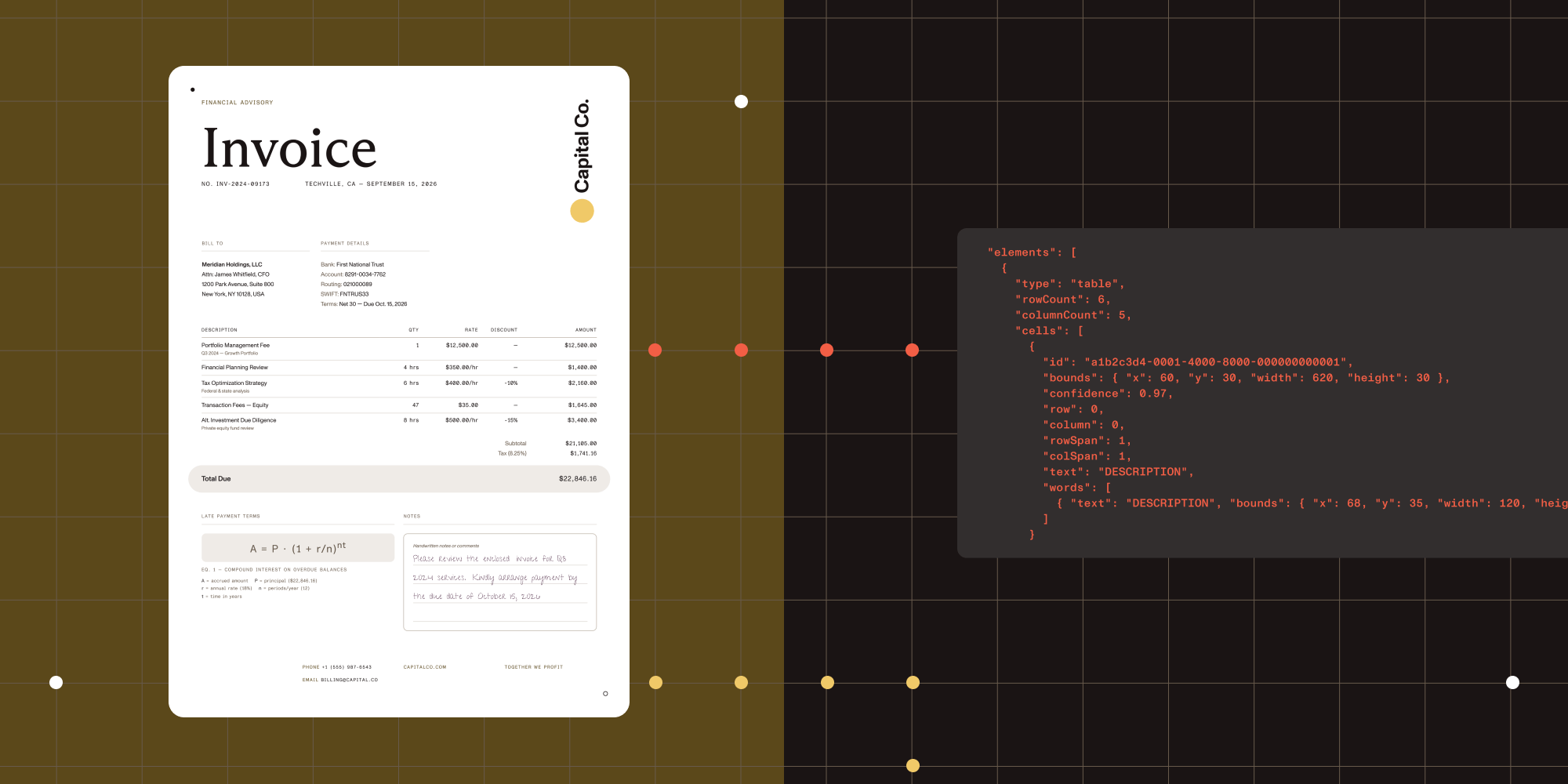
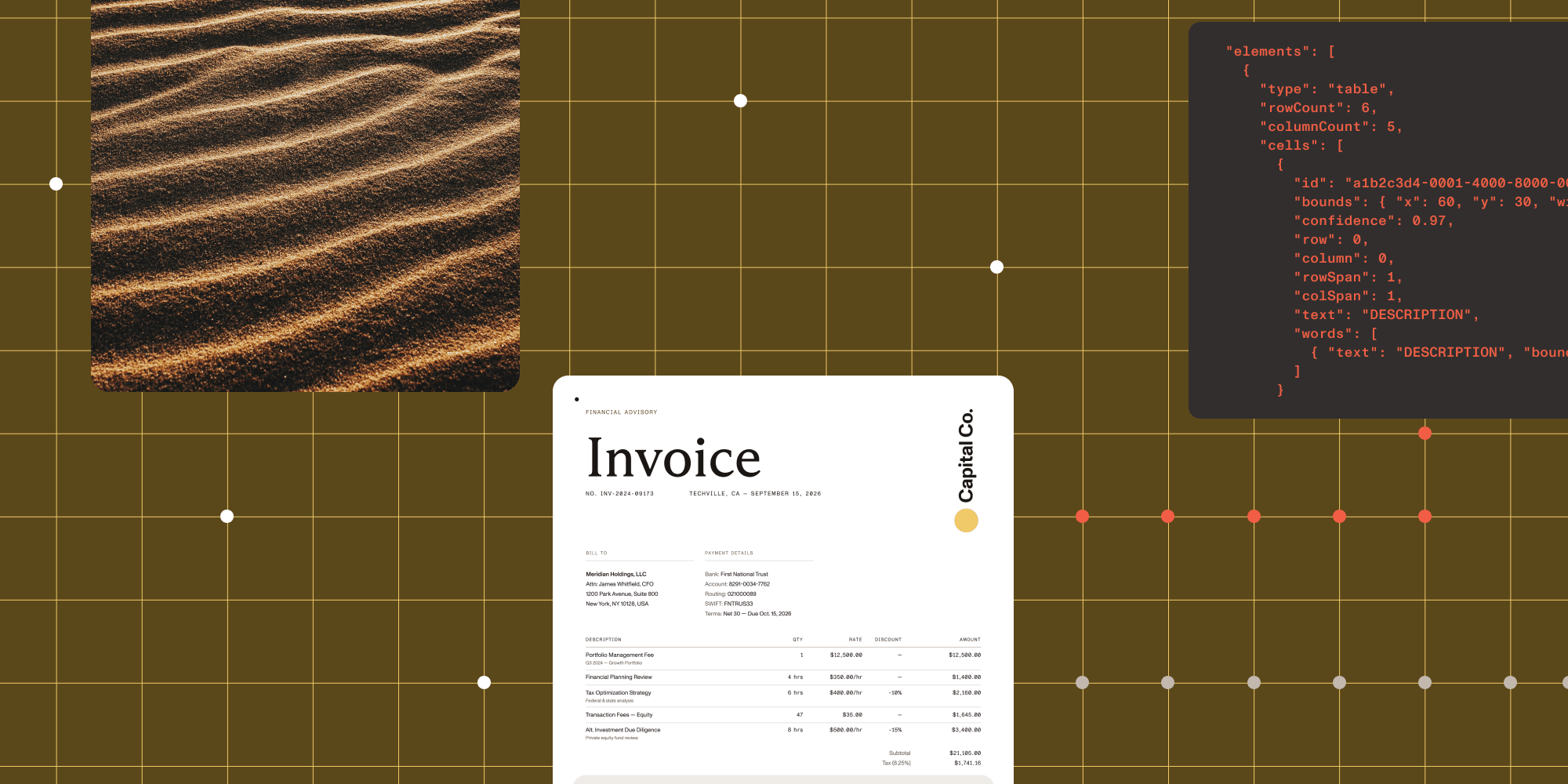
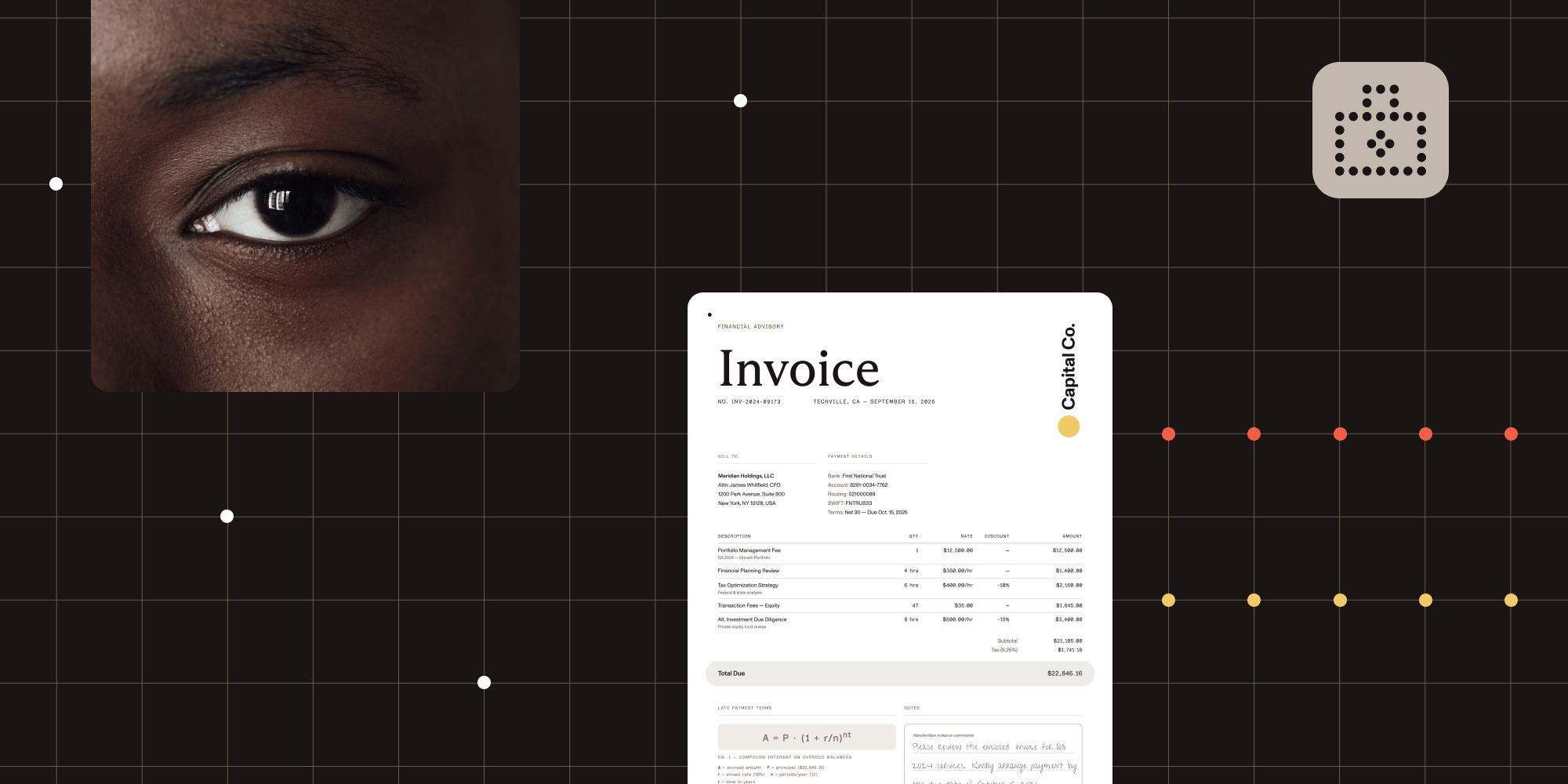
This is the core of the structured extraction pipeline. ICR runs local AI models that analyze document layout, extract tables with cell-level coordinates, recognize equations (output as LaTeX), parse hierarchical content like nested lists and captions, identify handwriting, and determine reading order. Everything runs on your infrastructure. No cloud calls, no data leaving your environment.
Tier 3 — VLM-enhanced ICR
Adds a cloud AI layer on top of ICR. It sends layout data to Claude or OpenAI for improved accuracy on tricky table boundaries and irregular layouts. You control when this activates and which provider it uses. This is the highest-accuracy option, but it introduces cloud API costs and higher latency.
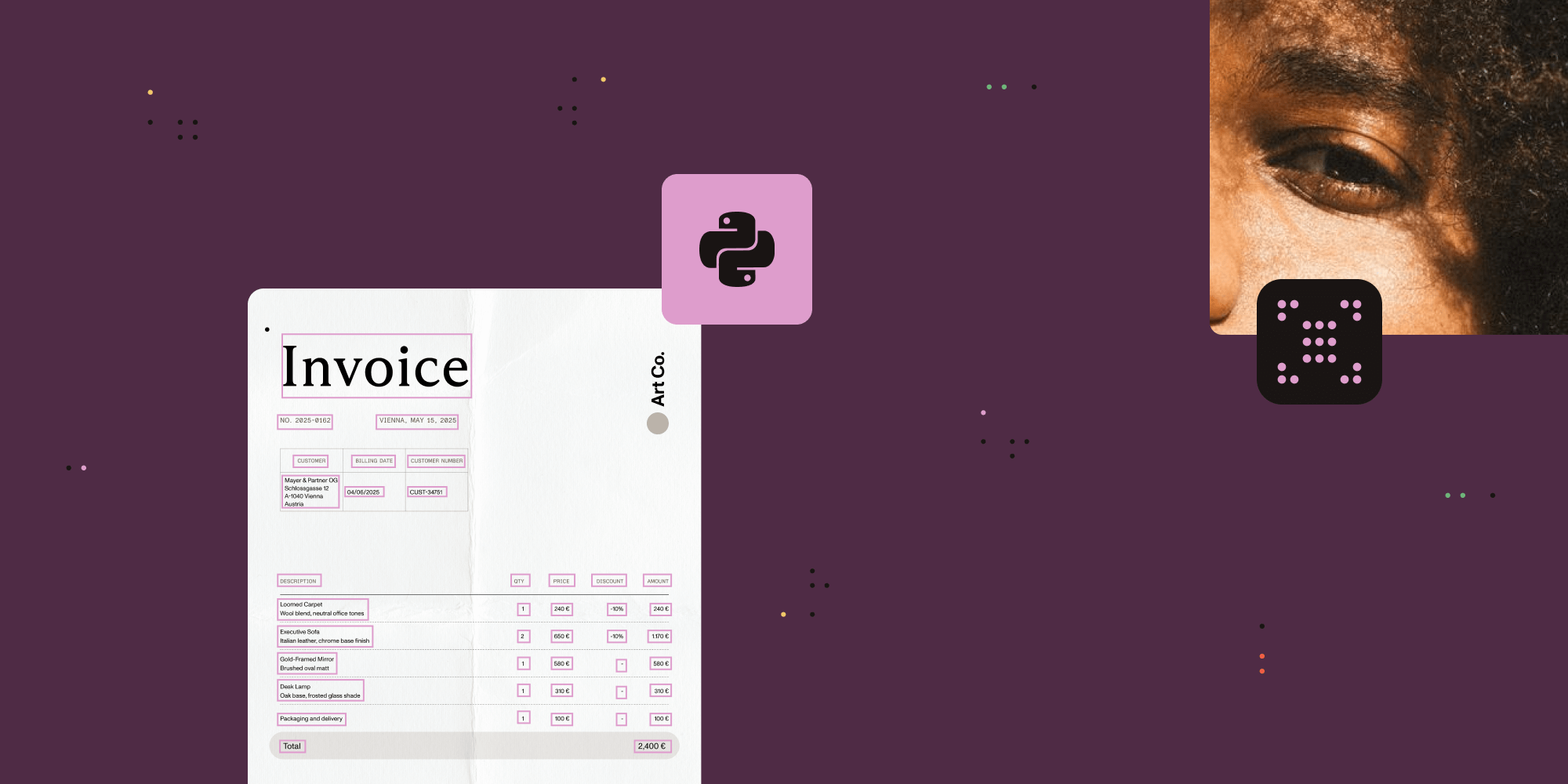
All three tiers return JSON with bounding boxes for every extracted element. That means your application can trace any value back to the exact pixel region in the source document. For audit trails, review user interfaces (UIs), and compliance reporting, this is the foundation.
Matching engines to document types
The decision framework comes down to three questions about each document type in your pipeline.
1. Does layout matter?
If you only need raw text for search indexing or basic data capture from simple, single-column documents, OCR (tier 1) is enough. It’s the fastest option and uses the least computation.
If your documents have tables, multicolumn layouts, nested lists, or any structure that carries meaning beyond the text itself, you need ICR (tier 2) at minimum.
2. How complex are the layouts?
ICR handles the vast majority of document layouts well: standard tables, two-column documents, mixed print and handwriting, forms with labeled fields. For most products, this tier covers 90 percent or more of the documents in the pipeline.
VLM-enhanced ICR (tier 3) becomes valuable for irregular table structures (merged cells, misaligned borders), complex scientific documents, or layouts where the highest possible accuracy justifies the added cost and latency.
3. Where does the data live?
Tiers 1 and 2 run entirely on your infrastructure. No data leaves your environment. This matters for healthcare (HIPAA), financial services (data sovereignty), government (air-gapped deployments), and any product where your customers’ compliance requirements restrict where documents are processed.
Tier 3 sends layout data to a cloud API. The raw document stays local, but extracted layout information goes to the VLM provider for enhanced analysis. Whether this is acceptable depends on your compliance requirements and your customers’ expectations.
Here’s how the capabilities break down:
| Capability | OCR (tier 1) | ICR (tier 2) | VLM-enhanced (tier 3) |
|---|---|---|---|
| Text extraction | Yes | Yes | Yes |
| Table structure | No | Yes, with cell coordinates | Yes, with confidence scores |
| Equations | No | Yes, as LaTeX | Yes, as LaTeX |
| Handwriting | Limited | Yes | Yes |
| Reading order | Basic left-to-right | Layout-aware | Layout-aware, improved |
| Bounding boxes | Word-level | Element-level | Element-level |
| Runs locally | Yes | Yes | Local + cloud API call |
| Relative speed | Fastest | Moderate | Slowest |
| Image descriptions | No | No | Yes, via cloud VLM |
The deployment decision: Local vs. cloud
Most document extraction products on the market are cloud-only. AWS Textract, Google Document AI, and Azure Document Intelligence are capable platforms, but every document you process leaves your infrastructure. For many products, that’s fine. For regulated industries, it’s a blocker.
Vision API defaults to local processing. Tiers 1 and 2 run entirely on your hardware. The AI models download once and cache locally. After that, no network requests. This works in air-gapped environments, on-premises data centers, and anywhere your compliance team says “nothing leaves the building.”
Tier 3 (VLM-enhanced) is the opt-in cloud path. You decide which documents route to cloud processing and which stay local. You pick the provider (Claude or OpenAI) or point it at a local VLM server for fully offline operation.
For product planning, this means you aren’t making a single deployment decision. You’re defining a routing policy: which document types go to which tier, and under what conditions. A common pattern is to run ICR as the default and selectively route documents with low-confidence table extractions to VLM-enhanced mode.
SDK, not platform: What this means for your backlog
Most build vs. buy comparisons for intelligent document processing frame it as “build from scratch” vs. “buy a full platform.” But there’s a third option: Embed a document extraction SDK into your existing product.
Vision API is a library, not a platform. Your engineers import it like any other dependency in Python or Java, call a few functions, and get JSON back. There’s no separate infrastructure to manage, no vendor portal to log in to, and no platform-specific data pipeline to maintain.
Here’s what the integration scope looks like:
One API, three engines — Switching between OCR, ICR, and VLM-enhanced ICR is a configuration change, not a code change. Your team writes the extraction pipeline once and selects the engine at runtime based on document type, customer requirements, or processing rules you define.
Model management — ICR downloads several gigabytes of AI models on first use. For production deployments, there’s a warmup function that predownloads models during application startup. For containerized environments, mount a persistent volume so models persist across restarts.
Supported formats — Vision API works with PNG, JPEG, GIF, BMP, and TIFF (including multipage). For scanned PDFs, convert pages to images first using the same SDK’s rendering capabilities.
Output structure — Every extracted element comes with its type (paragraph, table, table cell, equation), text content, bounding box coordinates, and position in the reading order. Tables include row and column indices for each cell. This is the structured data your application logic works with.
Licensing — Flat SDK licensing, not per-page pricing. Your cost doesn’t scale linearly with document volume. At high volumes, this is the difference between a predictable line item and an open-ended cloud bill.
How to evaluate
Before committing to any document extraction approach, run your own documents through it. Not sample documents from a vendor’s demo — your actual production documents, including the messy ones.
Here’s a practical evaluation checklist:
- Gather 20–30 representative documents. Ensure they span your use cases, and include the worst-case layouts: merged table cells, handwritten fields, multicolumn pages, low-quality scans.
- Define success criteria per document type. For tables, it’s row/column structure preserved. For forms, it’s field labels correctly associated with values. For mixed layouts, it’s correct reading order.
- Test each tier separately. Run OCR on everything first. Identify which documents need more than raw text. Run ICR on those. Identify which still need improvement. Run VLM-enhanced on the remainder. This gives you the tier distribution for your pipeline.
- Measure what matters to your product. Extraction accuracy is table stakes. Also evaluate processing time per page, memory footprint, model download size, and output format compatibility with your downstream systems.
- Check the compliance path. Confirm that local-only processing (tiers 1 and 2) meets your data residency requirements. If you plan to use tier 3, verify that your compliance team approves sending layout data to a cloud VLM provider.
Next steps
The guides below walk through the technical implementation your engineering team needs to get started:
- Python ICR implementation guide
- Java ICR implementation guide
- Python image description guide
- Java image description guide
- Optimizing first ICR run (Python)
- Get started with the Python SDK
- Get started with the Java SDK
For a hands-on evaluation with your own documents, reach out to our team.