Beyond OCR: How document intelligence eliminates manual processing in regulated industries

Table of contents
Consider the hidden cost of OCR failures: Organizations often spend more fixing extraction mistakes than on the software itself. Each misprocessed intake form or invoice triggers a human intervention at $20 to $40 each, and sometimes more. Multiply this by 1,000 documents a day and the VP of Ops is ready to pull their hair out.
If you’re nodding along, you’ve seen what happens when text extraction stops at text and never connects the dots.
The gap nobody budgets for
This “gap” between reading characters and understanding documents is where most automation efforts stall. It’s not just about machines misreading handwriting. It’s about a $30K/month e-discovery bill because your system couldn’t tell a table from a paragraph. Technical teams burn out reconciling mixed layouts and two-column PDFs. OCR just tosses them a jigsaw puzzle missing half the pieces.
The pain shows up differently across industries, but the root cause is the same.
Healthcare — Doctors scribble dosages on forms. If your system can’t link those notes back to the typed patient field, downstream EHR integrations break. The table structure isn’t a nice-to-have. It’s legally required provenance.
Finance — A double-checked total in the wrong cell? That’s an audit fail and a client phone call. Raw OCR sees everything as just text. Your compliance officer needs cell-level origin, every single time.
Legal — Law firms miss critical clauses when scanned contracts have multicolumn layouts that go unread. Multi-layout documents are the norm in casework, not exceptions.
These organizations don’t need better character recognition. They need document understanding.
What the market actually offers (and where it falls short)
Vendors love buzzwords like “AI for documents,” “grounded text,” and “semantic extraction.” But when you dig into the details during procurement, the limitations emerge:
- Bounding boxes work on simple documents but fail on complex layouts or handwriting
- Summarization capabilities exist, but provenance tracking is often an afterthought
- Cloud-only solutions tout compliance certifications while ignoring data sovereignty concerns
For CTOs at Fortune 500 banks, the calculus is simple: a single cloud API call with sensitive data can be a dealbreaker.
Cloud-native platforms like AWS Textract, Google Document AI, and Azure Document Intelligence handle diverse layouts well. But every document you process leaves your infrastructure, you pay per page with no ceiling, and data sovereignty concerns kill procurement conversations in regulated industries before they start.
The missing piece: a local-first stack that keeps your content inside your firewall. Cloud APIs if you want, not if your compliance officer says no.
Nutrient Vision API: Intelligent content recognition
Vision API approaches this through what we call intelligent content recognition (ICR). This isn’t the legacy ICR that referred specifically to handwriting recognition — it’s structural analysis using local AI models.
What it actually detects:
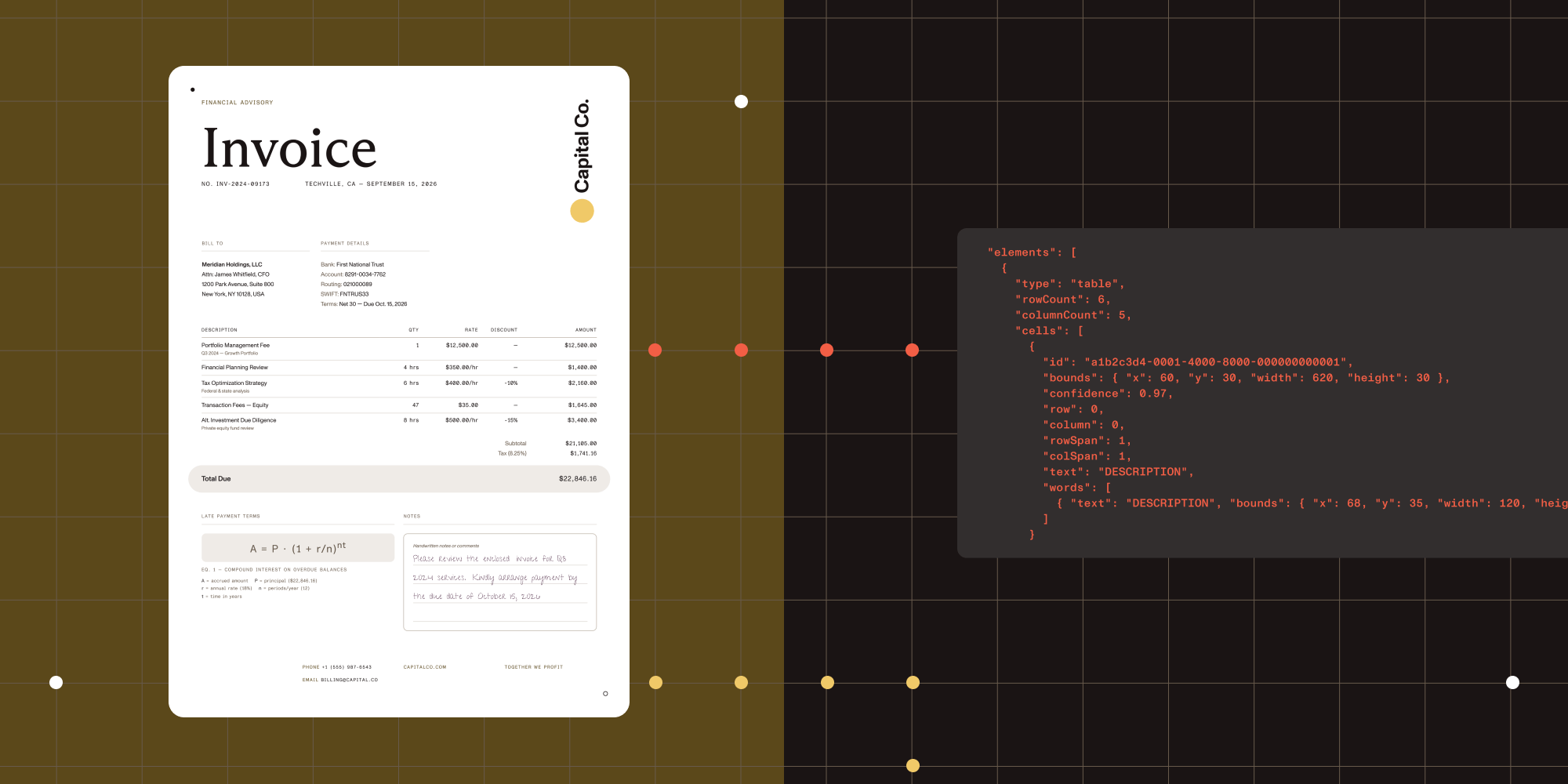
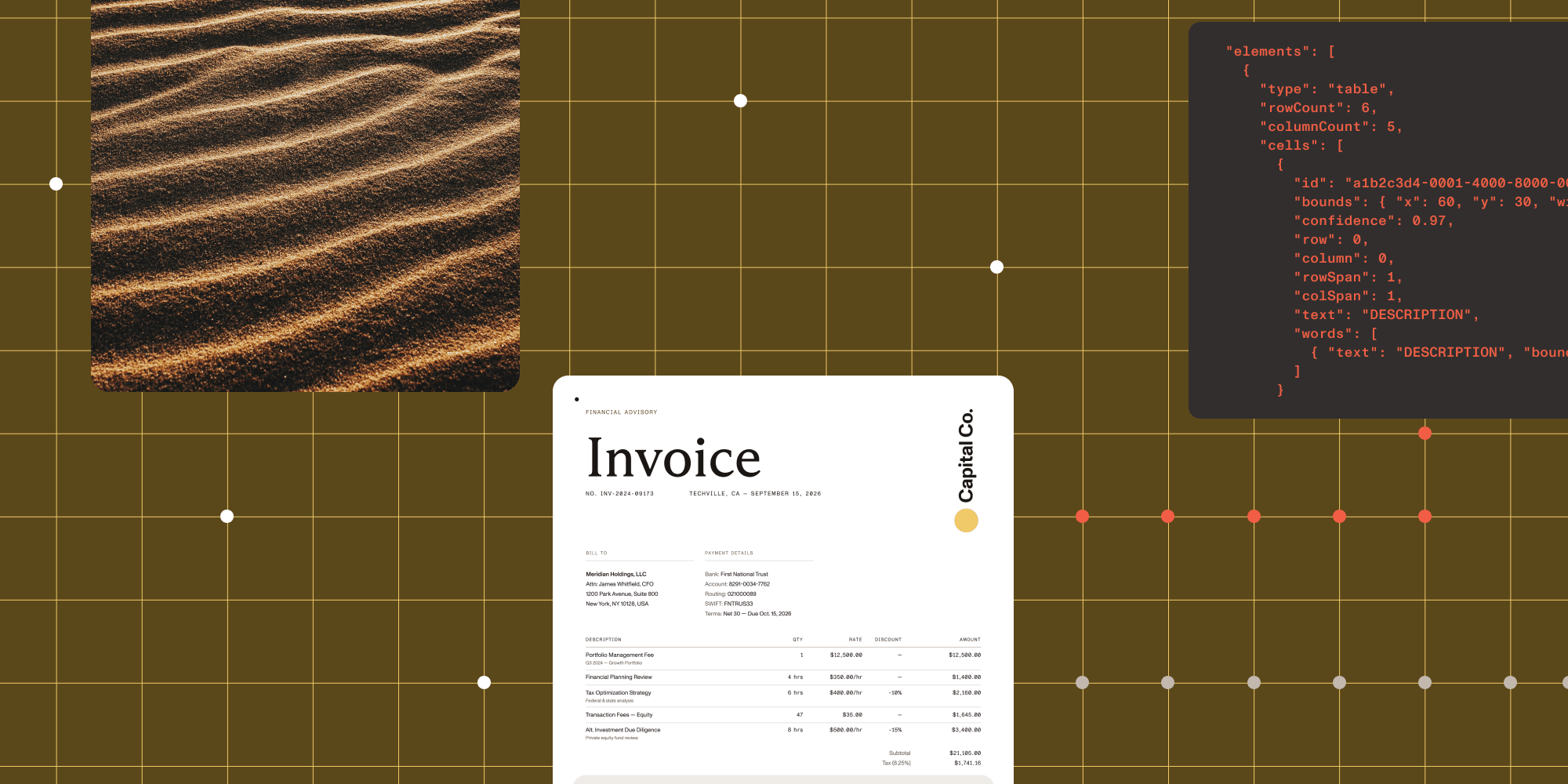
Cell-level table extraction — Shows which row, column, and header every value came from, even when cells are merged or misaligned.
Equations as data — Outputs LaTeX and traceable math regions for search or audit, processed entirely on local infrastructure.
Handwriting recognition — Doctors’ scrawl? Checked. Mixed print/cursive? No problem.
Content with hierarchy — Understands paragraphs, list trees, captions, figure nesting. Organizational context is everything.
Reading order, not just left-to-right — Preserves document flow in multicolumn research papers and complex layouts, ensuring sections appear in their intended sequence.
Auto-generated image descriptions — Make your PDFs accessible and WCAG-compliant, whether you describe diagrams locally or turbocharge with a VLM.
All of this runs on your infrastructure, with no external API calls required by default.
Local first, cloud optional
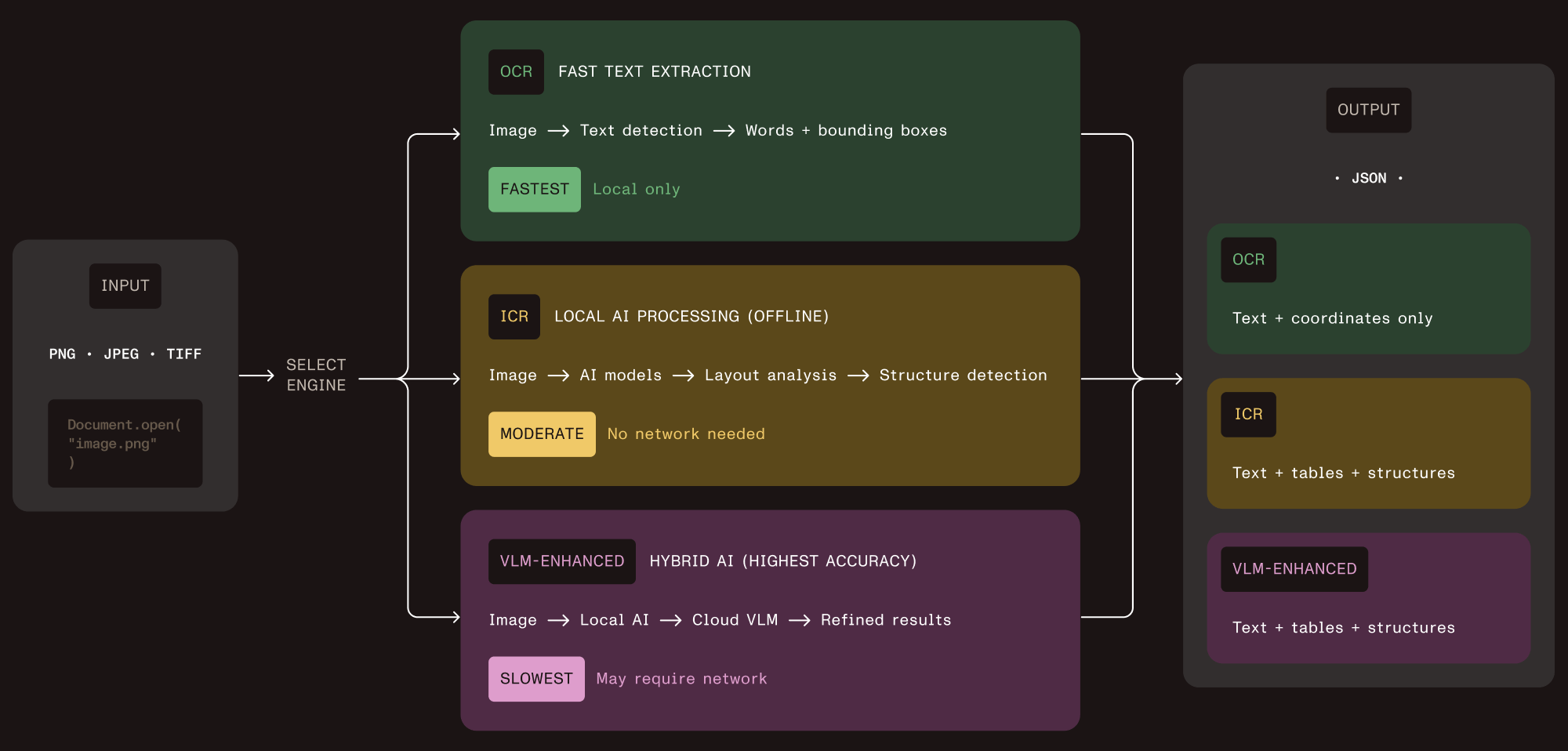
Local ICR loads AI models into memory and performs all analysis locally with zero network requests. This is the default mode, built for air-gapped government systems, HIPAA-compliant healthcare, and SOC 2 financial processing.
VLM-enhanced ICR connects to Claude or OpenAI for improved table cell boundary detection on complex layouts. You control when cloud processing adds value and when privacy requirements rule it out.
The deployment decision is yours, not your vendor’s.
The audit trail that compliance teams actually want
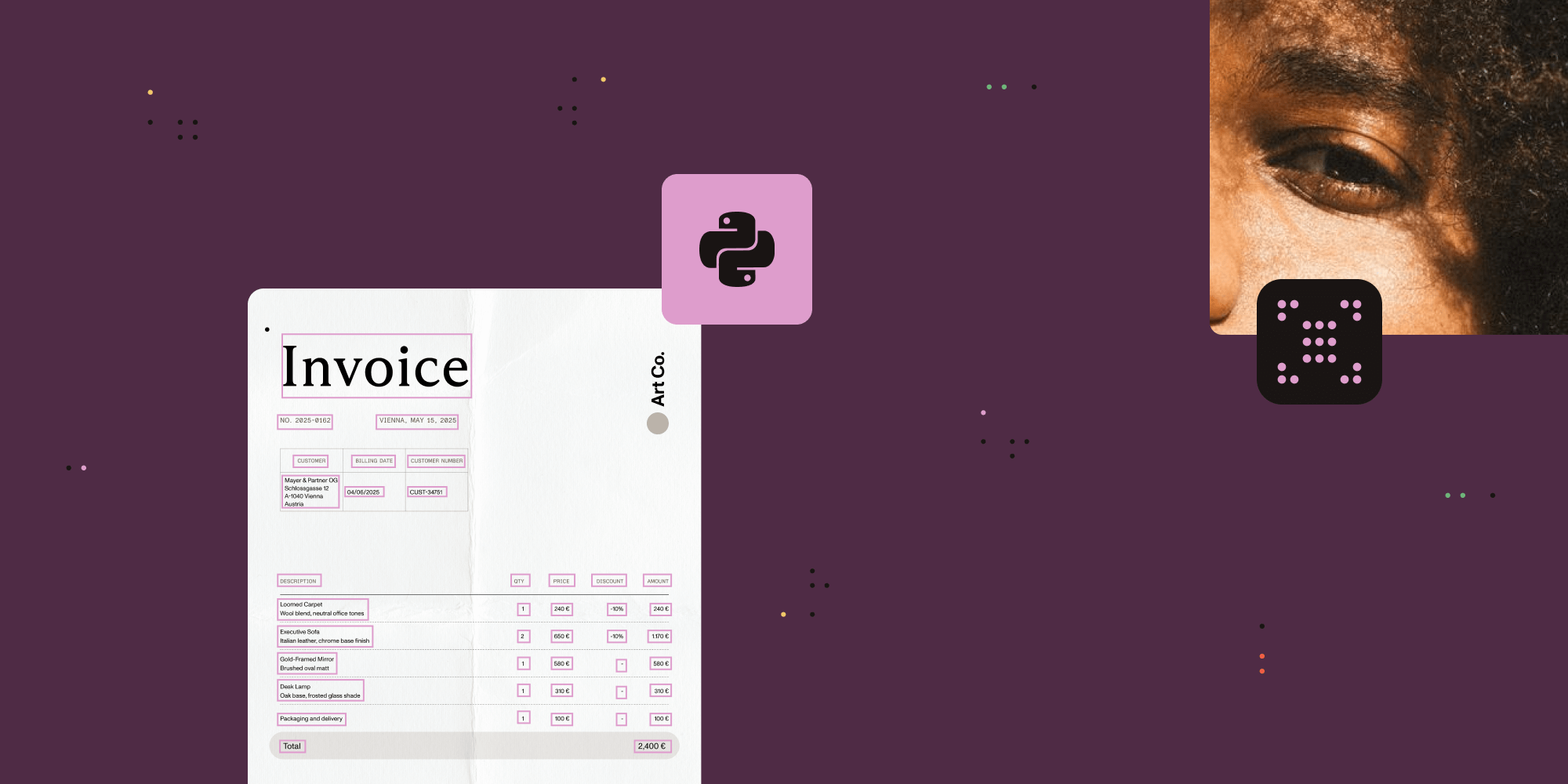
Every element Vision API extracts includes a bounding box that maps it back to a precise region in the source document. This matters far more than most vendors acknowledge.
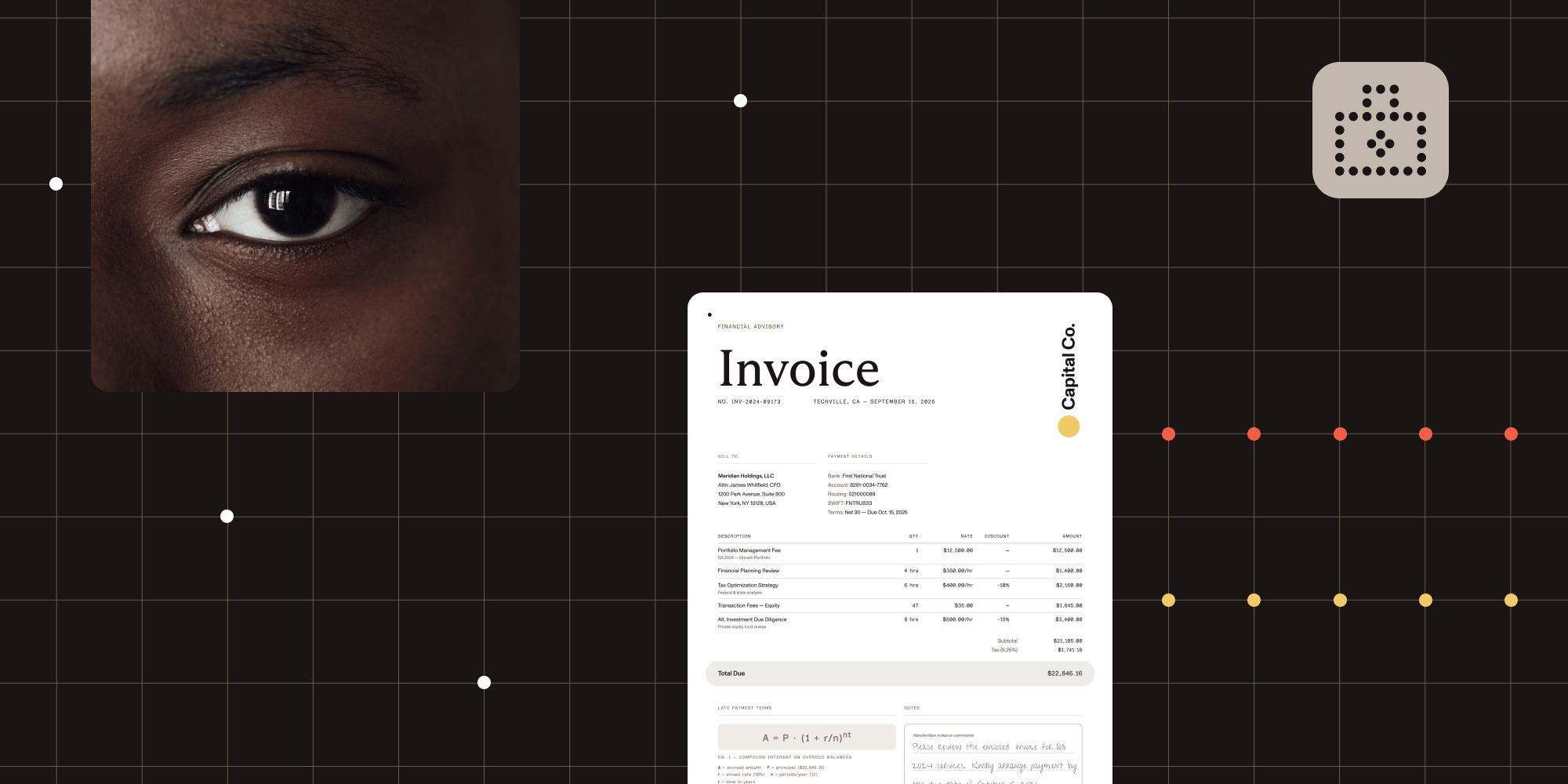
When your system extracts a dollar amount from a scanned invoice, you can trace that value to the exact pixel coordinates where it appeared. When a regulator asks how you determined a patient’s medication dosage, you can show the source region on the original form. When your QA team flags an extraction error, it can click through to the exact area that needs review instead of searching the whole document.
This is the difference between “our AI extracted this data” and “here’s the proof.” In regulated industries, that difference determines whether your automation passes audit.
What this looks like in practice
Healthcare intake, real numbers
Hospital systems often staff four people full-time just keying data from forms when OCR misses handwriting and table structures. With proper document understanding, clinicians review only flagged fields. The result: 80 percent reduction in rework rates, with zero data leaving the premises. No more HIPAA headaches, and no more blank stares from legal teams.
Accessible documents at scale
A university digitizes 50,000 scanned textbooks for accessible learning platforms. WCAG 2.1 Level AA requires alt text for all images. Manual description at this volume would cost $200K+ annually. Vision API generates WCAG-compliant image descriptions using local AI models. Standard diagrams process locally; complex scientific visualizations route to cloud VLMs when educational accuracy justifies it. The university meets Section 508 and WCAG compliance without a dedicated accessibility team.
Data sovereignty for financial services
Thousands of scanned loan applications contain SSNs, income statements, and credit reports. Regulatory requirements mandate on-premises processing for this sensitive data. Previous OCR systems missed the table structures critical for automated risk assessment. Vision API runs entirely on the firm’s infrastructure; extracts income tables with employer, amount, and verification relationships; detects signature regions; and outputs structured data for risk models. It also operates in fully air-gapped environments. As a result, risk model automation reduces manual review time by more than 60 percent per application.
Predictable costs, not cloud surprises
A legal discovery platform processes 2 million scanned pages monthly. Cloud extraction at $0.015/page (typical Textract pricing(opens in a new tab)) runs $30,000/month. Usage spikes during litigation make budgets unpredictable. Vision API runs on existing compute infrastructure with one-time SDK licensing, and the platform reserves cloud-enhanced processing for complex documents like technical patents where higher confidence justifies the cost. Projected savings: $250K to $350K annually. Break even in four to six months.
How to choose
| What matters | Nutrient local ICR | VLM-enhanced | Cloud “big three” (Textract, etc.) |
|---|---|---|---|
| Table accuracy | Nails most documents. Edge cases? Try hybrid. | Best for wild/irregular layouts. | Good, but only if you’re OK with offsite data. |
| Speed | Runs as fast as your gear. No API throttles. | Slowed if cloud queues up. | API calls. Hope you don’t hit their limits. |
| Cost | Flat (license + hardware you already have). | Extra per document if you opt in for cloud help. | Pay per page. Watch the bill skyrocket with volume. |
| Data stays put? | Yes. Not one byte leaves the premises. | Only if you turn off VLMs. | Nope. Must upload to vendor cloud. |
| Audit and traceability | Click any value, see its origins in the PDF. | Same, plus a confidence meter. | Depends on vendor roadmap. Sometimes a black box. |
| Network? | Fully offline, even air-gapped servers. | Internet required. | Internet. No way around it. |
Choose local ICR when you have privacy mandates, predictable high volumes, or sensitive documents. It handles the vast majority of layouts well.
Add VLM enhancement for irregular table structures, mixed-layout scientific documents, or workflows where the highest confidence scores justify cloud API costs.
Where this isn’t the right fit
If your documents are fixed-template invoices that never change layout, template-matching OCR will do the job for less. Vision API targets the harder problem: documents where structure varies, where handwriting mixes with type, where you need provenance for every extracted value. If your documents are simple and predictable, save your money.
How Nutrient compares to the cloud platforms
AWS Textract, Google Document AI, and Azure Document Intelligence are capable products. We respect the engineering. But they share constraints that matter in regulated procurement:
Per-page pricing scales linearly — At 2 million pages/month, you’re spending six figures annually with no ceiling. One litigation surge and your CFO is asking questions.
Data leaves your infrastructure — For healthcare, financial services, and government, this is often a non-starter, regardless of the provider’s compliance certifications. We’ve watched deals die over this single point.
Vendor lock-in on provenance — Grounding and audit trail capabilities vary by tier and vendor, and you depend on their roadmap. If they deprecate a feature you built compliance around, that’s your problem.
Nutrient’s positioning is different: on-premises by default, predictable licensing at scale, and full bounding-box provenance on every extraction. You own the deployment.
Get in touch
If you’ve ever had a board meeting stall because legal worried about where your contracts go, you know the pain. We’re happy to give you a live test on your trickiest files. No NDAs or sales scripts to start. Talk to us about your edge cases.