Authenticate clients with JWT in Document Engine
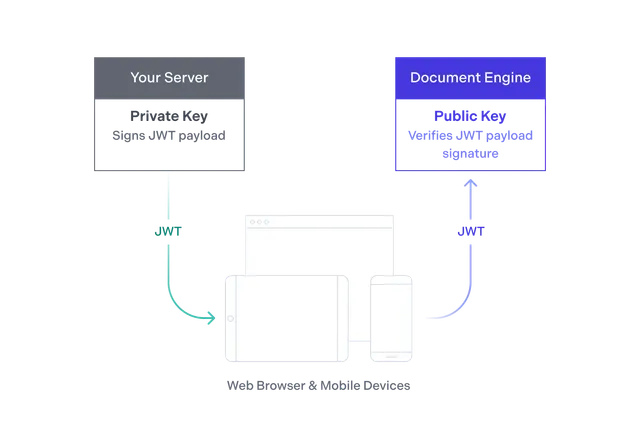
When using Nutrient’s SDK clients for web and mobile platforms, your client needs to authenticate itself with your running Document Engine instance. To do this, you need to generate a JSON Web Token (JWT). In most cases, your own backend application will generate a JWT that’s sent to your users.
Your users then use the JWT your app supplied to authenticate themselves with Document Engine, which will then return only the data the user is allowed to see. In general, a JWT will give the user access to a specific document and Instant layer combination. If you’re using Collaboration Permissions, the JWT can also control which actions the user can take and which resources the user can see.
If you’re having trouble generating valid JWTs, we have a guide that shows you how to validate JWTs using the Document Engine dashboard.
For Web SDK clients using short-lived JWTs, use runtime token renewal with onAuthFailed and setSession to keep long-running sessions active without reloading the viewer. Refer to the guide on web client authentication and session renewal.