




What are PDF annotations? Types and uses
Learn what PDF annotations are, the most common annotation types, and how to manage annotations efficiently using Nutrient’s PDF annotation tools and APIs.

Transform Office files, images, and PDFs with high fidelity using Nutrient's client-side SDKs, .NET libraries, or headless APIs. Automate conversions across every step of your document workflow.
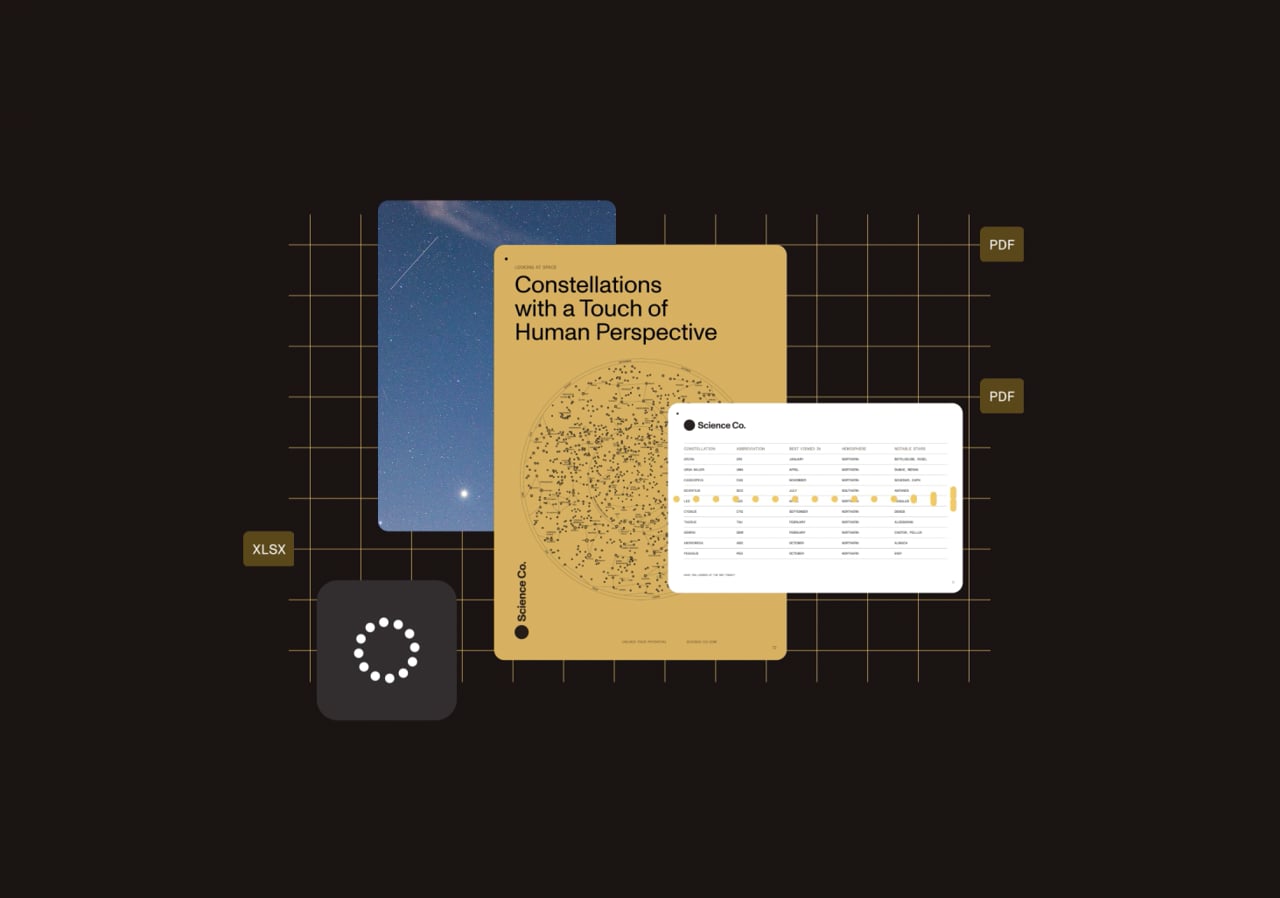
Preserve layout, fonts, and formatting across platforms — ideal for reports, contracts, and more.
Convert JPG, PNG, and TIFF files into compressed PDFs with selectable text and embedded metadata.
Create long-term preservation formats that meet ISO and industry standards.
Convert PDFs into high-resolution images for display, export, or integration.
Office conversion
Generate high-fidelity PDFs from DOCX, XLSX, and PPTX files directly in your app. Maintain layout integrity and automate conversion in client or server environments.
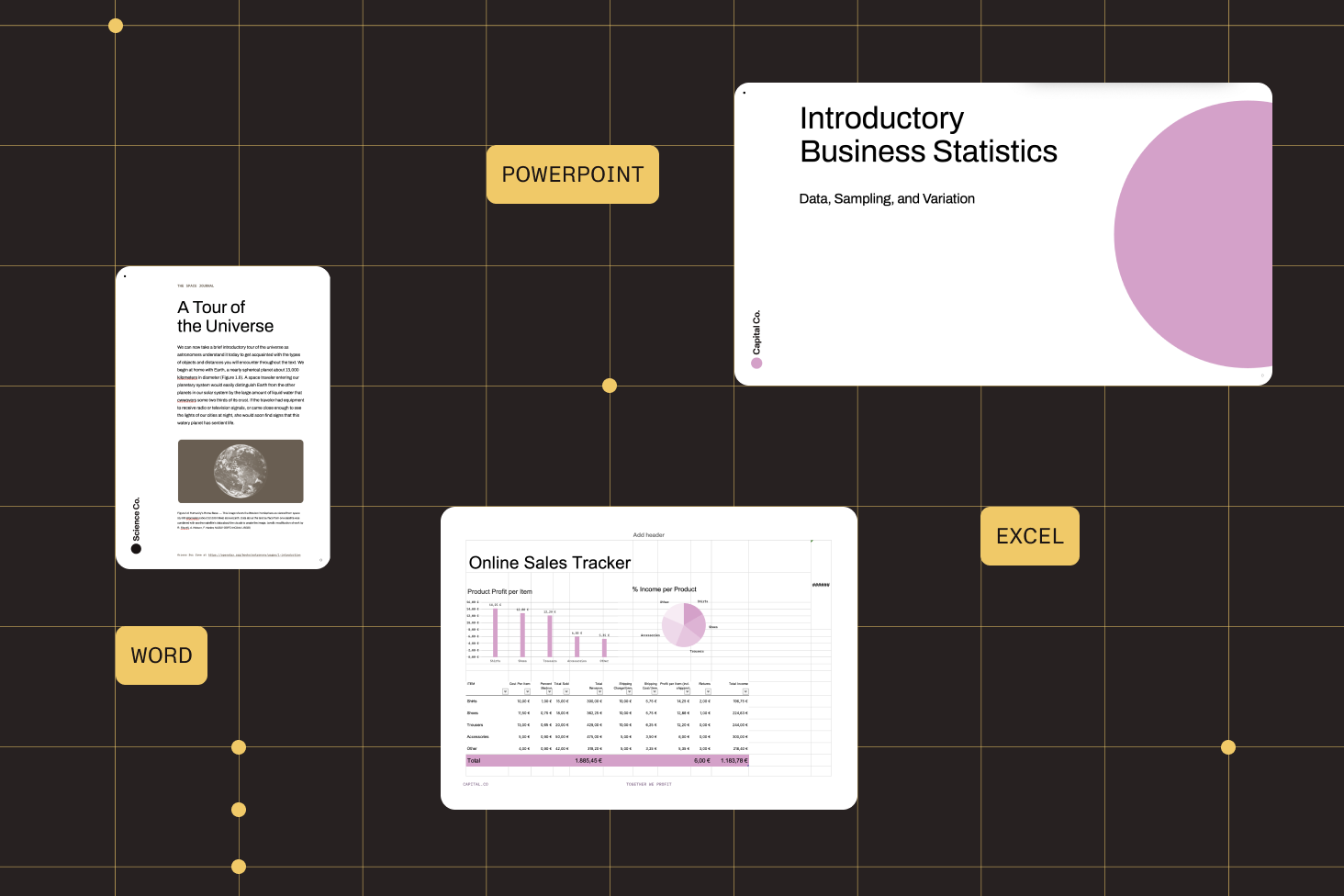
Retain formatting, images, and embedded fonts from Office files.
Queue and convert multiple files in one operation for scale.
Use built-in rendering without depending on Microsoft Office.
Programmatically fill or transform templates into PDFs.
PDF-to-Office conversion
Convert PDFs into DOCX, XLSX, or PPTX — either in the browser or from the server — with structured output that preserves layout and styling.
Generate clean, editable documents users can open in Microsoft Office.
Retain tables, fonts, and formatting — no third-party dependencies required.
Use Nutrient Web SDK for client-side conversion, or Document Engine for batch jobs and backend pipelines.
Preserve original document design with dynamic font loading and page control.
Archival and Accessible PDF Conversion
Convert any PDF to PDF/A for archiving or PDF/UA for accessibility. Auto‑tagging, validation, and full‑font embedding preserve metadata and meet WCAG 2.2 and Section 508 requirements.
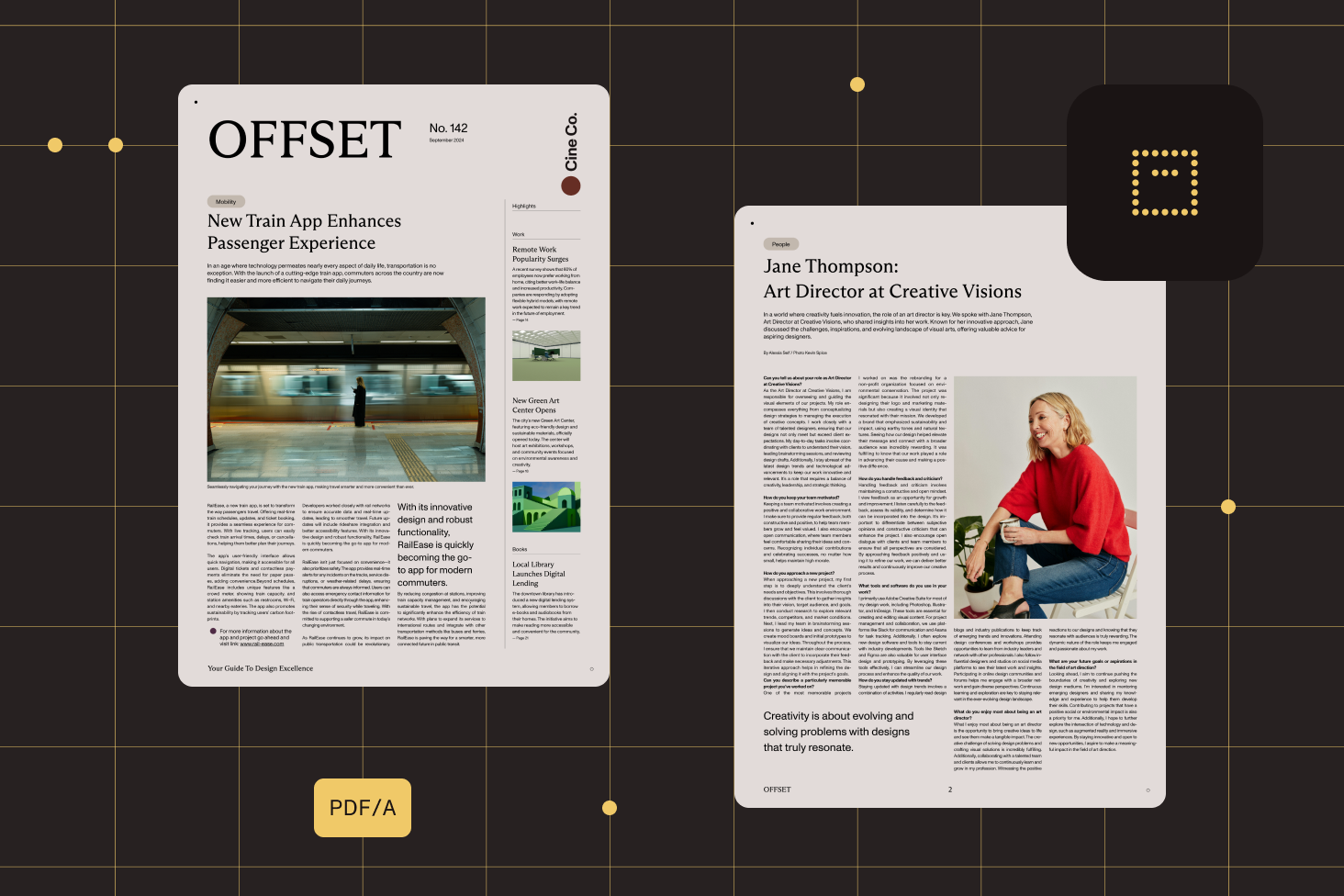
Generate PDF/A‑1, A‑2, A‑3, and PDF/UA with one API call, complete with conformance validation reports.
AI‑powered tagging adds semantic structure, alt text, and reading order so assistive technologies work out of the box.
Embed fonts and ICC profiles, keep XMP metadata intact, and validate before delivery.
Offload batch conversions to the Processor API for high‑volume archival or accessibility pipelines.
Image conversion
Transform JPG, PNG, and TIFF files into compressed, high-fidelity PDFs — with optional OCR and metadata for search, indexing, and downstream automation.

Import individual or multipage files in JPG, PNG, and TIFF formats.
Apply optical character recognition to extract searchable text from image content.
Adjust scaling and compression settings to balance quality and performance.
Embed custom fields like author, timestamp, and routing data during conversion — all configurable from your server via Document Engine.
.NET CONVERSION
Use our .NET SDK to integrate PDF, Office, image, and CAD conversion into C# applications, with full control over rendering, output, and automation.
Convert PDF, DOCX, XLSX, PPTX, images, CAD, and more than 100 file types.
Use simple commands to process single files or large batches at once.
Combine conversion with image recognition and file optimization.
Nutrient’s Document Web Services (DWS) platform offers cloud-native APIs that support every stage of the document lifecycle — from rendering a single PDF in the browser, to high-volume processing and automation.
Nutrient supports conversion between PDFs and more than 100 formats — including DOCX, XLSX, PPTX, JPEG, PNG, TIFF, HTML, TXT, RTF, emails, and CAD. You can also convert to Office from PDF.
Yes. Nutrient SDKs and APIs support batch conversion, enabling efficient, high-throughput processing of multiple documents at once — ideal for enterprise workflows.
Absolutely. Nutrient supports PDF/A-1, A-2, and A-3 conversions and includes validation tools to help ensure your output meets industry standards for long-term archiving.
Yes. Built-in OCR tools enable you to extract text from images or scanned PDFs and create searchable, structured output in one step.
Nutrient is designed to maintain original layout, fonts, images, and styling — whether you’re converting Office files to PDF or back again.
Yes. Nutrient’s Web SDK, .NET SDK, and Document Engine let you automate conversion workflows on both client and server, with full control over output and scaling.
Nutrient offers conversion across web, mobile, desktop, and server environments. You can deploy in JavaScript frameworks like React, Vue, and Angular; in .NET environments; or via REST APIs using Document Engine.
Learn what PDF annotations are, the most common annotation types, and how to manage annotations efficiently using Nutrient’s PDF annotation tools and APIs.
A step-by-step tutorial explaining how to annotate PDFs in Angular using ngx-extended-pdf-viewer and Nutrient Web SDK.

A comprehensive tutorial for managing React PDF annotations with Nutrient.

PROVEN AT SCALE
Replaced paper and email with Nutrient Workflow to automate multilevel approvals across six Latin American offices, processing 236 asset requests.
Renders multipage PDFs and signature tags with Nutrient, keeping 200 million users in 188 countries moving at the speed of eSignature.
Empowers 34,000 pilots to view, annotate, and sign 90‑page flight releases on iPad using Nutrient iOS SDK, saving minutes — and money — on every flight.
FOR DEVELOPERS
A document conversion SDK enables developers to convert documents from one format to another — like Word to PDF, image to PDF, or PDF to PDF/A — directly within their applications. Nutrient’s document conversion SDK automates high-fidelity conversions at scale, supporting compliance, batch processing, and seamless integration across platforms.
There are several tools on the market, but not all are built with developers and high-volume workflows in mind. Nutrient’s SDK offers full Office-to-PDF and image-to-PDF support, PDF/A compliance, and automation features.
Nutrient (formerly PSPDFKit) is designed for speed, scalability, and reliability — whether you’re processing five documents or five million.
Nutrient outshines the competition in fidelity, compliance, and ease of integration — especially for teams building conversion-heavy workflows into their apps.