Give AI agents the full PDF compliance loop

Table of contents
AI agents produce proposals, reports, policies, and other documents. But most organizations also have years of existing PDFs to make accessible. That backlog is now harder to ignore since the April 2026 US Americans with Disabilities Act (ADA) Title II deadline has passed.
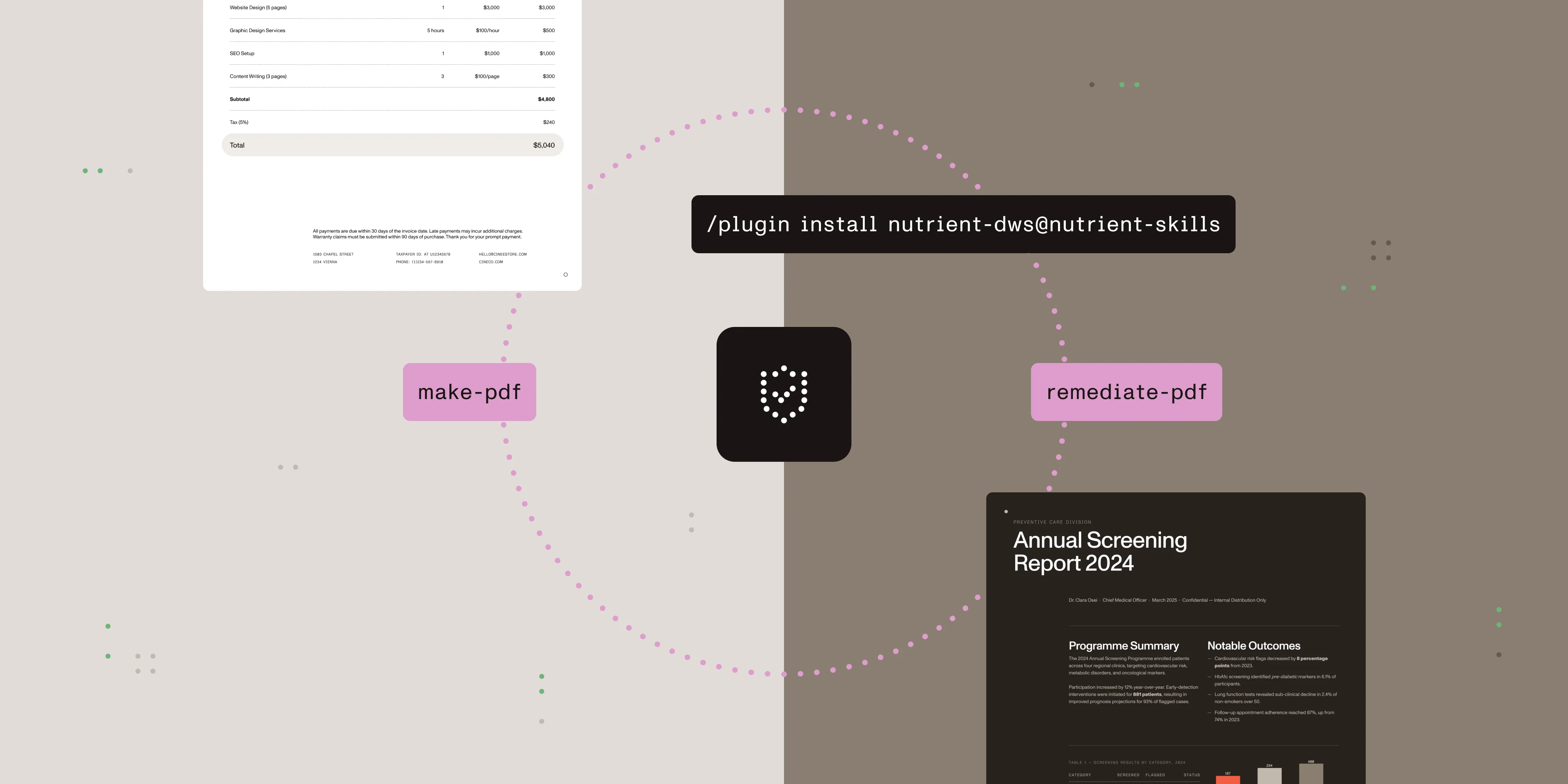
One workflow needs to cover both directions: Create compliant PDFs from new content, and improve the structure of the PDFs an organization already has. We’re releasing two focused agent skills for that loop: [make-pdf][] for new documents and [remediate-pdf][] for existing ones.
The distinction matters. A generation tool starts with source content and controls the resulting PDF. A remediation tool starts with a finished file and must recover its semantic structure. Combining those jobs behind one vague “PDF compliance” command would hide different APIs, keys, limits, and outcomes. The pair keeps each path explicit while sharing a verification step.
Each skill installs under its own plugin ID from the public PSPDFKit-labs/nutrient-skills marketplace(opens in a new tab) — install either one, or both:
/plugin marketplace add pspdfkit-labs/nutrient-skills/plugin install make-pdf@nutrient-skills/plugin install remediate-pdf@nutrient-skillsThe separate IDs also reflect separate underlying products. New-document generation uses the Document Web Services (DWS) Build API and NUTRIENT_API_KEY. Existing-document remediation uses the DWS Accessibility API and its own NUTRIENT_ACCESSIBILITY_API_KEY.
Generate new documents with make-pdf
The make-pdf skill turns Markdown or HTML into a PDF through the Nutrient DWS Build API. It supports PDF/UA, all seven PDF/A levels, diagonal text watermarks, and batch processing. It uses NUTRIENT_API_KEY.
Verification is part of the build, not an optional claim added afterward. For PDF/UA, the verifier checks structural signals such as the PDF/UA identification claim, MarkInfo, StructTreeRoot, Lang, DisplayDocTitle, and a non-empty title. PDF/A verification checks that the document identifies the requested conformance level. When veraPDF is available, the skill can escalate to a full audit.
If generation succeeds but verification fails, make-pdf keeps the output and exits with code 3. An agent can distinguish that result from a failed build and avoid passing an unverified PDF downstream.
Remediate PDFs you already have
The new remediate-pdf skill takes the other path. It sends an existing PDF to the dedicated Nutrient DWS Accessibility API for automatic tagging. The API adds PDF/UA semantic structure — including H1–H6 headings; lists; table elements such as TR, TD, and TH; reading order; and artifact marking.
This API is a separate product with a separate key. remediate-pdf requires NUTRIENT_ACCESSIBILITY_API_KEY; a Processor key receives a 403 response. The free tier covers 20 auto-tagged pages per month, and the script includes a quota-confirmation gate before it makes the call. The maximum file size is 150 MiB.
The Accessibility API auto-tags PDFs. It doesn’t provide a conformance-validation endpoint. The skill is explicit about that boundary: It bundles the same standalone verify-pdf.py that ships with make-pdf and documents it as the way to inspect the tagged structure instead of implying the API certified anything.
One call changed five failures to PASS
We tested the remediation path with an untagged PDF. Before remediation, the verifier reported five failed structural checks:
- No
pdfuaidclaim. - No
MarkInfo. - No
StructTreeRoot. - No
Langvalue. - No
DisplayDocTitlesetting.
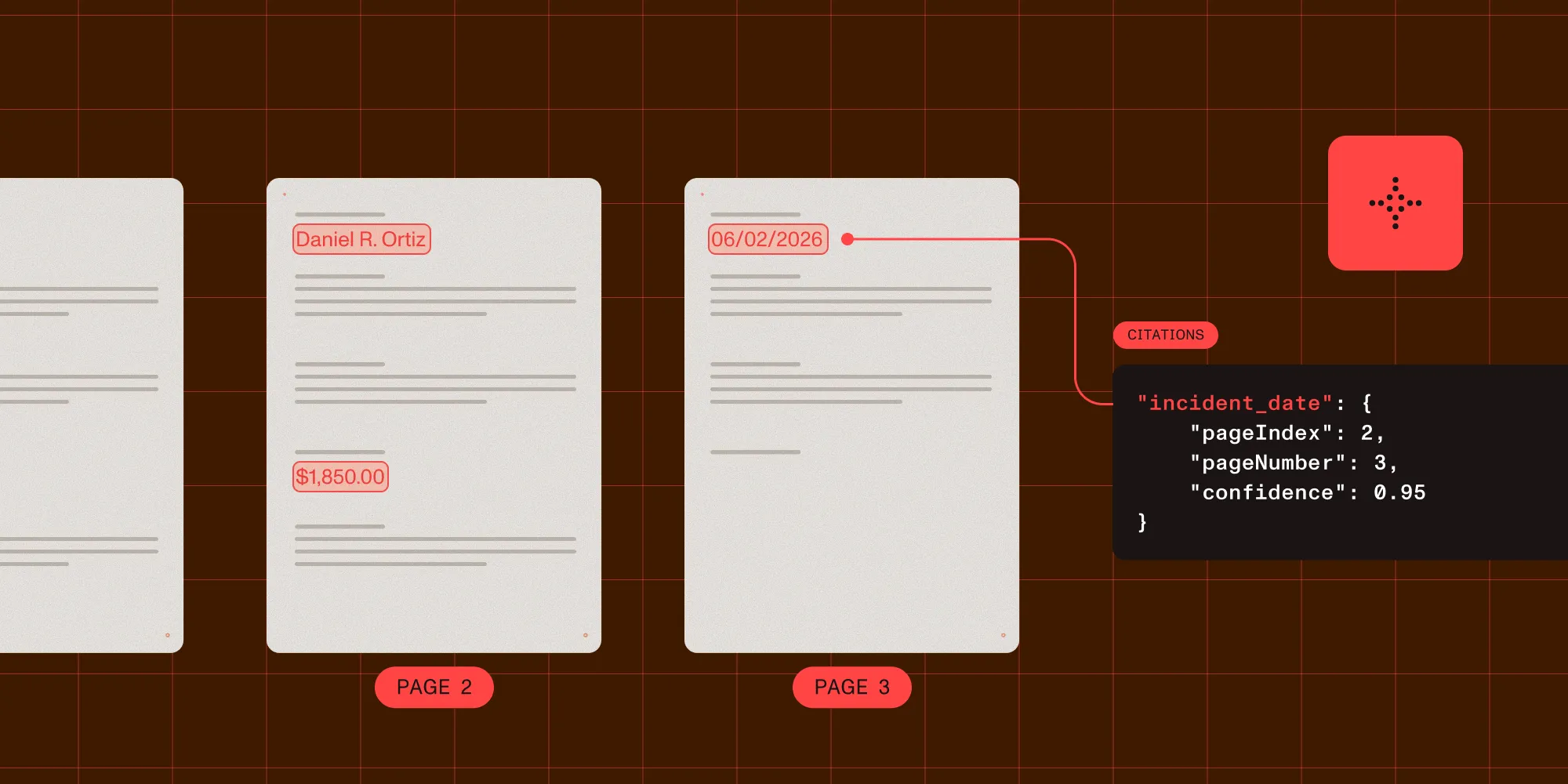
After one auto-tag call, every check passed. The output declared pdfuaid:part 1, set Lang to en-US, stored the title in XMP metadata, and received a final verifier verdict of PASS.
That result is useful proof of the workflow, but it isn’t a certification. It shows that one previously untagged file gained the structural signals checked by the verifier after one API call.
It also demonstrates why the before-and-after check belongs in the workflow. An agent that only saves the API response has to assume the file improved. An agent that runs the verifier on the output has a concrete result for the document it processed and can route a failure for further review.
A shared verifier keeps both skills honest
The same verifier now closes the loop for generated and remediated output. Its built-in checks provide a fast structural PDF/UA-1 signal. Teams that need a fuller standards audit can add veraPDF. Human review still matters, especially for content decisions such as alternative text.
Auto-tagging improves accessibility, but it doesn’t guarantee conformance. Nutrient’s benchmark cites approximately 96.5 percent PDF/UA conformance, not 100 percent. The accurate status for the output is “remediated, not certified.” This distinction matters for work related to the Web Content Accessibility Guidelines (WCAG), the ADA, the European Accessibility Act, and Section 508.
The two skills also have separate operational boundaries. make-pdf renders new content with Chromium, which doesn’t support running headers or target-counter page numbers in tables of contents. remediate-pdf only auto-tags an existing file; it can’t replace a human accessibility review or certify the result.
Together, the skills give an agent a practical PDF compliance loop without hiding those limits: Generate and verify new PDFs with [make-pdf][], auto-tag and check existing PDFs with [remediate-pdf][], and inspect both skills in the public GitHub repository(opens in a new tab).