PDF redaction library: How to build automated document redaction in your app

Table of contents
Nutrient SDK automates redaction with regex patterns, preset rules, and AI-powered detection. Build GDPR and HIPAA-compliant workflows instead of outsourcing to third-party services.
Automated redaction uses rules, patterns, and AI models to find and remove sensitive data. This article outlines how to build redaction workflows with an SDK for repeatable, testable automation.
Understanding document redaction
Document redaction permanently removes sensitive information to protect privacy and meet GDPR(opens in a new tab) and HIPAA(opens in a new tab) requirements. A proper PDF redaction library removes data completely — not just obscures it — so you can’t restore the information. Manual redaction takes hours and often misses sensitive data, but SDKs like Nutrient handle redaction consistently at scale.
See our introduction to redaction guide.
What is automated (auto) redaction?
Automated redaction finds and removes sensitive information using software rules and machine learning instead of manual review.
Common approaches:
- Pattern-based rules — Regex patterns for credit cards, phone numbers, or ID formats
- Dictionary rules — Specific names, companies, or keywords from a database
- AI-powered detection — Models that identify people, locations, or medical terms
- Hybrid review — Automated suggestions with human approval
With Nutrient SDK, you build these capabilities directly into your applications as a first-class feature.
Steps to redact a PDF document with Nutrient
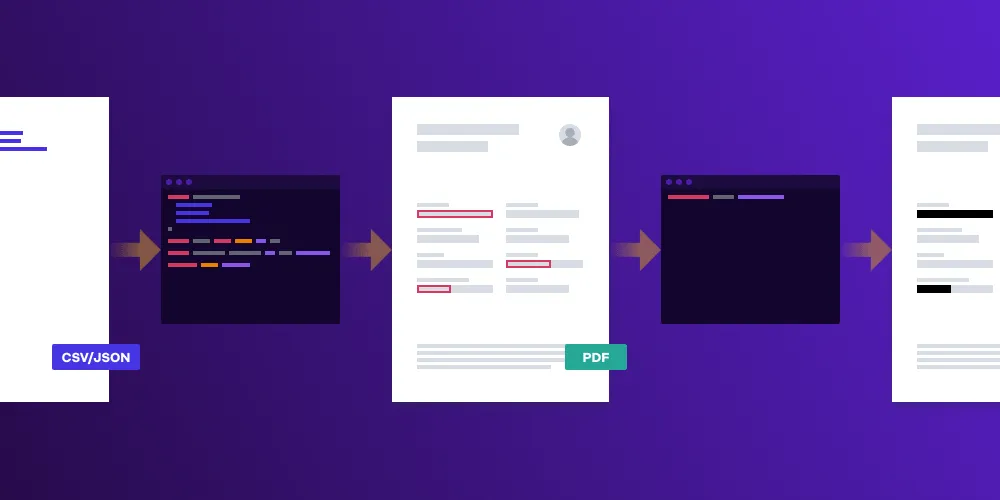
Nutrient automates the two-step process:
- Marking for redaction — Create redaction boxes (redaction annotations) that mark areas without removing content yet.
- Applying the redaction — Permanently remove the marked content. No sensitive data remains visible or accessible.
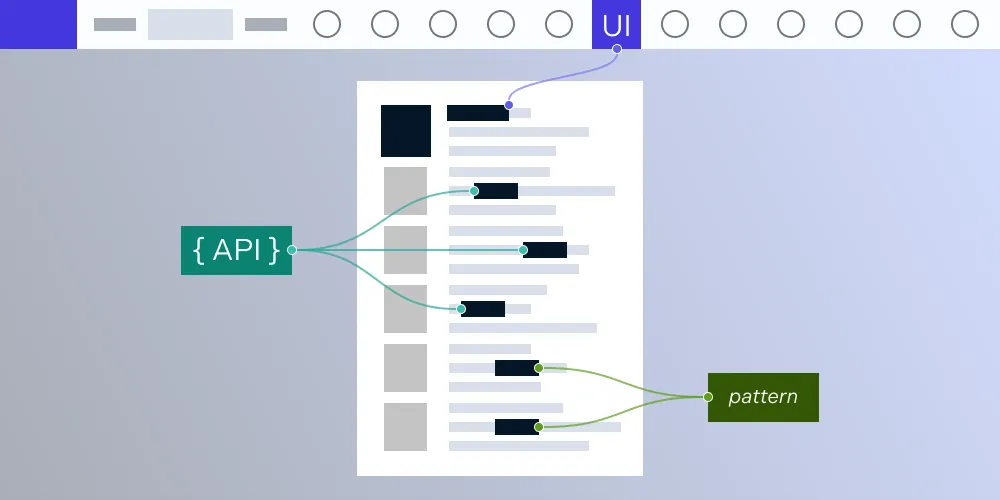
Use custom regex patterns or preset redaction patterns to automate identification of sensitive information.
Key features of Nutrient SDK for redaction
Nutrient SDK provides capabilities you integrate into your applications to build custom redaction workflows.
Programmatic redaction
Nutrient’s APIs automate redaction across multiple documents. Batch-process files, apply consistent rules, and skip manual review for known patterns.
See our programmatic redaction guide.
Search and redact
Find specific terms or patterns in documents and remove them in one operation.
See our search and redact guide.
Check out the Nutrient demo to see search and redact in action.
Built-in redaction UI
Nutrient includes a redaction UI for manual review. Users can draw redaction boxes, review automated suggestions, and approve changes before applying them.
See our built-in redaction UI guide.
Redaction boxes and symbols in the UI
Users draw redaction boxes over sensitive content and review pending redactions in a sidebar. Only when clicking Apply redactions does the SDK permanently remove the content. Pending redactions use clear visual symbols to distinguish them from applied redactions.
Smart redaction
Nutrient’s smart redaction uses AI models and preset patterns to identify sensitive data based on context — beyond simple pattern matching.
- Contextual recognition — Detects names, credit card numbers, and custom patterns, even when formats vary.
- Preset and customizable rules — Use built-in patterns or define your own.
- Batch redaction — Process thousands of documents with consistent rules.
See our smart redaction guide.
Platform availability: Smart redaction is currently available in Nutrient .NET SDK and Document Converter Services. For cloud-based AI redaction without SDK integration, see the AI redaction API.
Advanced techniques for redacting sensitive information
Organizations processing large document volumes use regex patterns, preset rules, and SDK automation for efficient redaction.
Redaction services vs. in-house automation
Many organizations use redaction services — external vendors or manual teams that review and redact documents. This works for low volumes but has limitations:
- Turnaround times depend on third parties.
- Per-document pricing gets expensive at scale.
- Sensitive files leave your infrastructure.
- Workflows don’t integrate with existing systems.
Nutrient SDK enables you to build your own redaction services directly into applications:
- Keep documents in your environment.
- Automate using APIs, regex patterns, and AI detection.
- Mix manual review with batch and automated workflows.
- Customize rules and the UI for your industry and data types.
SDK automation makes redaction a built-in capability, not an external dependency.
Regex patterns and preset rules
Nutrient automates pattern detection two ways:
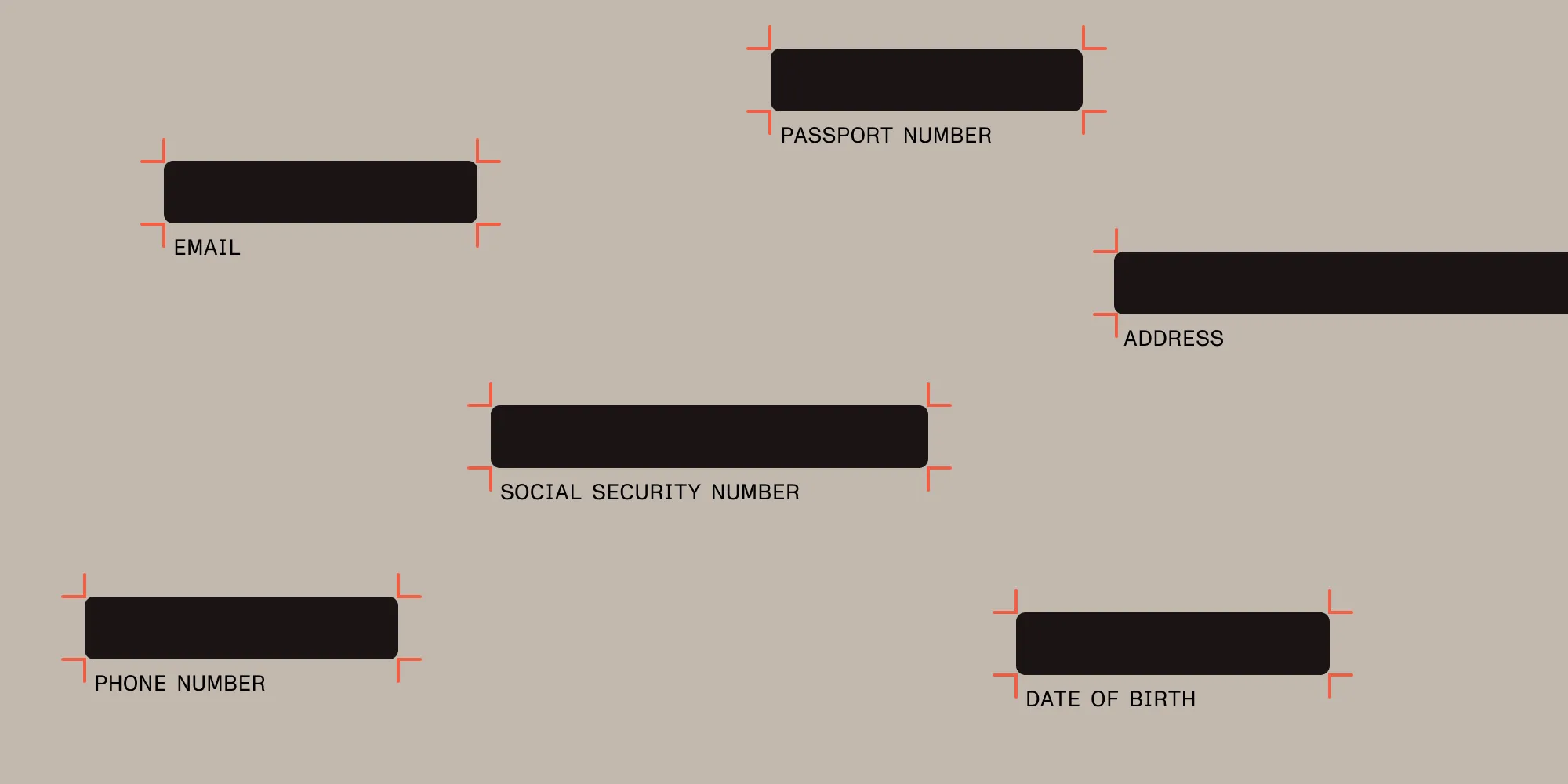
Custom regex patterns identify specific formats like phone numbers, email addresses, and Social Security numbers.
See our redact regex patterns guide.
Meanwhile, preset patterns are a series of 13 built-in rules for detecting sensitive information:
Personal identifiers
- Credit card numbers
- Email addresses
- Social Security numbers (SSNs)
Contact information
- International phone numbers
- North American phone numbers
- US ZIP codes
Network identifiers
- IPv4 and IPv6 addresses
- MAC addresses
- URLs
Other patterns
- Dates and times
- VIN (Vehicle Identification Numbers)
These patterns work out of the box without custom configuration.
See our redact preset patterns guide.
Security and comprehensive redaction
Redaction permanently removes visible content — text, graphics, annotations, and markup. But it doesn’t remove metadata (PDF title, author), embedded files, or hidden layers.
Combine redaction with sanitization to remove hidden data and metadata for complete document security.
Conclusion
Try our demo or contact Sales to see how Nutrient SDK automates redaction in your applications.
Related security guides
- AI-powered redaction for legal discovery
- PDF permissions vs. encryption
- What’s hiding in your PDF
- Digital signatures and security
Advanced redaction tools
FAQ
Document redaction is the process of permanently removing sensitive information from documents to ensure privacy and compliance with regulations like GDPR and HIPAA.
Nutrient SDK automates redaction tasks, enabling you to mark and permanently remove sensitive data efficiently, using APIs, regex patterns, and built-in tools.
Yes. Nutrient SDK supports both preset patterns and custom rules, allowing users to tailor the redaction process to specific needs.
Automated redaction saves time, reduces errors, and consistently removes sensitive data across large document volumes.
No. Redaction removes visible sensitive data, but sanitization is also needed to eliminate hidden metadata, annotations, and embedded content for full security.
Traditional redaction services are outsourced teams or tools that process documents externally. Nutrient is a PDF redaction SDK that developers embed directly into applications.
With Nutrient, you:
- Keep documents in your secure environment.
- Automate redaction using APIs, regex patterns, and AI detection.
- Mix manual review with batch or automated redaction.
- Build custom services for your industry and compliance needs.
You build redaction as an in-house capability, not an external service.