Nutrient Python SDK
Convert PDF to HTML in Python
- Convert PDF to HTML with a single method call — no external dependencies required
- Preserve text, layout, and styles for accurate web rendering
- Make PDF content searchable, indexable, and accessible to screen readers
- Server-ready — runs on Linux, Docker, and CI/CD pipelines with no GUI dependencies
Need pricing or implementation help? Talk to Sales.
PDF-TO-HTML CONVERSION
from nutrient_sdk import Documentfrom nutrient_sdk import NutrientException
def main(): try: with Document.open("input.pdf") as document: document.export_as_html("output.html") print("Successfully converted to output.html") except NutrientException as e: print(f"Error: {e}")
if __name__ == "__main__": main() Lufthansa
Disney
Autodesk
UBS
Dropbox
IBM
Lufthansa
Disney
Autodesk
UBS
Dropbox
IBM
USE CASES
When developers reach for this SDK
Publish PDF content on the web
Documentation, manuals, and white papers locked in PDFs need to reach the browser. Convert PDF to HTML and embed the output directly in your site or CMS.
Make PDF content searchable and indexable
Search engines index HTML more effectively than PDF content. Export to HTML so every page, paragraph, and heading becomes fully discoverable.
Improve accessibility for screen readers
HTML is the most accessible document format on the web. Convert PDFs to HTML so assistive technologies can navigate and read the content.
Feed PDF content into processing pipelines
NLP tools, analytics platforms, and data pipelines expect HTML or plain text. Export PDF to HTML as a preprocessing step before downstream analysis.
PDF-to-HTML conversion in Python
Convert PDF to HTML
Export PDF documents to HTML in Python. The SDK handles PDF parsing, layout generation, and style conversion.
- Preserves text, layout, and formatting
- Handles font and style conversion automatically
- One method call:
export_as_html()
Batch PDF-to-HTML conversion
Convert multiple PDF files to HTML in a single script. Iterate through documents and export each one with the same two-step pattern.
- Process hundreds of PDFs in a loop
- Use Python’s concurrency tools for throughput
- Same open-and-export pattern for every file
Server-side PDF to HTML
Run PDF-to-HTML conversion in Django views, FastAPI endpoints, or background tasks. No GUI or desktop environment required.
- No GUI dependencies — headless by design
- Deploy on Linux servers and Docker containers
- No platform-specific system dependencies
Export format
ADVANCED CAPABILITIES
Beyond basic PDF-to-HTML conversion
The SDK handles more than one-off conversions. Build PDF-to-HTML export into automated workflows and deploy anywhere Python runs.
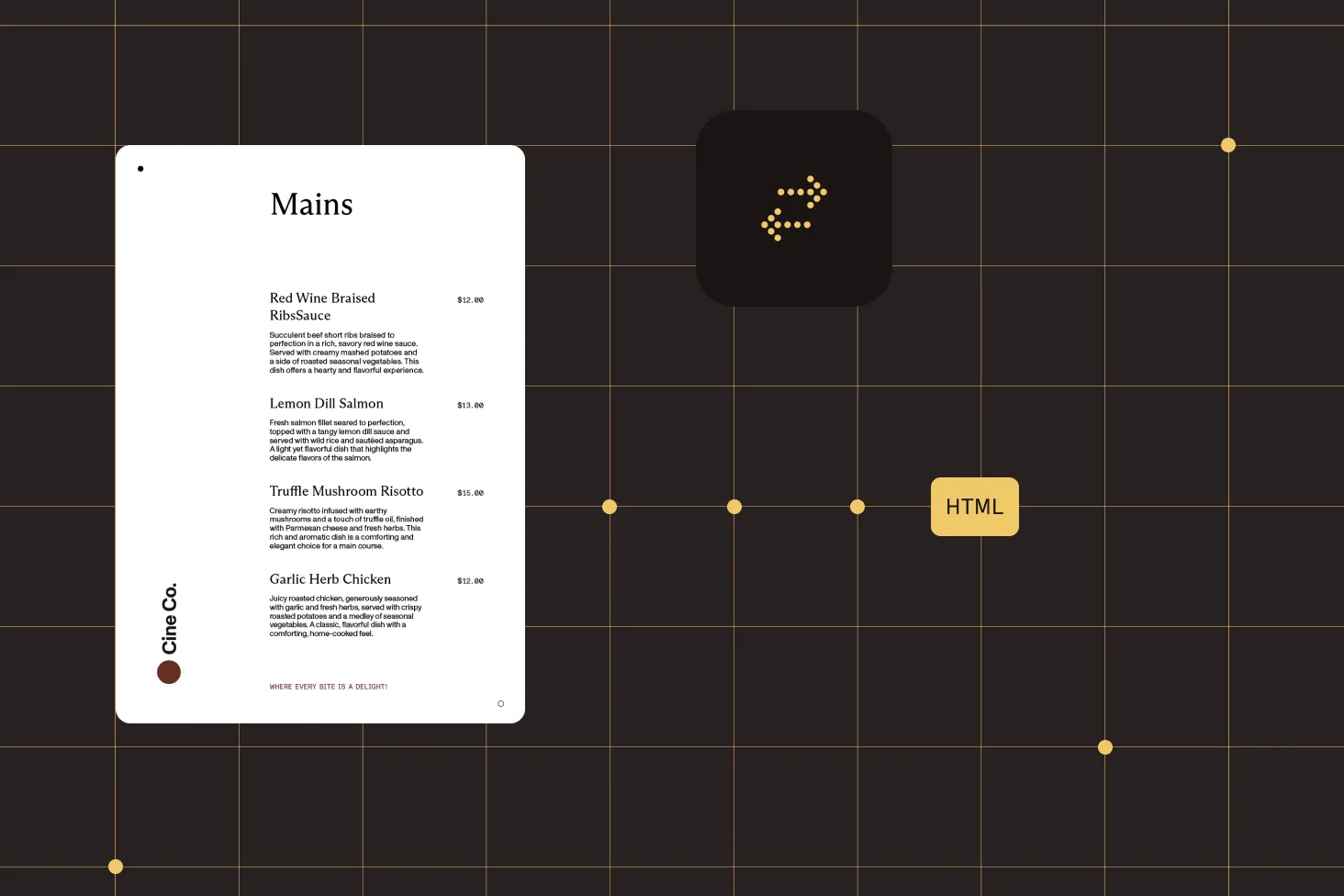
Web publishing pipelines
Convert PDFs to HTML as part of a content pipeline. Feed the output into static site generators, CMS platforms, or custom web applications.
Search indexing
Export PDF content to HTML for ingestion by Elasticsearch, Solr, or any full-text search engine. Every word becomes discoverable.
Content migration
Move document archives from PDF to web-native formats. Process entire directories of PDFs into HTML for modern content delivery.
Cross-platform deployment
Deploy anywhere Python runs — the SDK has no platform-specific system dependencies. Linux, macOS, and Windows are all supported.
Frequently asked questions
How do I convert PDF to HTML in Python?
Install Nutrient Python SDK. Then open a PDF with Document.open('input.pdf') and call document.export_as_html('output.html'). The SDK handles PDF parsing, layout generation, and style conversion — no external dependencies required. See the PDF to HTML guide for a complete working example.
Does the SDK preserve formatting when converting PDF to HTML?
Yes. The SDK handles font conversion, style extraction, and HTML layout generation automatically. Text, formatting, and document structure are preserved in the HTML output so the result closely matches the original PDF appearance.
Can I convert multiple PDFs to HTML in a batch?
Yes. The SDK is a standard Python library, so you can iterate through files in a loop and convert each one. Every conversion follows the same two-step pattern: open the document and call export_as_html(). Use Python’s concurrency tools for higher throughput.
Do I need any external dependencies to convert PDF to HTML in Python?
No. The Nutrient Python SDK handles PDF parsing and HTML generation internally. There are no system-level dependencies, no browser engines, and no third-party tools required — install the SDK and start converting.
Can I run PDF-to-HTML conversion on a server?
Yes. The SDK is headless by design — no GUI, no display server, no desktop environment required. Run conversions in Django views, FastAPI endpoints, Celery tasks, or any server-side Python process. It deploys on Linux, Docker containers, and CI/CD pipelines.
Is the HTML output accessible to screen readers?
HTML is the most accessible document format for the web. By converting PDF to HTML, you make the content navigable by assistive technologies and screen readers, improving accessibility for users who rely on these tools.
Can I use the HTML output for search indexing?
Yes. The HTML output is plain text and markup that search engines and internal search tools can index directly. This makes every word in the original PDF discoverable — ideal for Elasticsearch, Solr, or any full-text search engine.
How do I handle errors during PDF-to-HTML conversion?
Wrap conversion calls in a try-except block and catch NutrientException for SDK-specific errors. Use the context manager syntax (with Document.open(...) as document:) to ensure automatic resource cleanup even when errors occur.
Can I convert a PDF to HTML5 in Python?
Yes. export_as_html() produces standards-compliant HTML5 markup that renders in any modern browser — no plugins or legacy formats. The same call powers both single-page and full document conversion. See the PDF to HTML guide for output options.
Is there a Python library to convert PDF to HTML without a browser engine?
FREE TRIAL
Ready to get started?
Start converting PDFs to HTML in Python in minutes — no payment information required.