Nutrient Python SDK
Convert Word, Excel, and PowerPoint to PDF in Python
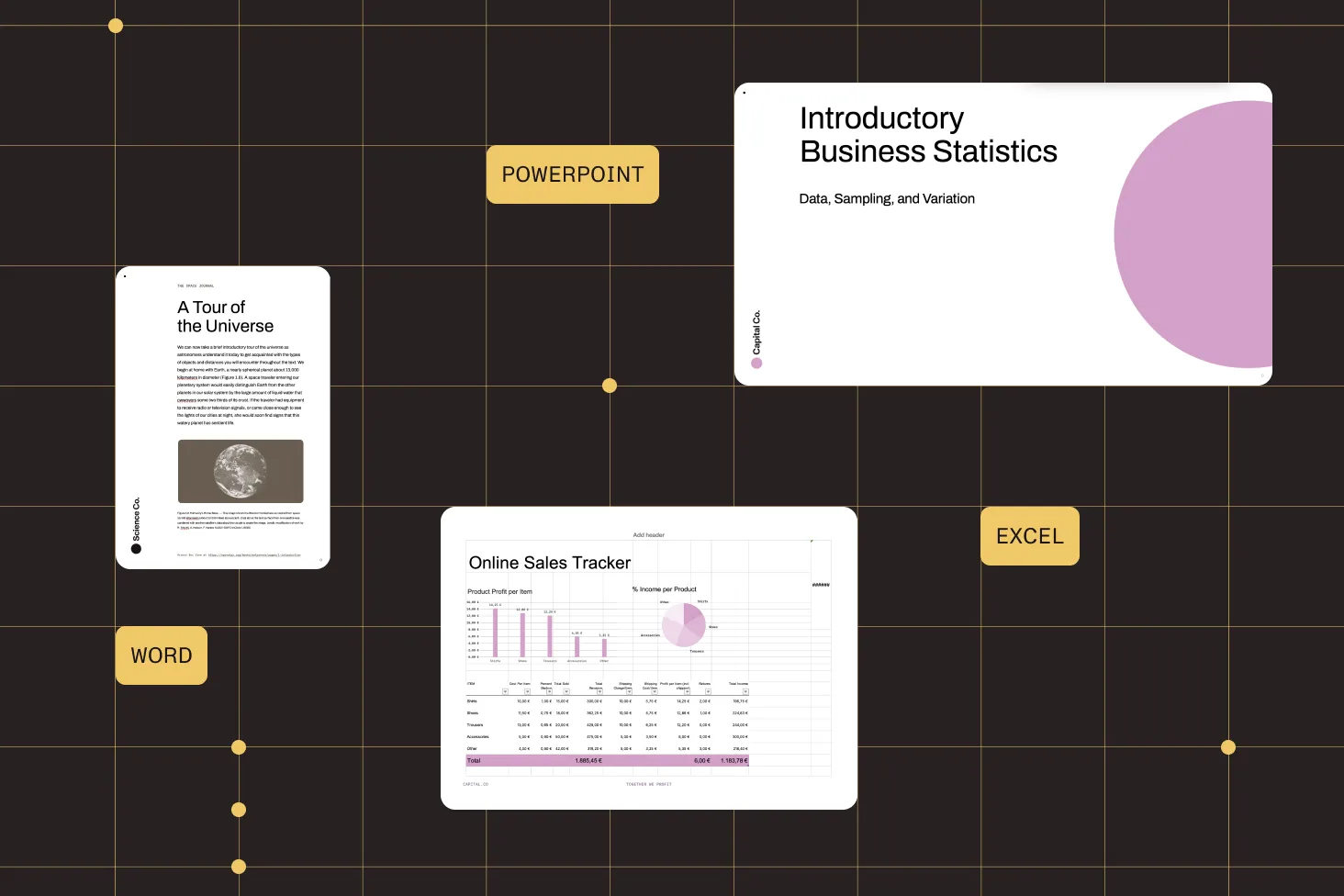
- Convert DOCX, XLSX, and PPTX to PDF — no Microsoft Office installation required
- Output maintains the original appearance of fonts, styles, and layouts
- Generate PDF/UA-compliant documents meeting ISO 14289 accessibility standards
- Two steps to convert your first document — open and export
Need pricing or implementation help? Talk to Sales.
DOCUMENT-TO-PDF CONVERSION
from nutrient_sdk import Documentfrom nutrient_sdk import NutrientException
try: with Document.open("document.docx") as document: document.export_as_pdf("output.pdf") print("Converted to output.pdf")except NutrientException as e: print(f"Error: {e}")from nutrient_sdk import Documentfrom nutrient_sdk import NutrientException
try: with Document.open("spreadsheet.xlsx") as document: document.export_as_pdf("output.pdf") print("Converted to output.pdf")except NutrientException as e: print(f"Error: {e}")from nutrient_sdk import Documentfrom nutrient_sdk import NutrientException
try: with Document.open("presentation.pptx") as document: document.export_as_pdf("output.pdf") print("Converted to output.pdf")except NutrientException as e: print(f"Error: {e}") Lufthansa
Disney
Autodesk
UBS
Dropbox
IBM
Lufthansa
Disney
Autodesk
UBS
Dropbox
IBM
USE CASES
When developers reach for this SDK
Convert Office files without installing Office
Linux servers and Docker containers can’t run Microsoft Office. The SDK processes DOCX, XLSX, and PPTX natively — no license, no system dependency.
Add PDF export to any Python service
Office files arrive and PDFs need to go out. Drop conversion into a Django view, FastAPI endpoint, or Celery task with two lines of code.
Deliver PDFs with enterprise-grade fidelity
The SDK maintains the original appearance of your documents — fonts, styling, and layouts are preserved through conversion. Trusted by Lufthansa, Disney, and UBS.
Produce accessible PDFs for compliance
Convert Word documents to PDF/UA-compliant output meeting ISO 14289 standards. Accessibility tagging is handled automatically by the SDK.
Every Office-to-PDF conversion you need
Word to PDF
Convert DOCX files to PDF in Python. The SDK handles document parsing, formatting, and rendering.
- Preserves text, layout formatting, and fonts
- Handles Word document structures automatically
- Maintains original appearance in PDF output
Excel to PDF
Convert XLSX spreadsheets to PDF. The SDK handles spreadsheet layouts, cell formatting, and rendering.
- Preserves cell formatting and styles
- Handles spreadsheet layouts automatically
- Maintains original appearance in PDF output
PowerPoint to PDF
Export PPTX presentations to PDF. The SDK handles slide layouts, fonts, and rendering.
- Preserves slide layouts and formatting
- Handles fonts and styling automatically
- Maintains original appearance in PDF output
Accessible PDF output (PDF/UA)
Generate PDF/UA-compliant documents from Word files, meeting accessibility requirements.
- PDF/UA conformance meeting ISO 14289 standards
- Accessibility tagging handled automatically
- Compatible with assistive technologies and screen readers
ADVANCED CAPABILITIES
Beyond basic document conversion
The SDK handles more than one-off conversions. Build document processing into automated workflows, generate accessible output, and deploy anywhere Python runs.
Multiple file conversion
Convert multiple DOCX, XLSX, or PPTX files by iterating through them in a standard Python script or loop.
Server-side processing
No GUI dependencies — run conversions in background jobs, cron tasks, or API handlers.
Accessibility compliance
Generate PDF/UA-compliant output with accessibility tagging handled automatically by the SDK.
Cross-platform deployment
Deploy anywhere Python runs — the SDK has no platform-specific system dependencies.
Frequently asked questions
How do I convert a DOCX file to PDF in Python?
Install Nutrient Python SDK. Then open the document with Document.open('document.docx') and call document.export_as_pdf('output.pdf'). The SDK handles parsing, formatting, and rendering internally with no Microsoft Office installation required. See the Word to PDF guide for a complete working example with error handling.
Do I need Microsoft Office installed to convert Office documents?
No. Nutrient Python SDK handles document parsing, formatting, and rendering internally. It processes DOCX, XLSX, and PPTX files without requiring Microsoft Office on the system, which simplifies deployment on servers and containers where Office cannot be installed.
How do I convert an XLSX spreadsheet to PDF in Python?
The API is identical to Word conversion: Open the file with Document.open('spreadsheet.xlsx') and call export_as_pdf(). The SDK handles spreadsheet layouts, cell formatting, and styles. See the Excel to PDF guide for a complete example.
How do I convert a PPTX presentation to PDF in Python?
Use Document.open('presentation.pptx') and call export_as_pdf(). The SDK handles slide layouts, fonts, and styling, converting each slide to a PDF page. See the PowerPoint to PDF guide for a step-by-step walkthrough.
Can I generate accessible PDFs that meet compliance requirements?
Yes. The SDK supports generating PDF/UA-compliant documents meeting ISO 14289 accessibility standards. When converting Word documents to PDF/UA, accessibility tagging and conformance are handled automatically. See the Word to PDF/UA guide for configuration details.
How accurate is the conversion from Office formats to PDF?
The SDK is designed to maintain the original appearance of your documents. It handles fonts, styling, layout formatting, and document structure parsing automatically. The guides describe this as preserving content in a tamper-proof form that maintains its original appearance.
Can I convert multiple documents in a script?
Yes. The SDK is a standard Python library, so you can iterate through files in a loop or use Python’s concurrency tools to process multiple documents. Each conversion follows the same two-step pattern: open and export.
How do I handle conversion errors?
The SDK uses standard Python exception handling. Wrap conversion calls in a try-except block and catch NutrientException for SDK-specific errors. Use the context manager syntax (with Document.open(...) as document:) to ensure automatic resource cleanup even when errors occur.
FREE TRIAL
Ready to get started?
Start converting DOCX, XLSX, and PPTX to PDF in Python in minutes — no payment information required.
Explore more
Also available for
More Python SDK capabilities