Nutrient Android SDK
Convert documents to PDF in your Android app
- Convert DOCX, XLSX, and PPTX to PDF — no Microsoft Office installation required on the device
- HTML to PDF from strings, URLs, or local files — with CSS, JavaScript, and image support
- Image to PDF from JPG and PNG files with configurable quality and page sizing
- Render PDF pages to bitmaps and convert scanned documents to searchable PDFs with OCR
Need pricing or implementation help? Talk to Sales.
DOCUMENT CONVERSION IN KOTLIN
val task = HtmlToPdfConverter.fromHTMLString( context, "<h1>Hello, PDF!</h1><p>Converted from HTML.</p>") .title("My Document") .build()
task.convertToPdfAsync(outputFile) .subscribe { result -> // PDF created at outputFile. }val task = PdfProcessorTask.empty()
// Add images as new PDF pages.val image = PageImage(context, imageUri)task.addNewPage(NewPage.fromPage(image).build())
PdfProcessor.processDocumentAsync(task, outputFile) .subscribe { progress -> // Track conversion progress. }val document = PdfDocumentLoader .openDocument(context, documentUri)
// Render page 0 as a bitmap.val bitmap = document.renderPageToBitmap( context, pageIndex = 0, width = 1024, height = 1448) Lufthansa
Disney
Autodesk
UBS
Dropbox
IBM
Lufthansa
Disney
Autodesk
UBS
Dropbox
IBM
USE CASES
When developers reach for this SDK
Convert Office files without installing Office
Android devices can’t run Microsoft Office natively. The SDK converts DOCX, XLSX, and PPTX to PDF on device or via Document Engine — no Office dependency.
Generate PDFs from HTML content
Reports, invoices, and receipts often start as HTML. Convert HTML strings, local files, or remote URLs to PDF with full CSS, JavaScript, and image support.
Turn photos and scans into PDFs
Users capture documents with the camera or import images. Convert JPG and PNG files to PDF pages with configurable quality, and optionally run OCR to make them searchable.
Render PDF pages as thumbnails or previews
Gallery views, document pickers, and preview screens need page images. Render any PDF page to a bitmap — synchronously or asynchronously — at the resolution you need.
PDF conversion capabilities for Android
Office to PDF
Convert DOCX, XLSX, and PPTX to PDF. Office conversion is handled via Document Engine, so no Microsoft Office installation is needed on the device.
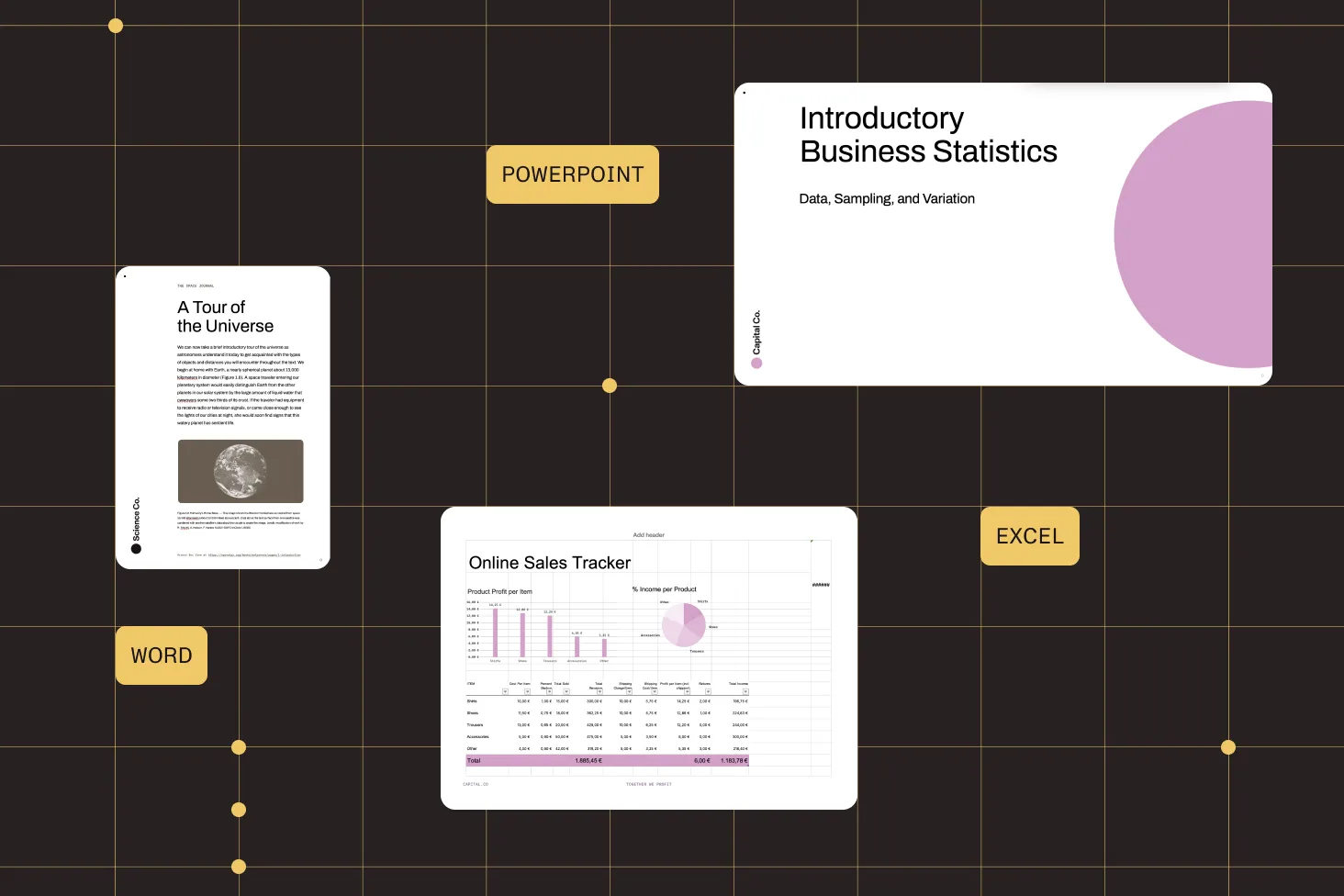
- Word, Excel, and PowerPoint to PDF
- No Office installation on device
- JWT-authenticated conversion via Document Engine
HTML to PDF
Convert HTML strings, local files, or remote URLs to PDF. Supports CSS, JavaScript, images, and modern HTML features via WebView rendering.
- From HTML strings, local files, or remote URLs
- Full CSS and JavaScript support
- Configurable page size, density, and timeout
Image to PDF
Convert JPG and PNG images to PDF pages. Add single or multiple images, configure JPEG quality, and control page sizing and positioning.
- JPG and PNG to PDF pages
- Configurable JPEG quality and page positioning
- Batch conversion of multiple images
PDF to image and OCR
Render PDF pages to bitmaps for thumbnails and previews. Convert scanned documents to searchable PDFs with built-in OCR supporting 21 languages.
- Render pages to bitmaps (synchronous or asynchronous)
- OCR with 21 language support
- Enables text selection, search, and accessibility
Supported conversions
ADVANCED CAPABILITIES
Beyond basic document conversion
The SDK handles more than one-off conversions. Generate PDFs from dynamic HTML, convert batches of images, render page thumbnails for gallery views, and run OCR on scanned documents to unlock text selection and search — all from Kotlin or Java.
Asynchronous processing with progress
Long conversions run asynchronously with progress callbacks. Subscribe to updates and handle completion without blocking the UI thread.
HTML rendering control
Configure page size (default A4), density (default 300 DPI), JavaScript execution, timeout, and custom resource interceptors for HTML-to-PDF conversion.
OCR for 21 languages
Convert scanned documents to searchable PDFs. OCR language packs are extracted on first use. Supports English, German, French, Spanish, and 17 more languages.
Office conversion via Document Engine
DOCX, XLSX, and PPTX conversion is handled by Document Engine — a server-side component. The SDK sends the file, receives the PDF, and stores it locally.
Frequently asked questions
How do I convert Office documents to PDF on Android?
The SDK converts DOCX, XLSX, and PPTX to PDF via Document Engine — a server-side component that handles the rendering. Your Android app sends the file with JWT authentication, and Document Engine returns the converted PDF. No Microsoft Office installation is needed on the device. See the Office-to-PDF guide.
How do I convert HTML to PDF on Android?
Use the HTML-to-PDF converter with an HTML string, a local file URL, or a remote URL. The converter uses WebView rendering, so it supports CSS, JavaScript, and images. Configure page size, density, timeout, and JavaScript execution. See the HTML-to-PDF guide.
How do I convert images to PDF on Android?
Add JPG or PNG images as new PDF pages. You control JPEG quality and page positioning. Multiple images can be added to a single PDF in batch. The conversion runs asynchronously with progress tracking. See the image-to-PDF guide.
How do I render a PDF page as an image on Android?
Load the document and render any page to a bitmap at the dimensions you specify. Both synchronous and asynchronous rendering are supported. Use it for thumbnails, gallery views, or document previews. See the PDF-to-image guide.
How do I make a scanned PDF searchable on Android?
Run OCR on the document’s pages. The SDK recognizes text in scanned content and embeds it in the PDF, enabling text selection, search, annotation, and accessibility. Supports 21 languages. See the scan-to-searchable PDF guide.
Do I need Microsoft Office installed for Office conversion?
No. Office conversion is handled by Document Engine, a server-side component. The Android device sends the file over the network, and Document Engine converts it to PDF and returns the result. No Office installation is needed on the device.
What OCR languages does the Android SDK support?
The SDK supports 21 languages: Croatian, Czech, Danish, Dutch, English, Finnish, French, German, Indonesian, Italian, Malay, Norwegian, Polish, Portuguese, Serbian, Slovak, Slovenian, Spanish, Swedish, Turkish, and Welsh. Language packs are extracted automatically on first use.
Does the SDK support batch image-to-PDF conversion?
Yes. Add multiple images as new pages in a single processing task. Each image becomes a separate PDF page. The conversion runs asynchronously with progress callbacks, so you can track batch progress without blocking the UI. See the image-to-PDF guide.
How do I convert a DOCX file to PDF in Android?
Send the DOCX file to Document Engine, which renders it to PDF and returns the result — the same path used for XLSX and PPTX. No Microsoft Office installation is needed on the device, and the conversion is JWT-authenticated. See the Office-to-PDF guide.
What is the best Android PDF conversion library?
The Nutrient Android SDK provides a single library for DOCX, XLSX, PPTX, HTML, and image-to-PDF conversion, plus PDF-to-image rendering and OCR for scanned documents — written for Kotlin and Java. Compared with stitching together multiple open source libraries, it gives you one maintained dependency with asynchronous processing and progress callbacks. See the Android conversion guides.
FREE TRIAL
Ready to get started?
Start converting documents to PDF in your Android app in minutes — no payment information required.
Explore more
Also available for
More Android SDK capabilities