Nutrient Node.js SDK
Convert documents to and from PDF in Node.js
- Convert Word, Excel, and PowerPoint to PDF — no LibreOffice or Microsoft Office required
- Convert JPG, PNG, and TIFF images to PDF
- Render PDF pages to PNG or WebP images
- Pure Node.js — no third-party tools or native dependencies to install
Need pricing or implementation help? Talk to Sales.
PDF CONVERSION IN NODE.JS
import fs from "node:fs";import { load } from "@nutrient-sdk/node";
const docxFile = fs.readFileSync("source.docx");
const instance = await load({ document: docxFile });const buffer = await instance.exportPDF();
fs.writeFileSync("converted.pdf", Buffer.from(buffer));await instance.close();import fs from "node:fs";import { load } from "@nutrient-sdk/node";
const pngImage = fs.readFileSync("source.png");
const instance = await load({ document: pngImage });const buffer = await instance.exportPDF();
fs.writeFileSync("converted.pdf", Buffer.from(buffer));await instance.close();import fs from "node:fs";import { load } from "@nutrient-sdk/node";
const doc = fs.readFileSync("source.pdf");
const instance = await load({ document: doc });const pageWidth = instance.getDocumentInfo().pages[0].width;const result = await instance.renderPage(0, { width: pageWidth }, "webp");
fs.writeFileSync("page.webp", Buffer.from(result));await instance.close(); Lufthansa
Disney
Autodesk
UBS
Dropbox
IBM
Lufthansa
Disney
Autodesk
UBS
Dropbox
IBM
A complete PDF conversion library for Node.js
Office to PDF
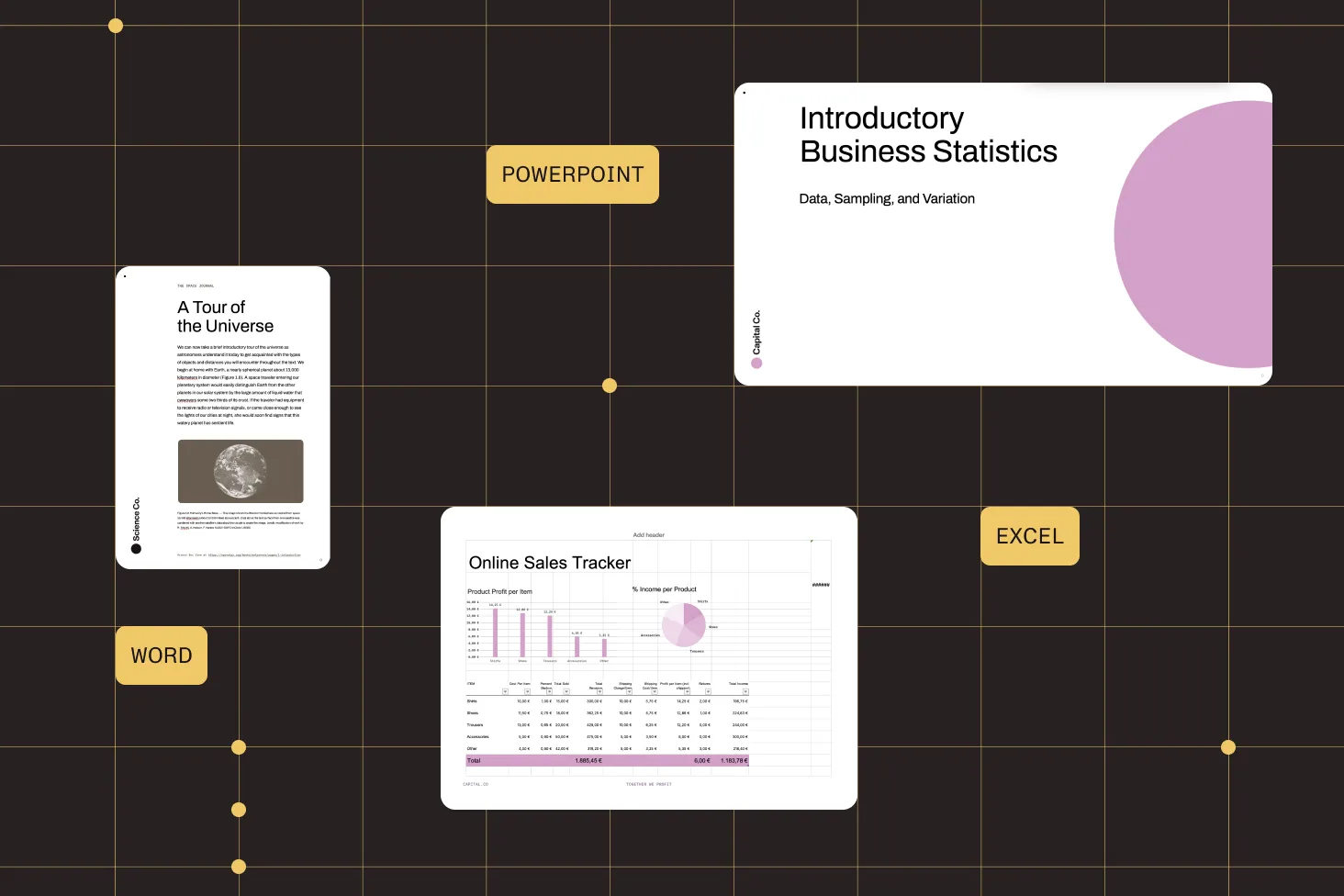
Convert Word, Excel, and PowerPoint documents to PDF with a self-contained engine — no Office install.
Image to PDF
Turn JPG, PNG, and multipage TIFF images into PDF documents in a single call.
PDF to image
Render individual PDF pages to PNG or WebP, with annotations drawn over the page.
No external dependencies
Built from the ground up — no LibreOffice, Microsoft Office, or native binaries to manage.
Comprehensive PDF conversion capabilities
Word, Excel, PowerPoint to PDF
Convert DOCX, XLSX, and PPTX (and legacy DOC, XLS, PPT) to PDF without third-party tools.
- No LibreOffice or Microsoft Office dependency
- Embed custom fonts for exact output
- Single
exportPDF()call
Image to PDF
Convert JPG, PNG, and multipage TIFF images into PDF documents.
- JPG, PNG, and TIFF input
- Multipage TIFF support
- Load the image and export to PDF
PDF to image
Render PDF pages to PNG or WebP images at the dimensions you specify.
- Export pages to PNG or WebP
- Control output width per page
- Annotations rendered over the page
Self-contained engine
Run conversion entirely within Node.js — no external converters or native dependencies.
- No LibreOffice or MS Office licenses
- Deploys cleanly to servers and containers
- Consistent output across environments
Built for Node.js document pipelines
Load a document, convert it, and write the result — all with one asynchronous API. The SDK handles Office, image, and PDF formats without external tools, so it deploys cleanly to servers, containers, and serverless functions.
Office inputs
DOCX XLSX PPTX DOC/XLS/PPT Image formats
JPG PNG TIFF WebP Node API
load exportPDF renderPage getDocumentInfo HOW CONVERSION WORKS
Load, convert, and write — in one asynchronous flow
Read a file into a buffer, load it into a Nutrient instance, and export to PDF or render pages to images. The same load-and-export pattern handles Office documents, images, and PDFs, so conversion code stays consistent across formats.
Load any supported file
Pass a document buffer to load() — Office files, images, and PDFs all use the same entry point.
Export to PDF
Call exportPDF() to convert Office documents and images into a PDF buffer you can write to disk or stream.
Render pages to images
Use renderPage() to export individual PDF pages as PNG or WebP at a width you control.
Embed custom fonts
Provide font files when converting Office documents so the output PDF matches the original typography.
Frequently asked questions
How do I convert Word to PDF in Node.js?
Read the DOCX file into a buffer, load it with
load(), and call exportPDF() to get a PDF
buffer you can write to disk. Nutrient converts Word, Excel, and PowerPoint
without LibreOffice or Microsoft Office. See the
Office to PDF guide for more information.
How do I convert Excel to PDF in Node.js?
Excel conversion uses the same flow as Word and PowerPoint: Load
the XLSX file and call exportPDF(). The SDK
supports DOCX, XLSX, and PPTX along with the legacy DOC, XLS,
and PPT formats — all with its own built-in conversion engine.
How do I convert a PDF to an image in Node.js?
Load the PDF and call renderPage() with the page index
and a target width. By default, the page is exported as PNG; pass
"webp" as the third argument to export WebP instead.
Any annotations on the page are rendered over the page background.
See the
PDF to image guide for more information.
How do I convert an image to PDF in Node.js?
Read the image into a buffer, load it with load(),
and call exportPDF(). JPG, PNG, and multipage TIFF
images are supported. See the
image to PDF guide for more information.
Do I need LibreOffice or Microsoft Office?
No. Nutrient Node.js SDK converts Office documents using its own technology, built from the ground up. It doesn’t depend on LibreOffice, Microsoft Office, or any other third-party converter, which makes it straightforward to deploy to servers and containers.
What file formats are supported for conversion?
The SDK converts PDF; Office formats (DOCX, DOC, DOTX, DOCM, XLSX, XLS, XLSM, PPTX, PPT, PPTM); and image formats (PNG, JPEG, JPG, TIFF, TIF). PDF pages can be rendered out to PNG or WebP images.
Can I keep custom fonts when converting Office documents?
Yes. If an Office document uses fonts the SDK can’t access, it
substitutes equivalents (for example, Arial with Noto) by
default. To preserve the original typography, pass the custom
font files to load() via the fonts
option and the output PDF will use them.
Is there a free trial?
Yes. Get started with a free trial that includes full conversion functionality. Then contact Sales for pricing or a production license.
Explore more
Also available for
More Node.js SDK resources