Nutrient Web SDK
Convert documents in JavaScript
- Convert Word, Excel, PowerPoint, and images to PDF client-side — no server or Office licenses
- Render PDF pages to PNG images in the browser
- Generate PDFs from HTML with Document Engine
- Works in React, Angular, Vue, Svelte, Next.js, and any JavaScript framework
Need pricing or implementation help? Talk to Sales.
PDF CONVERSION IN JAVASCRIPT
import { saveAs } from "file-saver";
const instance = await NutrientViewer.load({ ...otherOptions, document: "https://example.com/mydocument.pdf"});
// Render a page as a PNG and save it.const { width } = instance.pageInfoForIndex(2);const src = await instance.renderPageAsImageURL({ width }, 2);
saveAs(src, "page-2.png");// Convert an Office or image file to PDF in the browser — no server.const instance = await NutrientViewer.load({ document: "/path/to/document.docx", headless: true});
const pdfBuffer = await instance.exportPDF();// `pdfBuffer` is an `ArrayBuffer` with the converted PDF.// HTML to PDF via Document Engine (server-side rendering).const body = new FormData();body.append( "html", new Blob([htmlString], { type: "text/html" }), "page.html");
const response = await fetch("https://your-document-engine/api/documents", { method: "POST", headers: { Authorization: "Token token=<API token>" }, body});
const pdf = await response.blob(); // The generated PDF. Lufthansa
Disney
Autodesk
UBS
Dropbox
IBM
Lufthansa
Disney
Autodesk
UBS
Dropbox
IBM
A complete PDF conversion library for the web
Office and images to PDF
Convert Word, Excel, PowerPoint, JPG, PNG, and TIFF to PDF client-side — no server or Office install.
PDF to image
Render PDF pages to PNG images directly in the browser, with annotations drawn over the page.
HTML to PDF
Generate pixel-accurate PDFs from HTML and assets through Document Engine’s generation API.
Any framework
Drop into React, Angular, Vue, Svelte, Next.js, and more — the SDK is framework-agnostic.
PDF conversion capabilities for JavaScript
Office to PDF
Convert DOCX, XLSX, and PPTX to PDF client-side, in any supported JavaScript framework.
- No server or Microsoft Office dependency
- React, Angular, Vue, Svelte, and more
- Dynamic font loading for accurate output
PDF to image
Render PDF pages to PNG images in the browser at the dimensions you choose.
renderPageAsImageURL()per page- Annotations rendered over the page
- Works in React, Angular, and Vue
HTML to PDF
Generate PDFs from HTML, CSS, and assets through Document Engine — call it from your React or Angular app.
- Control page size, orientation, and margins
- Reference external CSS and image assets
- Server-side rendering via Document Engine
PDF to Office and PDF/A
Convert PDFs back to Office formats, or produce ISO-compliant PDF/A that passes veraPDF validation.
- PDF to Word, Excel, and PowerPoint
- Convert documents and images to PDF/A
- Image to PDF from JPG, PNG, and TIFF
Client-side conversion in any framework
Most conversions run entirely in the browser with no backend — load a document headless and export. HTML-to-PDF conversion uses Document Engine for server-side rendering. Either way, the same JavaScript API works across every supported framework.
Conversions
Office to PDF Image to PDF PDF to image PDF to Office PDF/A HTML to PDF Frameworks
React Angular Vue Svelte Next.js JavaScript API
NutrientViewer.load exportPDF renderPageAsImageURL HOW IT WORKS
Load, convert, and export — from your frontend
Load a document into a headless instance and call exportPDF() to convert, or renderPageAsImageURL() to rasterize pages. For HTML-to-PDF conversion, post your markup to Document Engine. The same API runs inside any JavaScript framework.
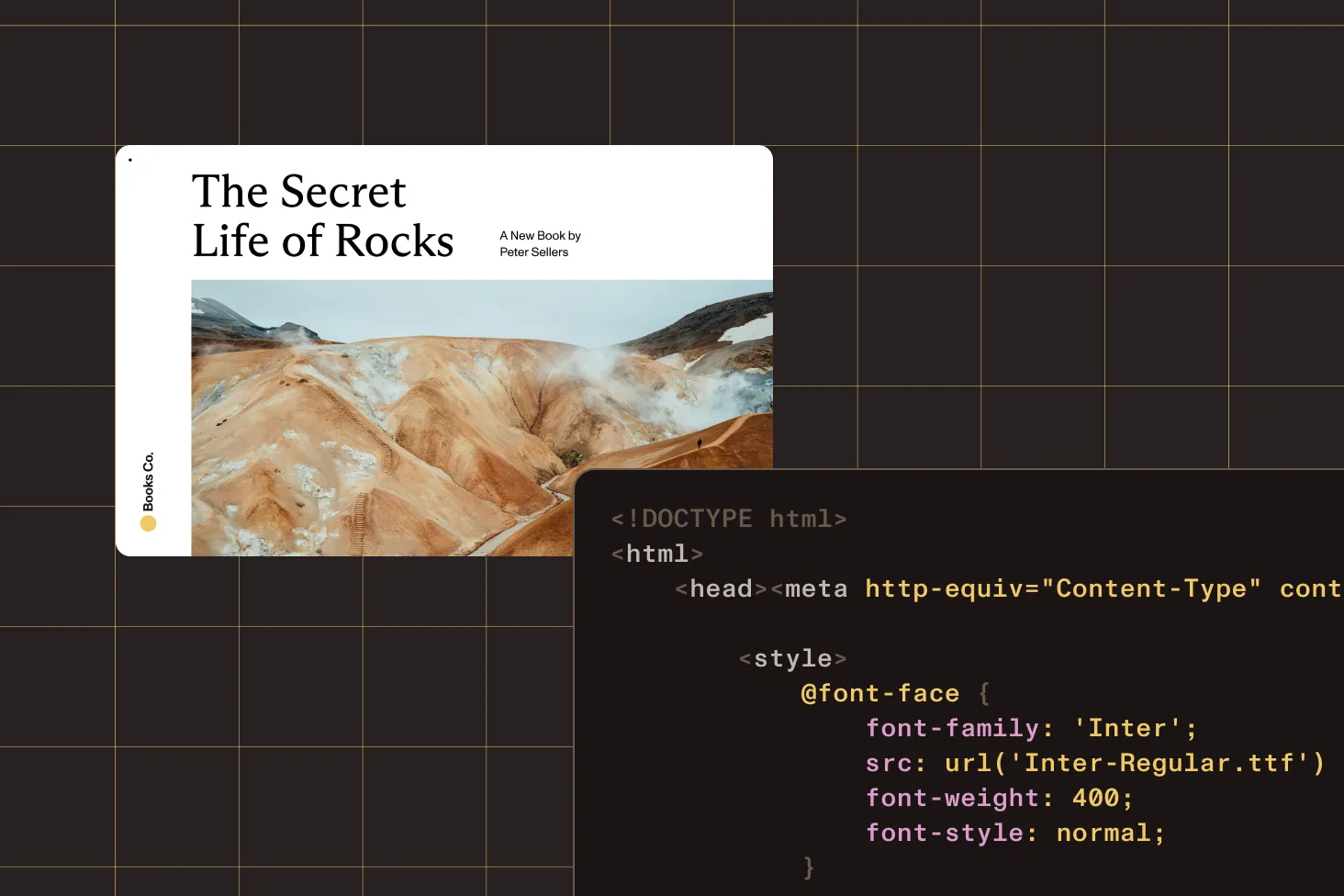
Load headless
Load an Office file, image, or PDF into a headless instance — no viewer UI required for conversion.
Export to PDF
Call exportPDF() to convert Office documents and images into a PDF you can download or upload.
Render to image
Use renderPageAsImageURL() to export PDF pages as PNG images at a width you control.
HTML via Document Engine
Send HTML and assets to Document Engine to generate PDFs with full control over layout and margins.
Frequently asked questions
How do I convert HTML to PDF in React?
HTML-to-PDF rendering runs through Document Engine. From a React app, post your HTML (and any CSS or image assets) to Document Engine’s generation endpoint and receive the PDF back — you can then display it in the Web SDK viewer or download it. Layout, page size, orientation, and margins are configurable. See the HTML to PDF guide for more information.
How do I convert HTML to PDF in Angular?
The approach is the same in Angular as in any JavaScript framework: Send the HTML to Document Engine from your service or component, and handle the returned PDF. Nutrient Web SDK is framework-agnostic, so the conversion code doesn’t change between React, Angular, and Vue.
How do I convert a PDF to an image in Angular or JavaScript?
Load the PDF with NutrientViewer.load() and call
renderPageAsImageURL() with the target width and page
index to get a PNG image URL for a page. This runs client-side in
the browser and works the same in Angular, React, and plain JavaScript.
See the
PDF to image guide for more information.
How do I convert Office documents to PDF in the browser?
Load the DOCX, XLSX, or PPTX file into a headless instance and
call exportPDF(). Conversion runs entirely
client-side — no server and no Microsoft Office license
required. See the
Office to PDF guide for more information.
Which frameworks are supported?
The Web SDK works with any JavaScript framework, including React, Angular, Vue.js, Svelte, Next.js, Nuxt.js, TypeScript, Blazor, and jQuery. It’s also compatible with Electron, ASP.NET, HTML5, and progressive web apps.
Do I need a server for conversion?
Most conversions — Office to PDF, image to PDF, PDF to image, PDF to Office, and PDF/A — run entirely in the browser with no backend. HTML-to-PDF conversion is the exception: It uses Document Engine for server-side rendering.
Is there a free trial?
Yes. Get started with a free trial of the Web SDK. Then contact Sales for pricing or a production license.
Explore more
Also available for
Conversion guides