Nutrient Android SDK
Android OCR SDK — Extract text from scanned PDFs
- Extract text from scanned PDFs and image-based documents on-device
- Unlock text selection, search, text markup annotations, and accessibility on previously inaccessible content
- 21 language packs — English, French, German, Spanish, and 17 more
- Handles partial pages — detects missing text areas while leaving existing text streams untouched
Need pricing or implementation help? Talk to Sales.
OCR ON ANDROID
import com.pspdfkit.document.processor.PdfProcessorimport com.pspdfkit.document.processor.PdfProcessorTaskimport com.pspdfkit.document.processor.ocr.OcrLanguage
// Select all pages for OCR processing.val pageIndexes = (0 until document.pageCount).toSet()
// Create a task to detect English text.val task = PdfProcessorTask.fromDocument(document) .performOcrOnPages(pageIndexes, OcrLanguage.ENGLISH)
// Process asynchronously and save the result.val outputFile = context.filesDir.resolve("ocr-output.pdf")PdfProcessor.processDocumentAsync(task, outputFile) .subscribe()import com.pspdfkit.document.processor.PdfProcessor;import com.pspdfkit.document.processor.PdfProcessorTask;import com.pspdfkit.document.processor.ocr.OcrLanguage;
// Select all pages for OCR processing.final Set<Integer> allPages = new HashSet<>();for (int i = 0; i < document.getPageCount(); i++) { allPages.add(i);}
// Create a task to detect English text.final PdfProcessorTask task = PdfProcessorTask.fromDocument(document) .performOcrOnPages(allPages, OcrLanguage.ENGLISH);
// Process asynchronously and save the result.final File outputFile = new File(context.getFilesDir(), "ocr-output.pdf");PdfProcessor.processDocumentAsync(task, outputFile) .subscribe(); Lufthansa
Disney
Autodesk
UBS
Dropbox
IBM
Lufthansa
Disney
Autodesk
UBS
Dropbox
IBM
USE CASES
OCR scenarios on Android
Field scanning and search
Field workers photograph documents with Android devices, and OCR makes the captures searchable on the spot. Inspectors, adjusters, and delivery drivers get instant text search without uploading to a server.
Warehouse and logistics capture
Scan shipping labels, packing slips, and manifests with an Android tablet. OCR extracts text so your app can parse tracking numbers, addresses, and line items directly on-device.
Enterprise document accessibility
Legacy scanned PDFs distributed through Android MDM solutions lack text layers. OCR adds them so TalkBack and other Android accessibility services can read the content aloud.
On-device text extraction for AI
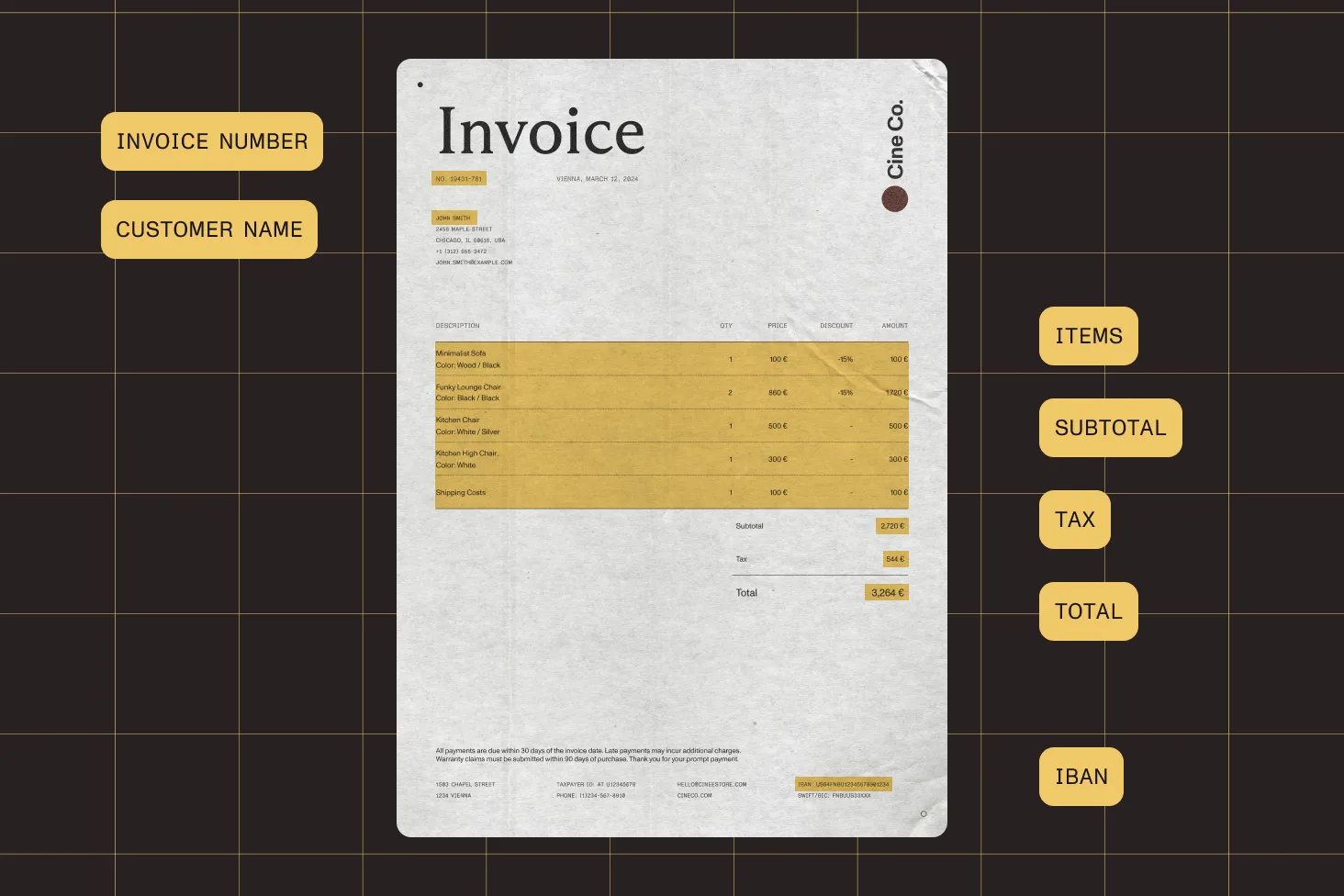
Extract text from scanned invoices, receipts, or forms on-device. Then feed it into ML Kit, TensorFlow Lite, or your own backend pipeline — no intermediate server needed for the OCR step.
OCR capabilities for Android
Gradle-based OCR integration
Add a single Gradle dependency alongside the core SDK to enable OCR. Configure which pages to process, pick a language, and run it asynchronously in the background.
- Single Gradle dependency for the OCR engine
- Asynchronous processing with RxJava or Kotlin coroutines
- Works in multi-module and dynamic feature projects
Play Feature Delivery support
Ship language packs in dynamic feature modules and download them on demand via Play Feature Delivery. Users install only the languages they need, keeping the base APK small.
- 21 languages as separate Maven artifacts
- Dynamic feature modules for on-demand download
- Auto-extraction and caching on first use
Mixed-content page handling
The OCR engine scans each page for areas missing text streams and fills only those gaps. Existing digital text, form fields, and annotations remain untouched.
- Detects raster regions within otherwise digital pages
- Preserves existing text streams and metadata
- Safe to run on entire documents without prefiltering
ANDROID-SPECIFIC CAPABILITIES
Built for the Android ecosystem
The OCR module integrates with Android build tooling, distribution, and runtime patterns — Gradle for dependency management, Play Feature Delivery for language packs, and asynchronous processing that fits your existing architecture.
RxJava and coroutines
OCR processing returns an RxJava Observable you can subscribe to directly. If your project uses Kotlin coroutines, bridge with the standard coroutines-rx2 adapter — fits either asynchronous model.
Multi-module Gradle projects
Language packs work across multi-module projects and dynamic feature modules. The SDK handles transitive dependency resolution so the OCR engine can find language data at runtime, regardless of your module structure.
Indexed search on OCR output
After OCR embeds a text layer, pair it with Nutrient’s indexed search to build a full-text search index across hundreds of pages. Results return instantly, even on large documents.
Text markup on scanned pages
OCR unlocks highlight, underline, strikeout, and squiggly annotations on scanned pages. Users mark up text the same way they would on a native digital PDF.
A mobile OCR SDK beyond Android
Frequently asked questions
How do I add OCR to an Android app?
Add the Nutrient Maven repository to your top-level build.gradle file. Then add the core SDK, OCR module, and at least one language pack to your app-level dependencies. Configure which pages to process, set the language, and run OCR asynchronously. See the getting started guide for the full setup.
How does asynchronous OCR processing work on Android?
The OCR processor returns an RxJava Observable. Subscribe to it to run OCR in the background without blocking the UI thread. If your project uses Kotlin coroutines, bridge with the standard coroutines-rx2 adapter. A blocking variant is also available but must be called off the main thread. See the usage guide for Kotlin and Java examples.
How do I use Play Feature Delivery for language packs?
Create a dynamic feature module, add the language pack Gradle dependencies to that module, and configure Play Feature Delivery for on-demand download. Users install language packs only when needed, keeping your base APK small. The SDK extracts and caches language data automatically on first use.
What languages does the Android OCR SDK support?
It supports 21 languages, each shipped as a separate Maven artifact: Croatian, Czech, Danish, Dutch, English, Finnish, French, German, Indonesian, Italian, Malay, Norwegian, Polish, Portuguese, Serbian, Slovak, Slovenian, Spanish, Swedish, Turkish, and Welsh. All artifact versions must match the core SDK version. See the language support guide.
How do OCR dependencies work in multi-module projects?
When language packs live in a library module or dynamic feature module, make sure they’re exposed transitively so the OCR engine can find them at runtime. In a single app module, standard dependency scoping works without extra configuration.
How does OCR handle pages that already have some text?
The OCR engine detects areas missing text streams and embeds text only for those regions, leaving existing digital text, form fields, and annotations untouched. You can safely run OCR on an entire document without prefiltering pages.
Can I OCR specific pages instead of an entire document?
Yes. You can pass a set of page indexes to process individual pages, a range, or the full document. This is useful for large files where only certain pages are scanned images.
What happens the first time a language pack runs?
On first use, the SDK automatically extracts the language model data from your APK assets to the app’s private directory and caches it. Subsequent OCR calls for the same language skip extraction. No network requests are made — everything runs locally.
FREE TRIAL
Ready to get started?
Add OCR to your Android app in minutes — no payment information required.
Explore more
Also available for
More Android SDK capabilities