




Document viewer for web apps: React, Vue, Angular (2026)
Compare React, Vue, and Angular document viewer options. Covers PDF viewer setup, SDK evaluation criteria, and a feature comparison table.

Embed a customizable, responsive Office document viewer in your web app. Render Word, Excel, and PowerPoint files directly in the browser — client-side, with no Microsoft Office or LibreOffice dependency — in React, Angular, Vue, Next.js, and any JavaScript framework.
Render Word, Excel, and PowerPoint documents directly on the page — plus PDF and images.
All rendering happens client-side — no Microsoft Office, LibreOffice, or external service required.
A mobile-friendly viewer that auto-fits any screen, with a UI you can rebrand and configure.
Drop into React, Angular, Vue, Next.js, Svelte, and more — the SDK is framework-agnostic.
OFFICE VIEWING
Load an Office document with a single call and display it in a fully featured viewer — no Microsoft Office license and no server-side conversion step. Rendering and processing happen entirely in the browser.
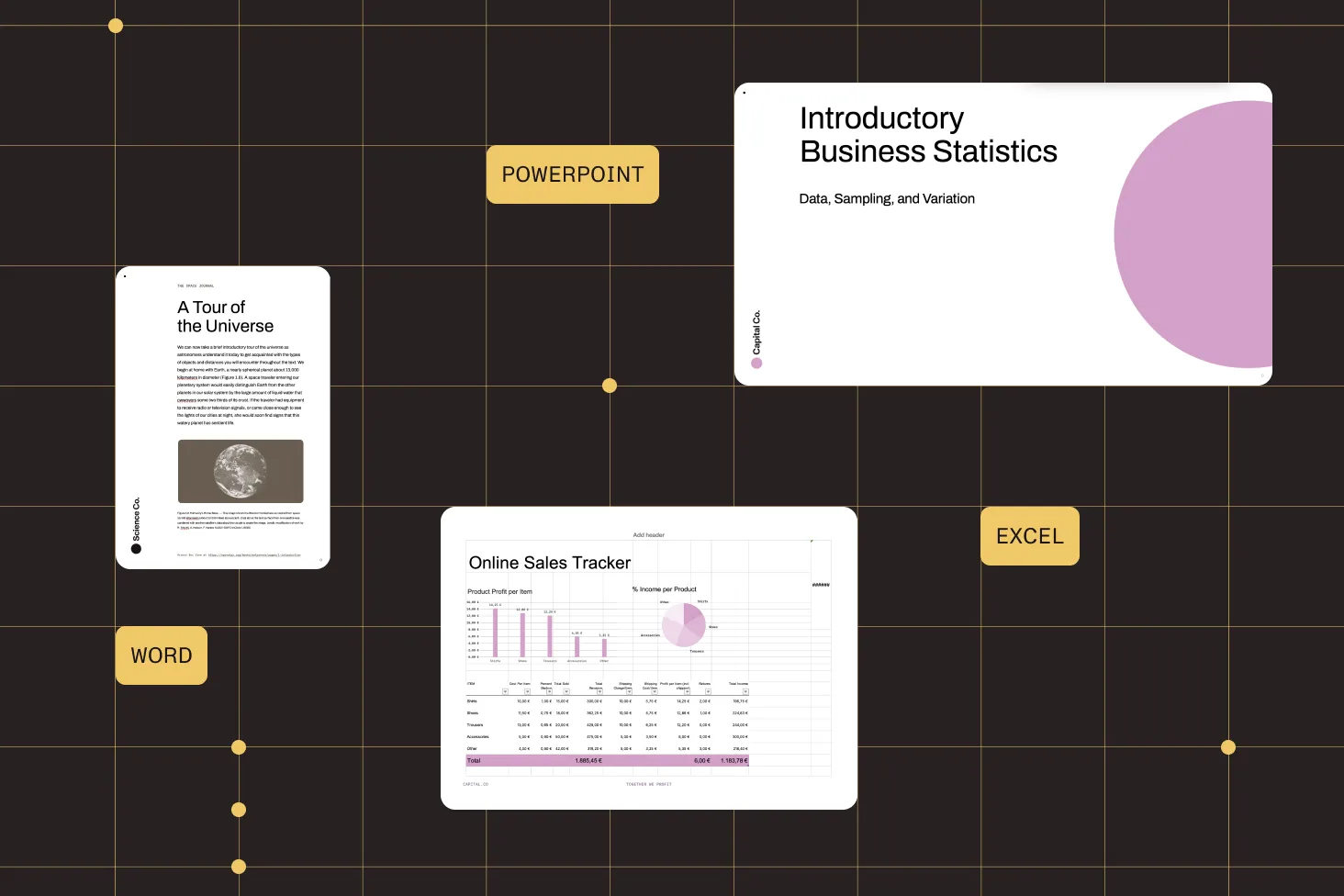
Open DOCX, DOC, DOTX, and DOCM; XLSX, XLS, and XLSM; and PPTX, PPT, and PPTM — plus PDF, PDF/A, TIFF, JPG, and PNG.
No Microsoft Office, LibreOffice, or external software — documents render on the client with no server dependency.
Add or hide buttons and controls and adjust the theme to match your application’s branding.
A mobile-friendly viewer that fits any screen and is compatible with assistive technologies.
FRAMEWORK SUPPORT
The viewer is framework-agnostic — the same load() call works whether you’re building in React, Angular, Vue, Next.js, Svelte, or vanilla JavaScript. Framework-specific getting started guides walk through integration step by step.
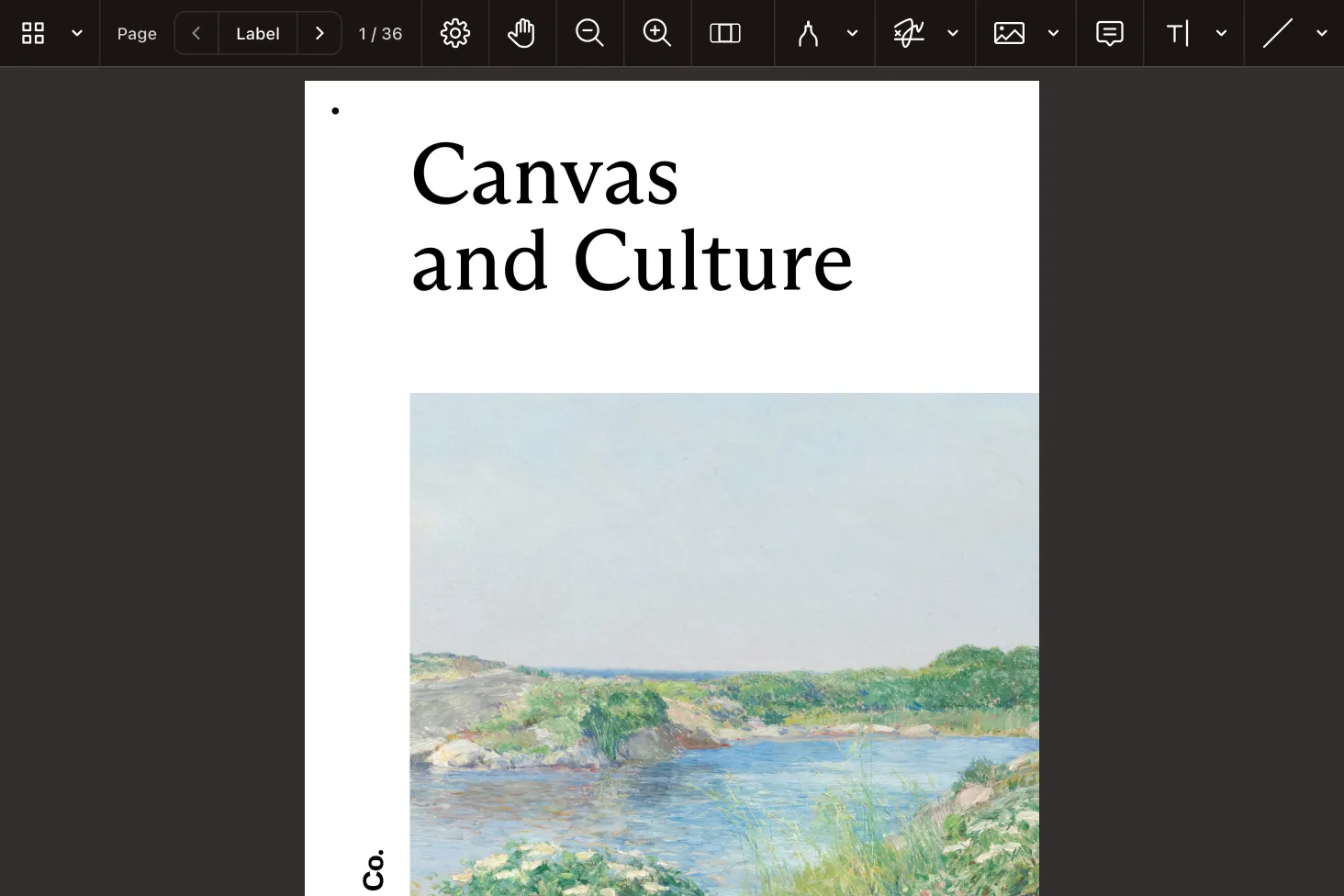
Embed a DOCX viewer in a React or Next.js app and mount it into a container ref.
Add an Office viewer to an Angular component and load documents from a service or input.
Initialize the viewer on mount in Vue, Nuxt, or Svelte components.
Also compatible with Electron, ASP.NET, PHP, Laravel, Rails, and HTML5 applications.
FILE TYPES
docx doc dotx docm xlsx xls xlsm pptx ppt pptm pdf pdf/a (1–4) tiff (multipage) jpg png Nutrient Document Web Services (DWS) Viewer API renders and displays documents in the browser from the cloud — no infrastructure to manage.
Render, annotate, and fill documents in the browser with a cloud-hosted viewer API.
Convert Office files to PDF to unlock annotation, editing, signing, and collaboration.
See everything Nutrient Web SDK can do — viewing, editing, forms, signing, and more.
The viewer renders Word (DOCX, DOC, DOTX, DOCM), Excel (XLSX, XLS, XLSM), and PowerPoint (PPTX, PPT, PPTM) files, along with PDF, PDF/A, multipage TIFF, JPG, and PNG.
No. Nutrient Web SDK renders Office documents client-side without relying on Microsoft Office, LibreOffice, or any external software. All rendering happens in the browser.
Install the Web SDK, create a container element with a ref, and
call NutrientViewer.load() with that container and your
document on mount. The same approach works in Next.js — load the viewer
in a client component. See the
getting started guides for
more information.
Add a container element in your component template and call
NutrientViewer.load() from the component, pointing it
at the container and the document source. The viewer is framework-agnostic,
so the integration mirrors React and Vue.
Yes. Load the viewer inside a client component (so it runs in
the browser) and pass your DOCX file to
NutrientViewer.load(). Word, Excel, and PowerPoint
files all render the same way.
No — Nutrient Web SDK is a commercial, fully supported SDK, not an open source library. That means production-grade rendering fidelity, broad format support, and dedicated developer support. You can evaluate it at no cost with a free trial before purchasing.
Yes. You can hide or add buttons, modify themes, and adjust the viewer to match your application’s design. The viewer is also responsive and works across modern browsers and devices.
Yes. Convert an Office file to PDF to unlock annotations, form filling, signing, and editing. Viewing Office and image files requires the Office Files and Image Documents components in your license.
Compare React, Vue, and Angular document viewer options. Covers PDF viewer setup, SDK evaluation criteria, and a feature comparison table.
Compare approaches to browser-based document viewing — JavaScript SDK, hosted iframe viewer, and server-side rendering. Includes a Nutrient quick start.
Compare document viewer SDKs for product teams. Covers total cost, vendor risk, compliance, pricing, and when to use each commercial option.
FOR DEVELOPERS
Nutrient Web SDK is a JavaScript Office document viewer that renders Word, Excel, and PowerPoint files directly in the browser — no Microsoft Office, no LibreOffice, and no server-side conversion. It’s framework-agnostic, so the same viewer drops into React, Angular, Vue, and Next.js apps.
A JavaScript Office viewer embeds document rendering directly into your app.
Because the viewer is framework-agnostic, integration is the same pattern everywhere: Create a container and call load() with your document. Framework-specific getting started guides cover React, Angular, Vue, Next.js, Svelte, and more.
Open source DOCX viewers exist, but they often struggle with rendering fidelity, format coverage, and long-term support. Nutrient is a commercial SDK built for production — accurate rendering across Word, Excel, and PowerPoint formats; broad browser support; and dedicated developer support — with a free trial to evaluate before you buy.
All rendering runs client-side.
Instead of stitching together fragile open source viewers per format, you get one production-grade viewer that renders Word, Excel, PowerPoint, PDF, and images with a consistent API across every major framework — backed by complete documentation, code samples, and developer support.