




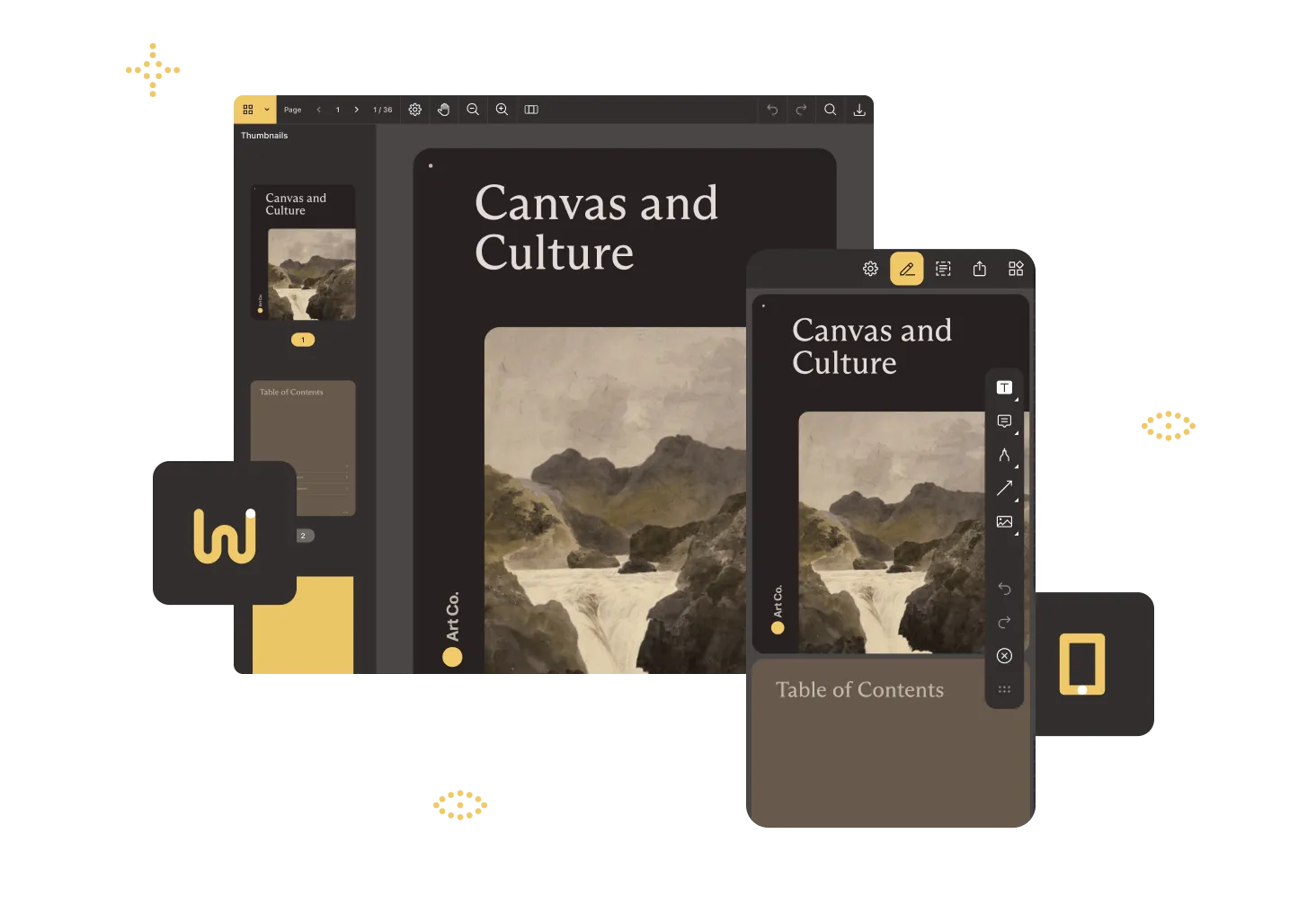
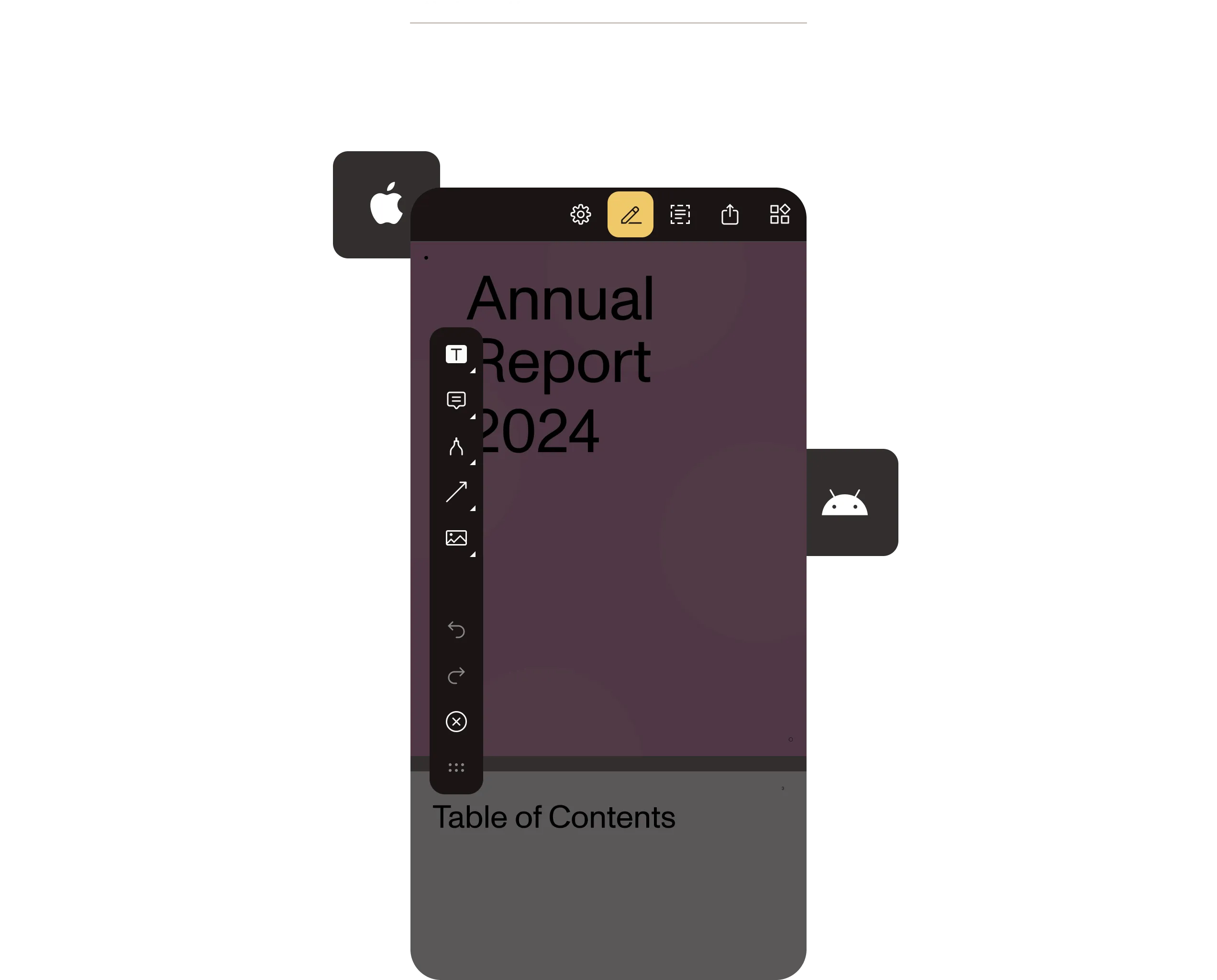
Flutter PDF SDK: Viewer and editor for iOS, Android, and web

View, annotate, sign, fill forms, redact, and query documents with AI — all from one Dart package. Our Flutter PDF viewer SDK runs on iOS, Android, and web with no native code.


Used by Dropbox, Box, Gumroad, Procore, Scribd
Dropbox
Box
Gumroad
Procore
Scribd

CROSS-PLATFORM CAPABILITIES

Add document functionality to mobile and web apps from a single codebase

hero background

Ship in minutes

Add our Flutter PDF package to your project, place a viewer widget in your layout, and render PDFs — no platform channels or native code required.

Enjoy a full editing toolset

Support 17+ annotation types, form filling, signatures, redaction, and programmatic edits with the same Dart API.

Write once, run everywhere

One codebase powers identical PDF workflows on iOS, Android, and the web, backed by the same high-fidelity rendering engine.

Add AI document intelligence

Plug in Nutrient’s AI Assistant for instant summaries, redactions, translation, and natural language search.


File type support

PDF documents
Image documents
pdf
pdf jpeg jpg tiff tif

Platform support

FLUTTER PDF SDK

Test drive the engine with our free PDF Viewer app

Download PDF Viewer — our free app for iOS, macOS, and Android — and experience high-fidelity viewing and markup powered by the same engine you’ll use in Flutter.

What will your Flutter app do with documents?

Nutrient Flutter SDK is a modular Dart package you can add in minutes and grow with over time — one codebase delivers the same PDF and AI components on iOS, Android, web, and desktop.

View and collaborate

Instantly render large PDFs, add markups and annotations, and sync changes online when collaborating on documents.

Create and edit

Add, reorder, or rewrite pages and view PDF forms.

Finalize and sign

Apply tamper‑proof eSignatures and scrub sensitive data before release.

Integrate AI

Ask a document anything, translate or classify content, and more.

FLUTTER PDF Viewer SDK

Implement a viewer in minutes

Add Nutrient Flutter SDK, drop in this snippet, and launch a full-featured viewer.

import 'dart:io';
import 'package:flutter/material.dart';
import 'package:path_provider/path_provider.dart';
import 'package:pspdfkit_flutter/pspdfkit.dart';
const String DOCUMENT_PATH = 'PDFs/Document.pdf';
void main() => runApp(MyApp());
class MyApp extends StatefulWidget {
@override
_MyAppState createState() => _MyAppState();
}
class _MyAppState extends State<MyApp> {
void showDocument(BuildContext context) async {
final bytes = await DefaultAssetBundle.of(context).load(DOCUMENT_PATH);
final list = bytes.buffer.asUint8List();
final tempDir = await getTemporaryDirectory();
final tempDocumentPath = '${tempDir.path}/$DOCUMENT_PATH';
final file = await File(tempDocumentPath).create(recursive: true);
file.writeAsBytesSync(list);
await Pspdfkit.present(tempDocumentPath);
}
@override
Widget build(BuildContext context) {
final themeData = Theme.of(context);
return MaterialApp(
home: Scaffold(
body: Builder(
builder: (BuildContext context) {
return Center(
child: Column(
mainAxisAlignment: MainAxisAlignment.spaceEvenly,
children: [
ElevatedButton(
child: Text(
'Tap to Open Document',
style: themeData.textTheme.headline4?.copyWith(fontSize: 21.0),
),
onPressed: () => showDocument(context),
),
],
),
);
},
),
),
);
}
}

Reasons to build with Nutrient

Nutrient SDKs and Cloud APIs add full document lifecycle support to any platform, tech stack, or infrastructure in minutes. The same technology meets Fortune 500 requirements while helping startups ship fast.

Ready for context engineering

Clean documentation, drop-in code, and MCP hooks for both hands-on developers and AI agents.

Build for and deploy anywhere

Web, mobile, desktop, server, or Nutrient Cloud — with no lock-in.

Secure and accessible

SOC 2 Type 2 and WCAG 2.2-compliant workflows with PDF/UA-accessible documents.

AI-first document workflows

Built-in document AI with support for leading LLMs and their private implementations.


PROVEN AT SCALE

Trusted by the brands that move the world


Integrated the Nutrient PDF SDK to deliver high‑fidelity previews and editing in its mobile apps, shipping customer‑requested features to 115,000 organizations months ahead of schedule.


Renders multipage PDFs and signature tags with Nutrient, keeping 200 million users in 188 countries moving at the speed of eSignature.


Empowers 34,000 pilots to view, annotate, and sign 90‑page flight releases on iPad using Nutrient iOS SDK, saving minutes — and money — on every flight.


FREE TRIAL

Ready to get started?

Start building with our Flutter SDK in minutes — no payment information required.


Flutter PDF SDK

What is a Flutter PDF SDK?

A Flutter PDF SDK is a toolkit that empowers developers to embed PDF viewing, editing, and management features directly into Flutter applications. This enables seamless handling of PDF documents across iOS, Android, and web platforms from a single codebase. Think of it like a Swiss Army knife for PDFs within your Flutter app.

How to choose the right Flutter PDF SDK

Selecting the ideal Flutter PDF SDK is akin to choosing the perfect coffee blend — it should suit your taste and energize your project. Consider these factors:

  • Feature set — Does it support viewing, annotation, editing, and form filling?
  • Performance — Is it optimized for smooth rendering and responsive interaction?
  • Cross-platform support — Can it seamlessly operate across iOS, Android, and web platforms?
  • Ease of integration — Does it offer clear documentation and straightforward integration steps?
  • Customization — Can you tailor the UI to align with your app’s design language?
Why use Nutrient’s Flutter PDF SDK to solve document integration needs?

Opting for Nutrient (formerly PSPDFKit) brings a handful of advantages:

  • Unified codebase — Develop once and deploy across multiple platforms, saving time and resources.
  • Rich feature set — Beyond basic viewing, it offers annotation, editing, form filling, and document security features.
  • High performance — Ensures smooth rendering and responsive interactions, even with large documents.
  • Customization — Tailor the user interface to match your app’s aesthetics and user experience.
  • Reliable support — Access to comprehensive documentation and responsive customer support to assist during development.
How does Nutrient’s Flutter PDF SDK compare to open source alternatives?

While open source options — like flutter_pdf view and pdf_render — offer basic functionality, they may lack advanced features, dedicated support, and regular updates. Nutrient’s SDK provides a robust, enterprise-grade solution with continuous improvements and professional assistance, ensuring your app remains cutting-edge and reliable.


Explore Flutter SDK capabilities

Embed PDF editing and annotation into your Flutter app with a single, cross-platform SDK.


Frequently asked questions

What is a Flutter PDF SDK?

A Flutter PDF SDK is a software development kit that enables developers to integrate PDF viewing, editing, and management capabilities into Flutter applications. It allows for the creation, modification, and rendering of PDF documents within both iOS and Android platforms from a single codebase.

Is the SDK compatible with both iOS and Android platforms?

Yes. The Nutrient Flutter PDF SDK is designed for cross-platform compatibility, allowing developers to deploy PDF functionality seamlessly on both iOS and Android devices from a single Flutter codebase.

Does the SDK support offline access to PDF documents?

Absolutely. The SDK enables offline access to PDF documents, allowing users to view and interact with PDFs without an active internet connection.

Can I customize the user interface of the PDF viewer?

Yes. The SDK provides extensive customization options for the PDF viewer’s user interface, enabling developers to tailor the appearance and functionality to align with their application’s design and user experience requirements.

How does the SDK handle large PDF files?

The Nutrient Flutter PDF SDK is optimized for performance, ensuring smooth loading and navigation, even with large PDF files. Features like lazy loading and efficient memory management contribute to handling extensive documents effectively.

Is there support for real-time collaboration on PDF documents?

While the SDK offers robust annotation and editing tools, implementing real-time collaboration requires additional backend support to manage concurrent user interactions. Developers can integrate this functionality depending upon their application’s architecture and requirements.

How do I add a PDF viewer to a Flutter app?

Add the Nutrient Flutter package to your pubspec.yaml, run flutter pub get, and call Pspdfkit.present(documentPath) or drop the viewer widget into your layout — no platform channels or native code required. The same Dart API renders PDFs on iOS, Android, and web. See the Flutter guides for a full walkthrough, or copy the snippet above to render your first PDF in minutes.

What platforms does the Nutrient Flutter PDF SDK support?

The Nutrient Flutter PDF SDK runs on iOS, Android, and the web from a single Dart codebase, backed by the same high-fidelity rendering engine. The package is a drop-in addition to any Flutter project and ships with native platform integration so viewing, annotation, signing, and editing behave identically across mobile and web.

Does the Flutter PDF SDK support annotations and form filling?

Yes. Nutrient Flutter SDK supports 17+ annotation types, including ink, highlight, stamps, free text, shapes, and measurements, plus full form filling, electronic signatures, digital signatures, and redaction — all from the same Dart API. Annotations are stored in standard PDF form so they round-trip with Acrobat, Preview, and other major viewers.

Can I generate and edit PDFs from a Flutter app?

Yes. Nutrient Flutter SDK includes programmatic PDF editing — add, reorder, rotate, and rewrite pages; edit text and images via the Content Editor; and create new PDFs from images or templates. See Flutter PDF editing for the full capability set.

Does the Flutter PDF SDK include AI Assistant features?

Yes. Nutrient AI Assistant for Flutter adds in-app summarization, translation, redaction suggestions, and natural-language search across PDFs. It works with the leading LLM providers and supports private deployments, so users get document intelligence without leaving your Flutter app. Learn more on the AI Assistant overview.

Is there a free trial for the Nutrient Flutter PDF SDK?

Yes. The Nutrient Flutter PDF SDK ships with a free trial that includes the viewer, annotation tools, signing, redaction, and AI Assistant — no payment information required. Start your trial or contact Sales to discuss a production license and volume pricing.