How to edit PDFs using Angular
Learn how to edit PDFs using Nutrient's Angular PDF library.

Nutrient Web SDK
Need pricing or implementation help? Talk to Sales.
ANGULAR PDF VIEWER
import { Component, ElementRef, ViewChild, AfterViewInit, OnDestroy,} from "@angular/core";import NutrientViewer from "@nutrient-sdk/viewer";
@Component({ selector: "app-pdf-viewer", template: '<div #container style="height: 100vh"></div>',})export class PdfViewerComponent implements AfterViewInit, OnDestroy { @ViewChild("container") container!: ElementRef;
ngAfterViewInit(): void { NutrientViewer.load({ container: this.container.nativeElement, document: "document.pdf", }); }
ngOnDestroy(): void { NutrientViewer.unload(this.container.nativeElement); }}ngAfterViewInit(): void { NutrientViewer.load({ container: this.container.nativeElement, document: "document.pdf", // Editing, annotation, and form tools are part of the default toolbar toolbarItems: NutrientViewer.defaultToolbarItems, initialViewState: new NutrientViewer.ViewState({ showToolbar: true }), });}
ngOnDestroy(): void { NutrientViewer.unload(this.container.nativeElement);}USE CASES
Surface PDFs inside enterprise Angular dashboards and portals, with navigation, search, and zoom built in.
Give users page-level editing — reorder, rotate, and combine pages — and export the result without a server step.
Add annotation tooling to approval screens so teams can mark up documents, with edits saved back to the file.
Render interactive forms, populate fields from services, and pull completed values back into your Angular app.
INTERACTIVE PLAYGROUND
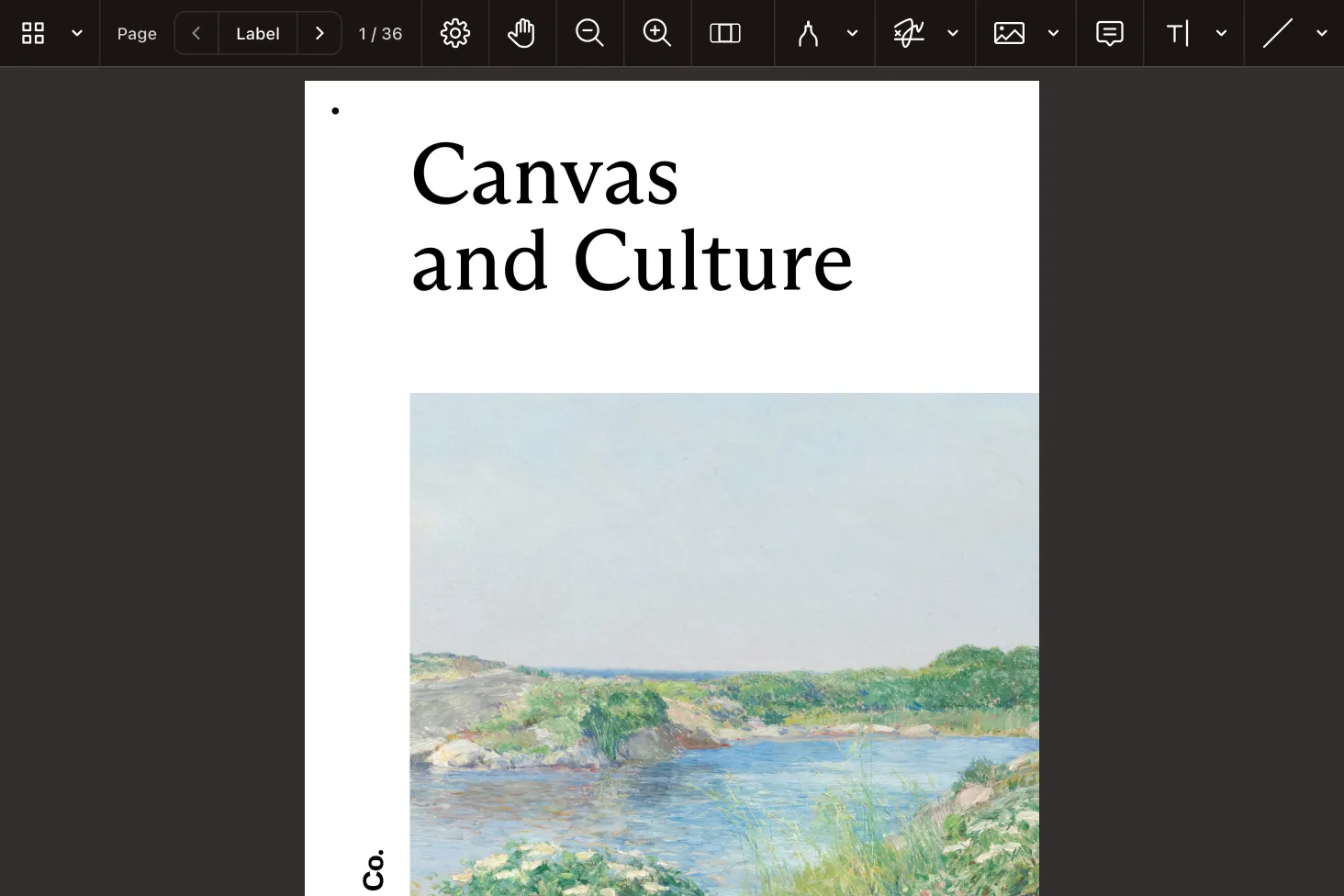
A viewer component you wire up with a template ref and the standard lifecycle hooks, with a configurable UI.
Edit documents on the client — restructure pages and adjust content. Then export the finished PDF.
Bring annotation features into the UI or call them from services, with every change stored in the document.
ADVANCED CAPABILITIES
Forms, signatures, redaction, and headless processing are built into the same SDK, so one Angular dependency covers documents end to end.
Render and complete interactive PDF forms, set values from Angular services, and read back what users enter.
Add electronic signatures and certificate-based digital signatures with validation support.
Permanently remove confidential text and images, with search-based redaction for batch workflows.
Run without a UI for conversion, extraction, and generation in server-side or background tasks.
FREE TRIAL
Add a PDF viewer and editor to your Angular app in minutes — no payment information required.
Install @nutrient-sdk/viewer, expose the container element with a @ViewChild template reference, and call the load method in ngAfterViewInit. Release it in ngOnDestroy. See the viewer guide for the complete component.
Yes. The Angular PDF editor works in the browser — restructure pages, adjust content, and export the document without a server. See the editor guide for the supported operations.
Yes. The SDK ships with TypeScript types, so the load configuration, instance methods, and lifecycle calls are all typed inside your Angular component. See the Web SDK guides for usage patterns.
Annotation tools are available in the viewer by default, and you can also create and update annotations from your component or services and then persist them to the PDF. See the annotations guide.
Yes — viewing, editing, annotations, forms, signing, redaction, and search are all included, so you rely on one dependency rather than assembling several. See everything in the Web SDK guides.
Interactive forms render in the viewer for users to complete, and you can set or read field values from your component logic and Angular services. See the forms guide.
Yes. The SDK handles electronic and digital signatures, as well as permanent redaction of sensitive content. See the signatures guide and the redaction guide.
No. It runs in the browser as a standalone library, so a client-side Angular app handles viewing and editing on its own. Pair it with Document Engine for collaboration or server processing. See the Web SDK guides.
