How to build a Vue.js PDF viewer
Learn how to build a Vue.js PDF viewer with Nutrient. This tutorial covers Vue CLI setup, SDK integration, and adding annotation, signing, and editing features.

Nutrient Web SDK
Need pricing or implementation help? Talk to Sales.
VUE PDF VIEWER
<script setup>import NutrientViewer from "@nutrient-sdk/viewer";import { onMounted, onBeforeUnmount, ref } from "vue";
const container = ref(null);
onMounted(() => { NutrientViewer.load({ container: container.value, document: "document.pdf", });});
onBeforeUnmount(() => { NutrientViewer.unload(container.value);});</script>
<template> <div ref="container" style="height: 100vh" /></template><script setup>import NutrientViewer from "@nutrient-sdk/viewer";import { onMounted, onBeforeUnmount, ref } from "vue";
const container = ref(null);
onMounted(() => { NutrientViewer.load({ container: container.value, document: "document.pdf", // Editing, annotation, and form tools ship in the default toolbar toolbarItems: NutrientViewer.defaultToolbarItems, initialViewState: new NutrientViewer.ViewState({ showToolbar: true }), });});
onBeforeUnmount(() => { NutrientViewer.unload(container.value);});</script>
<template> <div ref="container" style="height: 100vh" /></template>USE CASES
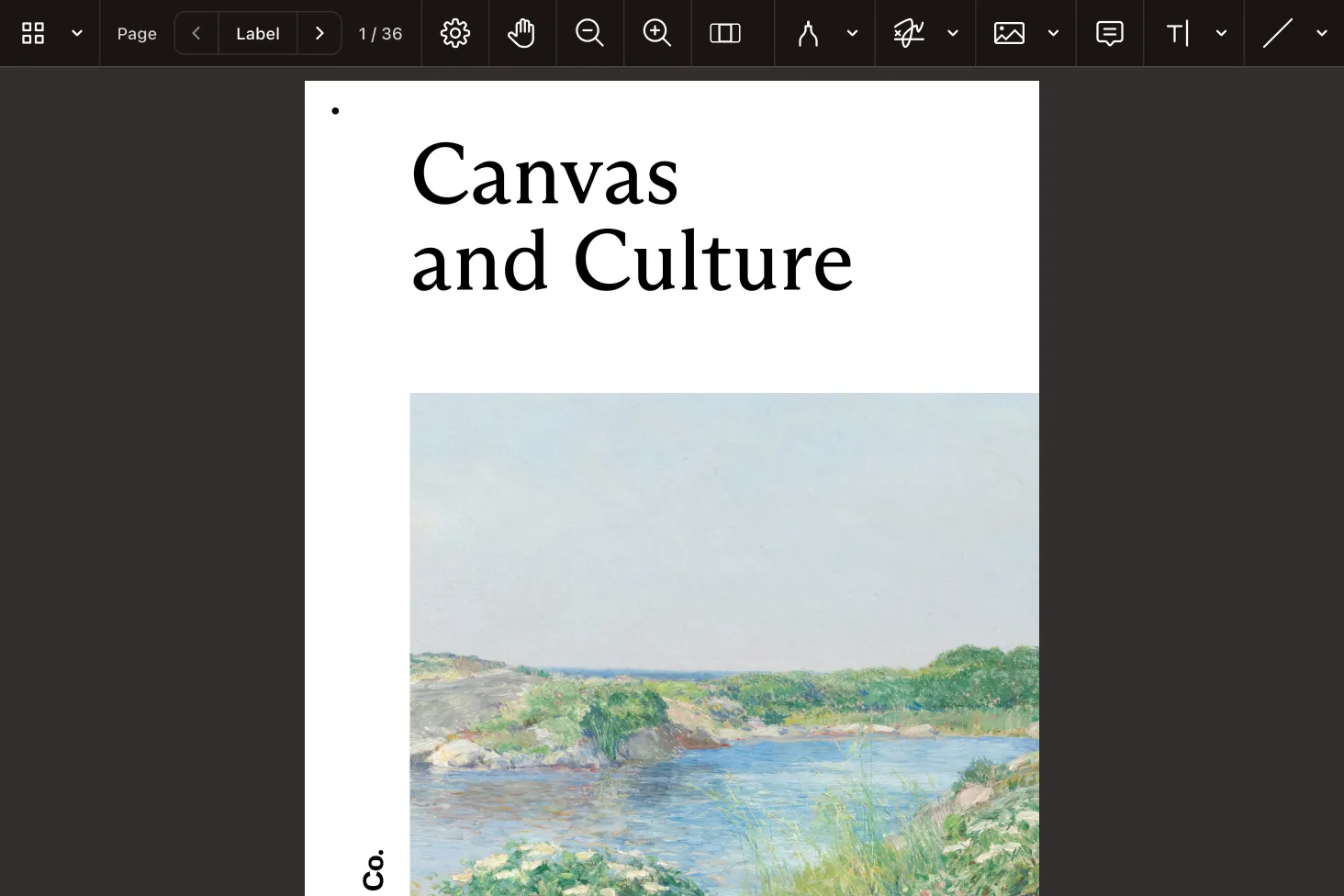
Show contracts, reports, and scans inside your Vue app with navigation, search, and zoom that respond instantly to user input.
Let users reorder, rotate, and combine pages in the browser. Then export the finished file — no server round trip needed.
Wire annotation tools into review screens so reviewers can comment, highlight, and stamp, with changes written back to the PDF.
Drive data capture with interactive forms — bind field values to your Vue state and read submissions back when users are done.
INTERACTIVE PLAYGROUND
A reactive viewer component that slots into your template and stays in sync with your app’s state.
Rework documents directly in the browser — rearrange pages and revise content. Then hand back the result.
Expose annotation tools through the UI or script them, and keep every change persisted in the document.
ADVANCED CAPABILITIES
Forms, signatures, redaction, and headless processing come from the same engine — so a single dependency carries your Vue app across the full document lifecycle.
Display and complete interactive PDF forms, set values from your app, and collect the results when a user submits.
Collect electronic signatures and apply certificate-based digital signatures that can be validated later.
Strip sensitive content for good, with search-driven redaction you can repeat across many documents.
Skip the UI entirely for conversion, extraction, and generation jobs that run in the background.
FREE TRIAL
Add a PDF viewer and editor to your Vue app in minutes — no payment information required.
Install the SDK with npm install @nutrient-sdk/viewer, declare a template ref for the container element, and call the load method inside the onMounted hook. Unload it in onBeforeUnmount so the component cleans up. See the viewer guide for a full walkthrough.
Yes. The Vue PDF editor runs client-side — rearrange and rotate pages, revise content, and export the document, all without a server. See the editor guide for the available operations.
Yes. The examples use script setup with reactive refs and lifecycle hooks. Because the SDK is plain client-side JavaScript, it works the same way with the Options API or in a Nuxt project. The Web SDK guides cover integration patterns.
Annotation tools appear in the viewer UI by default, and you can also create or update annotations from code and persist them to the document. See the annotations guide for the API surface.
It’s a complete library: viewing, editing, annotations, forms, signing, redaction, and search all ship together. You avoid stitching several single-purpose packages into one Vue component. Browse the full set in the Web SDK guides.
Interactive forms render in the viewer so users can complete them, and you can set or read field values from your component logic. See the forms guide for details.
Yes. The SDK supports electronic and digital signatures and permanent redaction of sensitive content. See the signatures guide and the redaction guide.
No. It runs entirely in the browser as a standalone library, so a Vue single-page app can view and edit documents on its own. Add Document Engine when you need synced collaboration or server-side processing. See the Web SDK guides.
